
Virtual Twilight & Blue Hour Converter
- 1. Add a photo of your room
- 2. Choose your new style
- 3. Your image
See what's possible
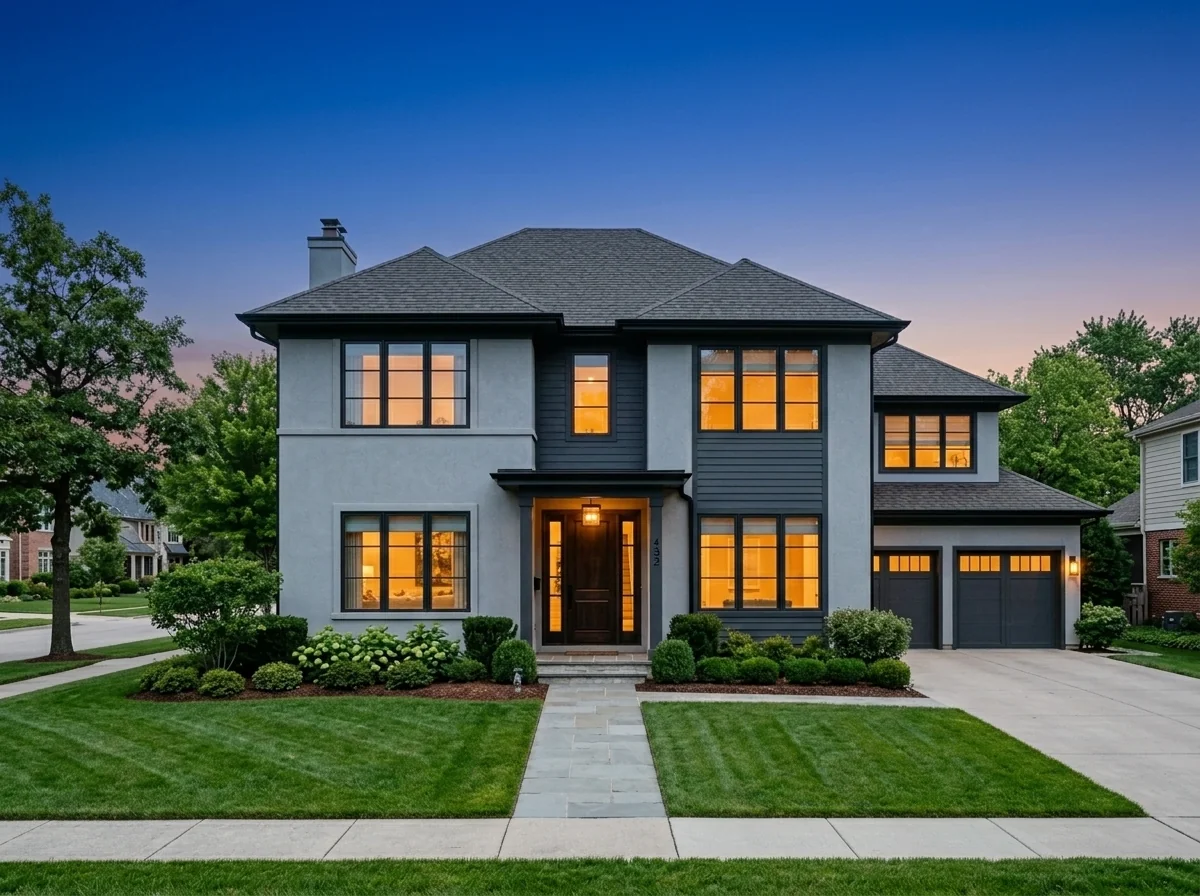
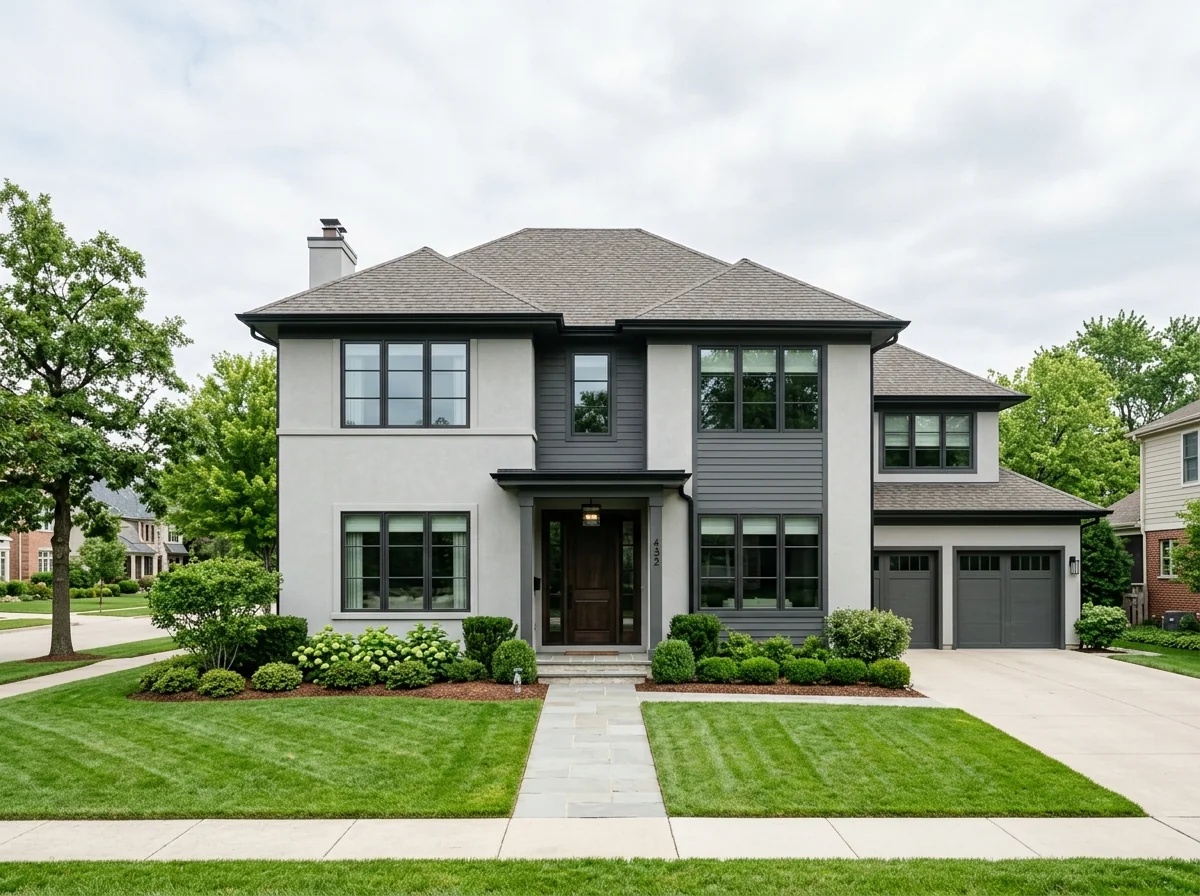
Real results from photos like yours.
How it works
- 1Upload your photo
- 2Choose your settings
- 3Your image
Tips for a great result
Bright, clear photo
Daylight and a wide angle give the best result.
Show the whole area
Keep everything you want to change fully in the picture.
Try several variations
Compare different options before you decide.
Frequently asked questions
Can I use the images commercially?
Yes. You can use your images for any purpose, including commercial use.
Does my original photo change?
No. Your original stays unchanged and you can download it at any time.
What if I don't like the result?
Try another style or setting, or refine the result with a short instruction.
Keep exploring
All tools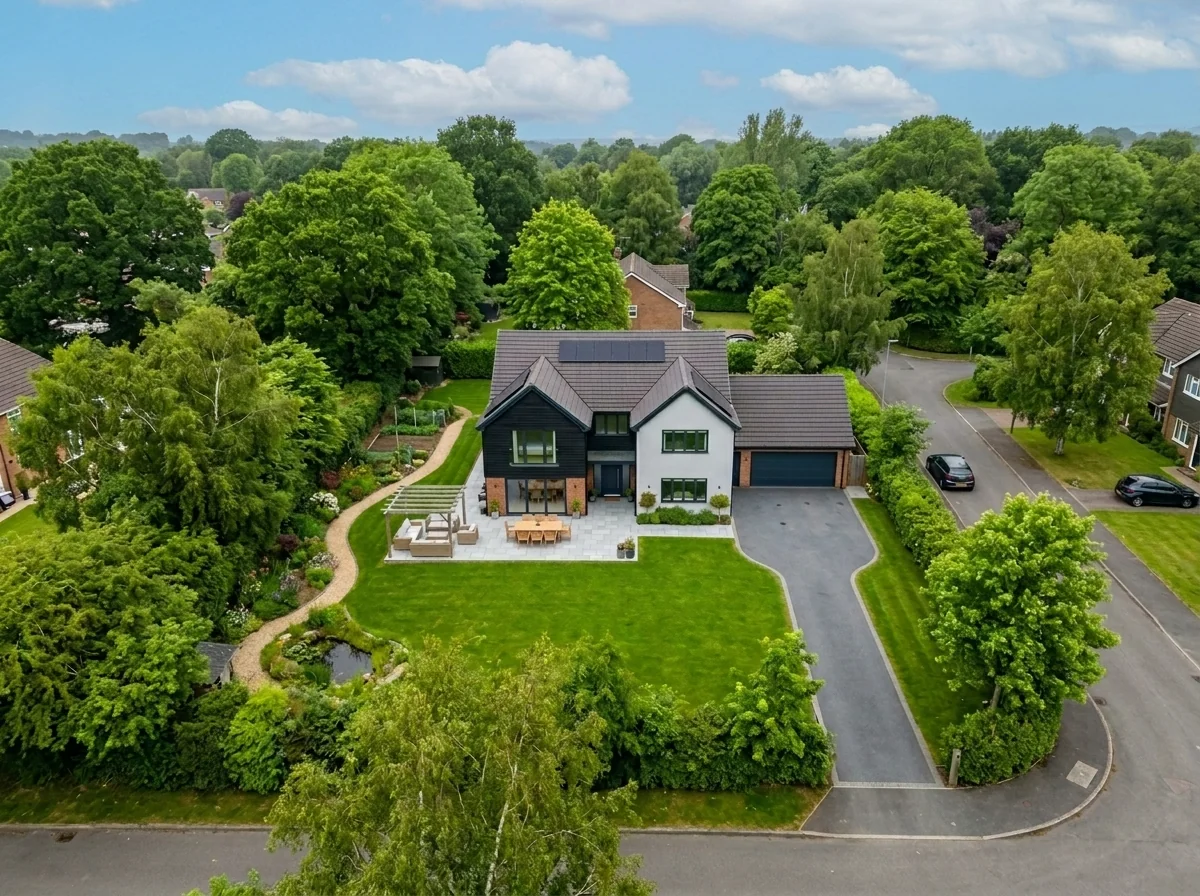
Aerial Sky Replacement
Prepare an aerial photo and choose a sky option to explore a different atmosphere. Review any returned image against your original before publishing.
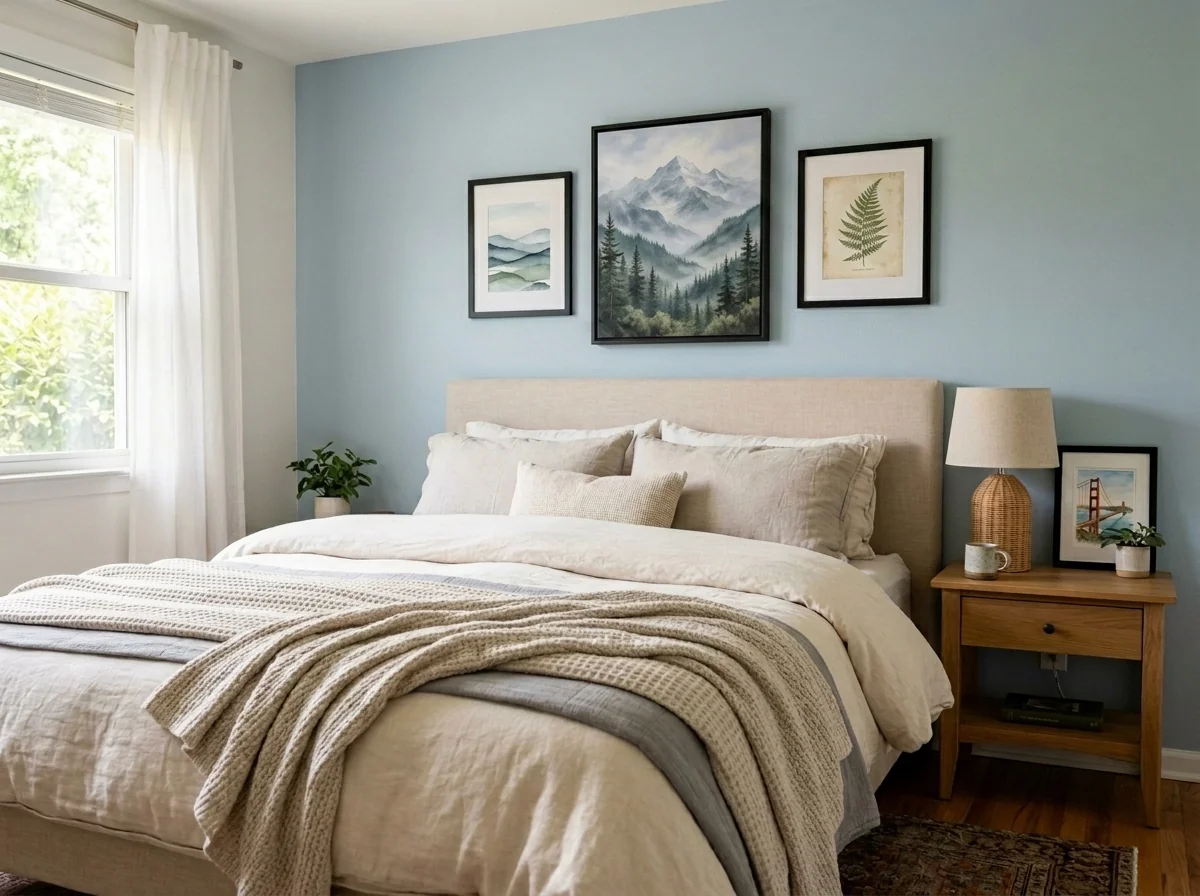
Apartment Wall Art & Photo Anonymizer
Explore blurring, removing or replacing wall art in a room photo. Choose the method, target area and frame treatment, then inspect the full image; an edit does not establish privacy compliance.
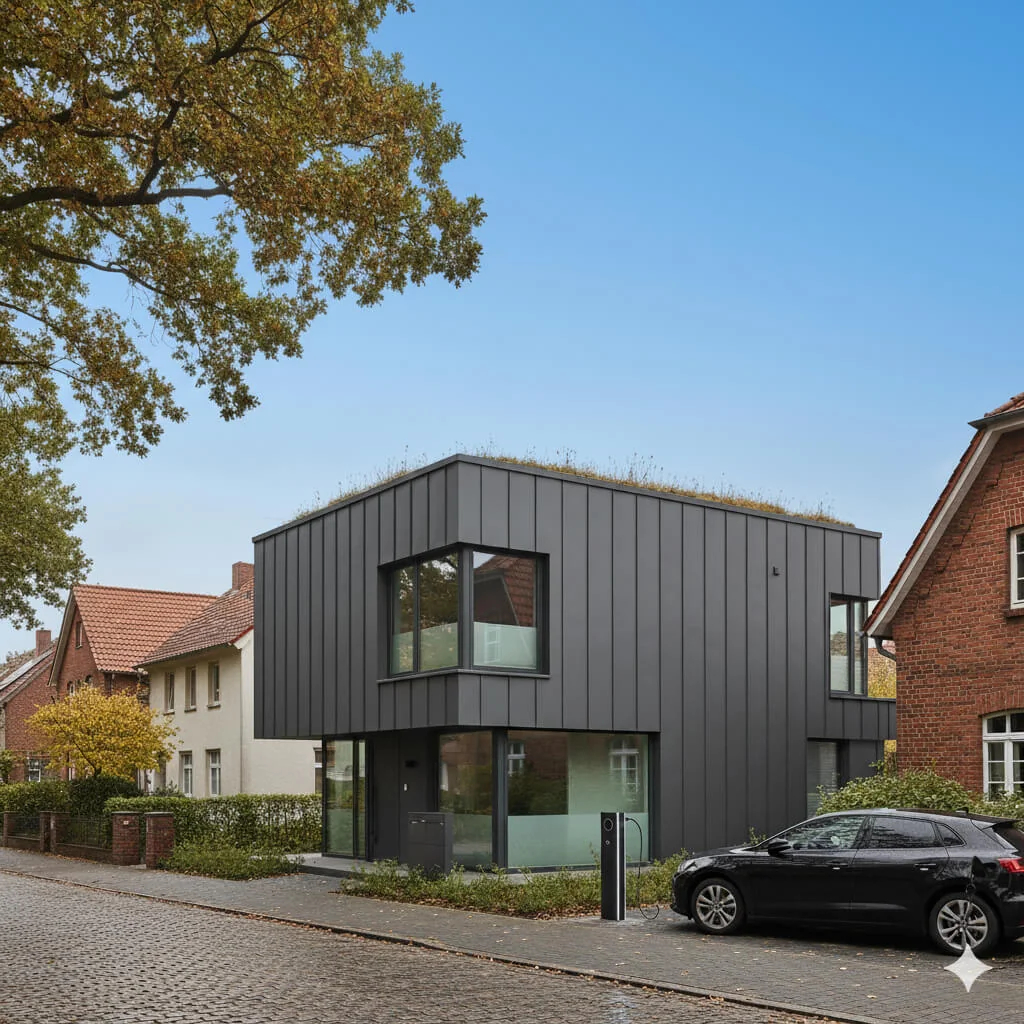
Blue Sky Replacement
Explore a blue-sky edit for an exterior property photo. Compare sky edges, reflections, lighting and building details with your original before using the returned image.
Read the full guide
Prepare your idea
Explore a blue-hour edit on an exterior property photo. Inspect window light, sky and building details against the original; no increase in listing clicks is promised.
Prepare your source photo and the references listed in the form. Its settings describe the intended changes.
Review the request and result
Review availability, image count and the current total before explicitly confirming. Registration alone does not establish credits or a free result. If the outcome is unclear, check the saved status of the existing request before confirming again.
Read the earlier original guide
This earlier guide may contain historical price, timing, quality or usage statements. Use the current description and tool form.
What image formats does the Virtual Twilight & Blue Hour Converter accept for real estate photos?
Upload your real estate photos in JPG, PNG, or WEBP formats. Ensure the file size is under 20MB to allow the AI to efficiently convert your daylight property listing into a stunning Blaue Stunde masterpiece for your professional broker portfolio.
How long does the Virtual Twilight & Blue Hour Converter take to process a property listing image?
Transform your property images in less than 30 seconds. This rapid AI processing allows agents to quickly enhance multiple MLS listings, turning flat daytime shots into high-converting virtual twilight scenes without the need for expensive late-night photography sessions.
What is the ideal resolution for the Virtual Twilight & Blue Hour Converter to ensure MLS quality?
Use high-resolution photos of at least 3000px on the longest side for optimal results. High-quality input ensures the Virtual Twilight & Blue Hour Converter precisely maps window glows and sky gradients, meeting professional standards for Zillow and premium home staging.
Can I download high-resolution results from the Virtual Twilight & Blue Hour Converter for Zillow and print marketing?
Download your enhanced Blaue Stunde images in full 4K resolution immediately after processing. These high-fidelity files are perfect for high-end property listings, large-scale print advertisements, and professional broker presentations, ensuring your property stands out in a crowded real estate market.
4 Virtual Twilight & Blue Hour Converter Technical Questions Answered
How to use the virtual twilight & blue hour converter for high-resolution MLS photos in 2025
Tips for your photo
Upload 1024px Minimum Resolution Images
Ensure your real estate photos meet a 1024px minimum resolution so the AI can precisely map the sky replacement and light transitions required for professional Zillow and MLS property listing displays.
Capture Wide Exterior Property Angles
Photograph your property from wide, clear angles to give the virtual twilight & blue hour converter enough space to render realistic sunset gradients and soft shadows across the entire home exterior.
Leverage Natural Daylight for Glow
Transform standard daylight exposures into warm evening scenes by providing clear window views, which allows the AI to generate the inviting interior glow that captures the attention of every potential buyer.
Use JPEG for Optimal Staging
Upload your files in high-quality JPEG or PNG formats to maintain color accuracy when the tool converts your midday shots into the atmospheric blaue stunde aesthetic preferred by elite real estate brokers.
Boost MLS Visibility with Contrast
Enhance your property listing's curb appeal by using this tool to solve the problem of boring photography, converting flat images into high-impact twilight visuals that statistically increase click-through rates on Zillow.
5 Expert Tips for Virtual Twilight & Blue Hour Converter Success
How to use the virtual twilight & blue hour converter online for free in 2025
Frequently asked questions
How do I prepare photos for the Virtual Twilight & Blue Hour Converter to get the best results?
Upload high-resolution real estate photos taken during daylight for the best results. Ensure the property listing exterior is clear of obstructions. The AI detects window panes to add warm interior glows automatically. Transform dull overcast skies into a vibrant 'Blaue Stunde' sky to attract more home sellers and buyers on Zillow.
What are the resolution limits for the Virtual Twilight & Blue Hour Converter?
Upload images up to 50MB to maintain professional quality for your MLS property listing. The Virtual Twilight & Blue Hour Converter processes 4K resolution files to ensure every detail of the home staging remains sharp. Enhance your agent portfolio with crisp, high-definition twilight conversions that outperform standard mobile photography.
Why are there artifacts when I use the Virtual Twilight & Blue Hour Converter on glass surfaces?
Remove distracting reflections before processing to avoid AI artifacts in the glass. The Virtual Twilight & Blue Hour Converter uses advanced neural networks to differentiate between sky reflections and interior light. Stage your property listing carefully by ensuring windows are clean, helping the broker present a flawless evening atmosphere.
How can I adjust the lighting intensity of the Virtual Twilight & Blue Hour Converter?
Adjust the 'Warmth' slider to control how the Virtual Twilight & Blue Hour Converter illuminates the interior. Increase the 'Sky Intensity' to match the specific 'Blaue Stunde' hue required for luxury property photos. Convert standard daylight shots into high-end marketing assets that help every real estate agent stand out on competitive platforms.
Is the Virtual Twilight & Blue Hour Converter output compliant with Zillow and MLS rules?
Ensure your MLS allows digitally enhanced real estate photos before uploading. Most platforms like Zillow permit the Virtual Twilight & Blue Hour Converter outputs as long as they do not hide structural defects. Enhance the property's curb appeal ethically by focusing on lighting mood rather than altering the home's physical features.
Can I convert multiple property listings using the Virtual Twilight & Blue Hour Converter at once?
Process entire property folders by selecting the batch upload feature in the Virtual Twilight & Blue Hour Converter dashboard. Transform a full set of exterior shots in minutes to maintain a consistent aesthetic across the whole listing. Save time for your broker team by automating the 'Blaue Stunde' transition for all angles.
6 Technical FAQ for the Virtual Twilight & Blue Hour Converter
How to virtual twilight & blue hour converter online for free in 2025
Common mistakes
5 Common Mistakes to Avoid with Virtual Twilight & Blue Hour Converter
How to avoid errors when using a virtual twilight & blue hour converter online for real estate photos
Uploading source photos with closed blinds or heavy curtains blocking the interior window views
Transforming daylight shots requires visible window panes so the AI can insert warm, inviting glows that attract Zillow buyers.
Ensure all window treatments are open and interior lights are switched on before capturing the base property listing photo.
Using images with extremely dark or pitch-black night skies as the starting point
Convert day-to-dusk successfully by starting with daylight; night photos lack the color data needed for a perfect Blaue Stunde transition.
Upload clear daylight or overcast images to allow the converter to accurately map the horizon and the evening sky gradient.
Ignoring the impact of harsh midday shadows on the property's exterior walls and driveway
Stage the home naturally by avoiding light conflicts; long noon shadows contradict the soft, multidirectional glow of a virtual twilight.
Choose photos taken during soft daylight or high-noon to ensure the AI-generated evening light appears realistic to the real estate agent.
Processing low-resolution thumbnails instead of high-quality original files for the MLS listing
Enhance your property photos without losing quality; low-res files cause pixelation around the roofline during the twilight conversion process.
Upload high-resolution files to ensure the AI produces sharp, professional results that look stunning on high-definition property portals.
Neglecting reflections in pools or large glass surfaces when applying the twilight effect
Remove inconsistencies by ensuring the sky and water match; mismatched reflections signal to brokers that the photo has been poorly edited.
Select source images where water is calm, allowing the tool to synchronize the blue hour sky with all reflective property surfaces.
3 Results You Can Achieve with the Virtual Twilight & Blue Hour Converter
How to use the virtual twilight & blue hour converter to increase Zillow clicks by 400% today
Your workflow
4 Steps to Master the Virtual Twilight & Blue Hour Converter for Real Estate Photos
How to virtual twilight & blue hour converter for MLS listings to boost clicks by 400% in 2024
Capture High-Quality Base Photos
Capture high-resolution daytime real estate photos of the property exterior during clear weather to provide the Virtual Twilight & Blue Hour Converter with the best canvas for light simulation.
Avoid shooting directly into the sun; even lighting ensures the AI accurately places warm interior glows and sky gradients.
Upload to Virtual Twilight AI
Upload your property listing images to PropStage.ai and select the Virtual Twilight & Blue Hour Converter to automatically trigger the transformation of sky colors and window illumination.
Choose the 'Deep Blue' preset to match the specific architectural style and professional aesthetic of your broker brand.
Refine the Blaue Stunde Glow
Evaluate the AI-generated twilight effect, ensuring the transition between the darkening sky and the warm interior window lights looks natural for professional MLS presentation and home staging.
Check that the window illumination intensity balances the contrast between the cool exterior shadows and the inviting warmth of the interior.
Export for MLS and Zillow
Download your high-resolution twilight photos and upload them as the primary image for your property listing on Zillow, Redfin, and local MLS boards to attract more buyers.
Set the Virtual Twilight image as your hero shot; data shows these photos generate significantly higher click-through rates than standard daytime shots.
Use cases
4 Strategic Ways to Use the Virtual Twilight & Blue Hour Converter
How to use a virtual twilight & blue hour converter online for free to boost Zillow views
Real Estate Agents & Brokers
Transform standard daylight property photos into high-converting twilight shots for the MLS to capture attention during the critical first 24 hours of a new property listing.
Property Photographers
Enhance your workflow by using this AI tool to convert midday shots into 'Blaue Stunde' masterpieces, avoiding expensive late-night shoots while maintaining premium quality for your clients.
Home Stagers & Designers
Stage a cozy atmosphere by adding warm window glows and sunset skies to exterior shots, helping potential buyers visualize a luxury lifestyle during professional client presentations.
Homeowners & Investors
Upload basic smartphone photos of your renovation project and convert them into professional-grade twilight images to attract high-value buyers without hiring a professional photography crew.
11 Technical Specifications for the Virtual Twilight & Blue Hour Converter
How to virtual twilight & blue hour converter online for free in 2026 for Zillow listings
3 Steps to Master the Virtual Twilight & Blue Hour Converter for Real Estate Photos
How to virtual twilight & blue hour converter online for free to boost MLS engagement
Upload High-Resolution Exterior Photos
Upload clear, high-resolution daylight exterior shots of your property listing. This answers how to prepare photos for the AI so it can accurately map window glow and sky transitions for a perfect Blaue Stunde effect.
Select Your Twilight Atmosphere
Transform your standard Zillow photos by selecting the desired sunset intensity. Our AI automatically identifies windows to add warm, inviting interior lighting, solving the problem of how to make empty homes look occupied and cozy.
Enhance Your MLS Listing
Convert your images instantly and download high-quality files for your MLS. These AI-enhanced photos increase property listing clicks by up to 400%, answering how agents can stand out in a competitive real estate market.
Expert guide
4 Pro Tips for Using the Virtual Twilight & Blue Hour Converter
How to virtual twilight & blue hour converter online for free to get more Zillow views
3 Essential Steps to Prepare Photos for the Virtual Twilight & Blue Hour Converter
Upload high-resolution JPEG or PNG files to ensure the AI detects architectural lines accurately. Capture exterior shots during the day with clear visibility of windows. Avoid extreme shadows or blurry images to help the tool generate realistic Blaue Stunde lighting and glowing window effects for your property listing.5 Ways to Select the Perfect Style in the Virtual Twilight & Blue Hour Converter
Choose the 'Warm Glow' setting to make your home staging look inviting on the MLS. Select specific sky gradients that match the property's orientation. Adjust the intensity slider to balance the natural dusk look with artificial interior lighting, ensuring the final image looks authentic to potential buyers and brokers.4 Tips for Getting Professional Results from the Virtual Twilight & Blue Hour Converter
Transform standard daylight photos by selecting images with minimal foreground obstructions like trees or cars. Enhance the Blaue Stunde effect by using wide-angle shots that capture both the sky and the building. Ensure all exterior lights are off in the original photo to allow the AI to add realistic illumination.3 Best Practices for Using Virtual Twilight & Blue Hour Converter Images on Zillow
Download a confirmed result from your saved project and review the full image and its actual dimensions before sharing or printing. Compare it with your original, disclose virtual changes where required and check your listing service’s rules. Processing time and the usefulness of a result vary with the request.
How it works
3 Steps to Master the Virtual Twilight & Blue Hour Converter
How to use the virtual twilight & blue hour converter online for more Zillow clicks in 2024
Upload Your Daytime Property Listing Photos
Upload your high-resolution real estate photos to our platform. Our AI analyzes the sky and architecture to prepare for the Virtual Twilight & Blue Hour Converter transformation instantly.
Select Your Blaue Stunde Lighting Style
Transform ordinary shots by choosing warm interior lighting and deep blue sky gradients. This Virtual Twilight & Blue Hour Converter feature ensures your Zillow listing stands out from competitors.
Download High-Res Photos for MLS Brokers
Convert and download your enhanced property images in high resolution. These AI-staged photos are ready for the MLS, helping every agent and broker attract 400% more potential home buyers.
What you can do
6 Pro-Grade Virtual Twilight & Blue Hour Converter Features
Automated Sky Replacement Engine
Transform overcast property listing images into stunning sunsets, ensuring your real estate photos grab immediate attention on high-traffic platforms like Zillow.
Intelligent Interior Window Glow
Enhance the home staging appeal by automatically illuminating windows with warm light, answering the need for inviting and professional-looking MLS visuals.
Rapid 10-Second AI Processing
Convert standard daylight shots into blaue stunde masterpieces instantly, allowing every agent to meet tight marketing deadlines without waiting for photographers.
Realistic Shadow Depth Correction
Remove distracting midday shadows and apply soft twilight gradients to solve the problem of how to make AI staging look authentic.
Lossless 4K Resolution Exports
Upload and process high-resolution files to provide every broker with print-ready quality for luxury brochures and premium online property listing sites.
Bulk Batch Conversion Mode
Stage an entire property portfolio simultaneously, enabling a property manager to maintain a consistent, high-end aesthetic across all active digital marketing channels.
How to use the virtual twilight & blue hour converter online to increase Zillow property clicks