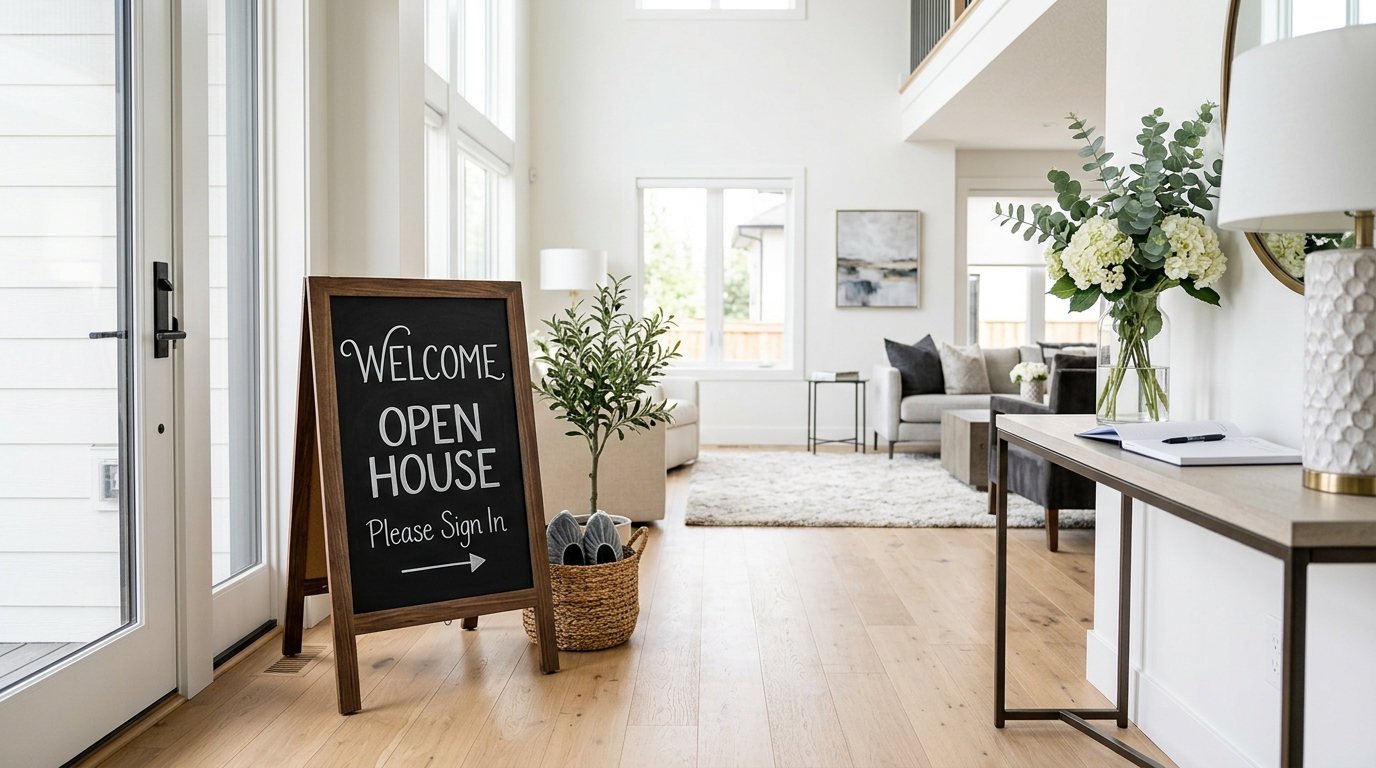
First impressions happen before a buyer ever steps foot inside a home. The moment they pull up to an open house, they're already forming opinions—and your open house welcome sign is one of the first things they see. A professionally designed, branded poster signals credibility, attention to detail, and the kind of care that buyers associate with a great agent. The problem? Most agents either skip this step entirely or spend hours fumbling with design software they barely know how to use.
That's exactly why PropStage.ai built the Open House Welcome & Sign-In Poster tool—so you can go from listing photo to print-ready welcome sign in under 60 seconds, with zero design experience required. In this guide, we'll walk you through every step of the process, share pro tips for maximizing impact, and show you how to get the most out of your open house materials.
Why Your Open House Welcome Sign Matters More Than You Think
Real estate is a visual industry, and buyers make emotional decisions. A polished open house welcome sign does several things simultaneously: it confirms buyers are at the right address, it introduces you as the listing agent, it reinforces your brand, and it sets the tone for the entire showing experience. Studies consistently show that professionally presented listings generate more offers and sell faster—and your signage is part of that professional presentation.
Beyond the aesthetic, a well-designed welcome poster doubles as a sign-in station backdrop when used on a tablet or printed display. It's a subtle but powerful way to make every visitor feel like they've walked into a curated, high-end experience rather than a casual showing.
Agents who use branded open house materials—including welcome signs, flyers, and feature sheets—report 30–40% more business card requests and higher perceived professionalism scores from buyer surveys.
What You'll Need Before You Start
Creating your open house welcome sign is fast, but a little preparation goes a long way. Before you open the tool, have the following ready:
- A high-resolution listing photo (exterior hero shot or a staged interior works best)
- Property address and open house date/time
- Your full name and title (e.g., Licensed Real Estate Agent)
- Brokerage name and optional logo file
- Your phone number and/or email address
- Any tagline or welcome message you'd like to include (optional but impactful)
If your listing photo needs a refresh before you use it on a welcome poster, consider running it through the 1-Click Listing-Ready Photo Editor first. This AI tool automatically corrects color, exposure, and lens distortion so your hero shot looks its absolute best before it anchors your signage.
Step-by-Step: Creating Your Open House Welcome Sign
Step 1: Choose the Right Listing Photo
Your welcome poster is only as strong as the photo at its center. For exterior shots, a clean, well-lit front-of-home image works beautifully. For condos or urban properties where the exterior isn't the selling point, a beautifully staged living room or kitchen shot can be even more compelling. If you want to take your exterior photo to the next level, try the Twilight Photo Converter to transform a daytime shot into a dramatic blue-hour image—twilight photos consistently outperform standard daylight shots for engagement.
Step 2: Upload Your Photo to PropStage.ai
Head to the Open House Welcome & Sign-In Poster tool on PropStage.ai. The upload interface accepts JPEG, PNG, and HEIC formats. Drag and drop your photo or click to browse your files. The AI will process the image in seconds, analyzing composition and color to prepare layout suggestions that complement your specific photo.
Step 3: Enter Your Property and Agent Information
Fill in the required fields: property address, open house date and time window, your name, brokerage, and contact details. You can also add a short welcome message like "Welcome Home—We're So Glad You're Here" or a property highlight such as "Newly Renovated | 4 Bed | 3 Bath | 2-Car Garage." These small touches make buyers feel welcomed before an agent even says hello.
Step 4: Select Your Design Style and Color Palette
PropStage.ai offers multiple design styles to match different property types and agent brands. A luxury high-rise calls for a sleek, dark-background design with gold accents. A family home in the suburbs might suit a warm, bright layout with soft typography. Match your color palette to your brokerage branding when possible—consistency builds recognition across all your marketing materials.
Step 5: Preview, Adjust, and Download
Once the AI generates your poster, you'll see a real-time preview. Review the layout, check that all text is accurate, and make any final tweaks. When you're satisfied, download the high-resolution file. Most agents download both a print-ready PDF (for physical signs and flyers) and a digital PNG (for tablet displays and social sharing).
Pro Tips for Maximum Open House Impact
Print at 18"x24" for maximum visibility. This is the standard real estate poster size and fits most foam board and easel setups. For tablet sign-in stations, export at 1080x1920px for a crisp, full-screen display.
- Create two versions: one for the front yard and one for inside the home near the sign-in area. The outdoor version should be weatherproof—laminate it or print on foam board.
- Use your welcome poster on social media. Post it as an Instagram Story or Facebook event graphic the morning of your open house to drive last-minute foot traffic.
- Match your full marketing suite. Use the same listing photo and color palette across your Property Flyer & Brochure Creator materials for a cohesive, professional look that buyers remember.
- Add a QR code. Many agents include a QR code linking to the full listing or a virtual tour. You can add this detail in the custom text field before downloading.
- Reuse the template. Once you've built a design you love, the tool remembers your agent information so future posters take even less time to produce.
Pair Your Welcome Sign With a Complete Open House Marketing Kit
The most successful open houses treat every touchpoint as a marketing opportunity. While your welcome sign greets visitors at the door, a staged hero shot draws them in online. Use the Open House Hero Shot Creator to transform any listing photo into a magazine-quality image that works across Zillow, Realtor.com, and your social channels. When every element of your open house presentation is polished and consistent, buyers arrive already emotionally invested in the property.
Common Mistakes to Avoid
| Mistake | Why It Hurts | The Fix |
|---|---|---|
| Using a low-resolution photo | Blurry prints look unprofessional and undermine your brand | Always use the highest resolution photo available; upscale with the Image Upscale to 4K tool if needed |
| Overcrowding the design with text | Buyers can't absorb too much information at a glance | Stick to address, date/time, your name, and one standout feature |
| Skipping your contact info | Missed opportunity to capture leads from walk-ins | Always include your phone number and a QR code or website |
| Mismatched branding across materials | Looks disorganized and amateur | Use the same photo, colors, and fonts across all open house materials |
| Printing too small | Signs get lost in busy environments | Minimum 11"x17" for indoor use; 18"x24" for outdoor visibility |
Conclusion: Elevate Every Open House With Professional Signage
Creating a professional open house welcome sign used to mean hiring a graphic designer, waiting days for a proof, and paying for a service you'd only use a handful of times. With PropStage.ai, the entire process takes less than 60 seconds—and the results look like they came from a seasoned marketing team. Whether you're hosting your first open house or your five hundredth, a polished welcome poster is one of the simplest, highest-impact upgrades you can make to your showing experience.
Ready to make your next open house unforgettable? Start with the Open House Welcome & Sign-In Poster tool and see what a difference professional signage makes—from the moment buyers pull into the driveway to the moment they sign their offer.