
1-Click Listing-Ready Photo Editor
Explore an automatic property-photo edit from your image. Compare lighting, colour, geometry and listing details with the original before publishing; an edit does not establish portal acceptance.
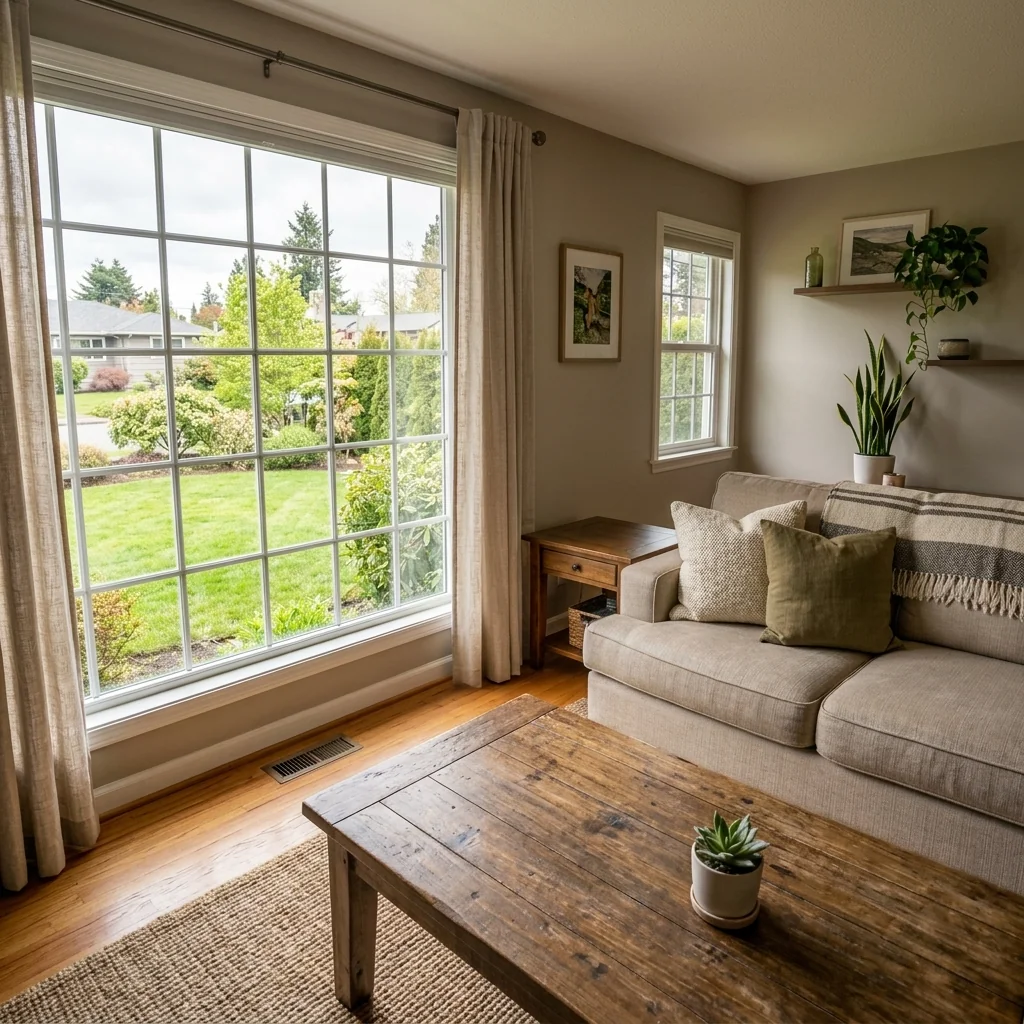
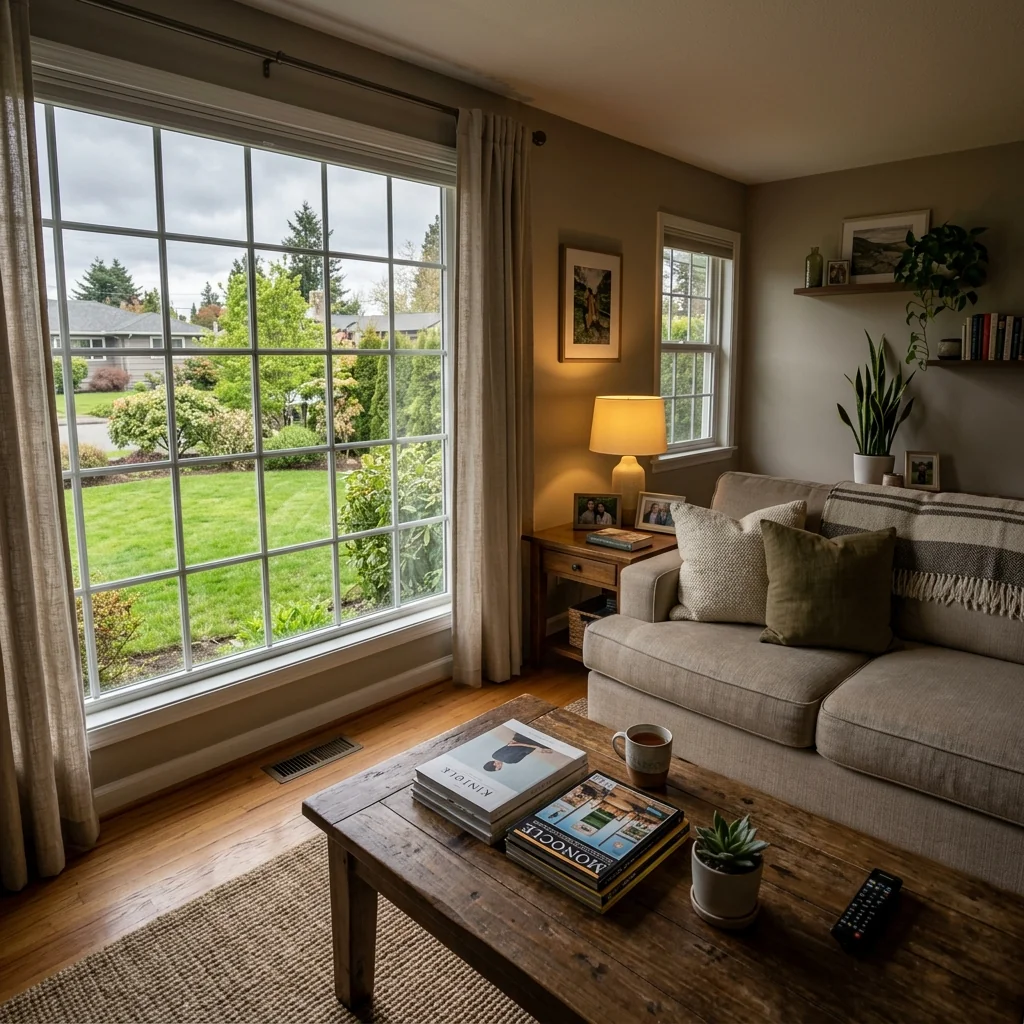
Example · Your result depends on your photo and settings.
1 image free after verified sign-in · No credit card
Choose a photo. Review the look. Sign in to create.
Examples and photo tips
What to prepare
JPG, PNG, WebP, HEIC or HEIF · up to 20 MB per photo
At least 64 × 64 pixels; JPG/PNG/WebP up to 40 megapixels.
HEIC/HEIF: up to 4 megapixels. Larger images need a JPG, PNG or WebP copy.
A clear source photo
Well lit, with the whole area visible.
An idea of the change you want
The editor shows the options for this tool.
Review AI changes before publishing a property image.
Explore more examples
View original photo
Before

View original photo
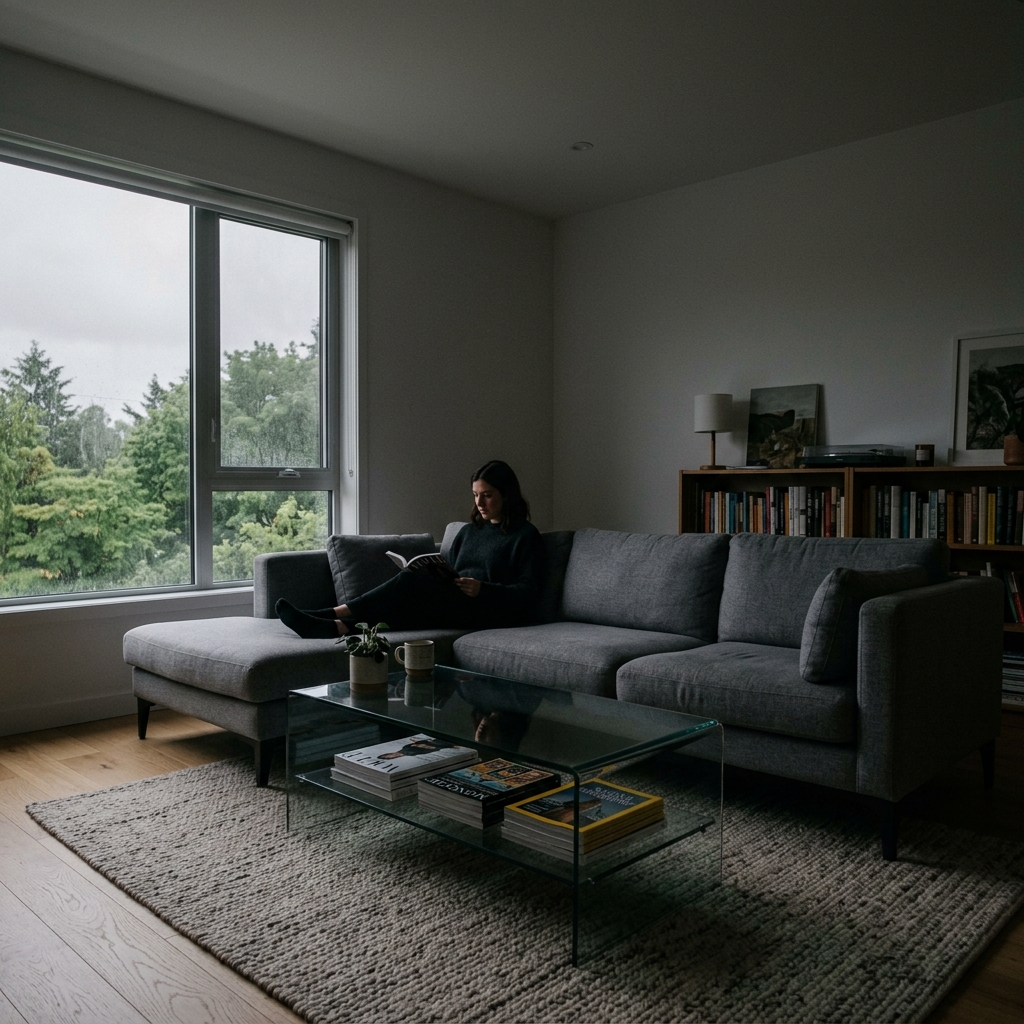
Before

View original photo
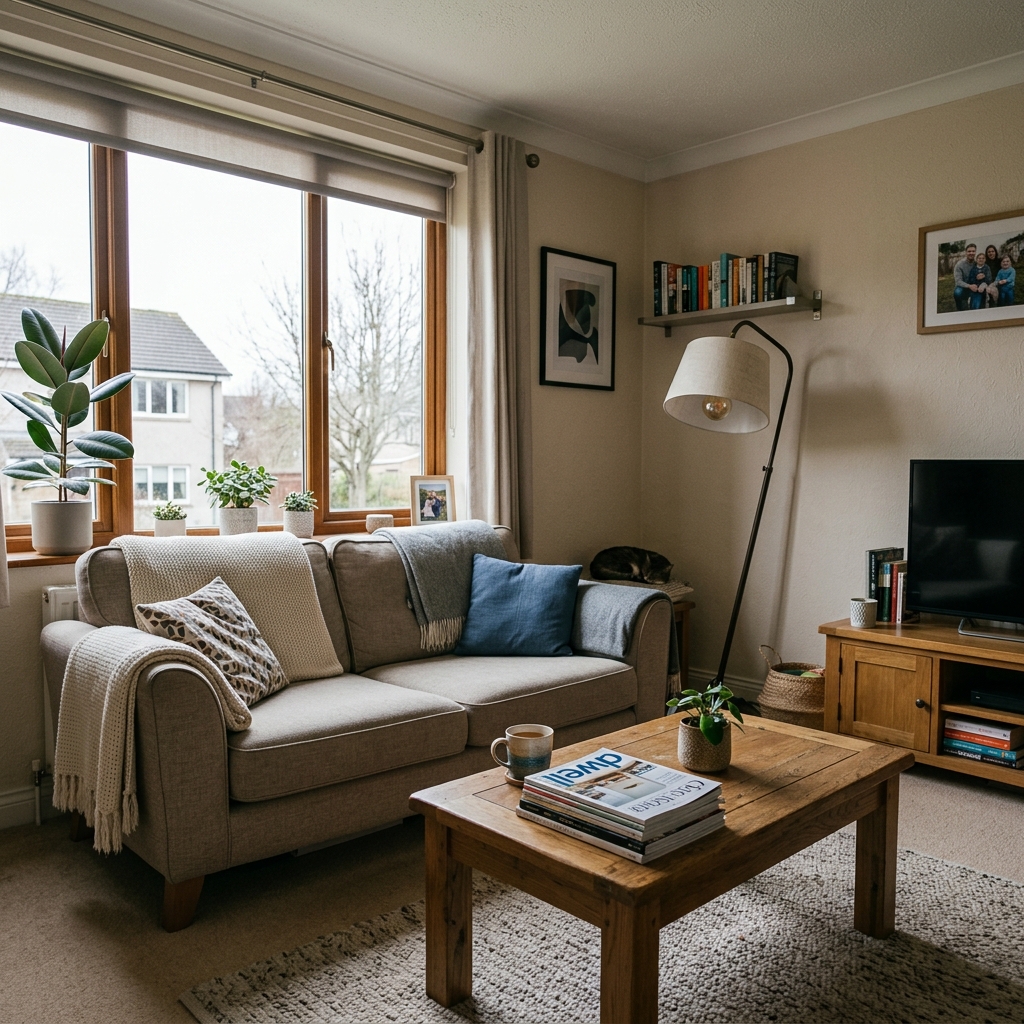
Before
About this tool
Virtual Staging & Styling
Prepare your idea
Explore an automatic property-photo edit from your image. Compare lighting, colour, geometry and listing details with the original before publishing; an edit does not establish portal acceptance.
Prepare your source photo and the references listed in the form. Its settings describe the intended changes.
Review the request and result
Review availability, image count and the current total before explicitly confirming. Registration alone does not establish credits or a free result. If the outcome is unclear, check the saved status of the existing request before confirming again.
Read the earlier original guide
This earlier guide may contain historical price, timing, quality or usage statements. Use the current description and tool form.
1-Click Listing-Ready Photo Editor: Jaw-Dropping Before & After Examples (2026)
See How Agents Use Our 1-Click Listing-Ready Photo Editor Online to Transform Real Estate Photos for MLS & Zillow
Expert guide
Complete Guide to 1-Click Listing-Ready Photo Editor for Real Estate (2026)
Everything agents need to know about 1-click listing-ready photo editor
How does the 1-Click Listing-Ready Photo Editor use AI to enhance real estate photos?
PropStage.ai's 1-Click Listing-Ready Photo Editor uses advanced AI algorithms to automatically optimize real estate photos. It analyzes images and enhances lighting, color balance, and clarity, making property listings more appealing on platforms like Zillow and the MLS. This saves agents time and ensures high-quality visuals.Are there any MLS guidelines I should be aware of when using a 1-Click Listing-Ready Photo Editor?
Yes, always adhere to MLS guidelines, including those from NAR, regarding image manipulation. While the 1-Click Listing-Ready Photo Editor enhances photos, ensure edits accurately represent the property. Avoid misleading alterations that violate ethical standards or MLS rules for real estate photos.What is the typical cost of using a 1-Click Listing-Ready Photo Editor for my property listings?
The cost of using PropStage.ai's 1-Click Listing-Ready Photo Editor varies based on usage. We offer flexible plans, including free options and subscription models for high-volume users. Compared to professional photography, it's a cost-effective way for agents to get listing-ready photos quickly and affordably.How does the quality of photos from a 1-Click Listing-Ready Photo Editor compare to professional photography?
While professional photography offers bespoke results, the 1-Click Listing-Ready Photo Editor delivers impressive quality for most property listing needs. Our AI ensures consistent enhancement, making real estate photos visually appealing and competitive on Zillow and other platforms. It's a practical solution for agents needing quick, high-quality images.What are the best use cases for a 1-Click Listing-Ready Photo Editor in real estate marketing?
The 1-Click Listing-Ready Photo Editor is ideal for quickly enhancing photos for MLS listings, social media marketing, and online brochures. It's particularly useful for agents managing multiple properties or needing to refresh existing property listings with improved visuals. It ensures consistent quality across all marketing materials.How can I integrate the 1-Click Listing-Ready Photo Editor into my existing real estate workflow?
Integrating PropStage.ai's 1-Click Listing-Ready Photo Editor is seamless. Simply upload your real estate photos directly to our platform, apply the one-click enhancement, and download the optimized images for immediate use in your MLS listings, Zillow profiles, or other marketing channels. Streamline your process and save valuable time.How it works
How PropStage.ai's 1-Click Photo Editor Works
Listing-ready photos, instantly.
Upload Your Property Photos
Simply drag and drop your real estate photos directly into the PropStage.ai platform. We support all standard image formats.
Select '1-Click Enhance'
Choose the '1-Click Enhance' option. Our AI automatically analyzes and optimizes your images for maximum impact.
Download Listing-Ready Images
Download your professionally enhanced photos, ready to impress potential buyers and boost your listings' appeal instantly.
What you can do
1-Click Photo Editing for Stunning Listings
Instant AI Enhancements
Automatically optimize lighting, colors, and clarity for eye-catching listing photos that grab attention.
Saves Time & Effort
Eliminate hours of manual photo editing. Get listing-ready images in seconds, freeing up your time.
Boosts Listing Appeal
Professionally enhanced photos attract more potential buyers and increase engagement with your listings.
Consistent Quality, Every Time
Ensure uniform and high-quality photo enhancements across all your property listings, effortlessly.
Cost-Effective Solution
Reduce outsourcing costs with affordable AI-powered photo editing, maximizing your ROI on listings.
Easy to Use Interface
No technical skills needed. Simply upload your photos and let AI do the work with our intuitive platform.
Instantly enhance property photos with AI. Save time and attract more buyers with zero manual edits.
Stop Editing. Start Selling.
Let AI handle the photo enhancement while you focus on closing deals
Compare editing approaches
Review timing, cost, available options and the editing steps for your photo.
Creation time
Other services: Agree on a delivery deadline before work starts.
PropStage: Processing time varies. If a result is delayed, check its saved request status instead of sending the same request again.
Cost per image
Other services: Ask for a written quote covering the agreed work and any additional fees.
PropStage: Review the credit cost before confirming a request. Check the current offer before choosing a plan.
Styles and variations
Other services: Confirm which styles and revisions are included.
PropStage: Use the options offered by this tool. Review the credit cost before confirming each new image request.
Editing workflow
Other services: Agree on the source photos, references and final review.
PropStage: Review the required photos and settings before confirming. Keep your original and compare the saved result before publishing.