
AI Interior Style Detector & Moodboard
Explore the style of a room photo through a visual concept. Choose a focus such as colours, materials or a moodboard; this image tool does not certify a style or identify products.
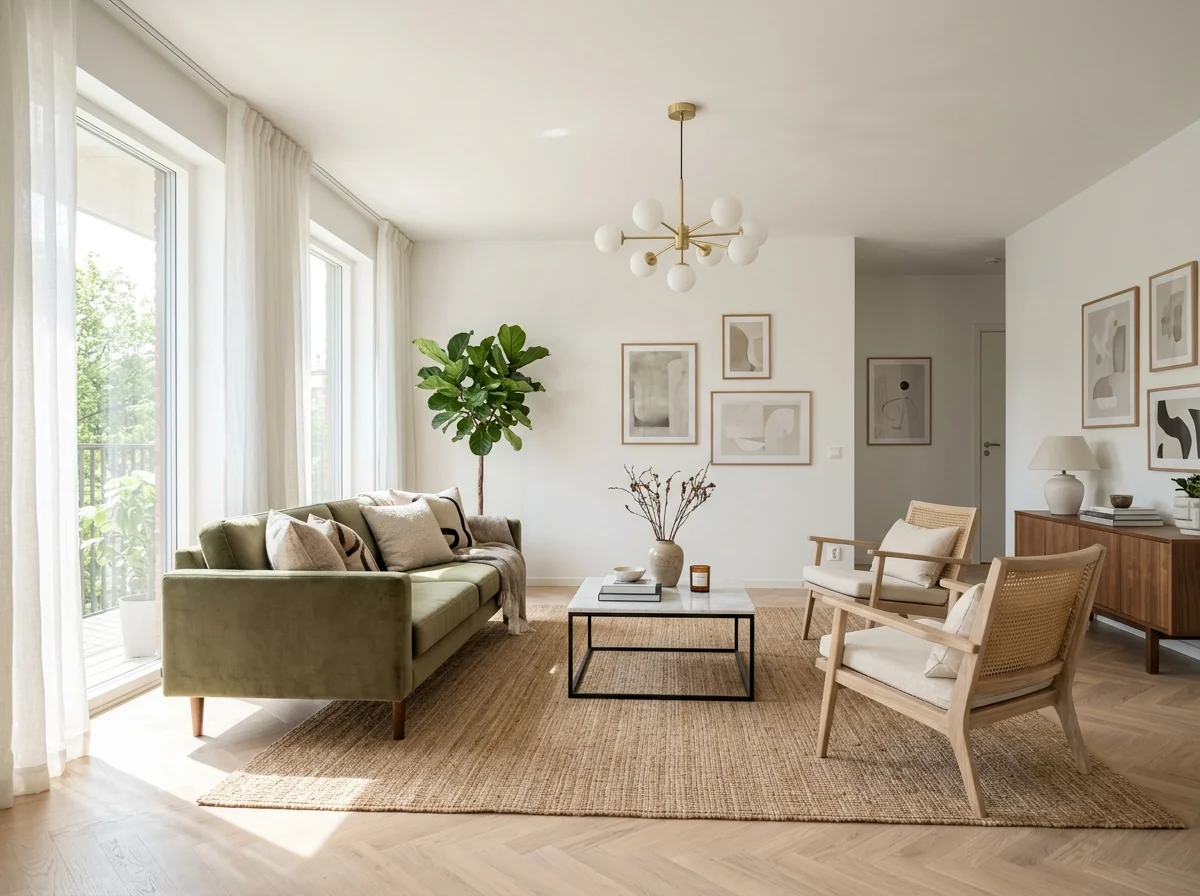
Example · Your result depends on your photo and settings.
1 image free after verified sign-in · No credit card
Choose a photo. Review the look. Sign in to create.
Examples and photo tips
What to prepare
JPG, PNG, WebP, HEIC or HEIF · up to 20 MB per photo
At least 64 × 64 pixels; JPG/PNG/WebP up to 40 megapixels.
HEIC/HEIF: up to 4 megapixels. Larger images need a JPG, PNG or WebP copy.
A clear source photo
Well lit, with the whole area visible.
An idea of the change you want
The editor shows the options for this tool.
Review AI changes before publishing a property image.
Explore more examples
View original photo
Contemporary Kitchen

View original photo
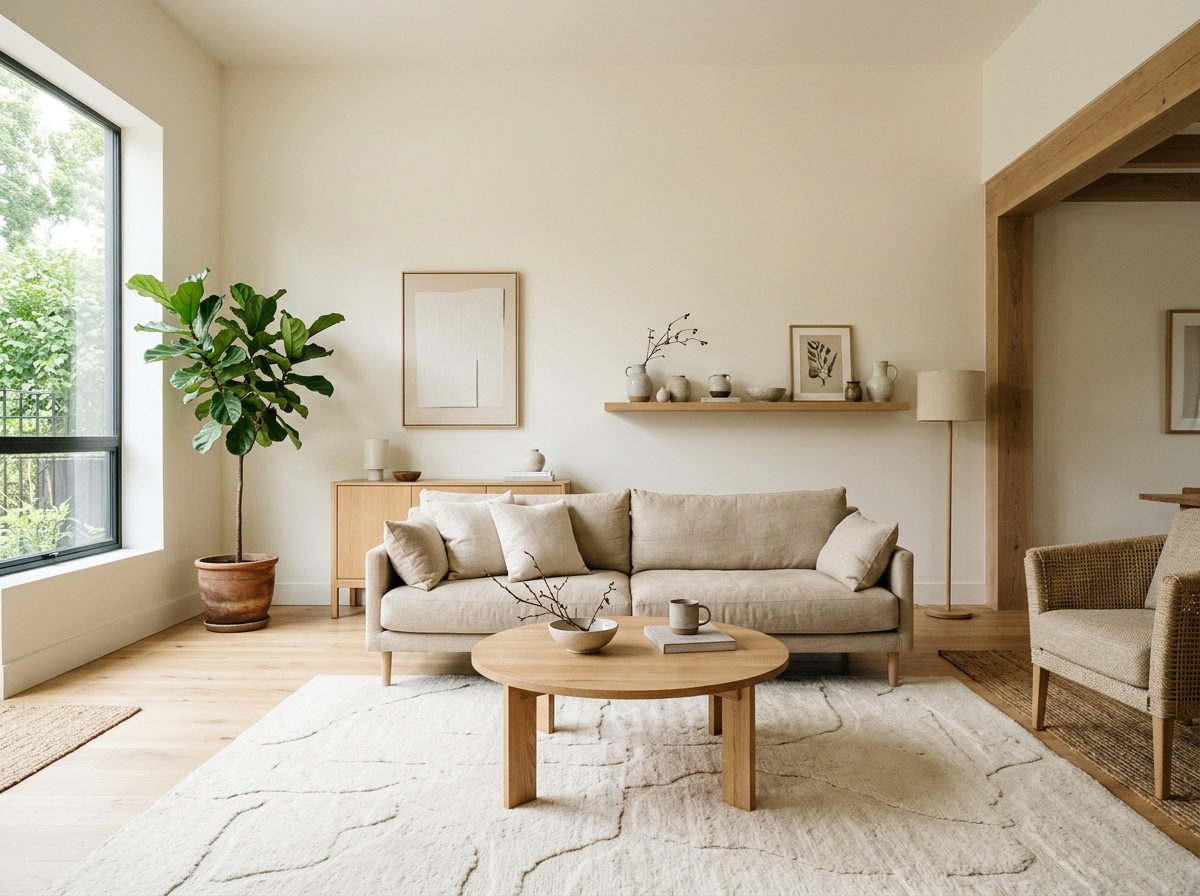
Scandinavian Bedroom

View original photo
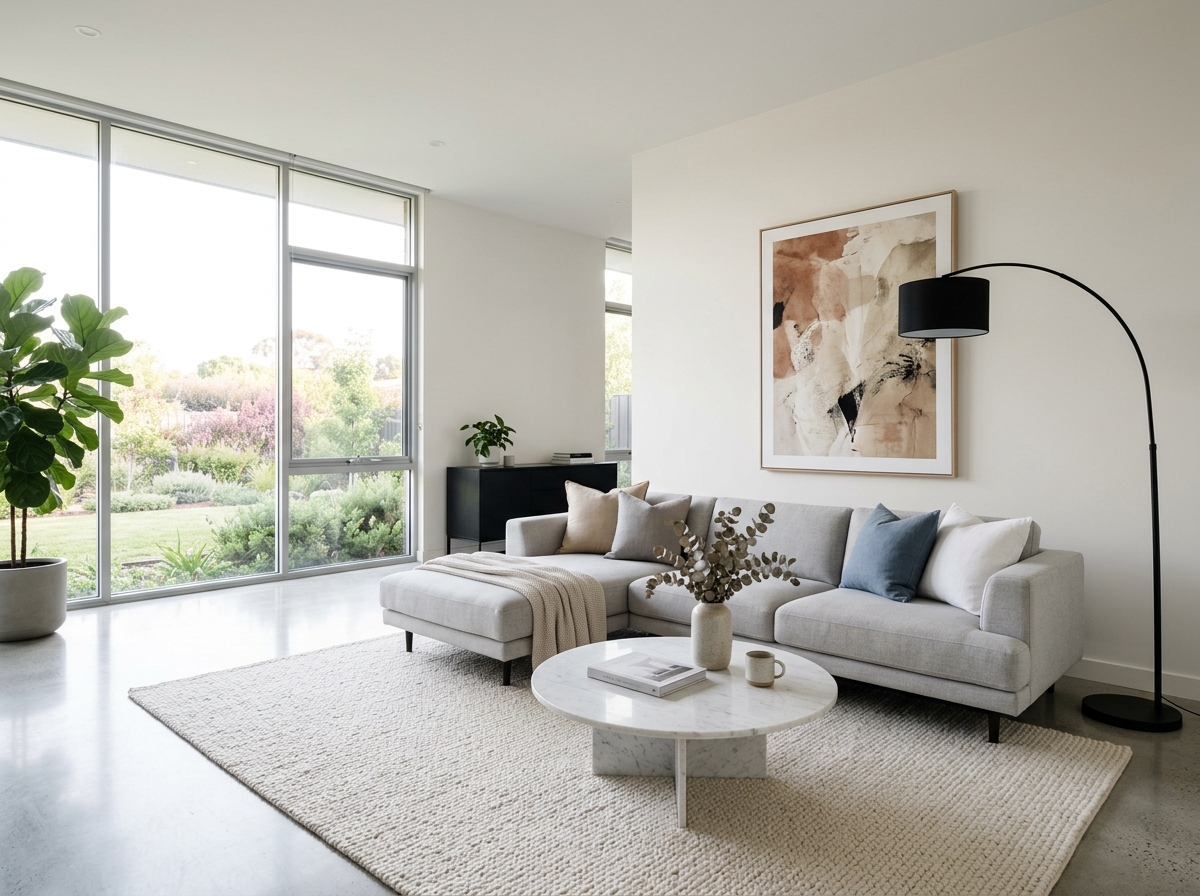
Modern Living Room
About this tool
Marketing & Distribution Outputs
Prepare your idea
Explore the style of a room photo through a visual concept. Choose a focus such as colours, materials or a moodboard; this image tool does not certify a style or identify products.
Prepare your source photo and the references listed in the form. Its settings describe the intended changes.
Review the request and result
Review availability, image count and the current total before explicitly confirming. Registration alone does not establish credits or a free result. If the outcome is unclear, check the saved status of the existing request before confirming again.
Read the earlier original guide
This earlier guide may contain historical price, timing, quality or usage statements. Use the current description and tool form.
AI Interior Style Detector & Moodboard Examples: Before & After Results (2024)
See How Agents Use Interior Style Detector & Moodboard to Transform Listings & Enhance Real Estate Photos
Expert guide
Complete Guide to AI Interior Style Detector & Moodboard for Real Estate (2026)
Everything agents need to know about interior style detector & moodboard
How does AI Interior Style Detector & Moodboard work for real estate photos?
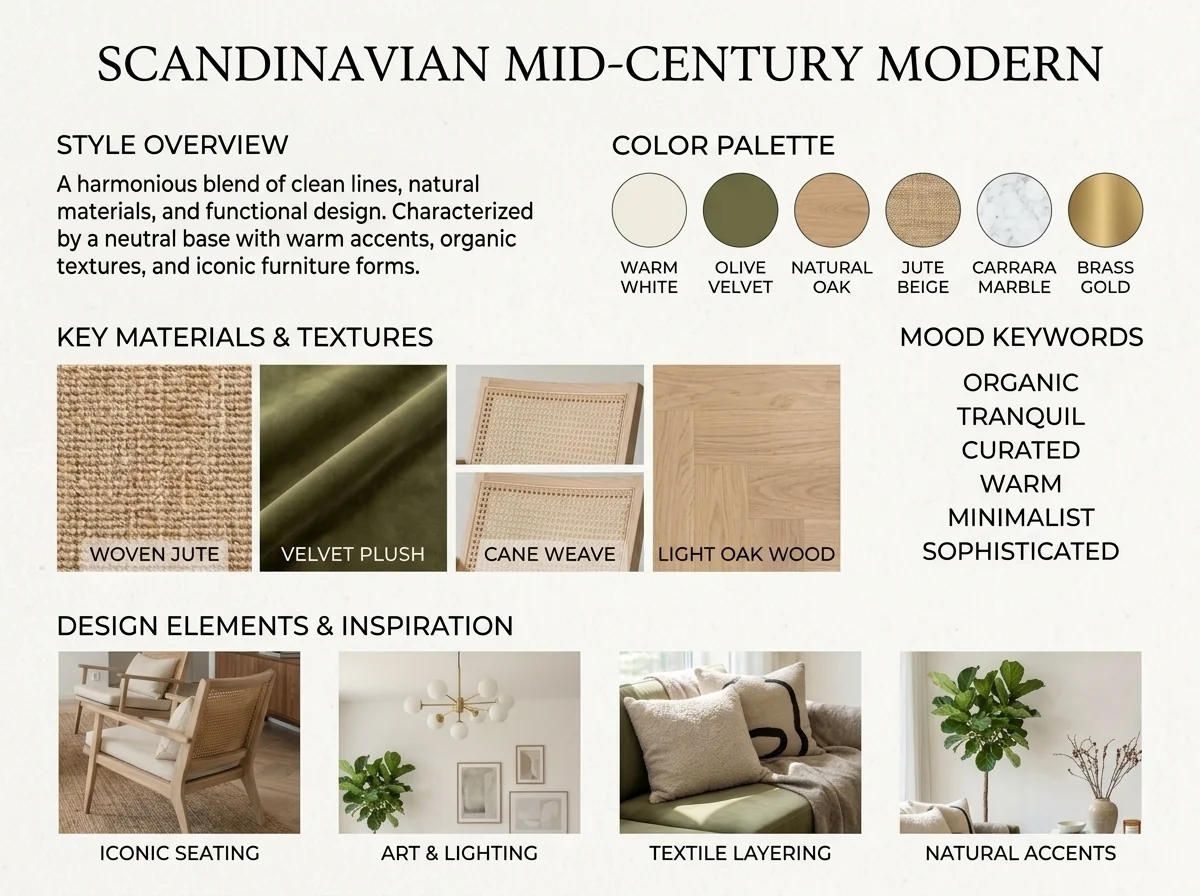
PropStage.ai's AI Interior Style Detector & Moodboard analyzes real estate photos, identifying the interior design style (e.g., Mid-Century Modern, Farmhouse), color palettes, and key materials. This allows agents to quickly understand a property's aesthetic and create targeted marketing materials. It also generates a moodboard to visualize potential staging options for a property listing.
Are there any MLS or NAR compliance considerations when using AI Interior Style Detector & Moodboard?
When using AI Interior Style Detector & Moodboard for property listings, ensure compliance with NAR guidelines and MLS regulations regarding accurate representation. While the AI identifies styles and generates moodboards, agents must verify the information's accuracy and avoid misleading potential buyers. Disclose AI usage where required.
What is the cost of using AI Interior Style Detector & Moodboard for my property listing?
PropStage.ai offers various pricing plans for its AI Interior Style Detector & Moodboard. Costs vary based on usage volume and subscription level. Agents can often start with a free trial to assess the tool's value before committing to a paid plan. Check PropStage.ai for the most up-to-date pricing information.
How accurate is the AI Interior Style Detector & Moodboard in identifying design styles?
PropStage.ai's AI Interior Style Detector & Moodboard is trained on a vast dataset of interior design styles, resulting in high accuracy. However, accuracy can be affected by image quality and complex design combinations. Always review the AI's suggestions and make adjustments as needed to ensure accurate representation of the real estate photos.
What are the best uses of AI Interior Style Detector & Moodboard for Zillow and other platforms?
The AI Interior Style Detector & Moodboard is ideal for enhancing property listings on Zillow and other platforms. Use it to identify the style of existing spaces, generate moodboards for virtual staging, and create visually appealing marketing materials. This can attract more potential buyers and improve engagement with your property listing.
How can I integrate AI Interior Style Detector & Moodboard into my real estate workflow?
Seamlessly integrate PropStage.ai's AI Interior Style Detector & Moodboard into your workflow by uploading real estate photos directly to the platform. The AI will analyze the images and generate a style report and matching moodboard. Use these insights to inform your staging decisions, marketing strategies, and client communication. This saves time and enhances your property listing presentation.
How it works
How PropStage.ai's AI Interior Style Detector & Moodboard Works
Effortlessly uncover interior design styles and create inspiring moodboards.
Upload Your Interior Photo
Simply upload a photo of any room. Our AI instantly analyzes the image to identify key design elements for accurate style recognition.
AI Identifies Style & Extracts Palette
Our AI pinpoints the interior design style, extracts the dominant color palette, and identifies key materials present in the room.
Receive Your Matching Moodboard
Instantly receive a curated moodboard reflecting the identified style, complete with complementary colors, materials, and design inspirations.
What you can do
AI Interior Style Analysis
Identify Any Room Style
Upload photos to instantly detect interior design styles, from modern to farmhouse, with AI precision.
Extract Color Palettes
Pinpoint the exact color schemes used in any room, ensuring accurate matching and design consistency.
Recognize Key Materials
AI identifies prevalent materials like wood, stone, and fabrics, streamlining material sourcing for renovations.
Generate Matching Moodboards
Visualize design concepts instantly with AI-generated moodboards tailored to the identified style and elements.
Target Ideal Buyers
Understand a property's style to attract buyers seeking similar aesthetics, increasing marketing effectiveness.
Refine Staging Strategies
Use AI insights to optimize staging, ensuring the property aligns with current design trends and buyer preferences.
Unlock design insights instantly. Identify styles, colors, and materials with AI.
Decode Any Room's Style in Seconds with AI
Instantly identify interior design styles, colors, and materials. Plus, get a ready-made moodboard!
Compare editing approaches
Review timing, cost, available options and the editing steps for your photo.
Creation time
Other services: Agree on a delivery deadline before work starts.
PropStage: Processing time varies. If a result is delayed, check its saved request status instead of sending the same request again.
Cost per image
Other services: Ask for a written quote covering the agreed work and any additional fees.
PropStage: Review the credit cost before confirming a request. Check the current offer before choosing a plan.
Styles and variations
Other services: Confirm which styles and revisions are included.
PropStage: Use the options offered by this tool. Review the credit cost before confirming each new image request.
Editing workflow
Other services: Agree on the source photos, references and final review.
PropStage: Review the required photos and settings before confirming. Keep your original and compare the saved result before publishing.