Start with your photo
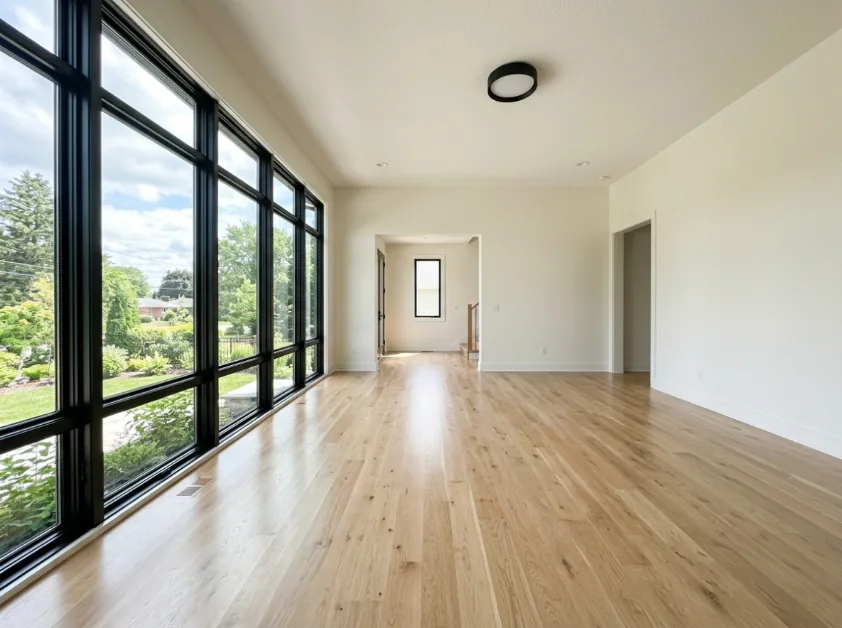
Use a clear photo showing as much of the empty room as possible.
Explore new furniture and styles in your photo.
JPG, PNG, WebP, HEIC or HEIF · up to 20 MB per photo
At least 64 × 64 pixels; JPG/PNG/WebP up to 40 megapixels.
HEIC/HEIF: up to 4 megapixels. Larger images need a JPG, PNG or WebP copy.
Well lit, with the whole area visible.
For example: modern, Scandinavian or industrial.
Review AI changes before publishing a property image.
Have a photo of an empty room and want to explore how it could look furnished? Choose room type, design style, furniture density and color palette to develop a room idea, then compare the furnishing with your source photo.
Use a clear photo showing as much of the empty room as possible.
Use room type, design style, furniture density and color palette to prepare your image.
Compare the returned image with your original. Check windows, doors, proportions and furnishing details.
Use a clear photo showing as much of the empty room as possible.
The editor shows the options for this tool.
You confirm the cost before anything is charged.
Check windows, doors, proportions and image details before using a room idea.
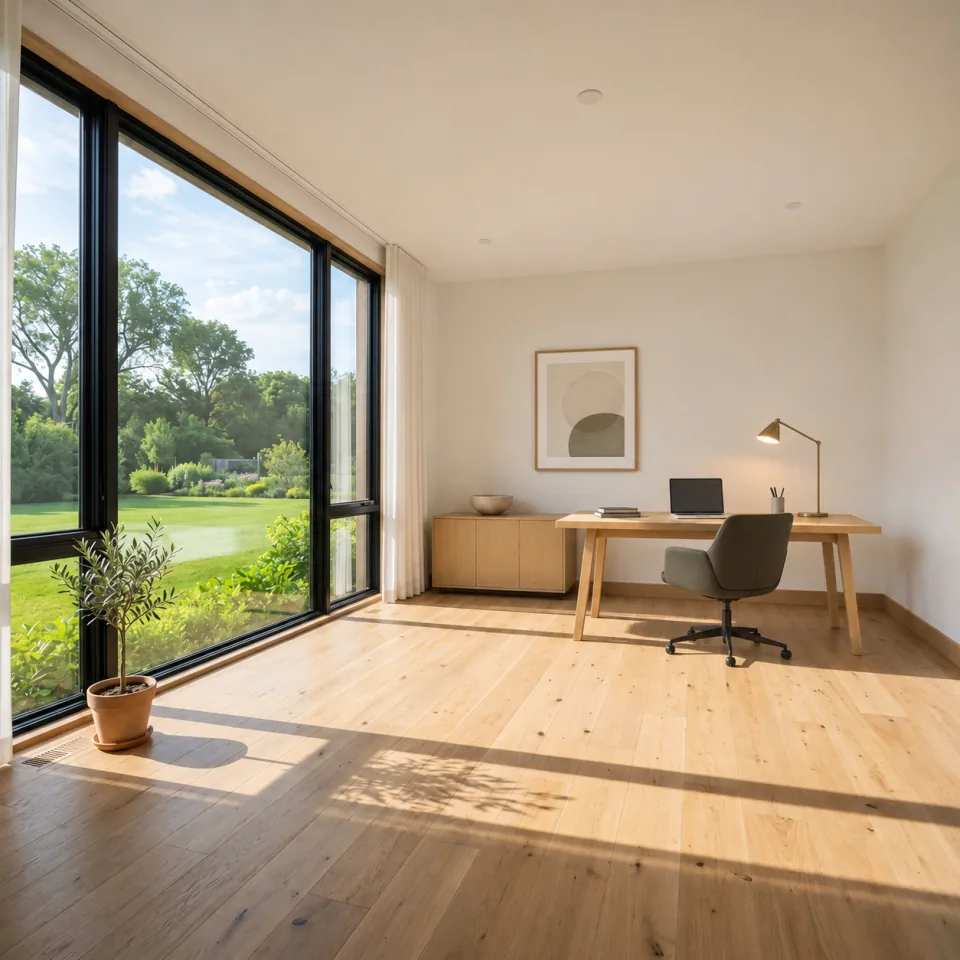
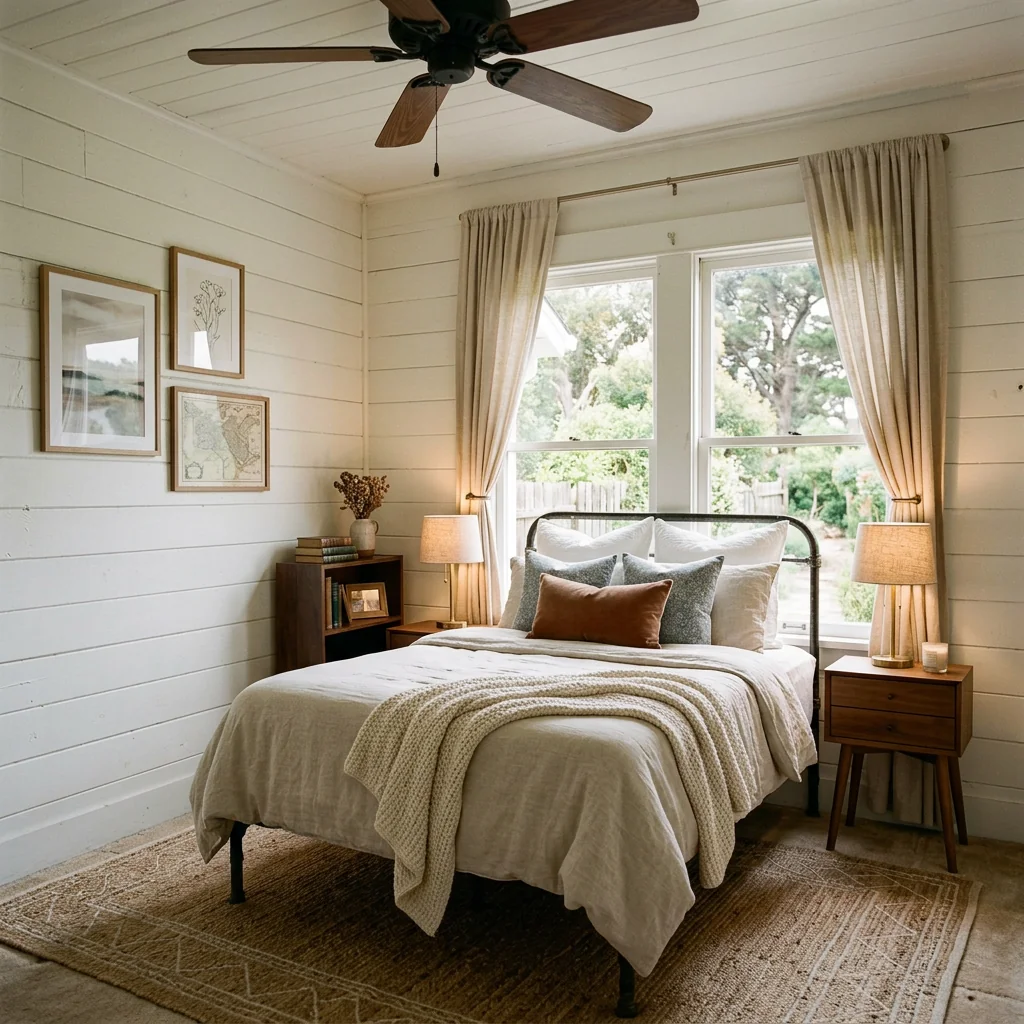
A desk, storage and a calm color palette illustrate how a room could look as a home office.
AI-generated room illustration · not a PropStage tool resultUse room type, design style, furniture density and color palette to prepare your image.
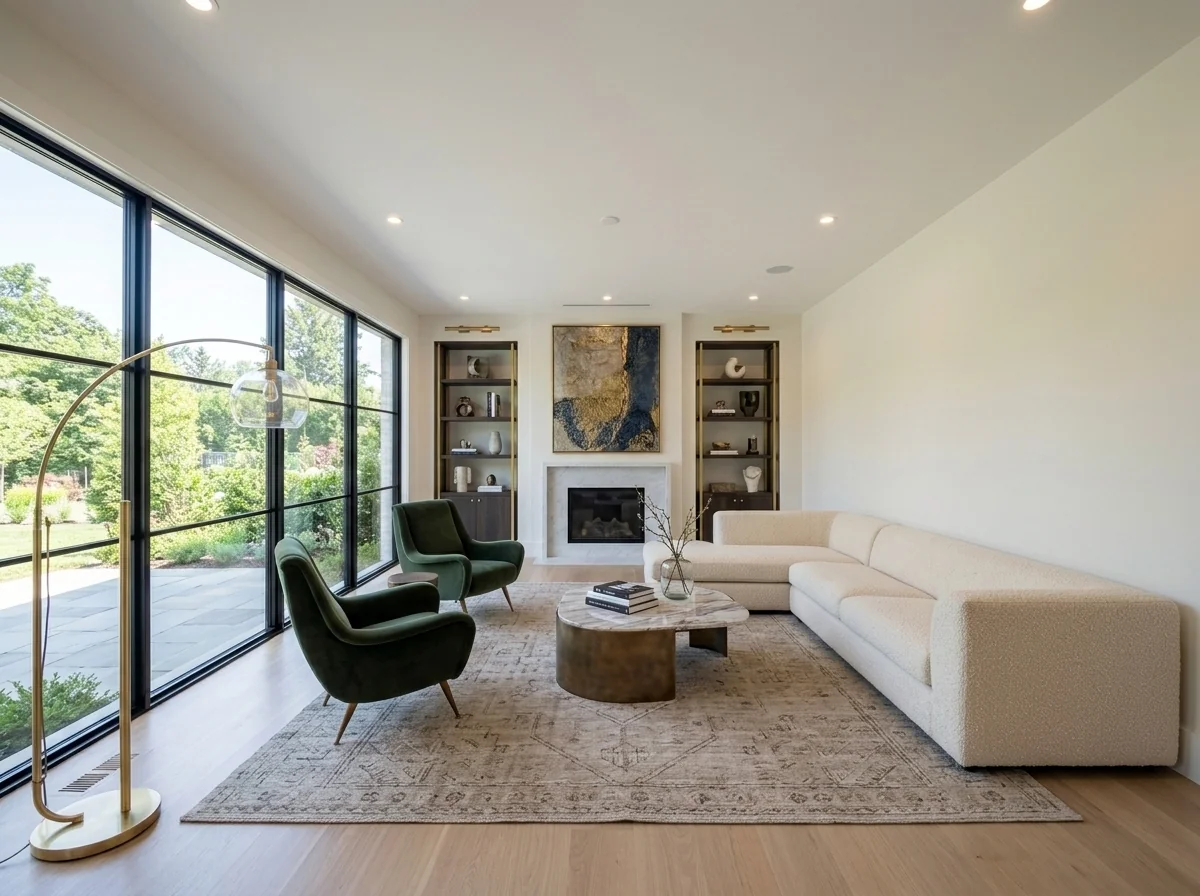
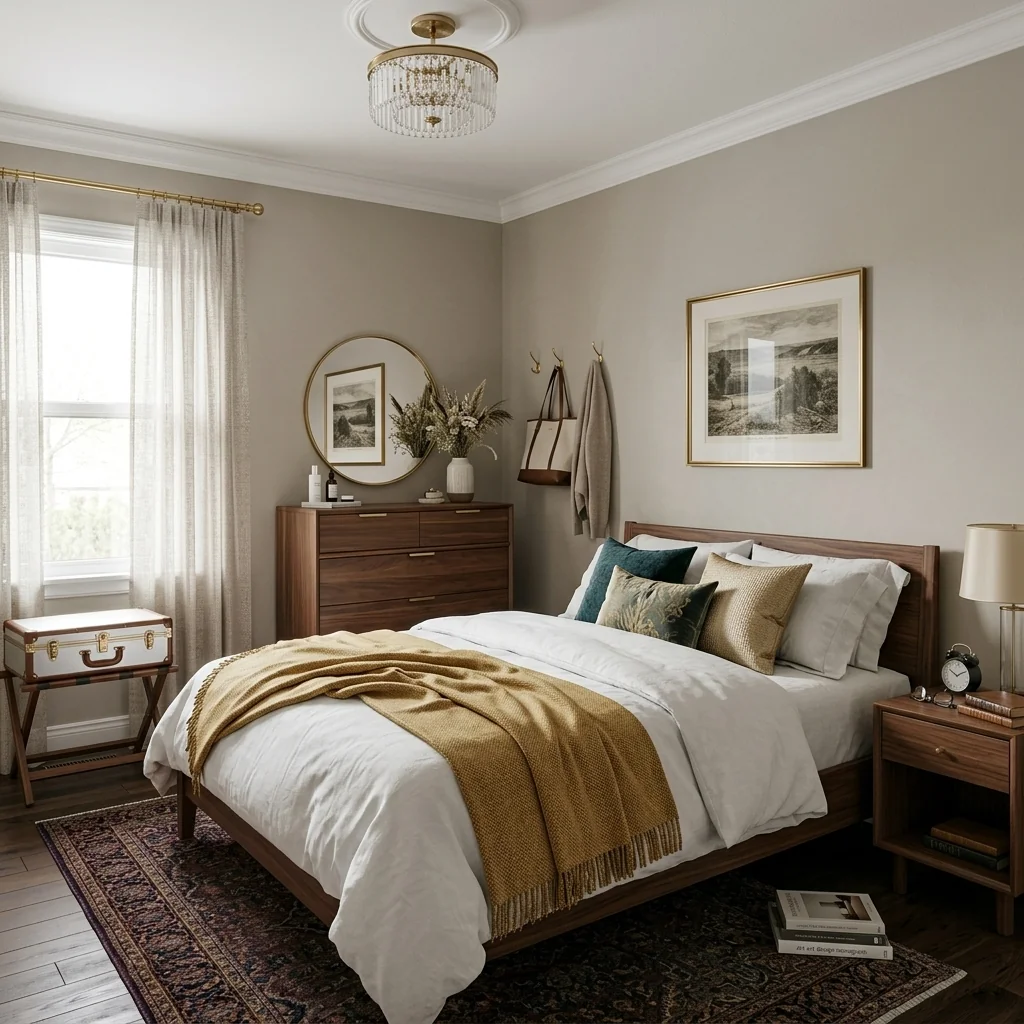
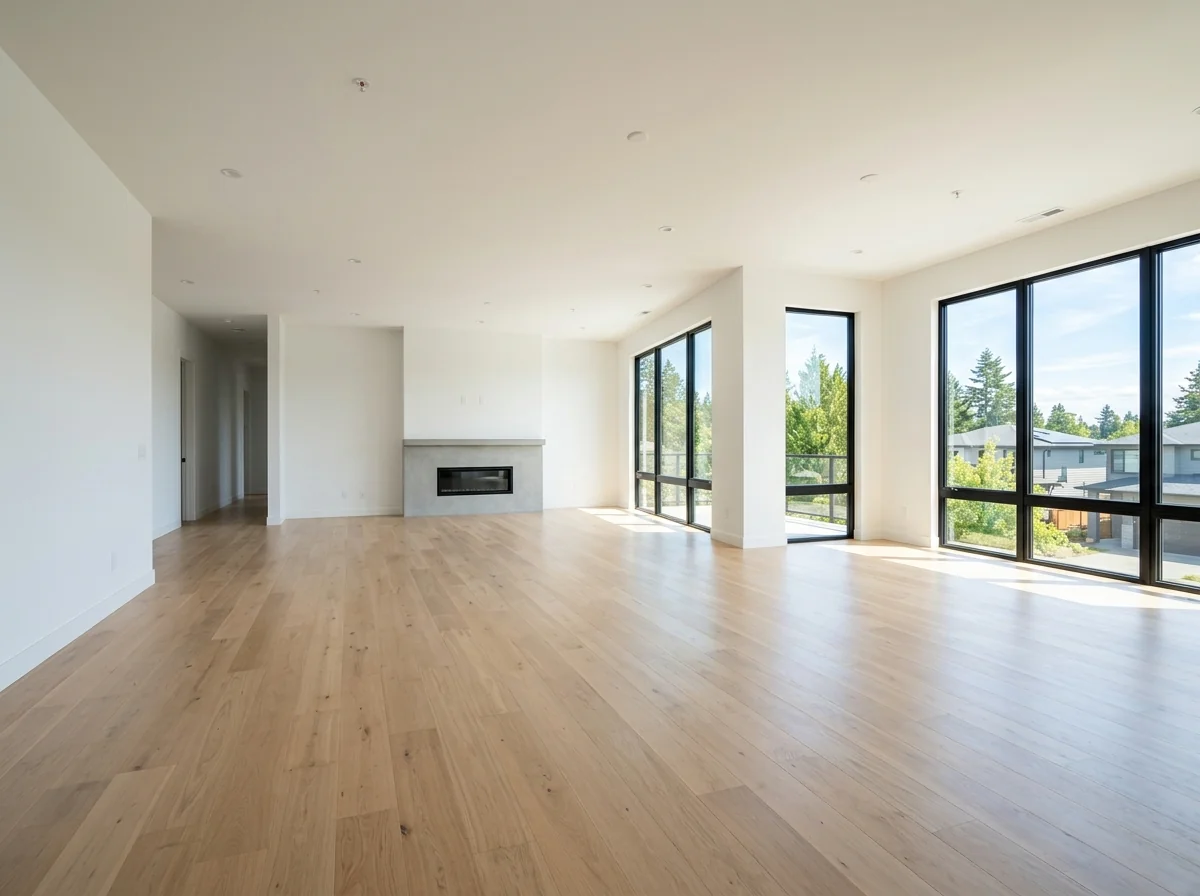
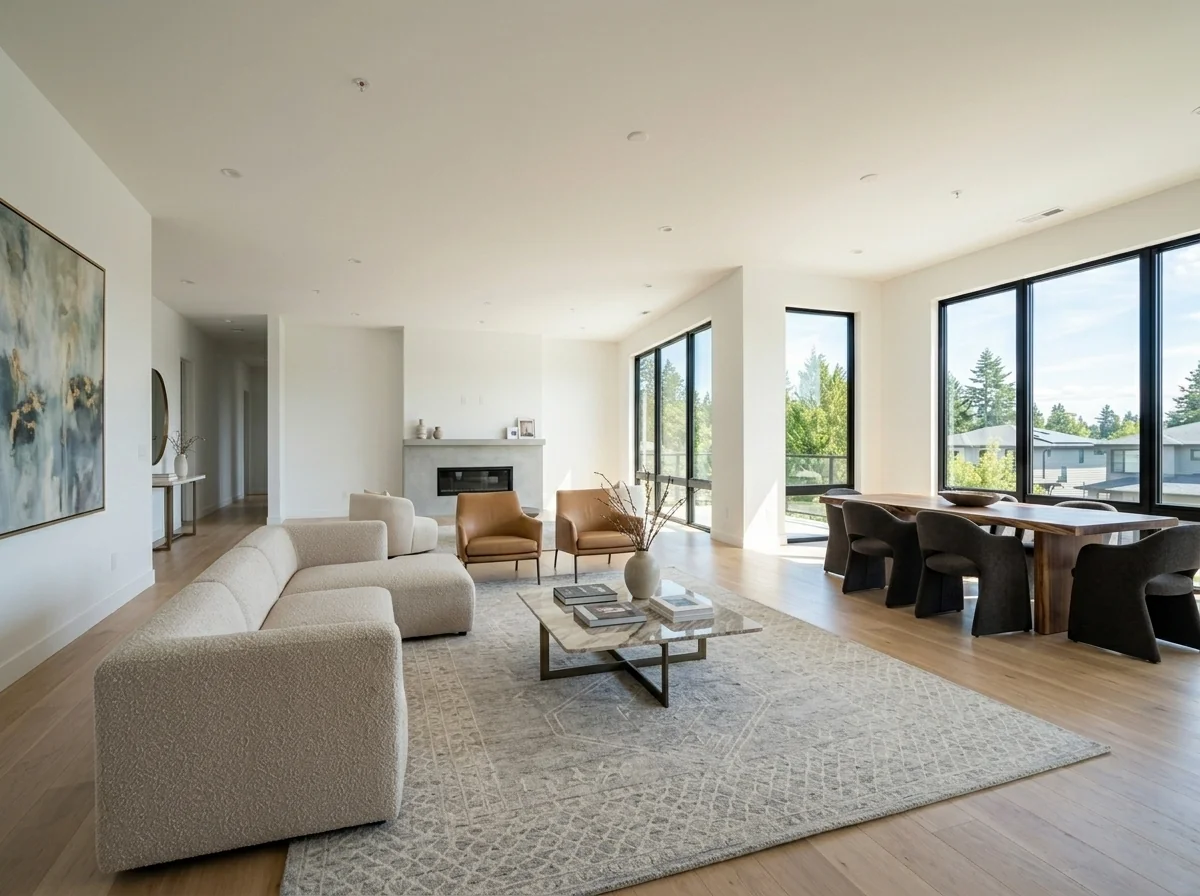
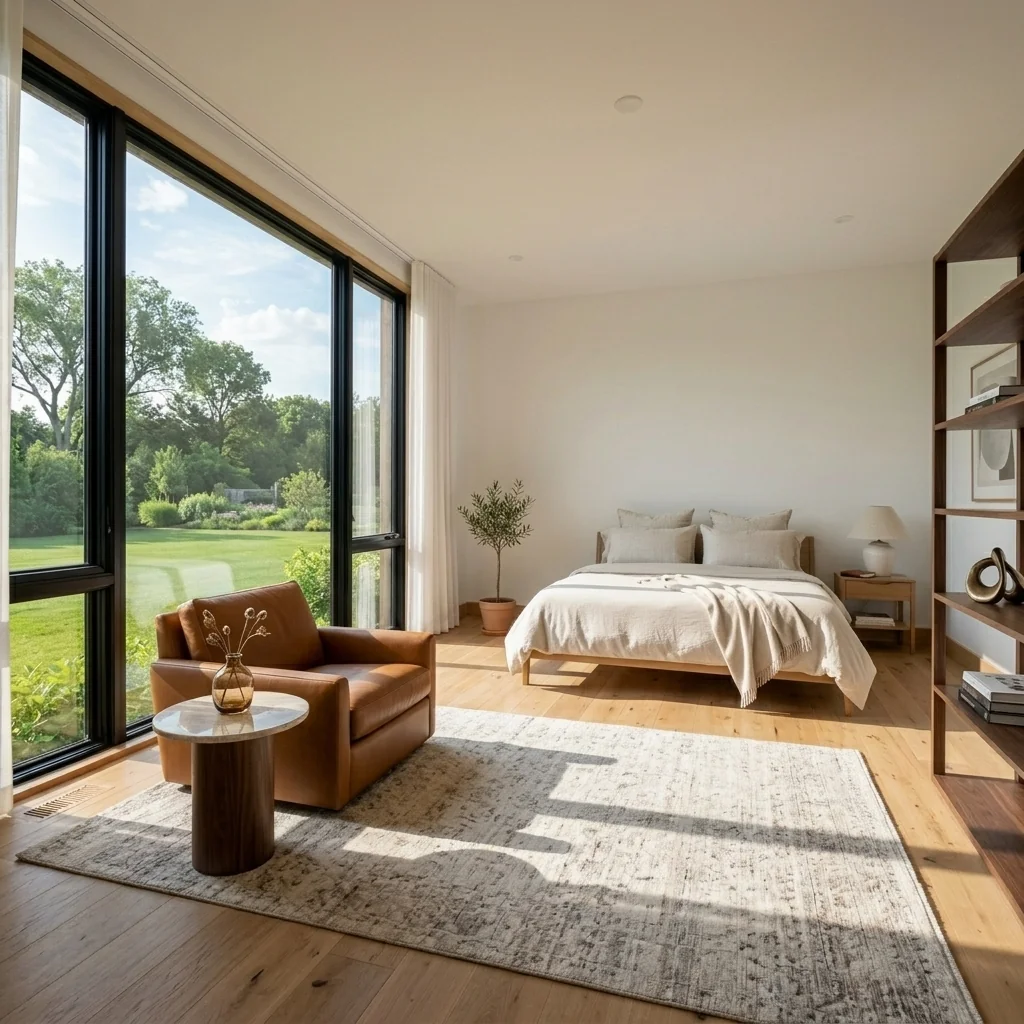
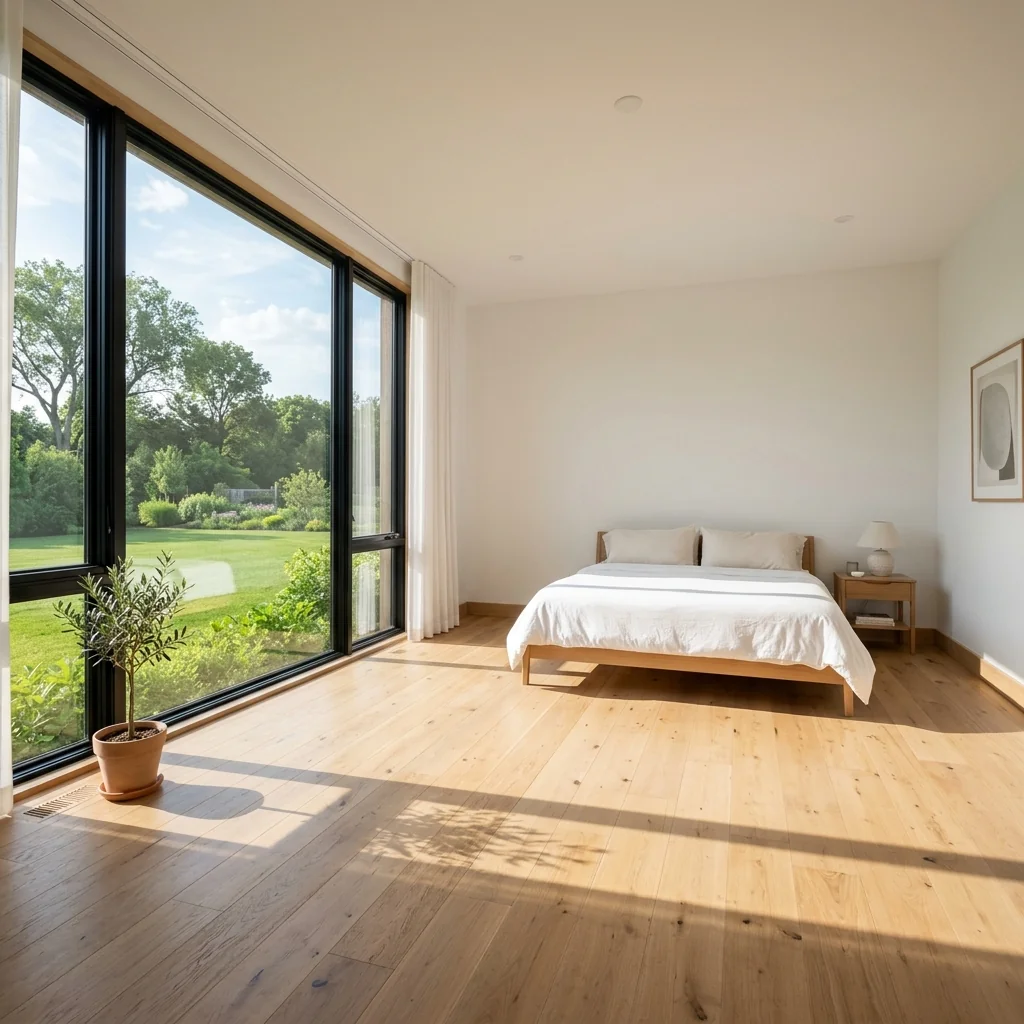
These illustrations use the same empty reference room to show how style and furniture density can change its atmosphere.
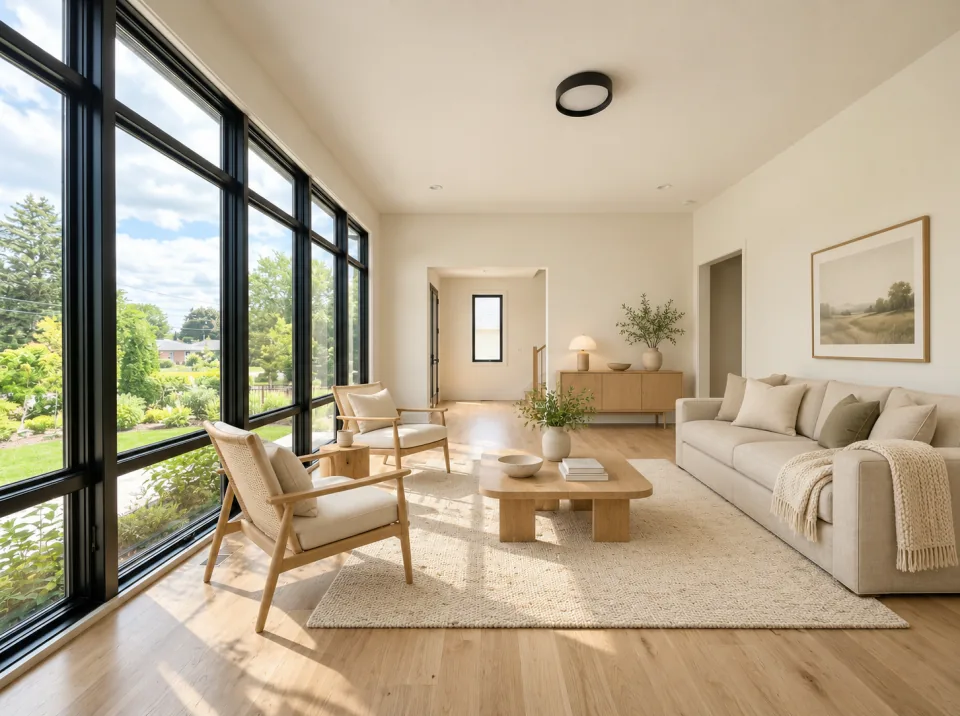
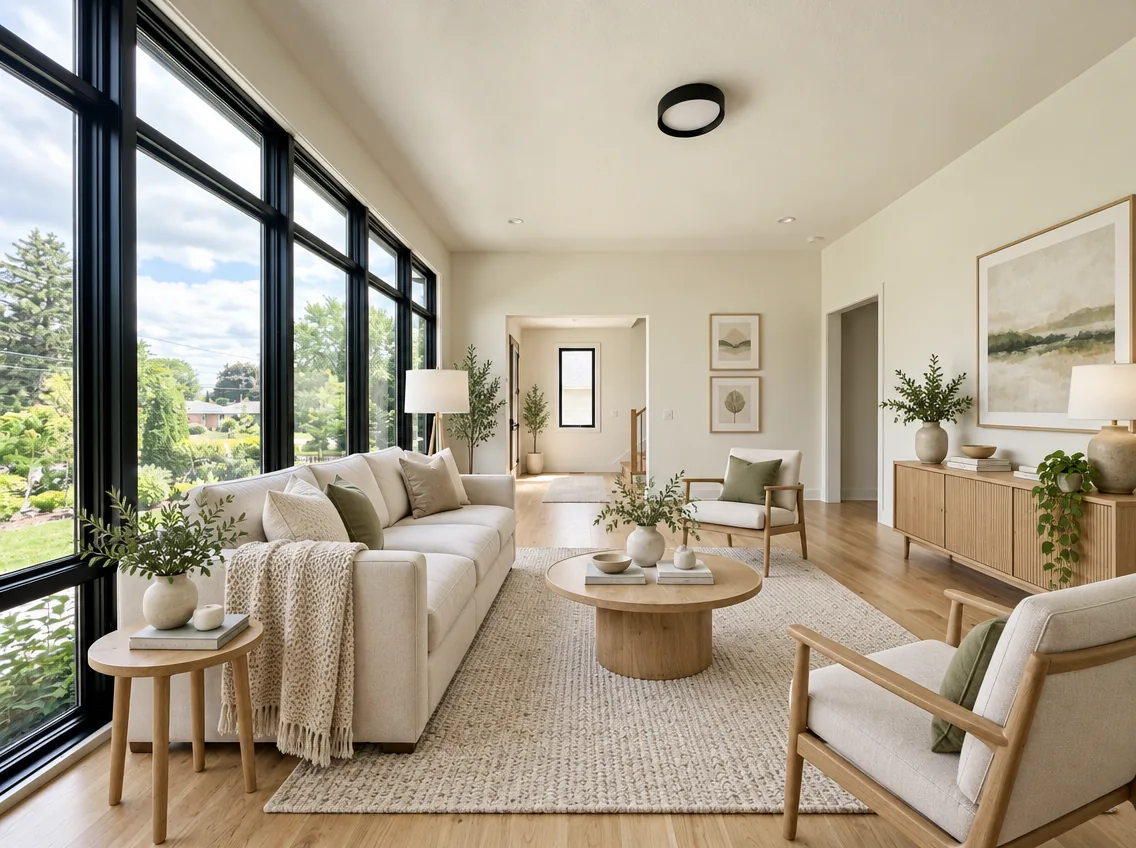
Light wood, natural fabrics and a seating group illustrate one possible furnishing for your living space.
AI-generated room illustration · not a PropStage tool result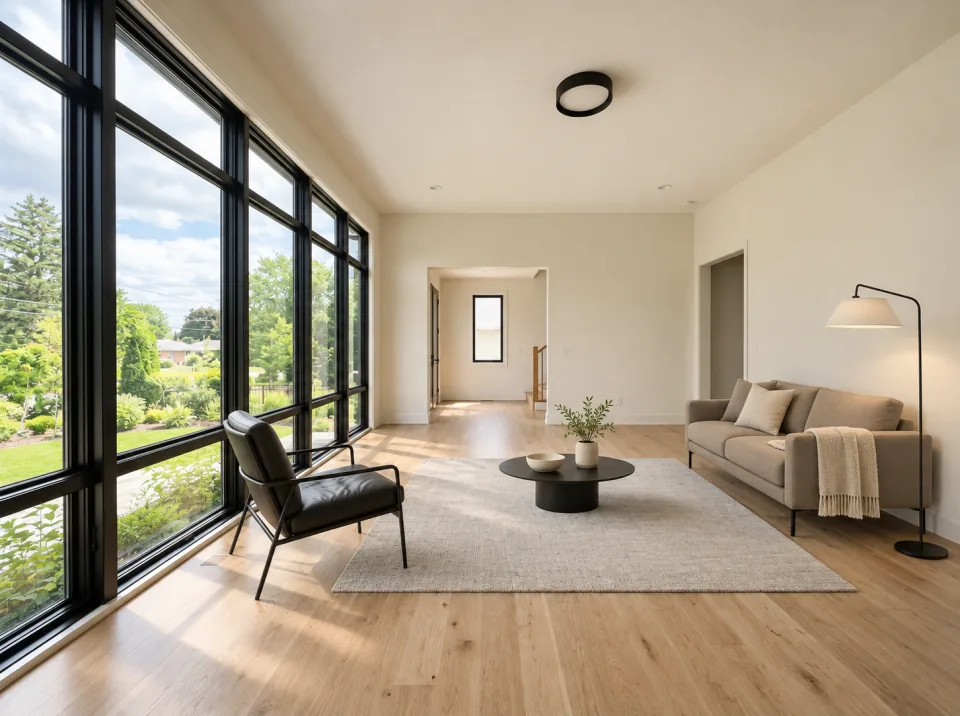
A few pieces of furniture, clear lines and muted colors illustrate a quieter alternative for the same room.
AI-generated room illustration · not a PropStage tool result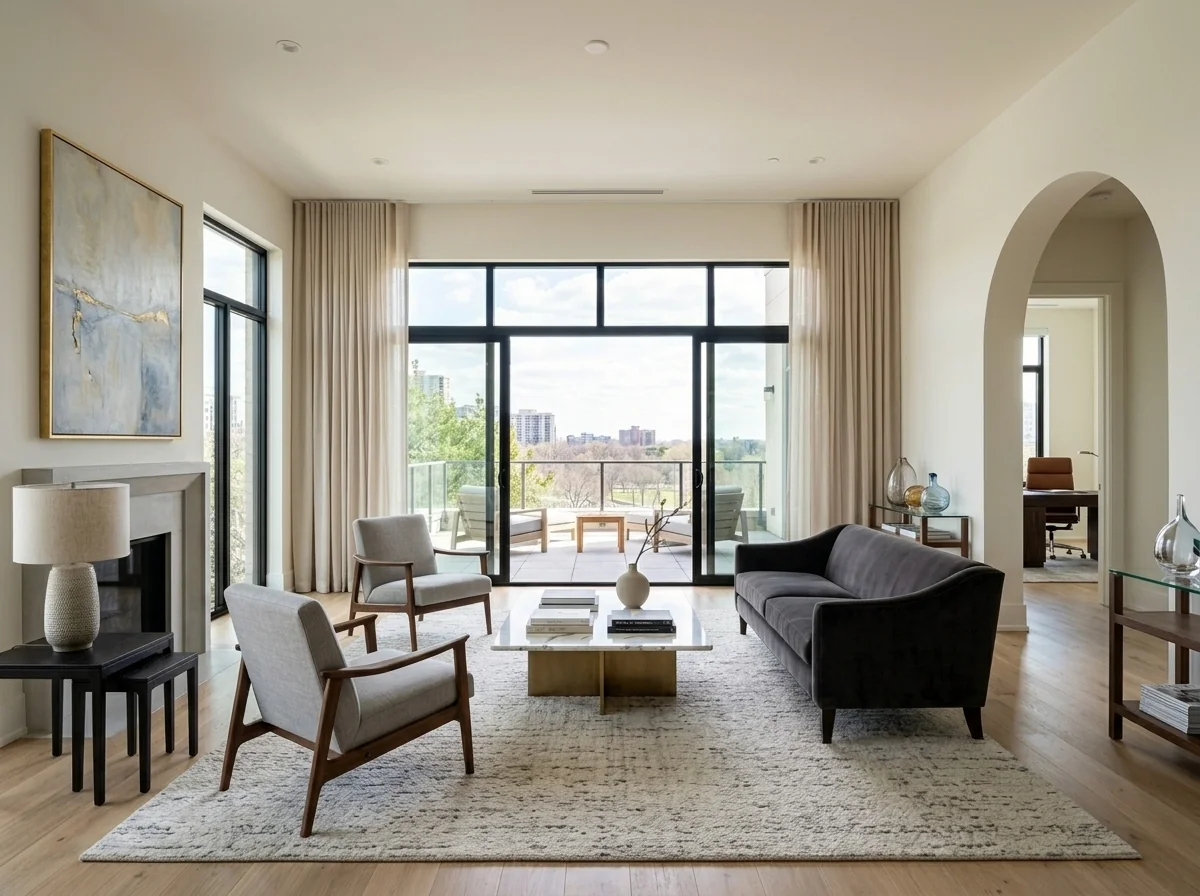
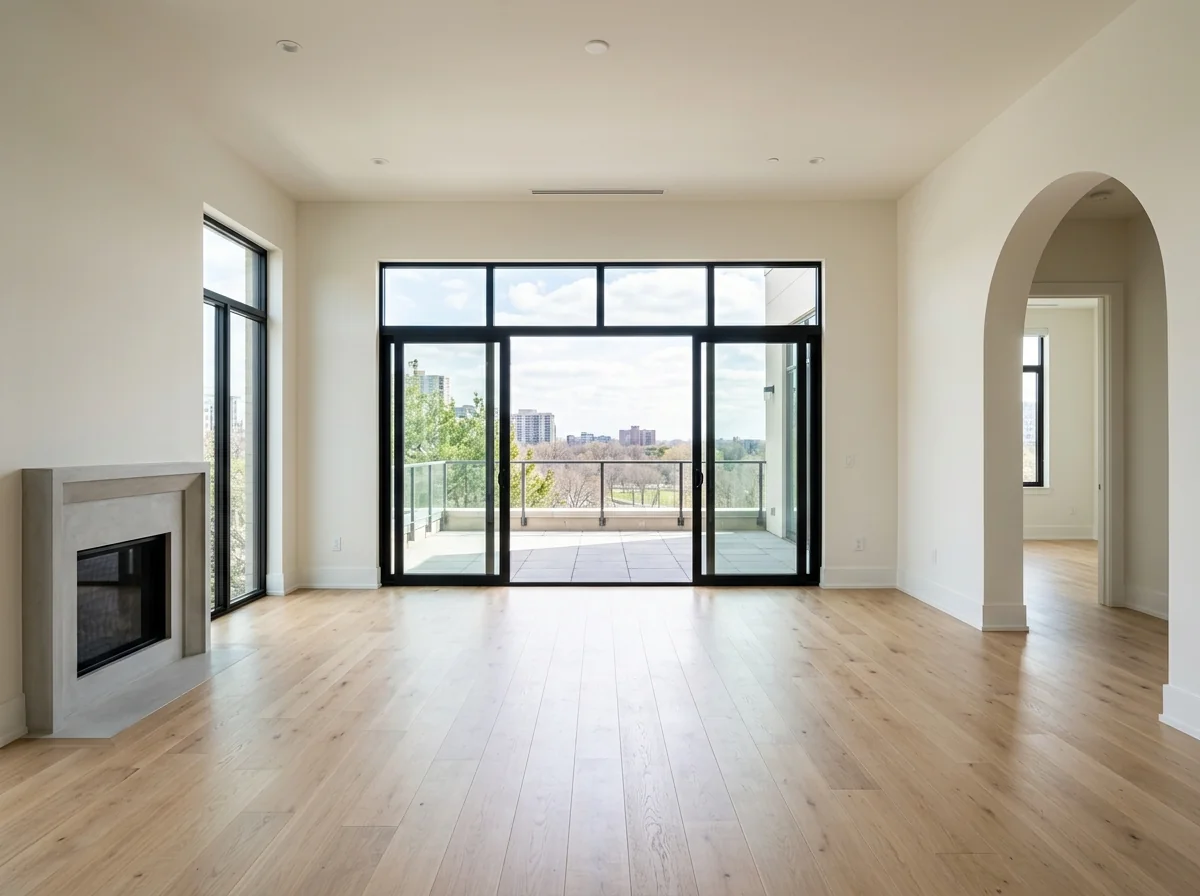
Check your room type and style
Coordinate furniture density and colors
Compare the image with your original
Give each room its own photo and draft. Save your choices and compare the returned images in your projects, so different rooms and versions stay easy to find.
Explore a furnishing direction for a room you want to live in. Compare the mood, colors and amount of furniture before planning the real pieces.
Try a consistent style across your room photos, or compare different choices for the same room. Keep a separate draft for each idea.
Show a possible use of an empty space, from a living area to a place to work. Label edited photos appropriately when sharing them.
A visualization is an idea. It does not establish furniture fit or a completed renovation.
Check windows, doors, proportions and image details before using a room idea.
Check whether the furnishing looks coherent and suits your intended use.
Review changes before using your image.
Use a well-lit image with visible room surfaces.
Keep the full room in view, including the area you want to furnish.
Use a level photo with straight vertical lines. For a clear room reference, avoid panorama and fisheye views where possible.
It visualizes a possible furnishing in your room photo. Compare the returned image with your original.
Use a clear photo showing as much of the empty room as possible.
Choose room type, design style, furniture density and color palette. The available fields also accept your own choices.
You review the exact image cost before confirming a request. Available credits remain subject to the existing account checks.
Use the available example-photo action to try the tool. Public examples are illustrative room ideas.
Compare the returned image with your original. Check windows, doors, proportions and furnishing details.
Available plans and image allowances are shown in the pricing overview.
Available plans and image allowances are shown in the pricing overview.
View plans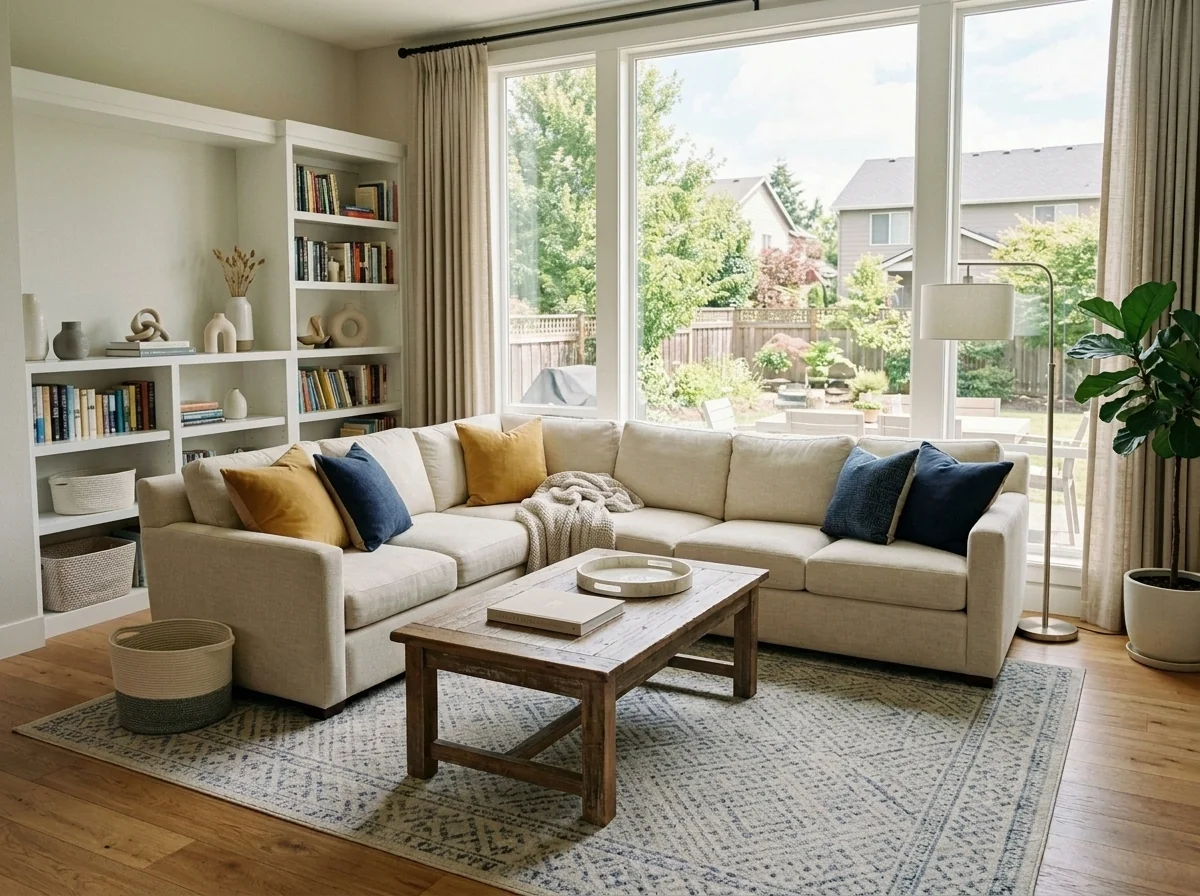
Explore a tidier listing photo.
Example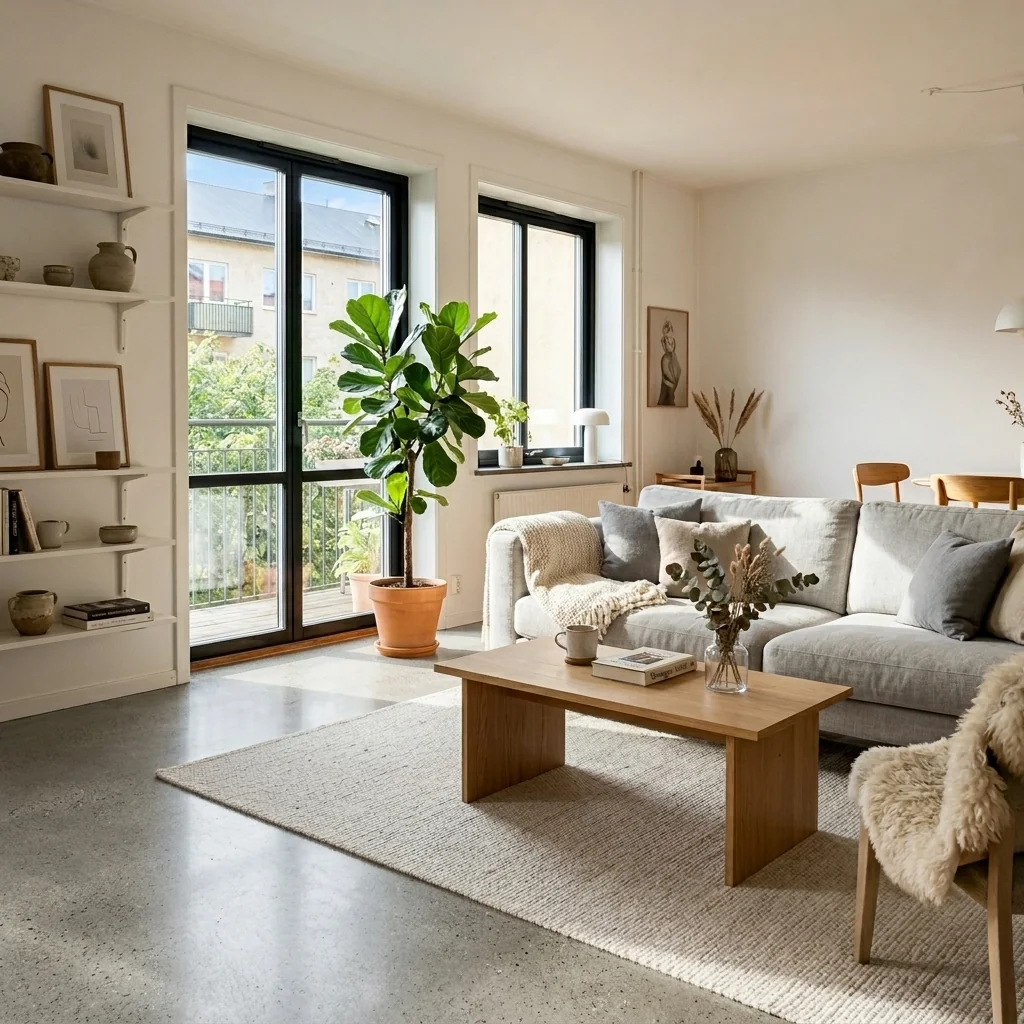
Explore a flooring change using your interior photo and the offered flooring-reference and finish settings.
Example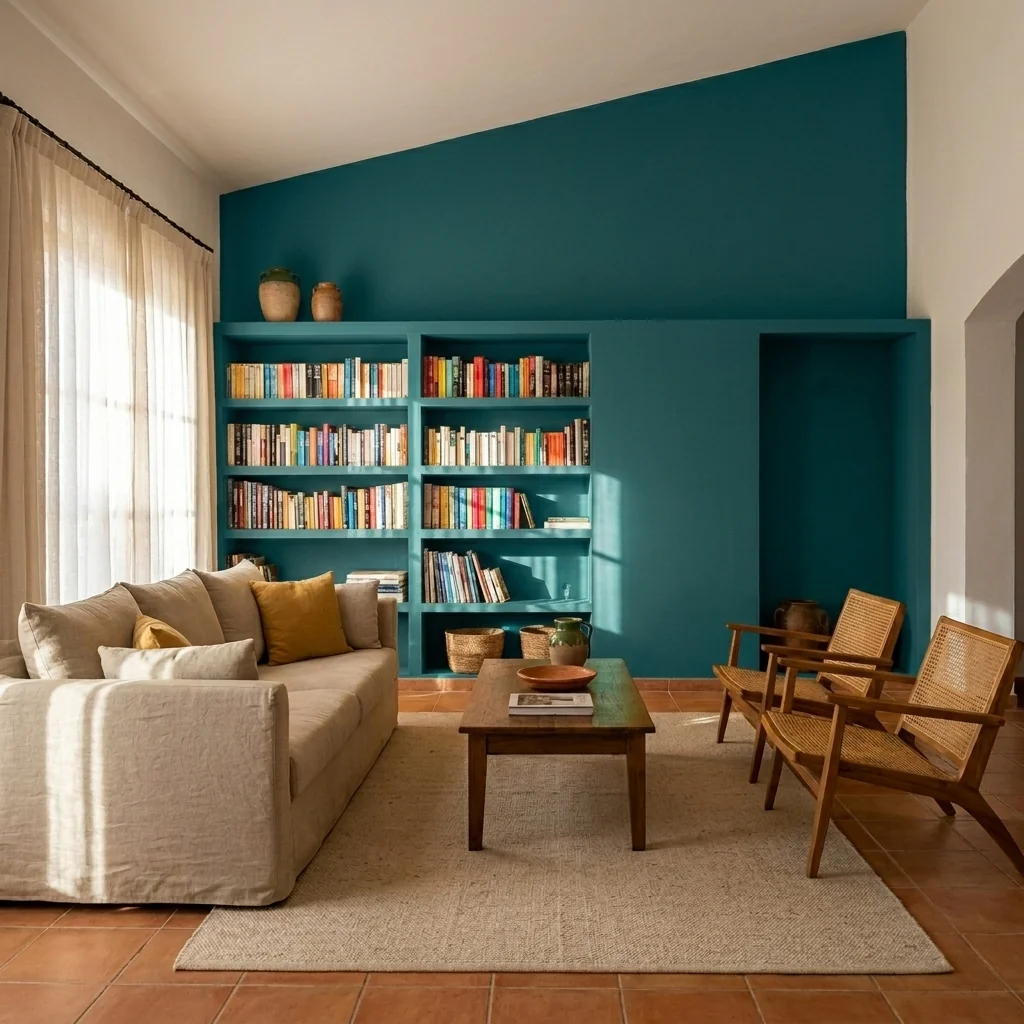
Explore wall-colour or accent-wall ideas on a room photo.
Example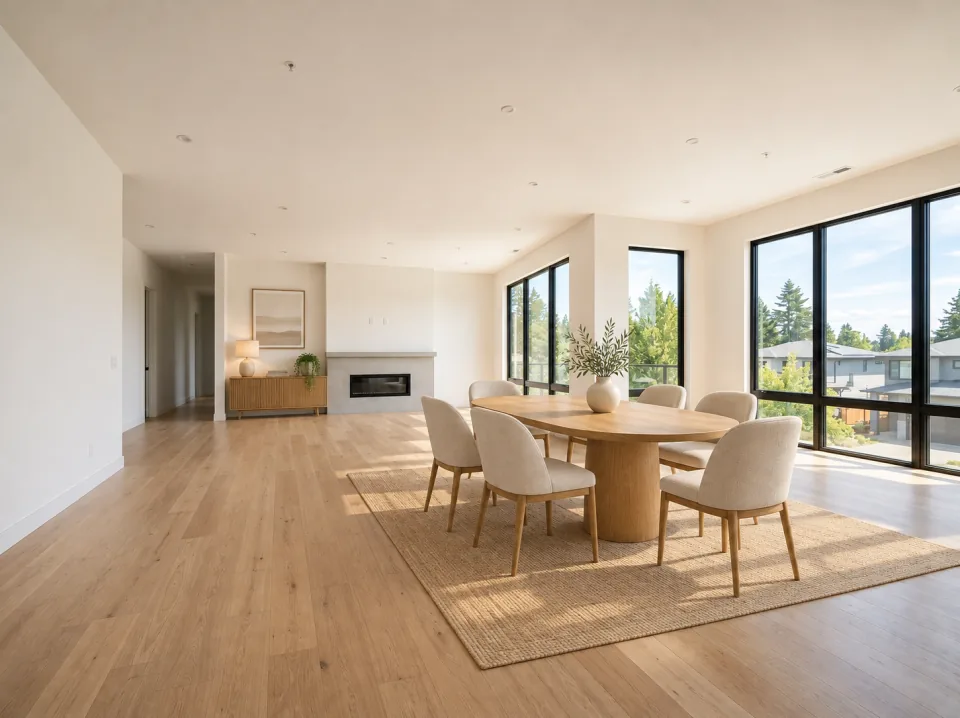
A table, chairs and a sideboard illustrate another use for a spacious empty room.
AI-generated room illustration · not a PropStage tool result