
Bathroom Renovation Preview
Explore a bathroom renovation idea on your photo. Choose a style, tile type and fixture finish; the preview is a visual concept rather than an installation plan or quotation.
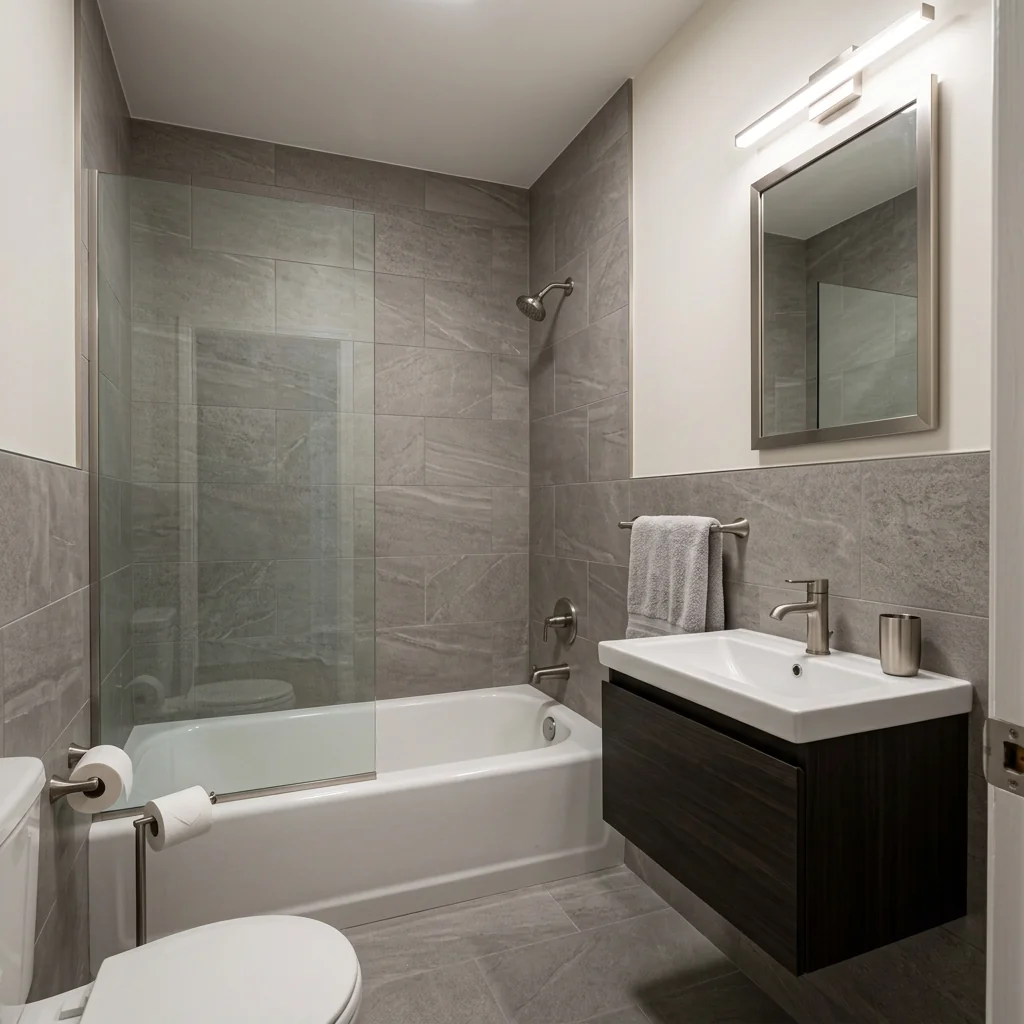
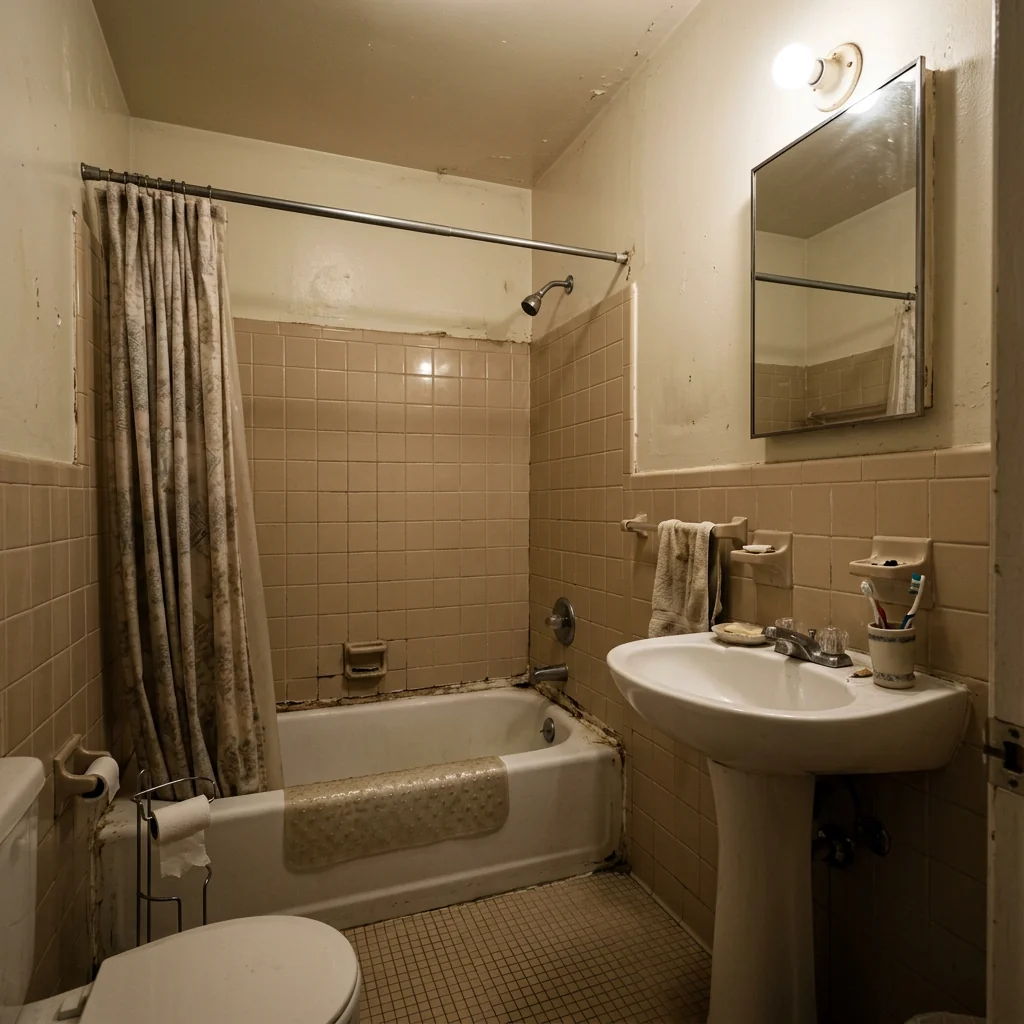
Example · Your result depends on your photo and settings.
1 image free after verified sign-in · No credit card
Choose a photo. Review the look. Sign in to create.
Examples and photo tips
What to prepare
JPG, PNG, WebP, HEIC or HEIF · up to 20 MB per photo
At least 64 × 64 pixels; JPG/PNG/WebP up to 40 megapixels.
HEIC/HEIF: up to 4 megapixels. Larger images need a JPG, PNG or WebP copy.
A clear source photo
Well lit, with the whole area visible.
An idea of the change you want
The editor shows the options for this tool.
Review AI changes before publishing a property image.
Explore more examples
View original photo
Before

View original photo
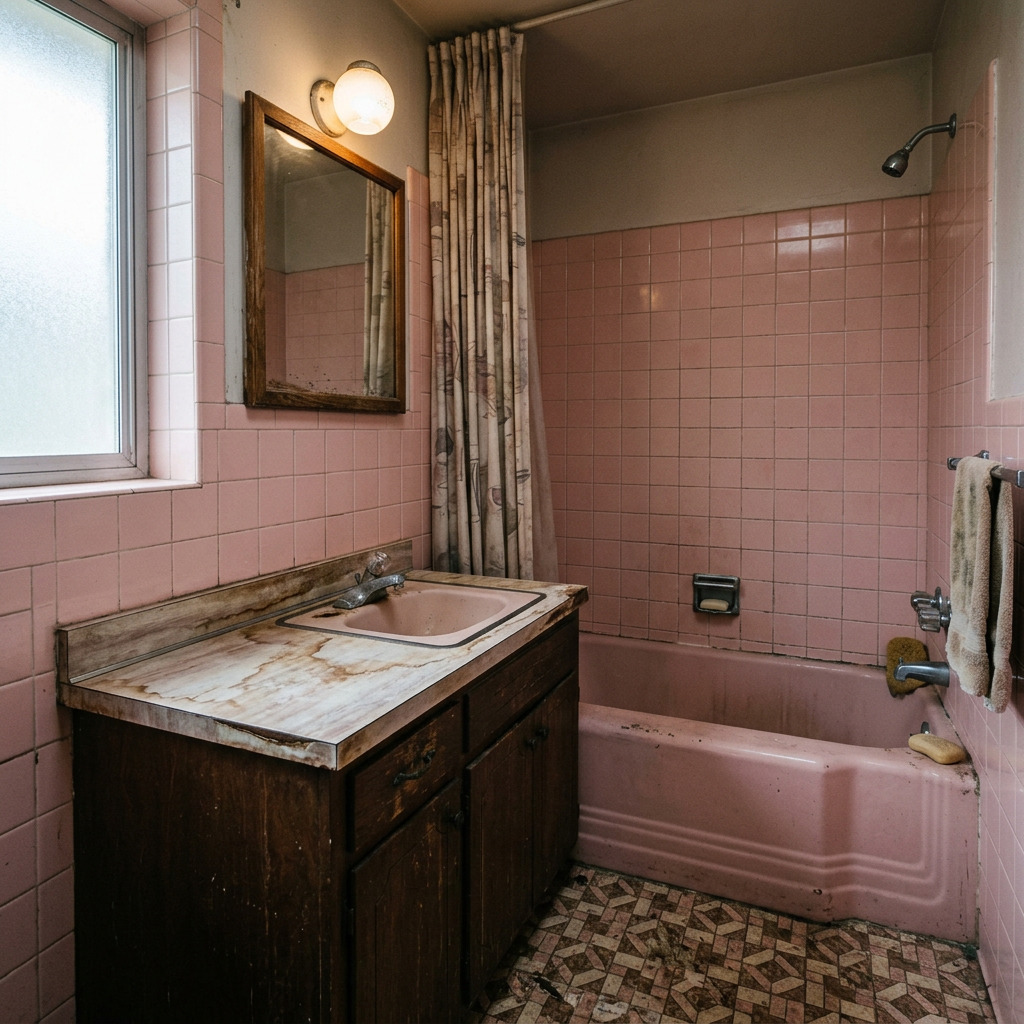
Before

View original photo
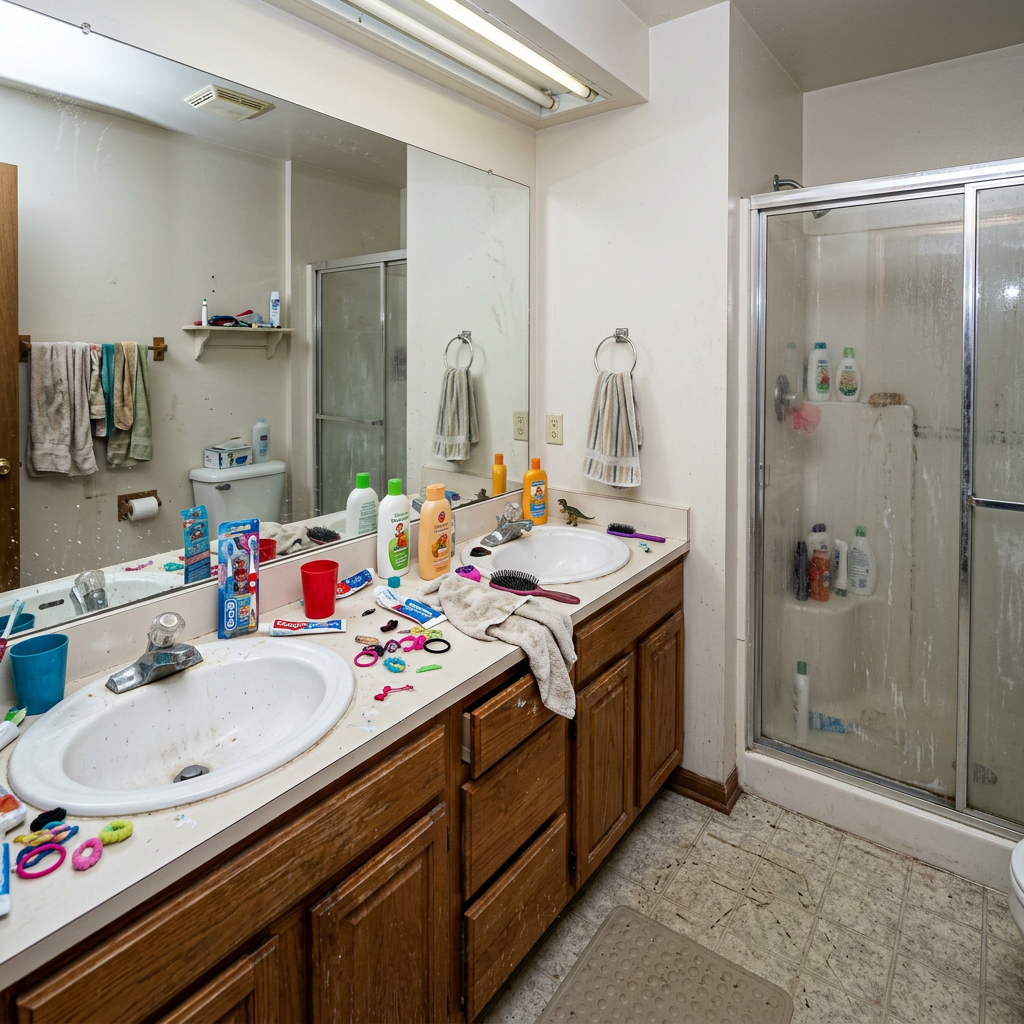
Before
About this tool
Architectural & Design Previews
Prepare your idea
Explore a bathroom renovation idea on your photo. Choose a style, tile type and fixture finish; the preview is a visual concept rather than an installation plan or quotation.
Prepare your source photo and the references listed in the form. Its settings describe the intended changes.
Review the request and result
Review availability, image count and the current total before explicitly confirming. Registration alone does not establish credits or a free result. If the outcome is unclear, check the saved status of the existing request before confirming again.
Read the earlier original guide
This earlier guide may contain historical price, timing, quality or usage statements. Use the current description and tool form.
Frequently asked questions
Will it change my bathroom layout?
No, the AI preserves your bathroom layout, plumbing positions, and window placement. It only transforms surfaces, fixtures, and decor.
How accurate are the tile previews?
Very accurate! The AI understands tile patterns, grout lines, and how materials reflect light in bathroom environments.
Can I share the preview with my contractor?
Yes! Download the image and share it with your contractor, designer, or tile supplier as a visual reference.
Does it work for small bathrooms?
Absolutely! The AI works with bathrooms of any size, from powder rooms to master bathrooms.
Häufig gestellte Fragen
5 Jaw-Dropping Bathroom Renovation Preview Examples: Before & After Transformations
How to Bathroom Renovation Preview Online: Maximize Your Property Listing Potential
Expert guide
5 Tips for a Stunning Bathroom Renovation Preview That Sells Real Estate
How to Bathroom Renovation Preview Online for Enhanced Property Listings on Zillow and MLS
What technology powers the Bathroom Renovation Preview for realistic real estate photos?
PropStage.ai's Bathroom Renovation Preview uses advanced AI and machine learning algorithms to realistically render changes. Transform your existing real estate photos by uploading them to our platform. Our AI analyzes the image, identifies bathroom elements, and seamlessly integrates your chosen renovations. This ensures a photorealistic preview for your property listing, enhancing its appeal on Zillow and the MLS.
Are there any legal or MLS guidelines I need to follow when using a Bathroom Renovation Preview?
Yes, agents must adhere to NAR guidelines and MLS regulations regarding accurate property representation. Always disclose that the images are digitally staged or renovated using Bathroom Renovation Preview. Ensure the final renovated bathroom aligns with local building codes and permit requirements. Transparency is crucial for maintaining trust and avoiding legal issues related to your property listing.
What is the cost of using Bathroom Renovation Preview compared to traditional staging?
Bathroom Renovation Preview offers a cost-effective alternative to traditional physical staging. Instead of spending thousands on contractors and materials, upload your real estate photos and preview different renovation options for a fraction of the price. This allows agents to showcase the potential of a property listing without significant upfront investment, maximizing ROI on Zillow and other platforms.
How does Bathroom Renovation Preview ensure high-quality results for my property listing?
PropStage.ai prioritizes quality. Our Bathroom Renovation Preview tool generates high-resolution images suitable for MLS and Zillow. We offer various customization options, allowing you to fine-tune the renovation to match your vision. By carefully selecting materials and styles, you can create a visually appealing and accurate representation of the renovated bathroom, attracting more potential buyers to your property listing.
What are the best uses for Bathroom Renovation Preview in real estate marketing?
Bathroom Renovation Preview is ideal for showcasing the potential of fixer-uppers or outdated bathrooms. Use it to help buyers visualize the possibilities and overcome concerns about renovation costs. Enhance your property listing by presenting before-and-after scenarios, highlighting the transformation achievable with a few simple changes. This attracts more attention on Zillow and increases buyer interest.
How can I integrate Bathroom Renovation Preview into my existing real estate workflow?
Seamlessly integrate Bathroom Renovation Preview into your current workflow. Upload your real estate photos directly from your camera or existing files. Convert those images into stunning renovation previews in minutes. Download the enhanced images and use them in your MLS listing, Zillow ad, or marketing materials. Streamline your process and save time with our user-friendly platform, designed specifically for real estate agents.
How it works
So funktioniert es
Upload Your Bathroom
Take a clear photo of your current bathroom showing tiles, fixtures, and vanity.
Pick Materials & Style
Choose your dream tile type, fixture finish, and overall renovation style.
See the Renovation
AI generates a photorealistic preview of your completely renovated bathroom.
What you can do
Why Preview Before You Renovate
Photorealistic Results
See exactly how new tiles and fixtures will look in YOUR bathroom
Save Money
Avoid costly mistakes by previewing before purchasing materials
Try Multiple Styles
Compare different renovation options side by side
Show Your Contractor
Share the AI preview with your contractor as a reference
Layout Preserved
AI keeps your bathroom layout — only changes surfaces and fixtures
Instant Preview
Get your renovation preview in under 30 seconds
Bathroom Renovation? See it BEFORE You Spend!
Visualize your dream bathroom with AI. Preview tile, fixtures, & more!
Compare editing approaches
Review timing, cost, available options and the editing steps for your photo.
Creation time
Other services: Agree on a delivery deadline before work starts.
PropStage: Processing time varies. If a result is delayed, check its saved request status instead of sending the same request again.
Cost per image
Other services: Ask for a written quote covering the agreed work and any additional fees.
PropStage: Review the credit cost before confirming a request. Check the current offer before choosing a plan.
Styles and variations
Other services: Confirm which styles and revisions are included.
PropStage: Use the options offered by this tool. Review the credit cost before confirming each new image request.
Editing workflow
Other services: Agree on the source photos, references and final review.
PropStage: Review the required photos and settings before confirming. Keep your original and compare the saved result before publishing.
Read the earlier original guide
This earlier guide may contain historical price, timing, quality or usage statements. Use the current description and tool form.
Renovate With Confidence
No more guessing how your new tiles will look. Our AI creates photorealistic bathroom renovation previews that help you make the right material and style choices.