
"Coming Soon" Sneak Peek Teaser
Create a Coming Soon image from a property photo. Choose a blur or lighting effect and supply your teaser text; review legibility and the facts before publishing.


Example · Your result depends on your photo and settings.
1 image free after verified sign-in · No credit card
Choose a photo. Review the look. Sign in to create.
Examples and photo tips
What to prepare
JPG, PNG, WebP, HEIC or HEIF · up to 20 MB per photo
At least 64 × 64 pixels; JPG/PNG/WebP up to 40 megapixels.
HEIC/HEIF: up to 4 megapixels. Larger images need a JPG, PNG or WebP copy.
A clear source photo
Well lit, with the whole area visible.
An idea of the change you want
The editor shows the options for this tool.
Review AI changes before publishing a property image.
Explore more examples
View original photo
Before

View original photo
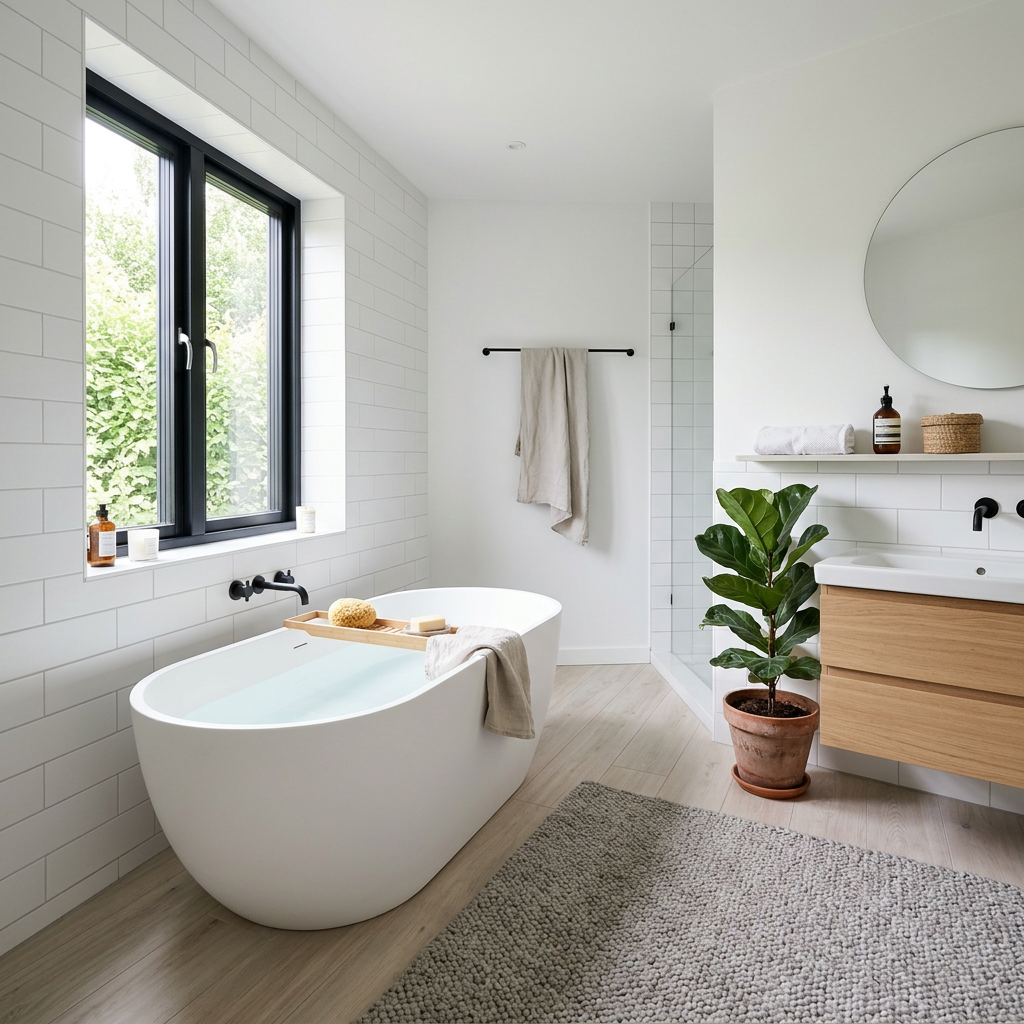
Before

View original photo
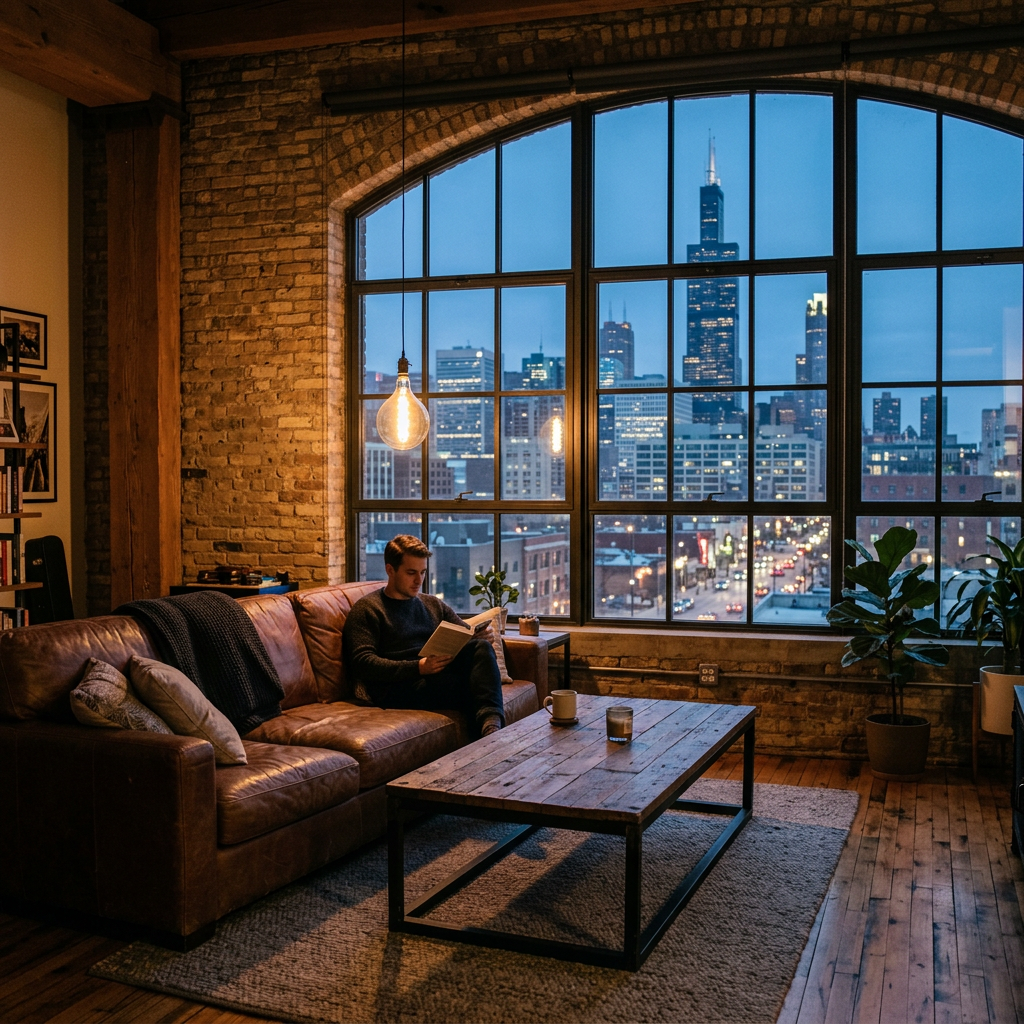
Before
About this tool
Marketing & Distribution Outputs
Prepare your idea
Create a Coming Soon image from a property photo. Choose a blur or lighting effect and supply your teaser text; review legibility and the facts before publishing.
Prepare your source photo and the references listed in the form. Its settings describe the intended changes.
Review the request and result
Review availability, image count and the current total before explicitly confirming. Registration alone does not establish credits or a free result. If the outcome is unclear, check the saved status of the existing request before confirming again.
Read the earlier original guide
This earlier guide may contain historical price, timing, quality or usage statements. Use the current description and tool form.
4 Stunning "Coming Soon" Sneak Peek Teaser Examples: Before & After (2026)
How to Generate Buzz: Before & After Examples Using "Coming Soon" Sneak Peek Teaser Online
Expert guide
5 Tips: Master the "Coming Soon" Sneak Peek Teaser for Real Estate Listings
How to create a high-impact "Coming Soon" sneak peek teaser online and generate leads for your property listing
What technology do I need to create a compelling "Coming Soon" Sneak Peek Teaser?
Transform your real estate photos into attention-grabbing teasers using PropStage.ai's "Coming Soon" Sneak Peek Teaser tool. Upload your image, then leverage our AI to apply frosted glass, blur, or shadow effects. No advanced software or design skills are required. Enhance your property listing with professional-grade visuals directly from our platform.
Are there any MLS or legal considerations when using a "Coming Soon" Sneak Peek Teaser?
Always adhere to NAR guidelines and your local MLS rules regarding "Coming Soon" listings. Disclose that the property is not yet available for showings. The "Coming Soon" Sneak Peek Teaser should generate interest without violating fair housing laws or misrepresenting the property's condition. Consult your broker for specific guidance on compliance when using your teaser for your property listing.
What is the cost of creating a "Coming Soon" Sneak Peek Teaser with PropStage.ai?
PropStage.ai offers a cost-effective solution for generating stunning "Coming Soon" visuals. Our pricing plans are designed to suit various needs, from individual agents to large brokerages. Enhance your real estate photos with our tool, potentially saving hundreds compared to hiring a professional designer. Check our website for current pricing and free trial options to create your own teaser.
How can I ensure the "Coming Soon" Sneak Peek Teaser looks high-quality?
Upload high-resolution real estate photos to the "Coming Soon" Sneak Peek Teaser tool. Experiment with different blur, frost, and shadow effects to find the perfect balance. Use bold, legible text for the "Coming Soon" message. Ensure the final image aligns with your brand and the overall aesthetic of the property listing. Remember, quality visuals attract more attention on Zillow and other platforms.
What are the best uses for a "Coming Soon" Sneak Peek Teaser in real estate?
Generate buzz before your property listing hits the market. Share the "Coming Soon" Sneak Peek Teaser on social media, your website, and in email marketing campaigns. Use it to collect leads and build anticipation among potential buyers. A well-crafted teaser can significantly increase interest and drive traffic to your property listing once it goes live. It is a great way to get off-market inquiries for your agent.
How does the "Coming Soon" Sneak Peek Teaser integrate into my existing real estate workflow?
Seamlessly integrate the "Coming Soon" Sneak Peek Teaser into your marketing strategy. After staging your real estate photos, use our tool to quickly create engaging teasers. Share them across your channels and track the results. Streamline your workflow and save time with PropStage.ai's intuitive platform. Convert more leads into clients with captivating visuals for your property listing.
How it works
How PropStage.ai's "Coming Soon" Teaser Works
Generate buzz for your next listing!
Upload Your Listing's Best Photo
Select a captivating image of the property. Our AI analyzes it to optimize the 'Coming Soon' effect for maximum impact and inquiry generation.
Customize Your Sneak Peek Style
Choose from frosted glass, strategic blur, or shadow effects. Add bold 'Coming Soon' text with customizable fonts and colors to match your brand.
Download & Share the Hype
Instantly download your high-resolution 'Coming Soon' graphic, ready to share on social media, email, and your website to drive pre-listing leads.
What you can do
Coming Soon Teaser: Key Features
Customizable Blur Effects
Strategically blur key areas to pique interest while maintaining an air of mystery.
Eye-Catching 'Coming Soon' Styles
Choose from bold, modern designs to make your teaser instantly recognizable.
Highlight Key Property Details
Subtly hint at valuable features to encourage direct inquiries and early offers.
Optimized for Social Sharing
Create perfectly sized graphics for Instagram, Facebook, and other platforms.
Generate Off-Market Leads
Capture potential buyers before the competition even knows the listing exists.
Instant Hype Generation
Effortlessly build anticipation and excitement for your upcoming property listings.
Generate buzz and capture leads before your listing even hits the market.
Generate Buzz: Coming Soon Teaser Images
Create pre-listing hype & capture off-market leads with stunning 'Coming Soon' visuals. Try it free!
Compare editing approaches
Review timing, cost, available options and the editing steps for your photo.
Creation time
Other services: Agree on a delivery deadline before work starts.
PropStage: Processing time varies. If a result is delayed, check its saved request status instead of sending the same request again.
Cost per image
Other services: Ask for a written quote covering the agreed work and any additional fees.
PropStage: Review the credit cost before confirming a request. Check the current offer before choosing a plan.
Styles and variations
Other services: Confirm which styles and revisions are included.
PropStage: Use the options offered by this tool. Review the credit cost before confirming each new image request.
Editing workflow
Other services: Agree on the source photos, references and final review.
PropStage: Review the required photos and settings before confirming. Keep your original and compare the saved result before publishing.