
Commercial Space Stager
Explore a furnishing concept for a commercial-space photo. Choose the business type, design style and capacity setting; the image does not verify occupancy limits or an operational layout.
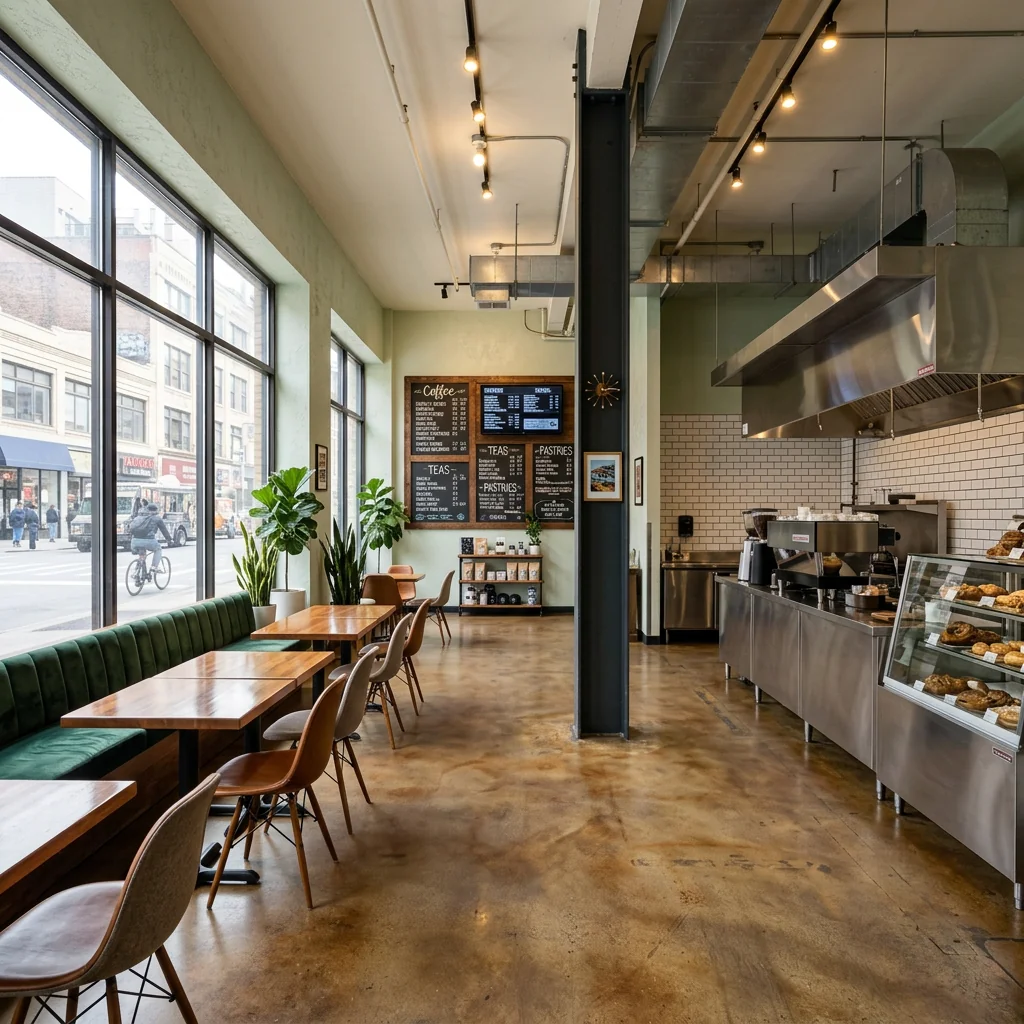
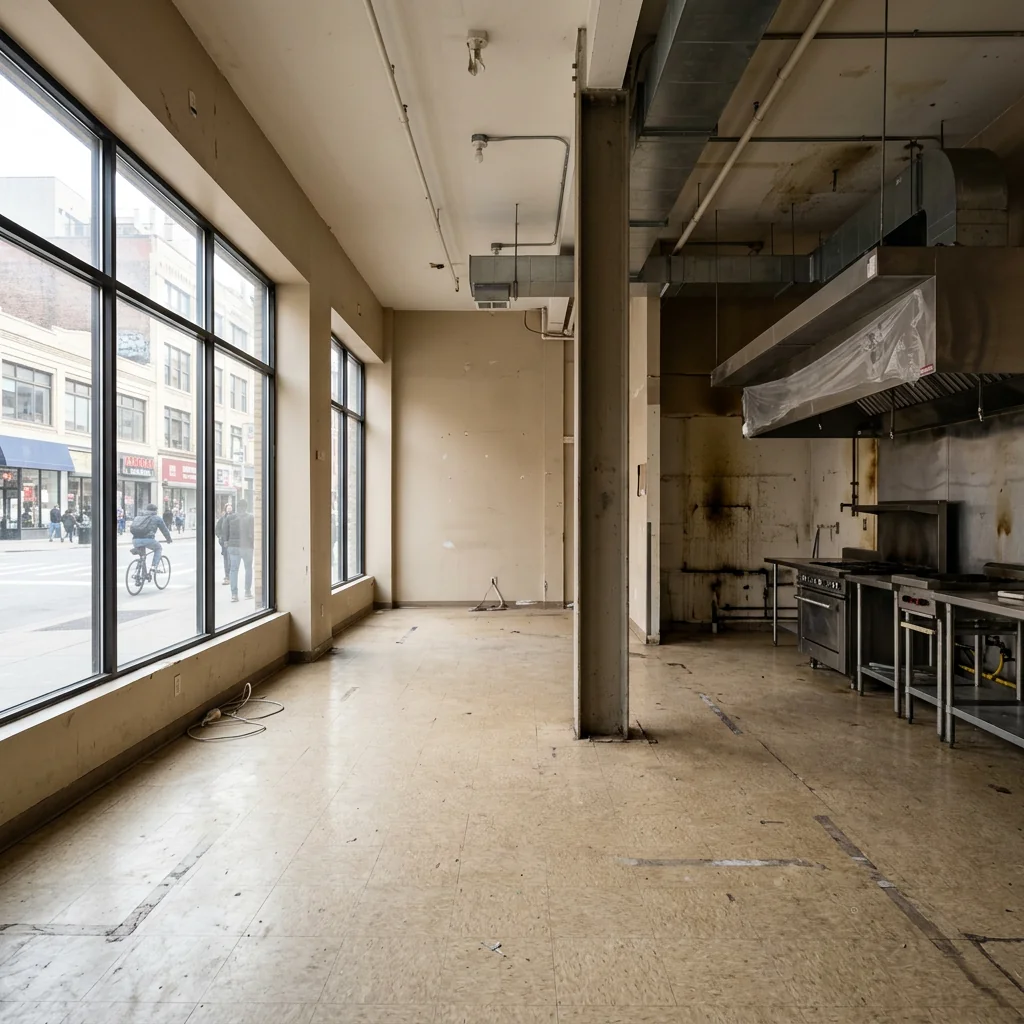
Example · Your result depends on your photo and settings.
1 image free after verified sign-in · No credit card
Choose a photo. Review the look. Sign in to create.
Examples and photo tips
What to prepare
JPG, PNG, WebP, HEIC or HEIF · up to 20 MB per photo
At least 64 × 64 pixels; JPG/PNG/WebP up to 40 megapixels.
HEIC/HEIF: up to 4 megapixels. Larger images need a JPG, PNG or WebP copy.
A clear source photo
Well lit, with the whole area visible.
An idea of the change you want
The editor shows the options for this tool.
Review AI changes before publishing a property image.
Explore more examples
View original photo
Before

View original photo
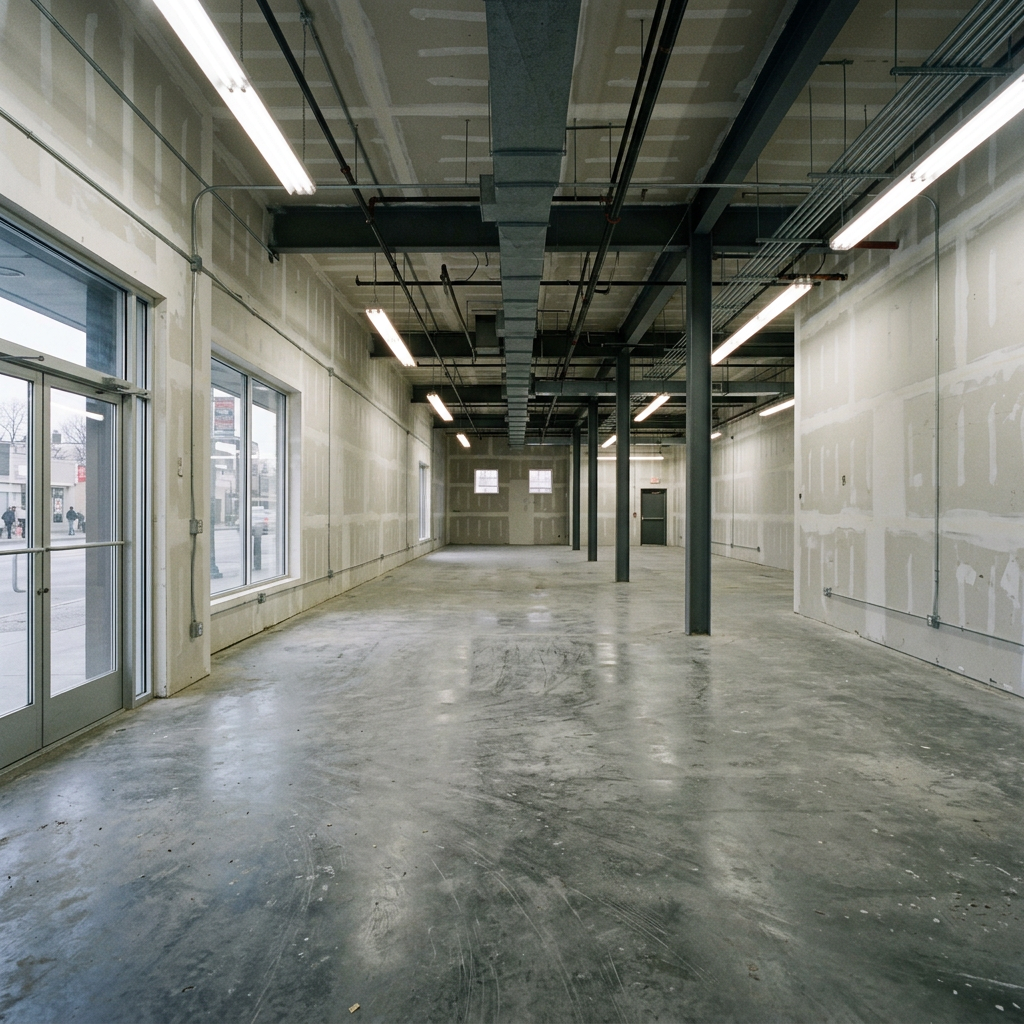
Before

View original photo
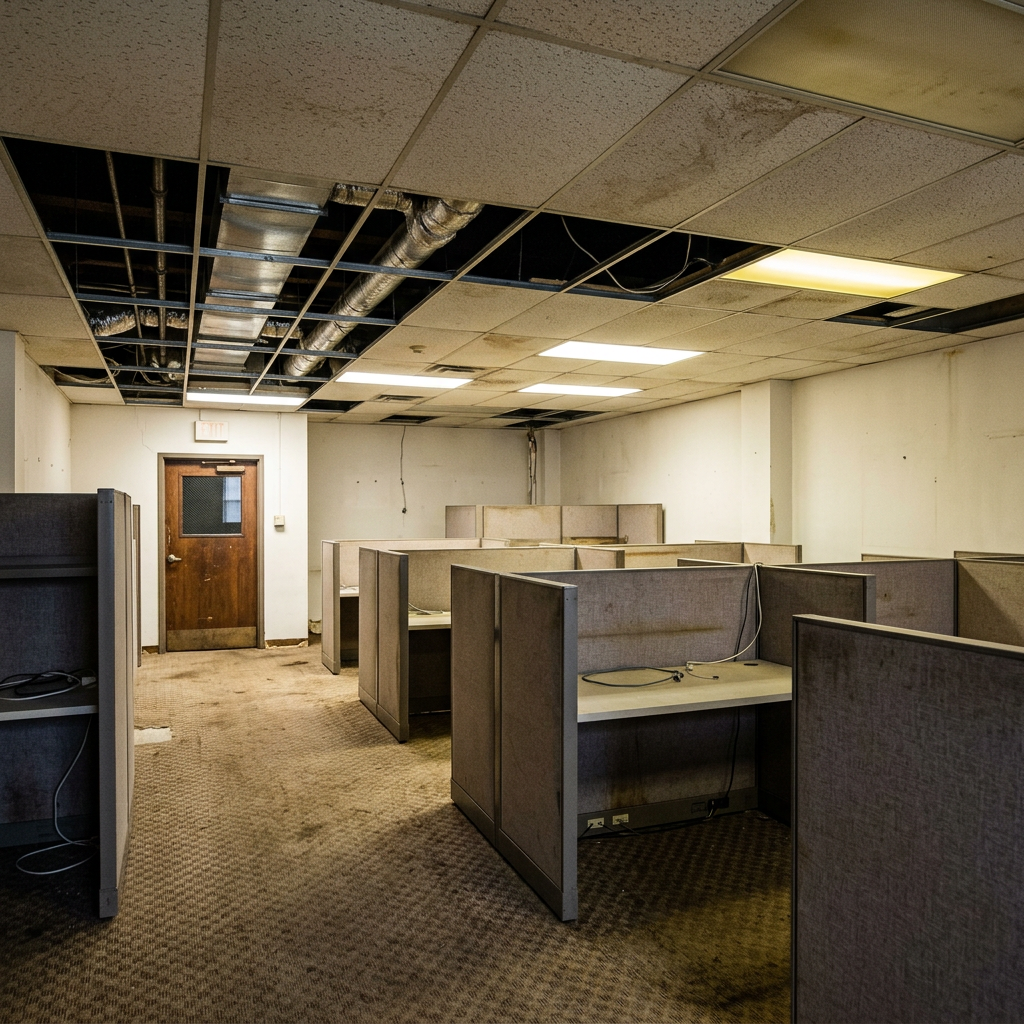
Before
About this tool
Virtual Staging & Styling
Prepare your idea
Explore a furnishing concept for a commercial-space photo. Choose the business type, design style and capacity setting; the image does not verify occupancy limits or an operational layout.
Prepare your source photo and the references listed in the form. Its settings describe the intended changes.
Review the request and result
Review availability, image count and the current total before explicitly confirming. Registration alone does not establish credits or a free result. If the outcome is unclear, check the saved status of the existing request before confirming again.
Read the earlier original guide
This earlier guide may contain historical price, timing, quality or usage statements. Use the current description and tool form.
Commercial Space Stager Examples: Before & After Results (2026)
See how agents use commercial space stager to transform listings
Expert guide
5 Tips to Transform Commercial Property Listings with Commercial Space Stager
How to Commercial Space Stage Online: A Guide for Real Estate Agents
How can Commercial Space Stager technology improve my property listing's online presence?
Use a Commercial Space Stager to explore furniture arrangements for an empty commercial room. Keep circulation routes, doors and the intended use of the space in view. Compare any generated result with the original before presenting a design to a prospective tenant.
Are there any legal or MLS guidelines I should consider when using Commercial Space Stager?
Ensure all staged real estate photos are clearly marked as 'virtually staged' to comply with MLS and NAR guidelines. Transparency is crucial. Always disclose that the images have been digitally altered to avoid misleading potential tenants. Include a disclaimer in your property listing description.
What is the typical cost of using Commercial Space Stager for a commercial property?
Commercial Space Stager pricing varies depending on the size and complexity of the commercial space. Typically, you'll find per-image or subscription-based models. Contact PropStage.ai for detailed pricing information. Remember to factor in the potential ROI of faster leasing and higher rental rates.
How does Commercial Space Stager ensure high-quality real estate photos for my property listing?
Commercial Space Stager employs advanced AI algorithms to create realistic and high-resolution staged images. The tool allows for customization of furniture styles and layouts to match the property's potential use. High-quality images are crucial for attracting attention on Zillow and other platforms.
What are the best uses for Commercial Space Stager in commercial real estate?
Commercial Space Stager is ideal for staging vacant retail stores, office spaces, restaurants, and warehouses. Transform empty spaces into visually appealing environments that showcase their potential. This is especially effective for attracting tenants who struggle to visualize the space's possibilities from empty real estate photos.
How can I integrate Commercial Space Stager into my existing real estate workflow?
Seamlessly integrate Commercial Space Stager into your workflow by uploading your existing real estate photos directly to the platform. Select your preferred staging style and receive professionally staged images within minutes. Use these enhanced images in your property listing, marketing materials, and presentations to potential tenants.
How it works
How AI Commercial Space Stager Works
Effortless commercial staging in 3 simple steps.
Upload Your Vacant Commercial Property
Upload photos of your empty retail, office, or restaurant space. Our AI analyzes the layout to understand the potential use.
Select Your Ideal Commercial Style
Choose from curated styles tailored for retail staging, office staging, or restaurant staging to attract the right tenants or buyers.
Receive Staged Images & Attract Tenants
Download professionally staged images ready to showcase your commercial property's potential and accelerate leasing or sales.
What you can do
PropStage.ai: Commercial Staging Features
Tailored Furniture Selection
AI selects furniture and fixtures that match the space and attract the ideal tenant profile, from modern office to cozy cafe.
Optimized Layout Design
Visualize the best layout for your commercial space, maximizing functionality and showcasing potential for various business types.
Brand-Specific Styling
Stage with styles that complement potential tenants' brands, creating a compelling vision for their future business location.
Strategic Lighting Placement
AI adjusts lighting to highlight key features and create the perfect ambiance, showcasing the space's full potential.
Data-Driven Design Choices
Leverage AI insights to stage your space based on current market trends and tenant preferences for faster leasing.
Increased Property Value
Attract higher-quality tenants and command premium lease rates with professionally staged commercial spaces, boosting your ROI.
Attract tenants faster with AI-powered staging designed for retail, office, and restaurant spaces. See the difference!
Fill Vacant Commercial Spaces—Instantly
AI-powered staging for retail, office & restaurant properties. Attract tenants faster with stunning visualizations.
Compare editing approaches
Review timing, cost, available options and the editing steps for your photo.
Creation time
Other services: Agree on a delivery deadline before work starts.
PropStage: Processing time varies. If a result is delayed, check its saved request status instead of sending the same request again.
Cost per image
Other services: Ask for a written quote covering the agreed work and any additional fees.
PropStage: Review the credit cost before confirming a request. Check the current offer before choosing a plan.
Styles and variations
Other services: Confirm which styles and revisions are included.
PropStage: Use the options offered by this tool. Review the credit cost before confirming each new image request.
Editing workflow
Other services: Agree on the source photos, references and final review.
PropStage: Review the required photos and settings before confirming. Keep your original and compare the saved result before publishing.
Read the earlier original guide
This earlier guide may contain historical price, timing, quality or usage statements. Use the current description and tool form.
AI Commercial Staging: Transform Vacant Spaces Into Revenue Centers
Stop letting empty commercial properties sit idle. PropStage.ai's Commercial Space Stager transforms vacant retail, office, and restaurant spaces into attractive tenant-ready properties with AI-powered furniture and fixture placement. Visualize the potential of your commercial real estate and attract the right tenants faster.