
Driveway & Walkway Redesign
Explore a new driveway or walkway finish on a property photo. Choose the surface material, laying pattern and border; check dimensions, access and construction requirements separately.
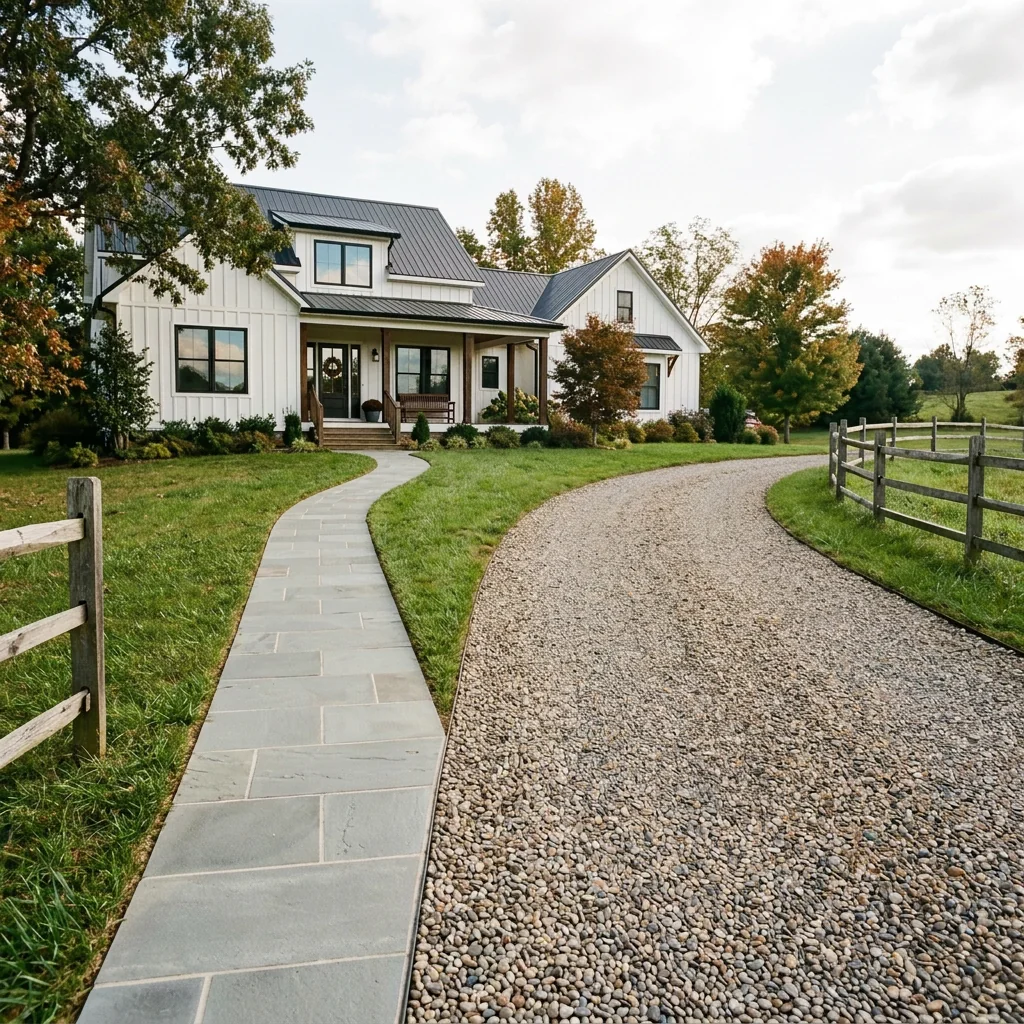
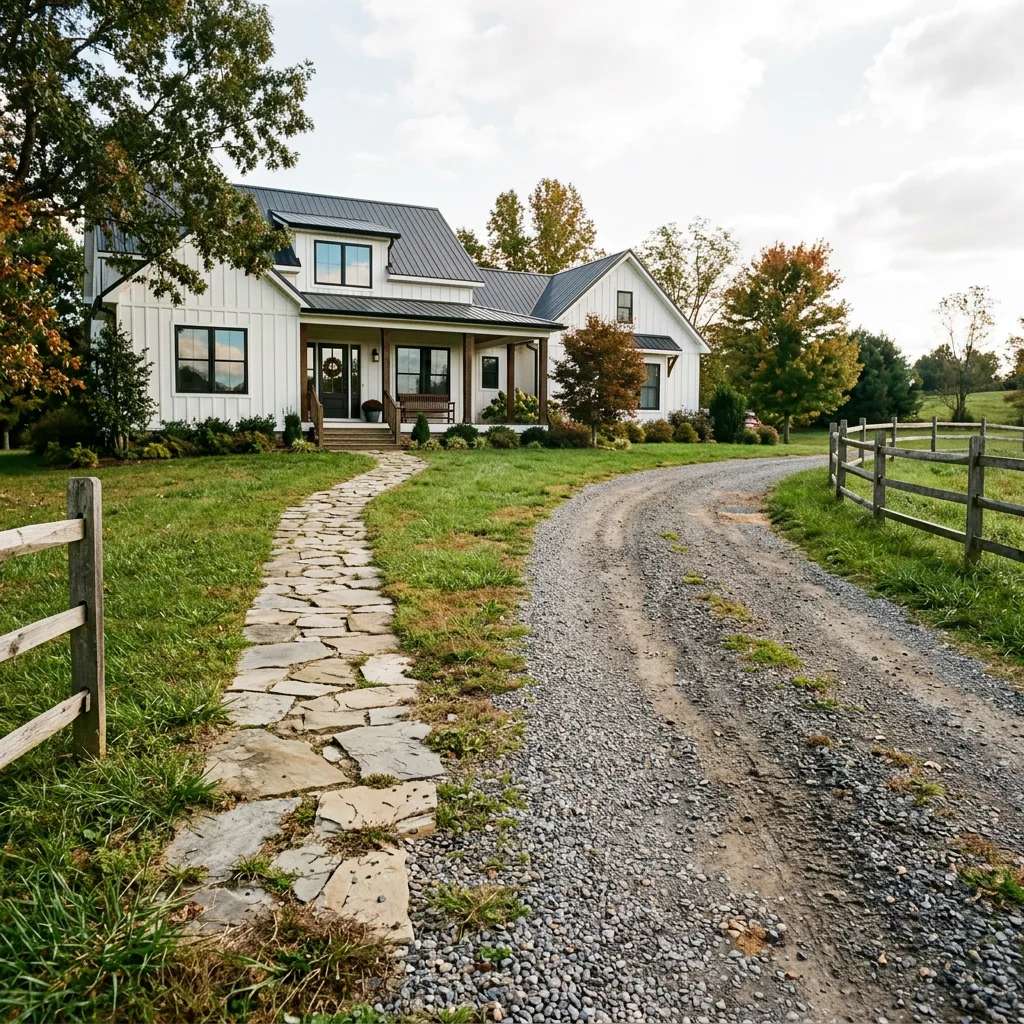
Example · Your result depends on your photo and settings.
1 image free after verified sign-in · No credit card
Choose a photo. Review the look. Sign in to create.
Examples and photo tips
What to prepare
JPG, PNG, WebP, HEIC or HEIF · up to 20 MB per photo
At least 64 × 64 pixels; JPG/PNG/WebP up to 40 megapixels.
HEIC/HEIF: up to 4 megapixels. Larger images need a JPG, PNG or WebP copy.
A clear source photo
Well lit, with the whole area visible.
An idea of the change you want
The editor shows the options for this tool.
Review AI changes before publishing a property image.
Explore more examples
View original photo
Before

View original photo
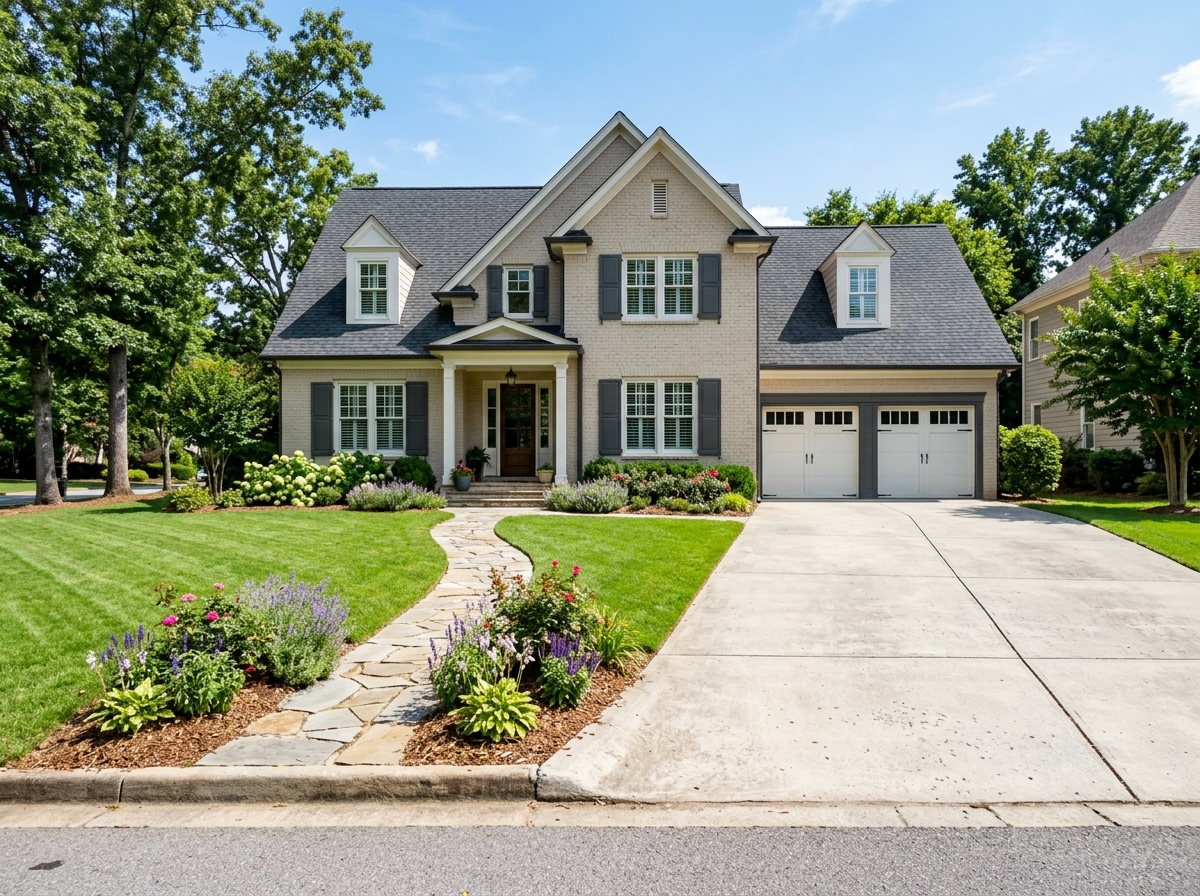
Before

View original photo
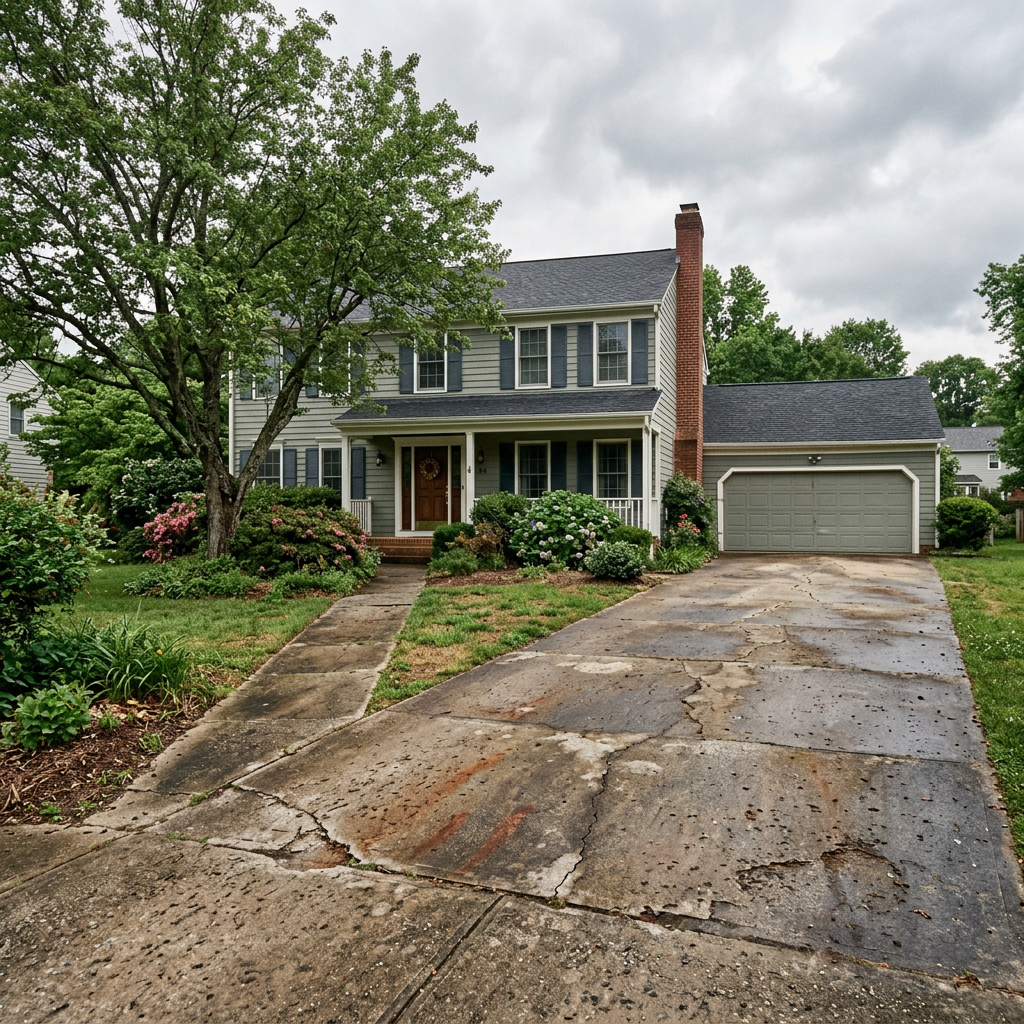
Before
About this tool
Architectural & Design Previews
Prepare your idea
Explore a new driveway or walkway finish on a property photo. Choose the surface material, laying pattern and border; check dimensions, access and construction requirements separately.
Prepare your source photo and the references listed in the form. Its settings describe the intended changes.
Review the request and result
Review availability, image count and the current total before explicitly confirming. Registration alone does not establish credits or a free result. If the outcome is unclear, check the saved status of the existing request before confirming again.
Read the earlier original guide
This earlier guide may contain historical price, timing, quality or usage statements. Use the current description and tool form.
Driveway & Walkway Redesign Examples: Before & After Results (2026)
See how agents use driveway & walkway redesign to transform listings
Expert guide
Transform Your Property Listing: 7 Tips for Driveway & Walkway Redesign (2026)
How to Driveway & Walkway Redesign Online: A Guide for Real Estate Agents to Boost Property Value on Zillow & MLS
What technology is used for online driveway & walkway redesign?
PropStage.ai's Driveway & Walkway Redesign tool utilizes advanced AI to visualize different materials and designs on real estate photos. Upload your property listing images and experiment with pavers, stamped concrete, and natural stone to enhance curb appeal. This helps agents showcase potential to buyers browsing MLS and Zillow.
Are there any legal considerations when redesigning a driveway or walkway for a property listing?
Always disclose that the driveway & walkway redesign is a digital visualization when presenting real estate photos. Comply with NAR advertising guidelines and local regulations regarding property representations. Ensure your property listing accurately reflects the potential improvements achievable with PropStage.ai's tool, emphasizing that these are simulations.
How much does it cost to use PropStage.ai for driveway & walkway redesign compared to actual installation?
PropStage.ai's Driveway & Walkway Redesign tool offers a cost-effective way to visualize different options before committing to expensive installations. While actual installation costs vary, using our tool allows agents to explore various designs for a fraction of the price, boosting property listing appeal without the upfront investment.
What makes PropStage.ai's driveway & walkway redesign tool high-quality?
PropStage.ai's Driveway & Walkway Redesign tool provides realistic and high-resolution visualizations, allowing agents to create compelling real estate photos. Our AI accurately simulates different materials and designs, helping potential buyers envision the property's full potential and improving engagement on Zillow and other platforms.
When is the best time to use driveway & walkway redesign for a property listing?
Use PropStage.ai's Driveway & Walkway Redesign tool when a property's existing driveway or walkway is outdated or detracts from curb appeal. Enhance your property listing with updated visuals to attract more buyers and increase perceived value, especially in competitive MLS markets.
How can I integrate PropStage.ai's driveway & walkway redesign into my real estate workflow?
Seamlessly integrate PropStage.ai's Driveway & Walkway Redesign into your existing workflow by uploading property listing photos directly from your computer or cloud storage. Experiment with different designs, download the enhanced images, and use them in your MLS listing, Zillow profile, and marketing materials to attract more potential buyers.
How it works
How AI Driveway & Walkway Redesign Works
Visualize your dream driveway in minutes.
Upload Your Property Photo
Upload a clear photo showcasing your current driveway or walkway. Ensure good lighting for optimal AI analysis and accurate paver or stamped concrete placement.
Choose Your Design & Materials
Select from our diverse catalog of driveway pavers, stamped concrete styles, gravel options, and natural stone finishes to instantly visualize your redesign.
Preview & Download Your Vision
Our AI intelligently renders your chosen materials, providing a realistic preview. Download the image to share with clients or contractors for accurate estimates.
What you can do
Driveway & Walkway Redesign: See the Potential
Material Preview Options
Experiment with paver styles, stamped concrete, gravel, and stone to find the perfect match for your property.
Enhance Curb Appeal Instantly
Boost property value and attract buyers by showcasing a beautifully redesigned driveway or walkway.
High-Quality Visualizations
Generate realistic, high-resolution images to present your vision with confidence and clarity.
Use Existing Property Photos
Upload your own photos and see how different designs integrate seamlessly with the current landscape.
Reduce Renovation Guesswork
Avoid costly mistakes by visualizing the final result before committing to expensive installations.
Inspire Client Confidence
Present clients with multiple design options, fostering trust and accelerating the decision-making process.
Visualize upgrades before you invest. Impress clients with stunning property transformations.
Driveway & Walkway: See It Before You Build It!
Visualize your dream driveway or walkway with AI. Pavers, concrete, stone – explore options risk-free!
Compare editing approaches
Review timing, cost, available options and the editing steps for your photo.
Creation time
Other services: Agree on a delivery deadline before work starts.
PropStage: Processing time varies. If a result is delayed, check its saved request status instead of sending the same request again.
Cost per image
Other services: Ask for a written quote covering the agreed work and any additional fees.
PropStage: Review the credit cost before confirming a request. Check the current offer before choosing a plan.
Styles and variations
Other services: Confirm which styles and revisions are included.
PropStage: Use the options offered by this tool. Review the credit cost before confirming each new image request.
Editing workflow
Other services: Agree on the source photos, references and final review.
PropStage: Review the required photos and settings before confirming. Keep your original and compare the saved result before publishing.
Read the earlier original guide
This earlier guide may contain historical price, timing, quality or usage statements. Use the current description and tool form.
Visualize Your Dream Driveway with AI Redesign
Transform your property listings with PropStage.ai's Driveway & Walkway Redesign. See exactly how new driveway pavers, stamped concrete, or a natural stone walkway will look *before* you invest. Impress clients and close deals faster with stunning, AI-powered visualizations of potential driveway and pathway designs.