
Facade Redesign Tool
Explore a different facade finish on an exterior photo. Use the available finish choices and compare windows, doors, edges and other building details with your original.
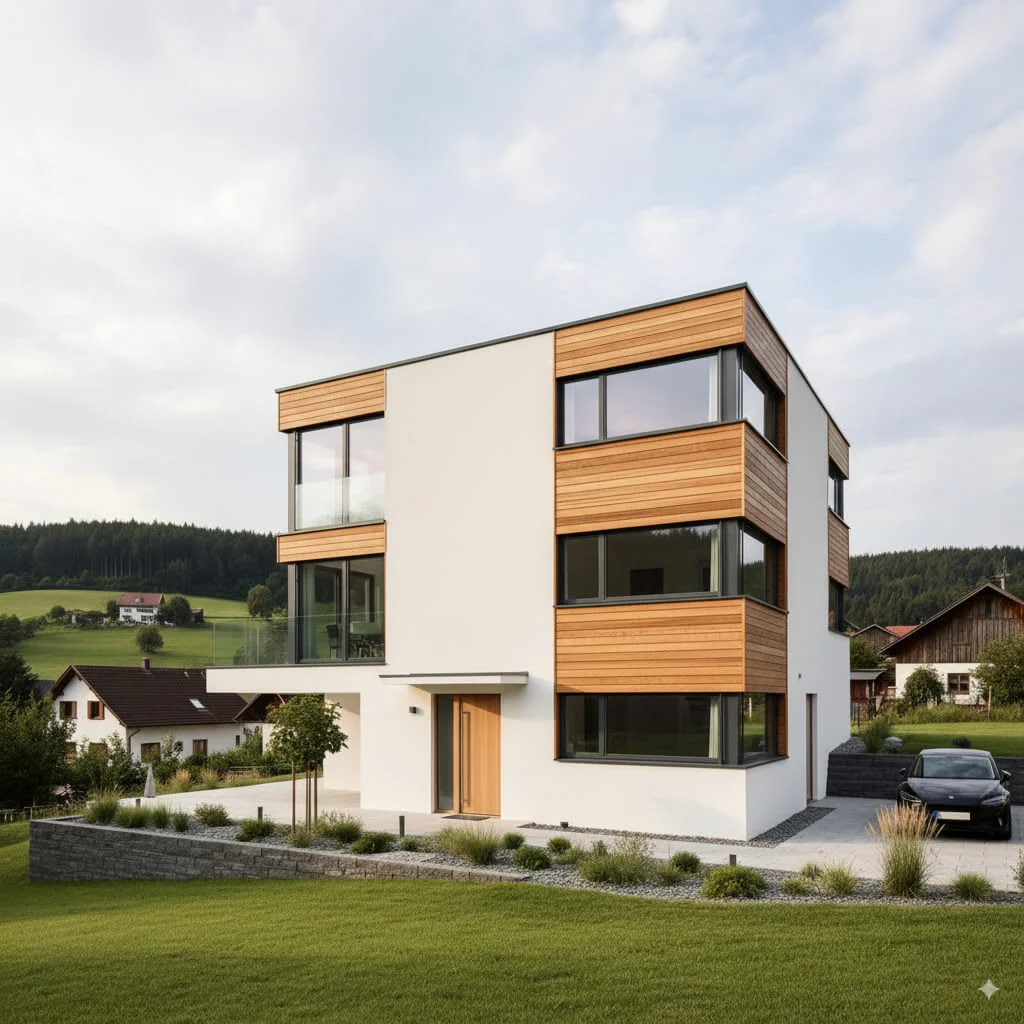
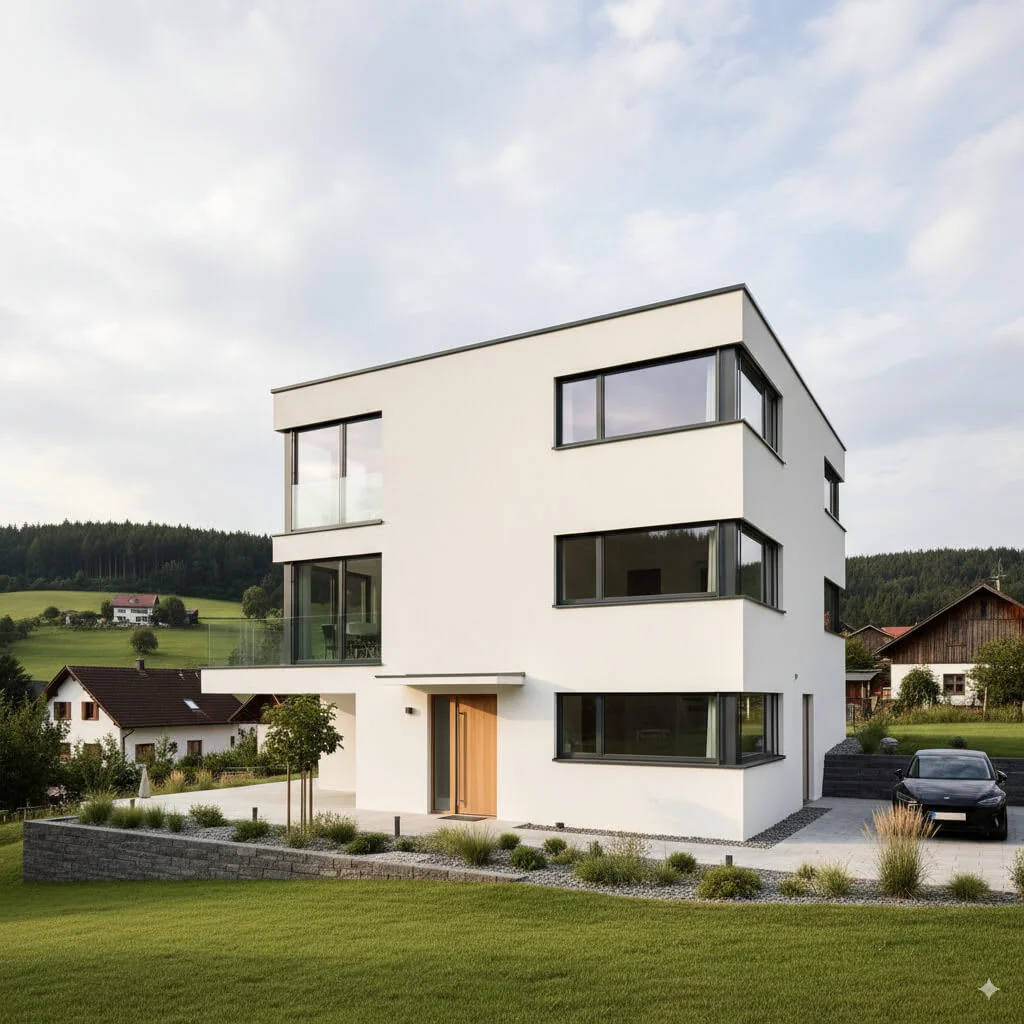
Example · Your result depends on your photo and settings.
1 image free after verified sign-in · No credit card
Choose a photo. Review the look. Sign in to create.
Examples and photo tips
What to prepare
JPG, PNG, WebP, HEIC or HEIF · up to 20 MB per photo
At least 64 × 64 pixels; JPG/PNG/WebP up to 40 megapixels.
HEIC/HEIF: up to 4 megapixels. Larger images need a JPG, PNG or WebP copy.
A clear source photo
Well lit, with the whole area visible.
An idea of the change you want
The editor shows the options for this tool.
Review AI changes before publishing a property image.
Explore more examples
View original photo
Modern White

View original photo
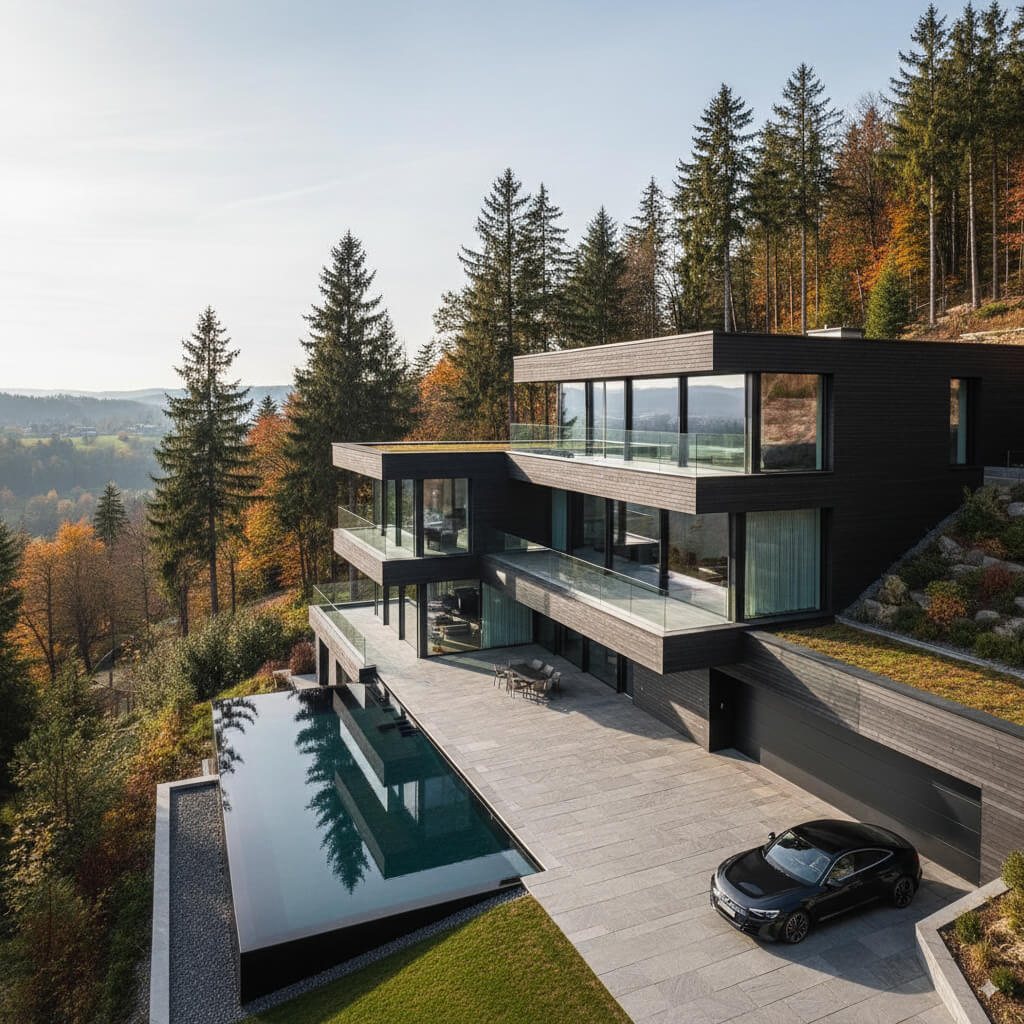
Dark Cladding

View original photo
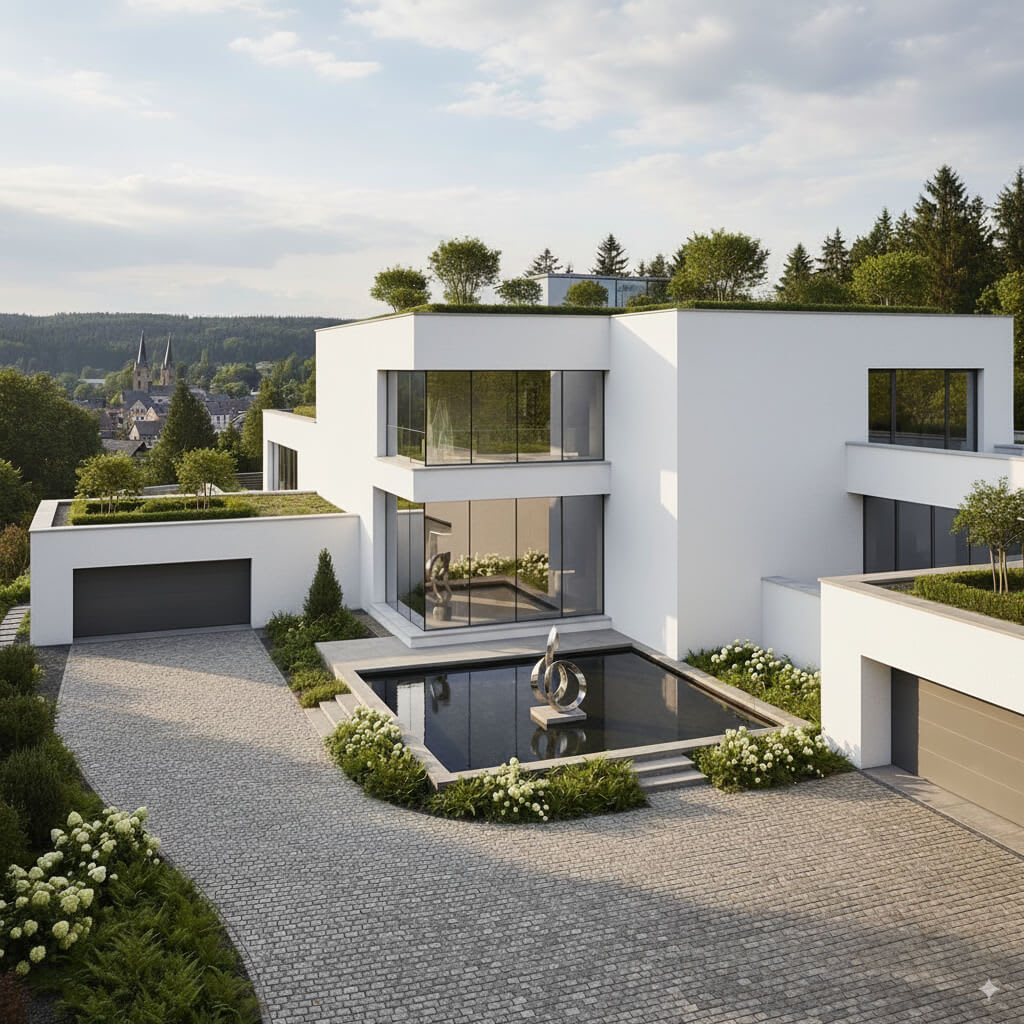
Modern White
About this tool
Property Image Enhancement
Prepare your idea
Explore a different facade finish on an exterior photo. Use the available finish choices and compare windows, doors, edges and other building details with your original.
Prepare your source photo and the references listed in the form. Its settings describe the intended changes.
Review the request and result
Review availability, image count and the current total before explicitly confirming. Registration alone does not establish credits or a free result. If the outcome is unclear, check the saved status of the existing request before confirming again.
Read the earlier original guide
This earlier guide may contain historical price, timing, quality or usage statements. Use the current description and tool form.
Facade Redesign Tool Examples: Before & After Results (2026)
See how agents use facade redesign tool to transform listings and enhance real estate photos
Expert guide
5 Tips to Master Facade Redesign Tool for Real Estate Listings
How can Facade Redesign Tool enhance real estate photos?
Facade Redesign Tool allows agents to virtually stage properties by altering the exterior appearance. This is invaluable for outdated homes, showcasing potential and attracting more buyers viewing real estate photos on Zillow and other platforms. This leads to higher click-through rates on your property listing.What are the MLS compliance considerations when using a Facade Redesign Tool?
When using a Facade Redesign Tool, ensure compliance with MLS guidelines and NAR advertising standards. Clearly disclose that the facade shown is a virtual redesign and not the current state of the property. Transparency is key to maintaining trust with potential buyers and adhering to MLS regulations.What is the cost of using a Facade Redesign Tool for property listings?
The cost of a Facade Redesign Tool varies depending on the features and subscription model. PropStage.ai offers competitive pricing, enabling agents to enhance their property listings without breaking the bank. Consider the ROI – improved curb appeal and faster sales can easily offset the cost.What facade redesign qualities should I look for in a tool?
Look for a Facade Redesign Tool that offers realistic renderings, diverse design options, and user-friendly interface. High-quality visuals are crucial for attracting buyers. PropStage.ai provides photorealistic results, ensuring your real estate photos stand out on Zillow and other property listing sites.When is the best time to use a Facade Redesign Tool for a property?
A Facade Redesign Tool is ideal for properties with outdated or unappealing exteriors. Use it to showcase the potential of the home and attract buyers who might otherwise overlook it. It's particularly effective for vacant homes where staging is not possible. Use it before adding to MLS.How can I integrate Facade Redesign Tool into my real estate workflow?
Integrate Facade Redesign Tool into your pre-listing process. Before taking real estate photos, use the tool to create virtual redesigns. Include these images in your property listing on Zillow and the MLS to capture attention and generate more leads. Upload current photos to transform the property.Transform Exteriors. Elevate Curb Appeal Instantly with our Facade Redesign Tool.
How it works
How PropStage.ai's Facade Redesign Tool Works
Effortless exterior transformations in minutes.
Upload Your Property Photo
Simply upload a clear image of your property's facade to our AI-powered platform. Ensure good lighting for optimal results.
Customize Your Facade Redesign
Select from a range of materials, colors, and architectural styles. Our AI adapts the redesign seamlessly to your property's unique features.
Visualize and Download
Preview your redesigned facade in high resolution. Download the image instantly to showcase your property's potential to buyers.
What you can do
AI Facade Redesign: Key Features
Instant Style Transformation
Experiment with various architectural styles to showcase a property's untapped potential in seconds.
Material & Color Customization
Easily change siding, roofing, and trim colors to visualize ideal curb appeal enhancements.
Landscape Enhancement Options
Add or modify landscaping elements to create an inviting and appealing exterior view for potential buyers.
Virtual Fixture Upgrades
Visualize new doors, windows, and lighting fixtures to highlight modern design possibilities.
Shadow & Lighting Adjustments
Fine-tune lighting and shadows to present the property in the most flattering and realistic way.
Attract More Buyers
Boost listing appeal and generate higher offers with stunning, redesigned facade visuals.
Effortlessly transform property exteriors and attract more buyers with PropStage.ai.
Stop Imagining. Start Seeing.
Visualize any facade finish instantly with AI-powered precision.
Compare editing approaches
Review timing, cost, available options and the editing steps for your photo.
Creation time
Other services: Agree on a delivery deadline before work starts.
PropStage: Processing time varies. If a result is delayed, check its saved request status instead of sending the same request again.
Cost per image
Other services: Ask for a written quote covering the agreed work and any additional fees.
PropStage: Review the credit cost before confirming a request. Check the current offer before choosing a plan.
Styles and variations
Other services: Confirm which styles and revisions are included.
PropStage: Use the options offered by this tool. Review the credit cost before confirming each new image request.
Editing workflow
Other services: Agree on the source photos, references and final review.
PropStage: Review the required photos and settings before confirming. Keep your original and compare the saved result before publishing.
Read the earlier original guide
This earlier guide may contain historical price, timing, quality or usage statements. Use the current description and tool form.
Revamp Curb Appeal: AI Facade Redesign Tool
Instantly Visualize Exterior Transformations with AI
PropStage.ai's Facade Redesign Tool revolutionizes property exteriors. See instant transformations with AI-powered accuracy, allowing you to explore color changes, material upgrades, and complete facade makeovers. Elevate your listings and impress clients with stunning visualizations, all within seconds.