
Facebook Ad Creator for Listings
Create a static property-ad image from a photo and your headline. Choose a listed ad format, then check text and dimensions; it does not create an ad campaign or predict conversions.
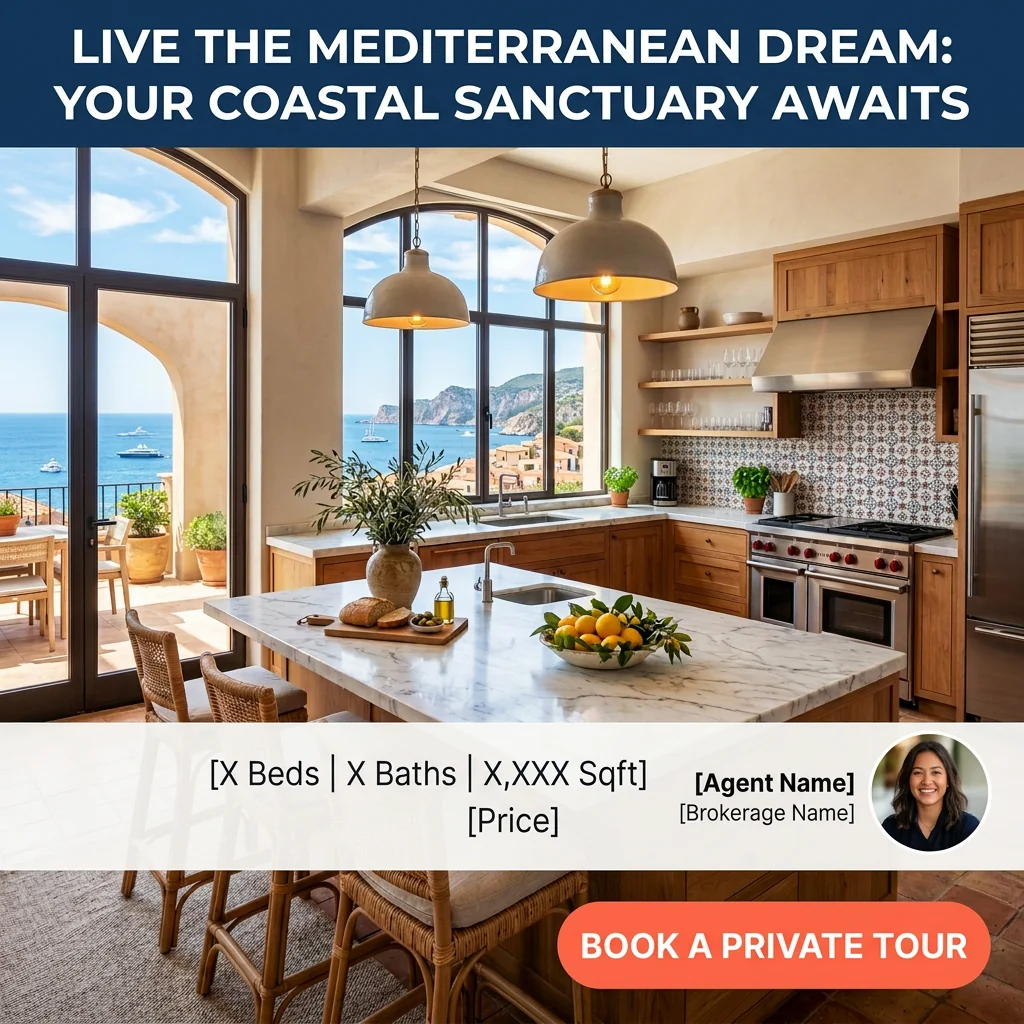
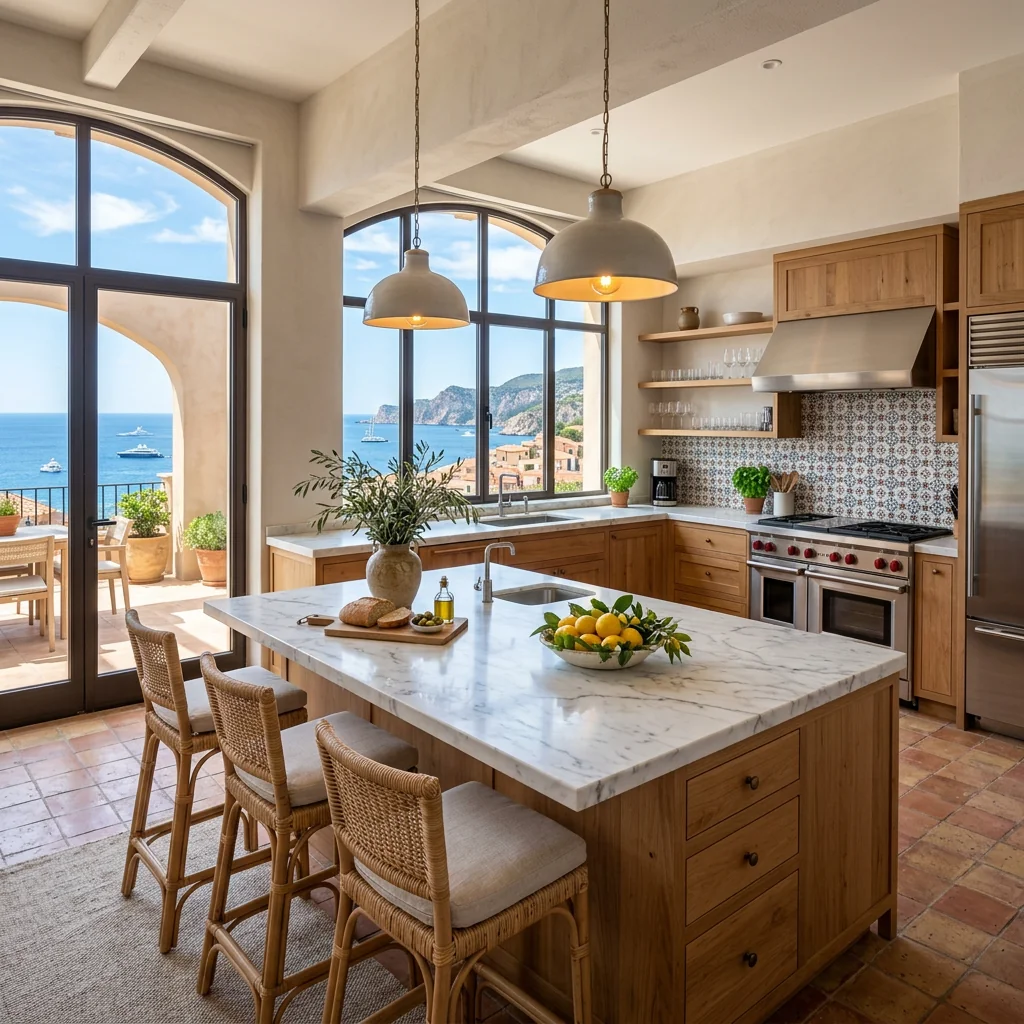
Example · Your result depends on your photo and settings.
1 image free after verified sign-in · No credit card
Choose a photo. Review the look. Sign in to create.
Examples and photo tips
What to prepare
JPG, PNG, WebP, HEIC or HEIF · up to 20 MB per photo
At least 64 × 64 pixels; JPG/PNG/WebP up to 40 megapixels.
HEIC/HEIF: up to 4 megapixels. Larger images need a JPG, PNG or WebP copy.
A clear source photo
Well lit, with the whole area visible.
An idea of the change you want
The editor shows the options for this tool.
Review AI changes before publishing a property image.
Explore more examples
View original photo
Before

View original photo

Before

View original photo
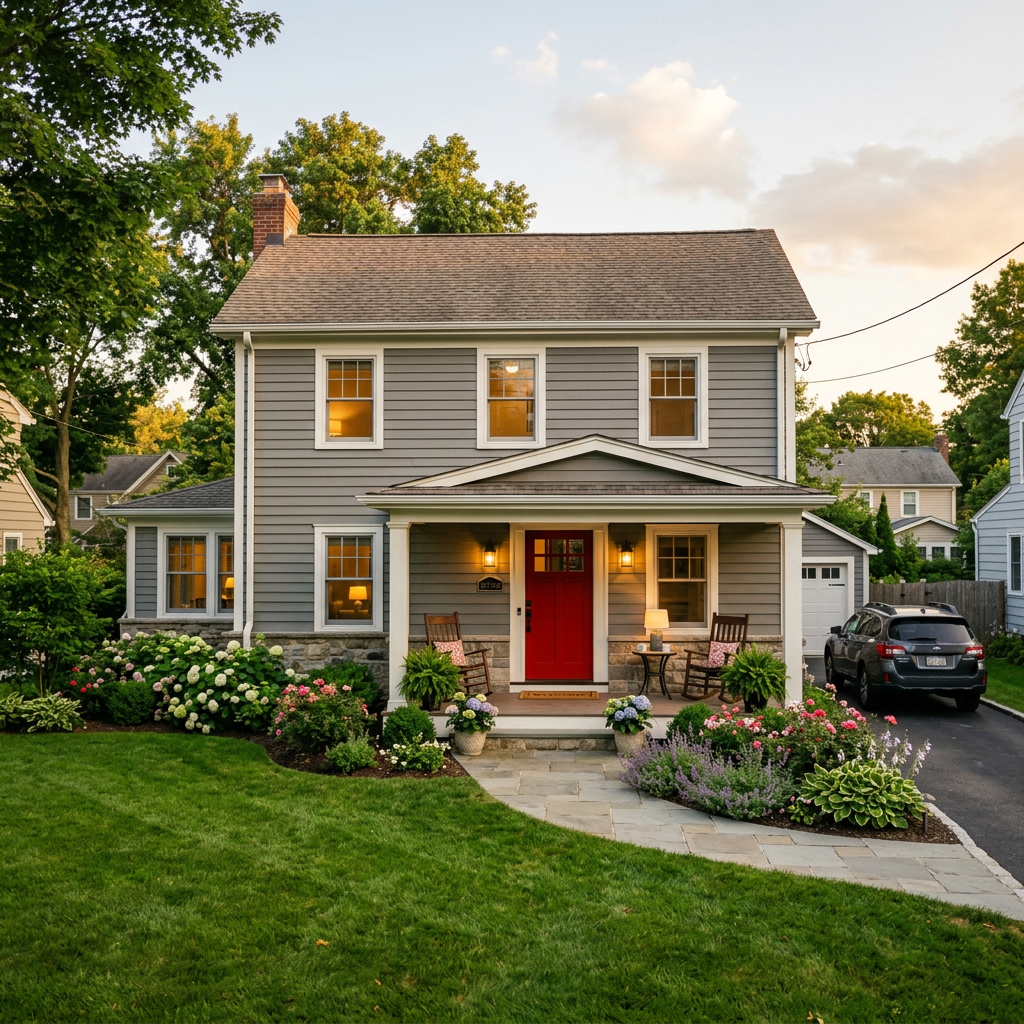
Before
About this tool
Marketing & Distribution Outputs
Prepare your idea
Create a static property-ad image from a photo and your headline. Choose a listed ad format, then check text and dimensions; it does not create an ad campaign or predict conversions.
Prepare your source photo and the references listed in the form. Its settings describe the intended changes.
Review the request and result
Review availability, image count and the current total before explicitly confirming. Registration alone does not establish credits or a free result. If the outcome is unclear, check the saved status of the existing request before confirming again.
Read the earlier original guide
This earlier guide may contain historical price, timing, quality or usage statements. Use the current description and tool form.
Facebook Ad Creator for Listings: Before & After Examples That Convert (2026)
See how agents use facebook ad creator for listings to transform property listings and generate leads
Expert guide
5 Tips to Master Facebook Ad Creator for Listings & Dominate Real Estate
How to Use a Facebook Ad Creator for Listings Online: A Step-by-Step Guide for Agents
How can Facebook Ad Creator for Listings boost my real estate marketing?
Transform your property listing marketing with a Facebook Ad Creator for Listings. It automatically generates compelling ad creatives using your real estate photos, optimized headlines, and clear calls to action. This targeted approach helps you reach potential buyers on Facebook and Instagram, driving more traffic to your MLS listings and Zillow profiles. As NAR members know, effective marketing is key!
Are there any legal considerations when using a Facebook Ad Creator for Listings?
Yes, ensure your Facebook ads created by the Facebook Ad Creator for Listings comply with Fair Housing laws and local regulations. Avoid discriminatory language and accurately represent the property. Always include necessary disclaimers and disclosures. Check with your MLS and broker for specific guidelines. The Facebook Ad Creator for Listings helps you create compliant ads with pre-approved templates.
What's the typical cost of using a Facebook Ad Creator for Listings for my property?
The cost varies depending on the Facebook Ad Creator for Listings platform and your ad spend. Some offer free trials or basic plans. Others charge a subscription fee or per-ad creation cost. Factor in your Facebook ad budget, which will determine how many people see your ad. PropStage.ai offers competitive pricing for its Facebook Ad Creator for Listings, maximizing your ROI on every property listing.
How can I ensure high-quality real estate photos for my Facebook Ad Creator for Listings?
Upload high-resolution, professionally staged real estate photos to the Facebook Ad Creator for Listings. Ensure images are well-lit, clear, and showcase the best features of the property. Consider using professional photography or virtual staging to enhance the appeal. The Facebook Ad Creator for Listings works best with visually appealing images that capture attention on Facebook and Instagram.
What are the best use cases for a Facebook Ad Creator for Listings in real estate?
Use a Facebook Ad Creator for Listings to promote new property listings, open houses, price reductions, and virtual tours. Target specific demographics and interests to reach potential buyers who are actively searching for properties in your area. The Facebook Ad Creator for Listings helps you create highly targeted campaigns that generate leads and drive sales for your property listing.
How does a Facebook Ad Creator for Listings integrate into my existing real estate workflow?
A Facebook Ad Creator for Listings streamlines your marketing process by automating ad creation. Upload your property listing details and real estate photos, and the tool generates multiple ad variations. Integrate the Facebook Ad Creator for Listings with your CRM and MLS to track leads and measure campaign performance. This efficient workflow saves time and maximizes your marketing efforts.
How it works
How AI Facebook Ad Creator for Listings Works
Generate stunning ads in seconds!
Upload Your Best Listing Photo
Start by uploading a high-quality photo of your property. Our AI analyzes it to optimize the ad design for maximum engagement on Facebook and Instagram.
AI Generates Ad Creative Options
Our AI instantly creates multiple ad variations, complete with compelling headlines, strategic CTA placements, and scroll-stopping designs tailored for Meta ads.
Customize and Launch Your Ad
Select your favorite design, fine-tune the text if needed, and download the optimized creative to launch your high-converting Facebook or Instagram ad campaign.
What you can do
AI Facebook Ad Creator for Listings
Professionally Designed Templates
Get stunning ad creatives tailored for real estate, ensuring your listings grab attention instantly on Facebook and Instagram.
AI-Optimized Ad Copy
Generate compelling headlines and calls-to-action proven to increase click-through rates and drive qualified leads to your listings.
Listing Photo Enhancement
Our AI automatically enhances your property photos, ensuring they look their best and showcase key features for maximum impact.
Instant Ad Generation
Transform your listing photos into high-converting Facebook and Instagram ads in just seconds, saving you time and marketing costs.
Performance-Driven Designs
Ad creatives are designed based on Meta's best practices, maximizing your ad spend and delivering optimal results for your listings.
Maximize ROI on Ad Spend
Attract more potential buyers and renters with visually appealing ads, increasing engagement and boosting your return on investment.
Generate scroll-stopping property ads in seconds. Drive leads and sell faster with AI-powered designs.
AI-Powered Facebook Ads for Listings
Turn property photos into scroll-stopping ads that generate leads, instantly.
Compare editing approaches
Review timing, cost, available options and the editing steps for your photo.
Creation time
Other services: Agree on a delivery deadline before work starts.
PropStage: Processing time varies. If a result is delayed, check its saved request status instead of sending the same request again.
Cost per image
Other services: Ask for a written quote covering the agreed work and any additional fees.
PropStage: Review the credit cost before confirming a request. Check the current offer before choosing a plan.
Styles and variations
Other services: Confirm which styles and revisions are included.
PropStage: Use the options offered by this tool. Review the credit cost before confirming each new image request.
Editing workflow
Other services: Agree on the source photos, references and final review.
PropStage: Review the required photos and settings before confirming. Keep your original and compare the saved result before publishing.