
Fence & Gate Design Visualizer
Explore a fence or gate idea on a property photo. Choose style, material and gate type; check boundaries, access, dimensions and permissions separately before building.
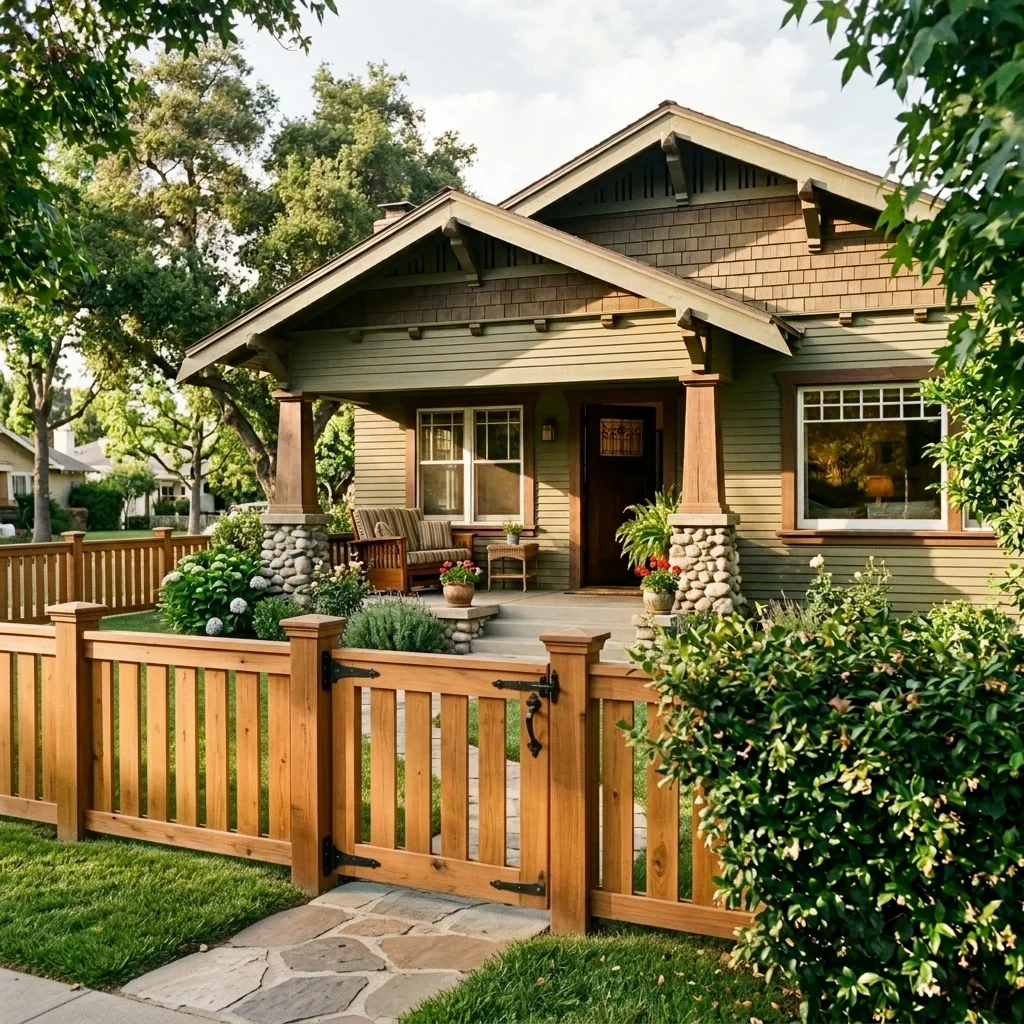
Example · Your result depends on your photo and settings.
1 image free after verified sign-in · No credit card
Choose a photo. Review the look. Sign in to create.
Examples and photo tips
What to prepare
JPG, PNG, WebP, HEIC or HEIF · up to 20 MB per photo
At least 64 × 64 pixels; JPG/PNG/WebP up to 40 megapixels.
HEIC/HEIF: up to 4 megapixels. Larger images need a JPG, PNG or WebP copy.
A clear source photo
Well lit, with the whole area visible.
An idea of the change you want
The editor shows the options for this tool.
Review AI changes before publishing a property image.
Explore more examples
View original photo
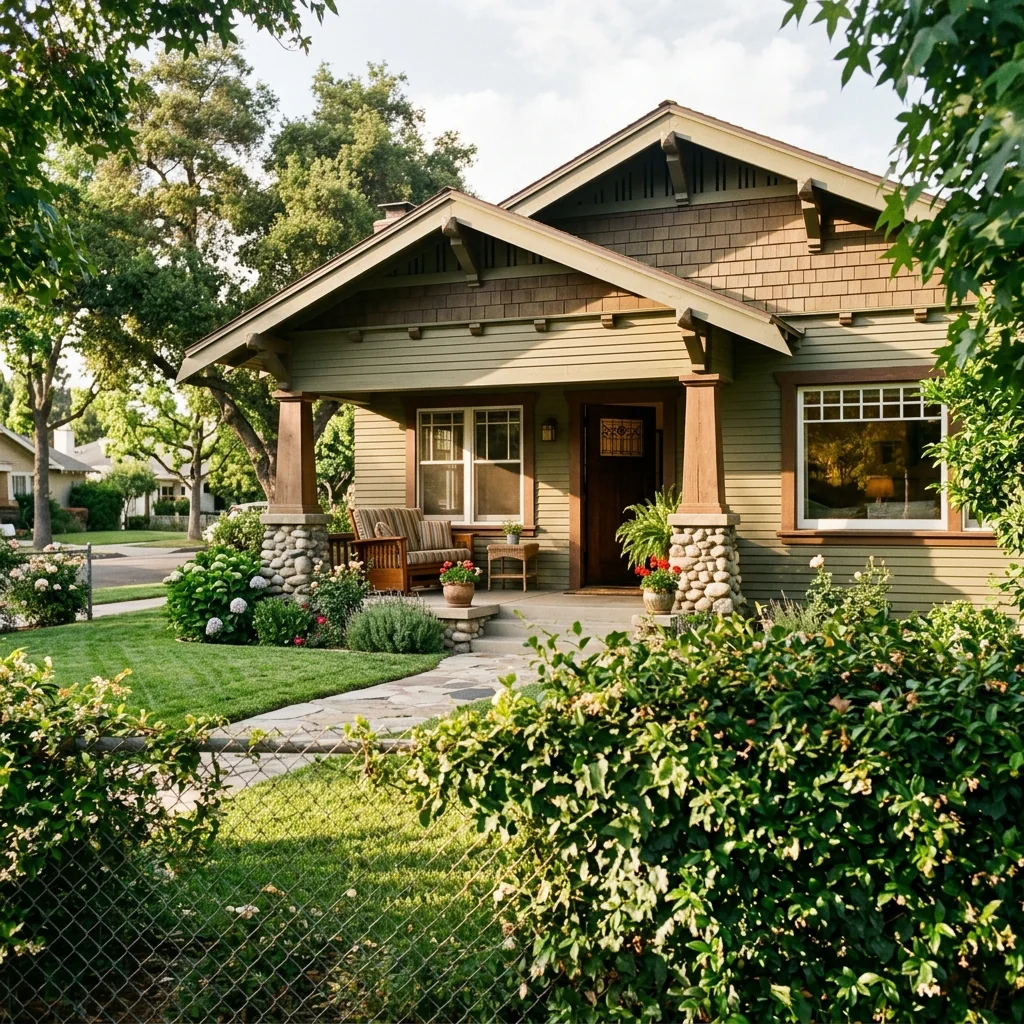
Before

View original photo
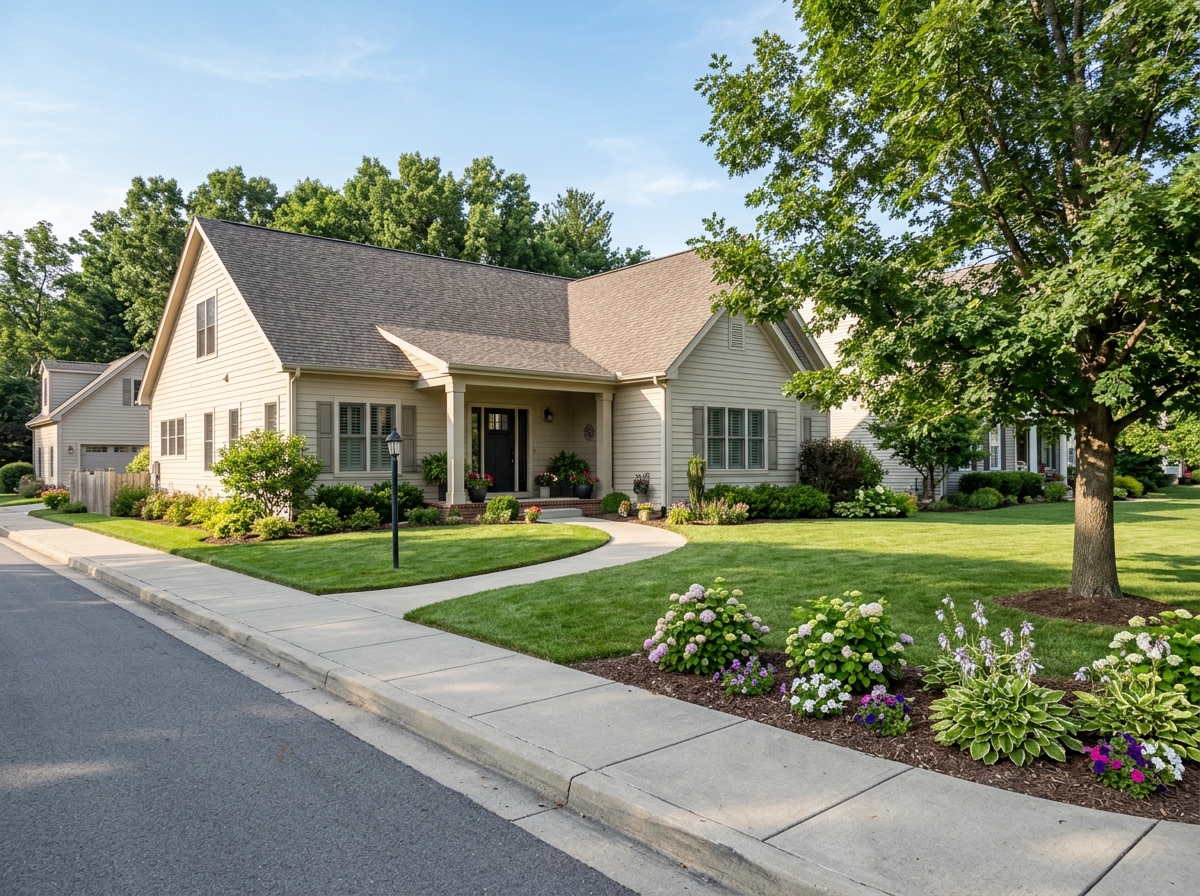
Before — No Fence

View original photo
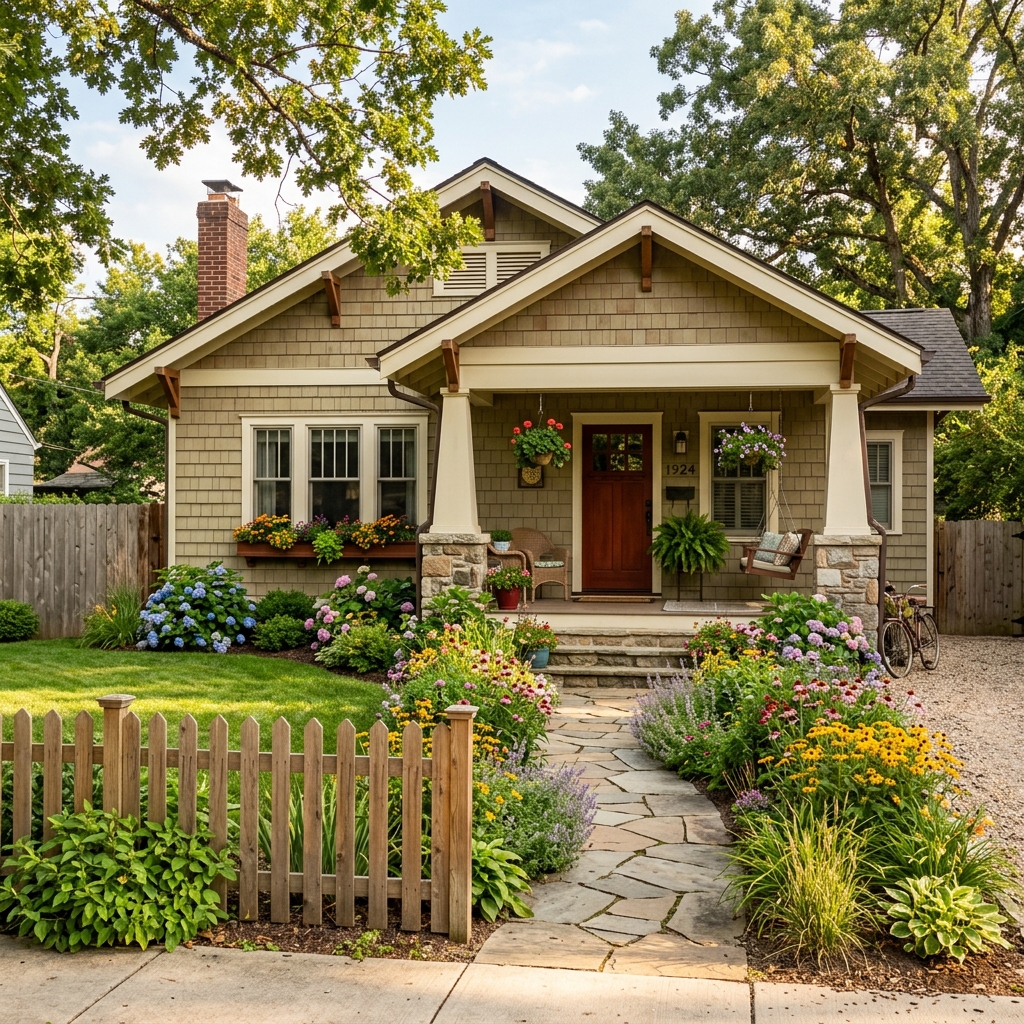
Before
About this tool
Architectural & Design Previews
Prepare your idea
Explore a fence or gate idea on a property photo. Choose style, material and gate type; check boundaries, access, dimensions and permissions separately before building.
Prepare your source photo and the references listed in the form. Its settings describe the intended changes.
Review the request and result
Review availability, image count and the current total before explicitly confirming. Registration alone does not establish credits or a free result. If the outcome is unclear, check the saved status of the existing request before confirming again.
Read the earlier original guide
This earlier guide may contain historical price, timing, quality or usage statements. Use the current description and tool form.
Fence & Gate Design Visualizer Examples: Before & After Results (2026)
See How Real Estate Agents Use Fence & Gate Design Visualizer to Transform Property Listings
Expert guide
5 Tips: Transform Real Estate Listings with Fence & Gate Design Visualizer
How to use a Fence & Gate Design Visualizer online to enhance property listings and attract buyers.
How can a Fence & Gate Design Visualizer improve my real estate photos for MLS and Zillow?
A Fence & Gate Design Visualizer allows you to showcase potential property improvements without physical construction. Upload real estate photos and visualize different fence and gate styles, instantly enhancing your property listing's appeal on MLS, Zillow, and other platforms. This helps buyers see the possibilities and increases engagement with your property listing.
Are there any legal or MLS regulations I should be aware of when using a Fence & Gate Design Visualizer?
Ensure your visualized fence and gate designs accurately represent what's permissible under local zoning laws and HOA regulations. Disclose that the images are digitally enhanced representations when posting on MLS or Zillow to comply with NAR guidelines and avoid misleading potential buyers. Always confirm compliance with your broker's policies.
What is the typical cost associated with using a Fence & Gate Design Visualizer for my property listing?
Check the current plan price and credit cost before confirming an image request. A digital preview can help you compare design ideas without purchasing or moving physical materials. Compare your own staging and editing costs; actual savings depend on your project.
What makes a high-quality Fence & Gate Design Visualizer, and how can it benefit my property listing?
A high-quality Fence & Gate Design Visualizer offers realistic rendering, diverse design options, and user-friendly interface. It should seamlessly integrate visualized fences and gates into real estate photos, enhancing curb appeal and creating a positive first impression for potential buyers viewing your property listing online. Improved visuals lead to more showings.
What are the best uses of a Fence & Gate Design Visualizer for real estate agents?
Real estate agents can use a Fence & Gate Design Visualizer to showcase potential improvements to properties with outdated or missing fences. This is particularly useful for vacant lots or properties needing renovation. Enhancing real estate photos with visualized fences and gates helps buyers envision the property's full potential, leading to increased interest and offers.
How can I integrate a Fence & Gate Design Visualizer into my existing real estate workflow?
Integrate a Fence & Gate Design Visualizer by incorporating it into your property listing preparation process. After taking real estate photos, upload them to the visualizer to create enhanced images showcasing different fence and gate designs. Use these enhanced images on MLS, Zillow, and your marketing materials to attract more potential buyers to your property listing.
How it works
How AI Fence & Gate Design Visualizer Works
Visualize your dream fence in 3 easy steps!
Upload Your Property Photo
Upload a clear photo of your property where you want to visualize the new fence or gate. Ensure the area is well-lit for optimal AI performance.
Choose Styles & Materials
Select from a variety of fence styles (privacy, picket, wrought iron) and materials (wood, vinyl, metal). Our AI intelligently applies them to your photo.
Preview & Download Your Design
Instantly see how your chosen fence and gate designs transform your property. Download the high-resolution image to share with clients or contractors.
What you can do
Visualize Your Dream Fence & Gate Designs
Photo-Realistic Visualizations
See exactly how new fences and gates will look on your property with stunningly realistic AI renderings.
Experiment with Styles & Materials
Try various fence styles (privacy, picket, etc.) and materials (wood, vinyl, iron) before committing.
Accurate Property Integration
The AI accurately integrates fence and gate designs with your property's unique landscape and architecture.
Boost Curb Appeal Instantly
Show potential buyers the enhanced curb appeal with a new fence, increasing property value perception.
Informed Decision Making
Avoid costly mistakes by visualizing the final result before investing in fence or gate installation.
Fast & Easy Design Preview
Upload a photo and instantly preview different fence and gate options in seconds, saving you time and effort.
Instantly preview different styles and materials on your property with AI. Increase curb appeal and property value!
Fence & Gate Design: See It Before You Build!
Visualize your dream fence & gate. Upload a photo & preview styles with AI.
Compare editing approaches
Review timing, cost, available options and the editing steps for your photo.
Creation time
Other services: Agree on a delivery deadline before work starts.
PropStage: Processing time varies. If a result is delayed, check its saved request status instead of sending the same request again.
Cost per image
Other services: Ask for a written quote covering the agreed work and any additional fees.
PropStage: Review the credit cost before confirming a request. Check the current offer before choosing a plan.
Styles and variations
Other services: Confirm which styles and revisions are included.
PropStage: Use the options offered by this tool. Review the credit cost before confirming each new image request.
Editing workflow
Other services: Agree on the source photos, references and final review.
PropStage: Review the required photos and settings before confirming. Keep your original and compare the saved result before publishing.
Read the earlier original guide
This earlier guide may contain historical price, timing, quality or usage statements. Use the current description and tool form.
AI Fence & Gate Visualizer: See Your Property Transformed
Stop guessing and start visualizing! PropStage.ai's Fence & Gate Design Visualizer lets you preview different fence styles and gate designs on your property *before* committing to installation. Experiment with wooden fence, vinyl fence, wrought iron fence, and more to find the perfect look and boost curb appeal.