
Home Office Setup
Explore a workspace concept from a room or corner photo. Review furniture scale, lighting and room details; an image does not verify ergonomics or the fit of a real desk and chair.
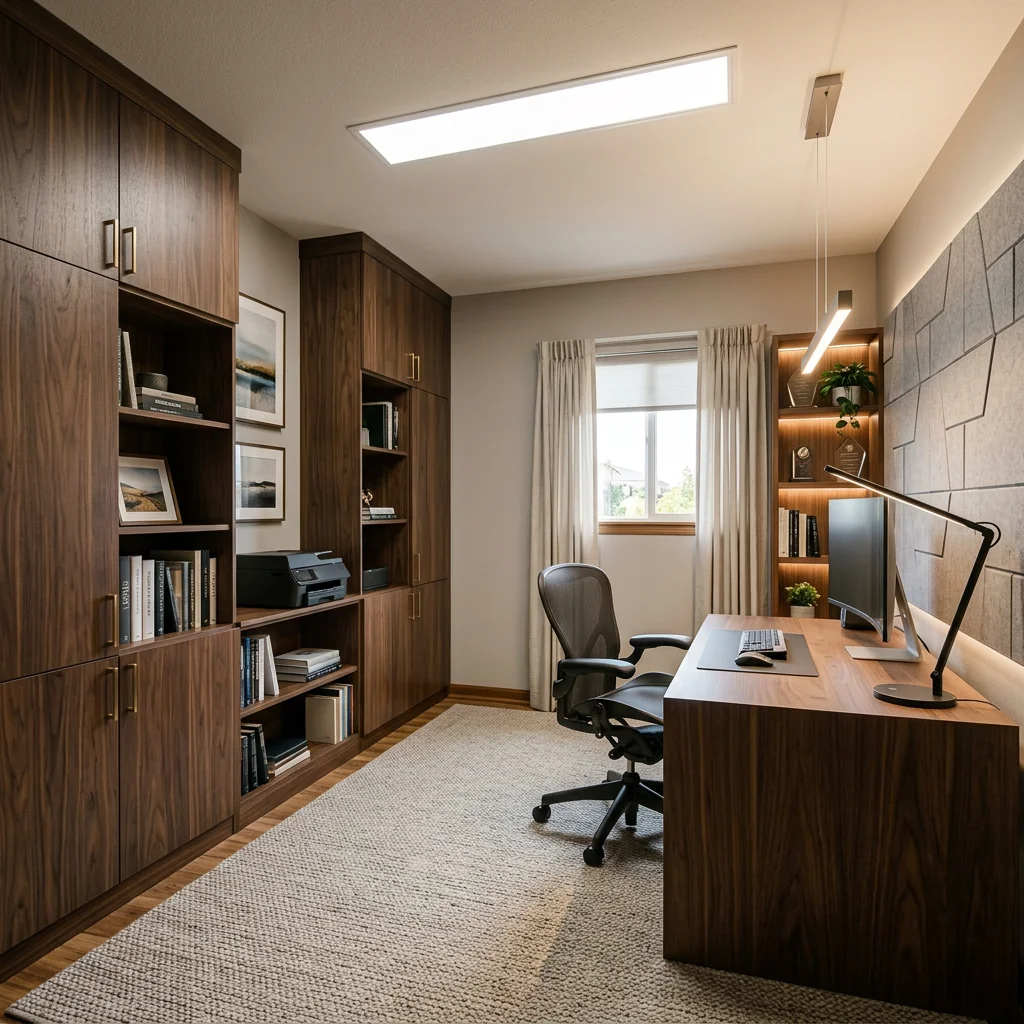
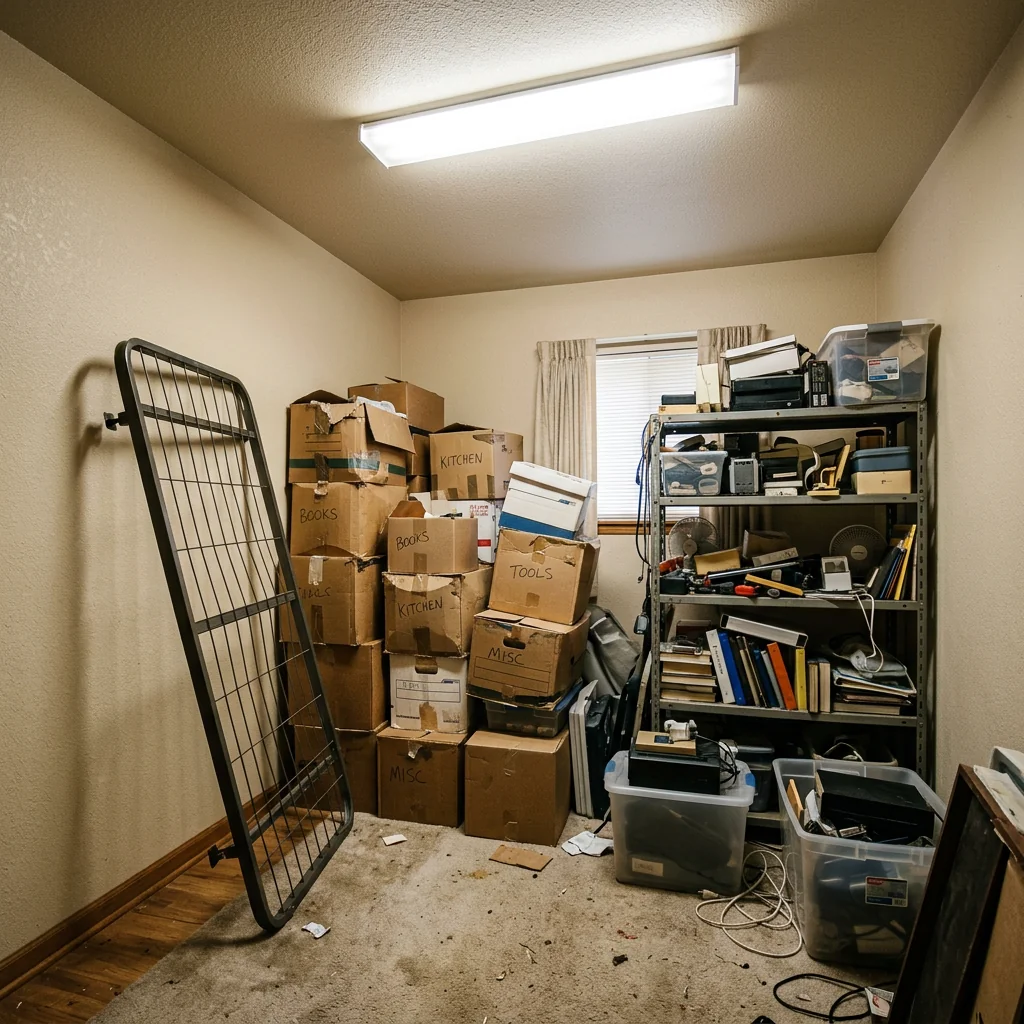
Example · Your result depends on your photo and settings.
1 image free after verified sign-in · No credit card
Choose a photo. Review the look. Sign in to create.
Examples and photo tips
What to prepare
JPG, PNG, WebP, HEIC or HEIF · up to 20 MB per photo
At least 64 × 64 pixels; JPG/PNG/WebP up to 40 megapixels.
HEIC/HEIF: up to 4 megapixels. Larger images need a JPG, PNG or WebP copy.
A clear source photo
Well lit, with the whole area visible.
An idea of the change you want
The editor shows the options for this tool.
Review AI changes before publishing a property image.
Explore more examples
View original photo
Before

View original photo
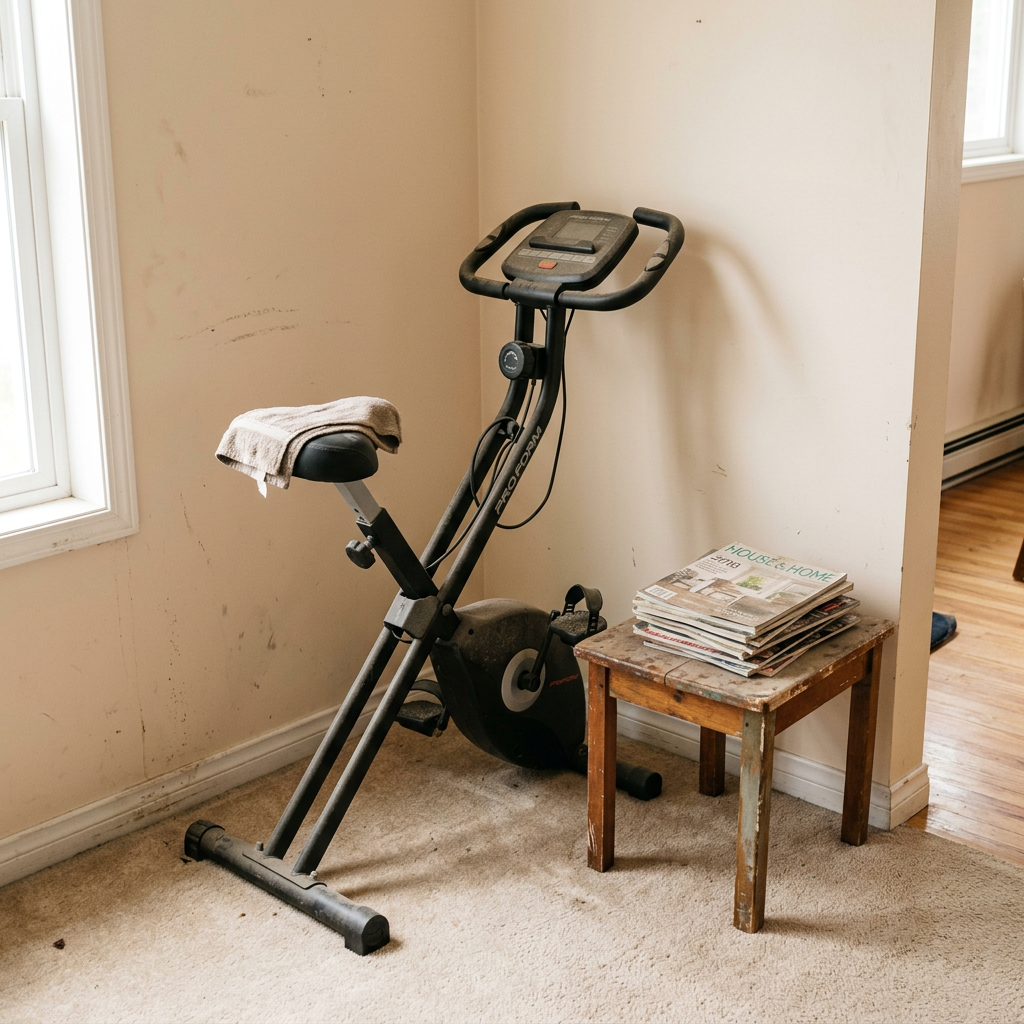
Before

View original photo
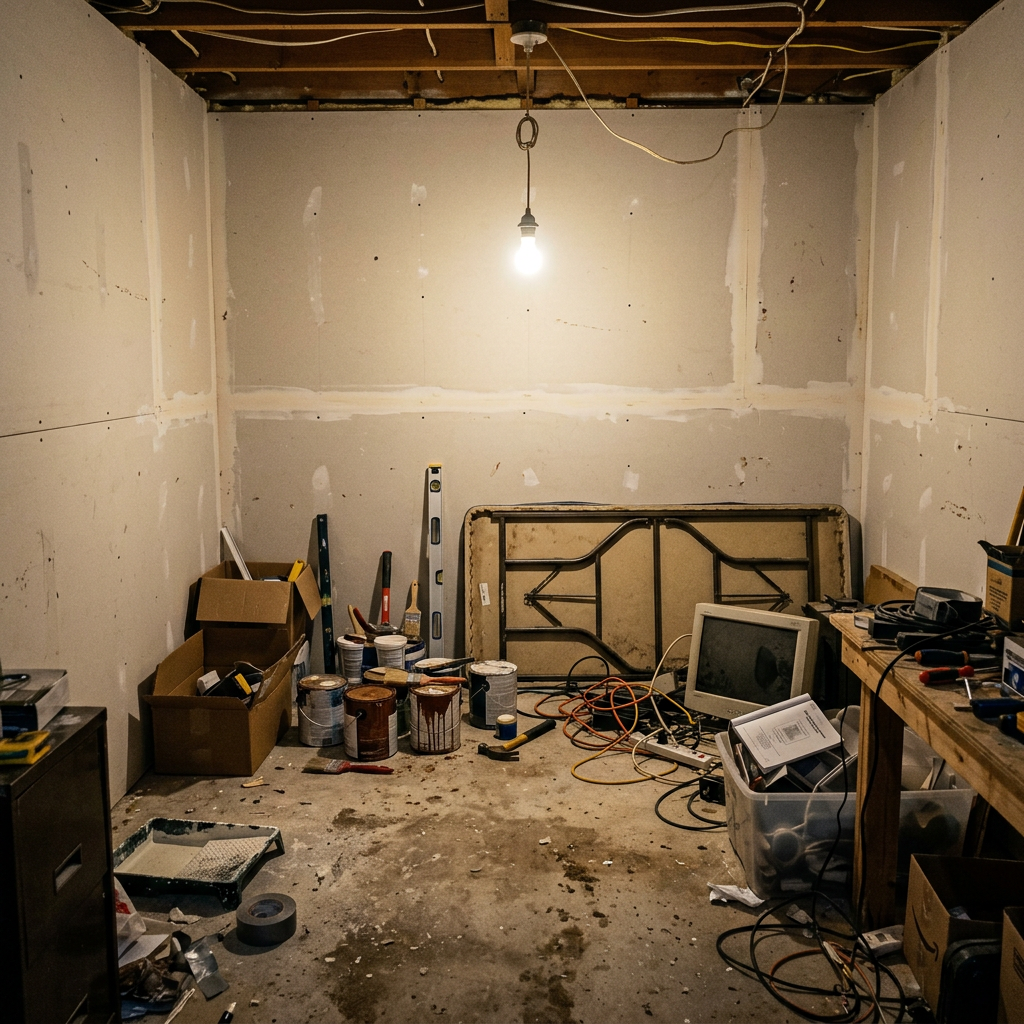
Before
About this tool
Virtual Staging & Styling
Prepare your idea
Explore a workspace concept from a room or corner photo. Review furniture scale, lighting and room details; an image does not verify ergonomics or the fit of a real desk and chair.
Prepare your source photo and the references listed in the form. Its settings describe the intended changes.
Review the request and result
Review availability, image count and the current total before explicitly confirming. Registration alone does not establish credits or a free result. If the outcome is unclear, check the saved status of the existing request before confirming again.
Read the earlier original guide
This earlier guide may contain historical price, timing, quality or usage statements. Use the current description and tool form.
Frequently asked questions
Can I design an office in a small space?
Yes! Our AI excels at compact designs. Even a corner can become productive.
Will it include ergonomic furniture?
We prioritize ergonomic setups with proper desk height and chair support.
Can I do a shared office?
Yes! Specify dual-desk setup. Great for couples working from home.
Häufig gestellte Fragen
Home Office Setup Examples: Before & After Results (2026)
See How Agents Use Home Office Setup to Transform Listings and Boost Property Listing Appeal on Zillow
Expert guide
5 Tips for a Killer Home Office Setup: Real Estate Agent's Guide (2026)
Maximize Productivity: How to Home Office Setup Online for Real Estate Success
What technology is essential for a real estate agent's home office setup?
Transform your workspace with top-tier tech. Start with a high-resolution monitor for reviewing real estate photos and property listings. Invest in a fast, reliable internet connection for seamless MLS access and Zillow interactions. Use PropStage.ai's Home Office Setup tool to visualize the optimal layout for your equipment.
Are there any legal or MLS compliance issues with a home office setup?
Ensure your home office setup complies with NAR guidelines and MLS regulations. Maintain secure data storage for client information and property listings. Use PropStage.ai's Home Office Setup tool to create a professional backdrop for virtual meetings, projecting an image of compliance and competence to clients.
What is the average cost to home office setup for a real estate professional?
The cost of a home office setup varies. Prioritize ergonomic furniture and proper lighting. Use PropStage.ai's Home Office Setup to visualize different layouts and furniture options within your budget. This prevents overspending while ensuring a functional and productive workspace for managing real estate photos and client data.
How can I ensure a high-quality home office setup for real estate tasks?
Enhance your workspace quality by focusing on ergonomics and aesthetics. Upload your room's photo to PropStage.ai's Home Office Setup tool to visualize optimal furniture placement and lighting. A well-designed home office improves focus and professionalism when dealing with MLS listings and Zillow inquiries.
What are the best uses for a home office setup in real estate?
Maximize your home office for client meetings, property listing management, and marketing campaigns. Use PropStage.ai's Home Office Setup to create a visually appealing and functional space. This improves efficiency in tasks like reviewing real estate photos, managing MLS data, and interacting with Zillow leads.
How can I integrate my home office setup into my real estate workflow?
Streamline your workflow by integrating your home office with your digital tools. Use PropStage.ai's Home Office Setup to design a space that promotes efficiency. Ensure easy access to your MLS system, Zillow account, and client management software. A well-integrated setup boosts productivity when handling property listings and client communications.
How it works
So funktioniert es
Set up your dream home office in three steps
Upload Your Space
Photograph the room or area for your home office. AI analyzes available space and natural light.
Choose Style & Setup
Pick your office style, desk configuration, and storage preferences.
Download & Furnish
Get photorealistic office designs to guide your furniture purchases.
What you can do
Home Office Design Features
Ergonomic Setups
Standing desks, ergonomic chairs, and monitor arms.
Smart Storage
Built-in shelving and organization solutions.
Lighting Design
Task lighting and natural light optimization.
Video Call Ready
Backgrounds designed for professional video calls.
Biophilic Design
Plants and natural materials for wellbeing.
Acoustic Comfort
Layout for noise reduction and focus.
Build your productivity paradise
Design Your Home Office
AI-powered workspace visualization
Compare editing approaches
Review timing, cost, available options and the editing steps for your photo.
Creation time
Other services: Agree on a delivery deadline before work starts.
PropStage: Processing time varies. If a result is delayed, check its saved request status instead of sending the same request again.
Cost per image
Other services: Ask for a written quote covering the agreed work and any additional fees.
PropStage: Review the credit cost before confirming a request. Check the current offer before choosing a plan.
Styles and variations
Other services: Confirm which styles and revisions are included.
PropStage: Use the options offered by this tool. Review the credit cost before confirming each new image request.
Editing workflow
Other services: Agree on the source photos, references and final review.
PropStage: Review the required photos and settings before confirming. Keep your original and compare the saved result before publishing.
Read the earlier original guide
This earlier guide may contain historical price, timing, quality or usage statements. Use the current description and tool form.
Professional Aesthetics
Offices that look great on video calls.
Smart Planning
Visualize before spending on furniture.
Instant Results
Get a professional office design in seconds.
Home Office: Designed for Productivity
Create your ideal work-from-home environment with AI. Ergonomic, beautiful, and professional.