
Home Theater & Cinema Room Designer
Explore a home-cinema concept on a room photo. Choose style, seating, screen and lighting ideas; the image does not verify acoustics, wiring, viewing distances or equipment fit.
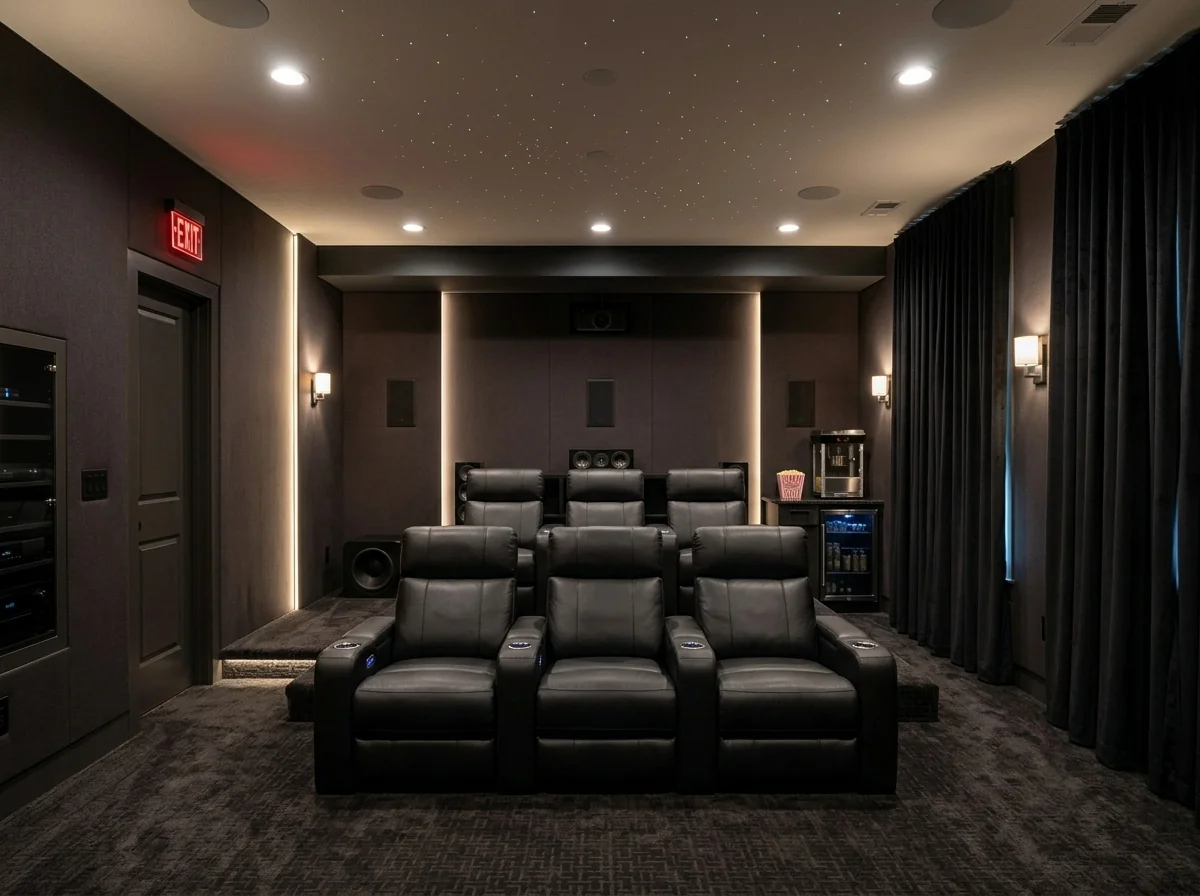
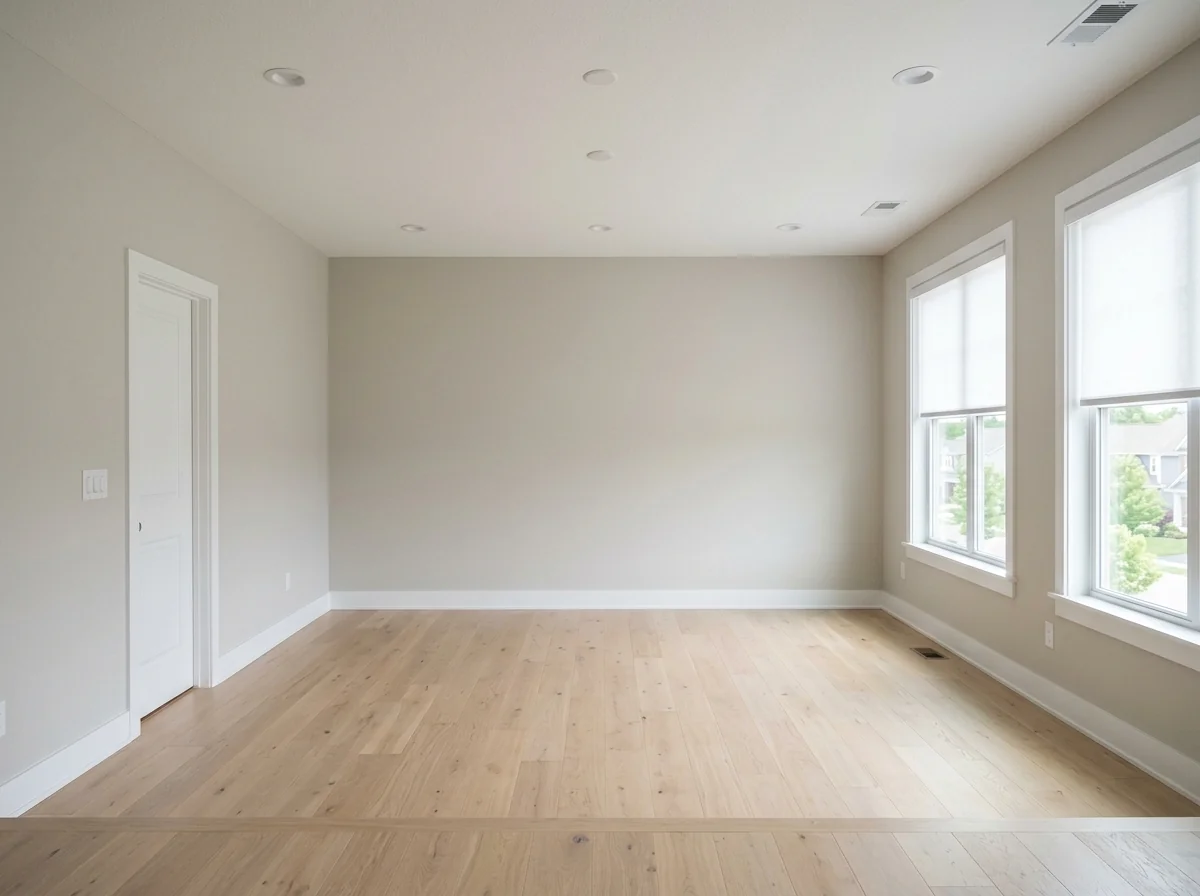
Example · Your result depends on your photo and settings.
Choose a photo. Review the look. Sign in to create.
Examples and photo tips
What to prepare
JPG, PNG, WebP, HEIC or HEIF · up to 20 MB per photo
At least 64 × 64 pixels; JPG/PNG/WebP up to 40 megapixels.
HEIC/HEIF: up to 4 megapixels. Larger images need a JPG, PNG or WebP copy.
A clear source photo
Well lit, with the whole area visible.
An idea of the change you want
The editor shows the options for this tool.
Review AI changes before publishing a property image.
Explore more examples
View original photo
Before
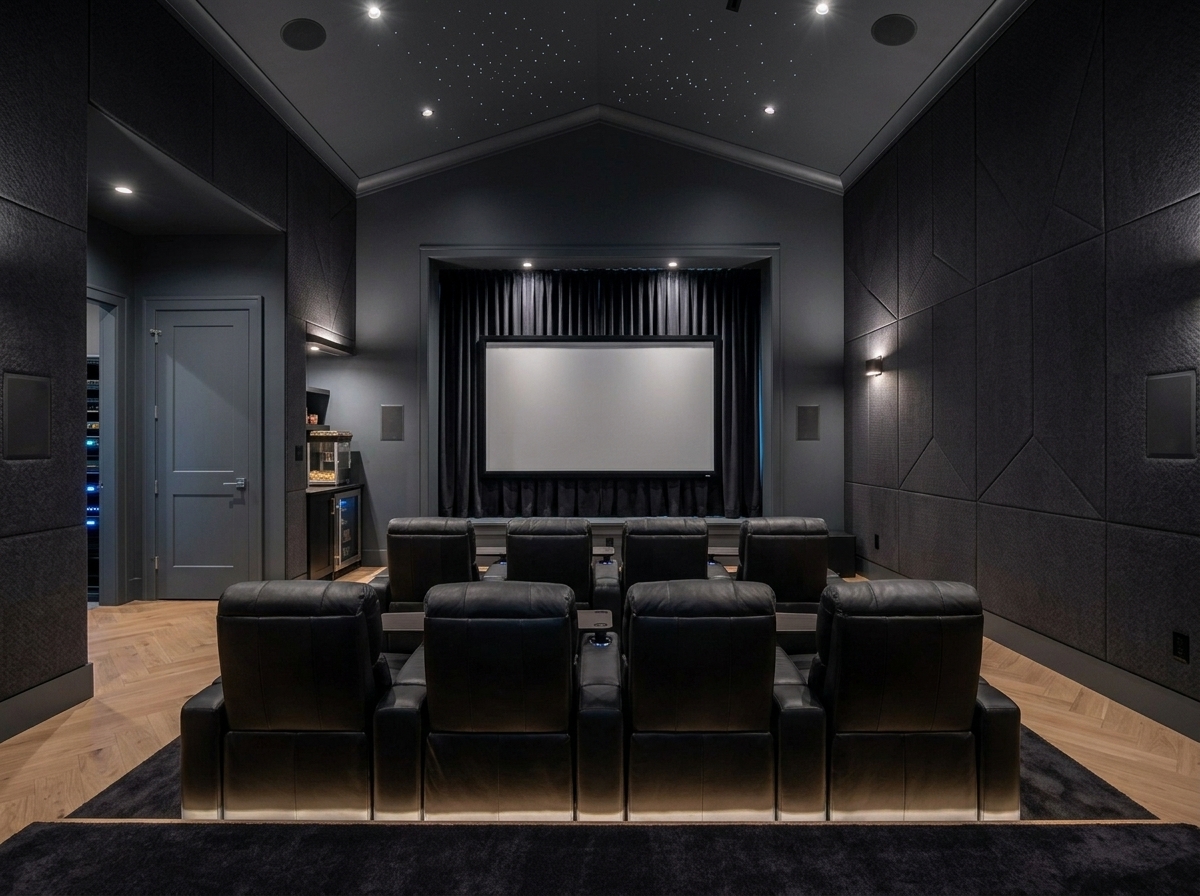
View original photo
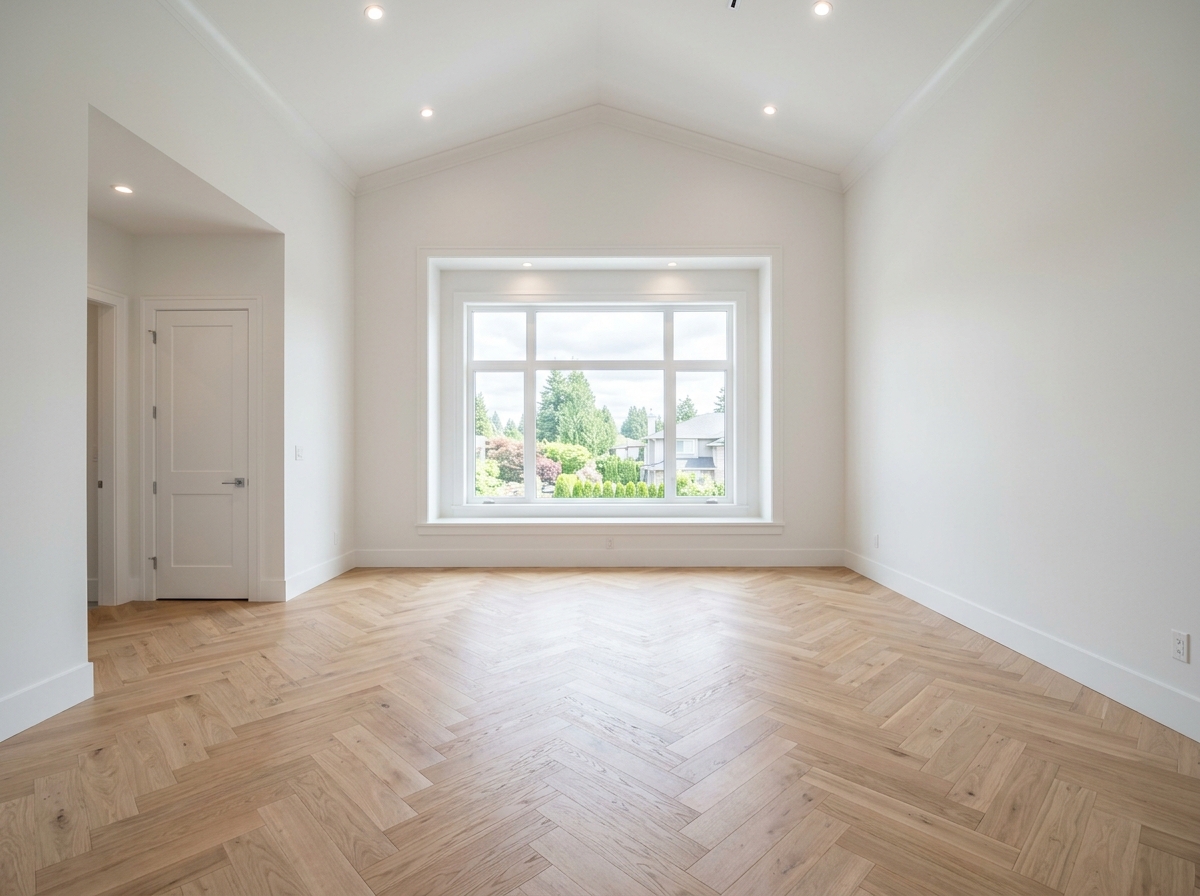
Before
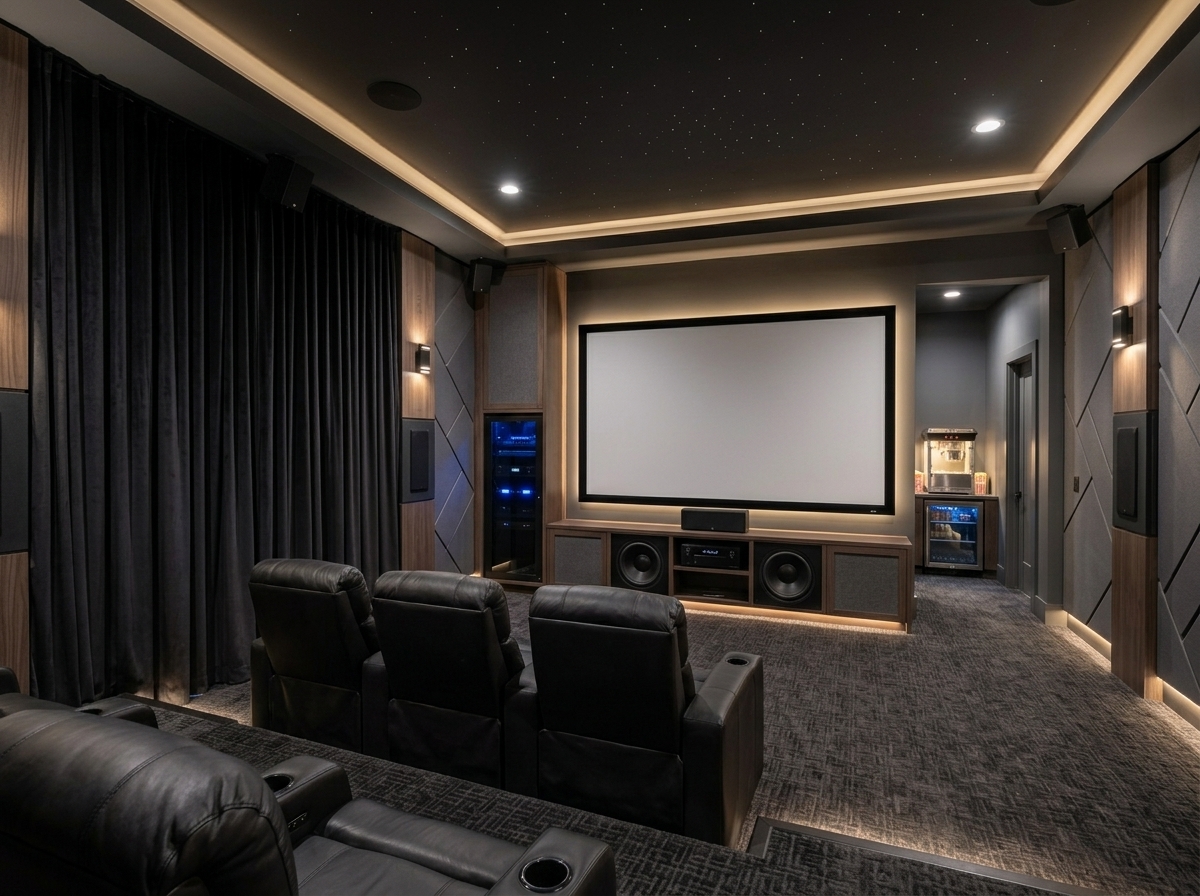
View original photo
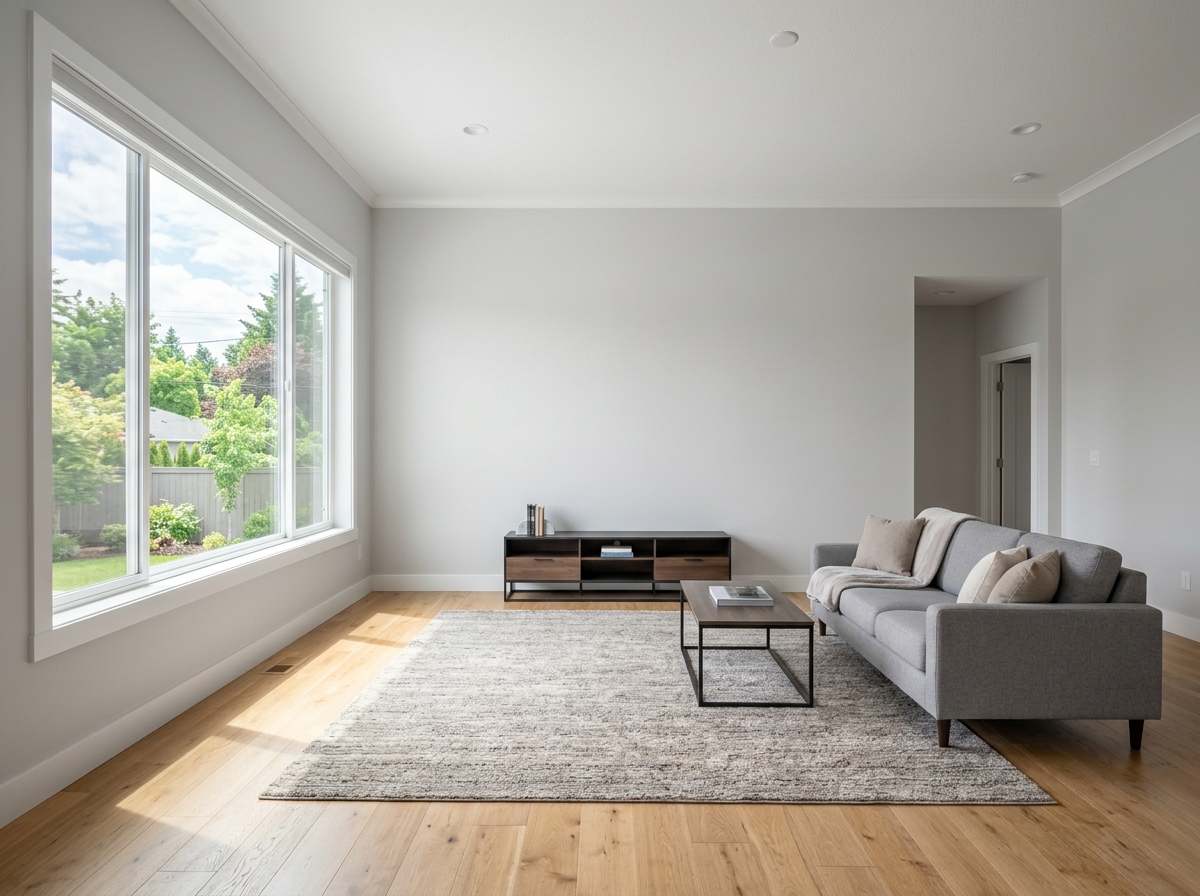
Before
About this tool
Architectural & Design Previews
Prepare your idea
Explore a home-cinema concept on a room photo. Choose style, seating, screen and lighting ideas; the image does not verify acoustics, wiring, viewing distances or equipment fit.
Prepare your source photo and the references listed in the form. Its settings describe the intended changes.
Review the request and result
Review availability, image count and the current total before explicitly confirming. Registration alone does not establish credits or a free result. If the outcome is unclear, check the saved status of the existing request before confirming again.
Read the earlier original guide
This earlier guide may contain historical price, timing, quality or usage statements. Use the current description and tool form.
Frequently asked questions
What types of spaces can I transform into a home theater?
Any room works — basements, spare bedrooms, living rooms, dedicated media rooms, lofts, or even large garages. As long as you have a clear photo of the space, our AI can design a stunning home theater within those exact dimensions.
Will the AI change my room layout or structure?
No. The AI strictly preserves your room's dimensions, window positions, door locations, ceiling height, and overall architecture. It only redesigns the interior: screen, seating, acoustic panels, and lighting.
How realistic are the generated cinema room designs?
Very realistic! Our AI produces photorealistic results that look like professional interior design photography. The output is suitable for client presentations, renovation planning, real estate listings, and social media.
Can real estate agents use this for property listings?
Absolutely! Many luxury real estate agents use our tool to showcase a property's potential by transforming underused basements or rooms into aspirational home theaters. It's a proven way to attract buyers and justify premium pricing.
Can I try different styles and seating configurations?
Yes! Each generation lets you choose a new combination of theater style, seating configuration, screen setup, and acoustic & lighting design. Try as many variations as you like to find your perfect cinema.
How many credits does each generation cost?
Each design visualization costs 1 credit. New users receive free credits to explore the tool before subscribing.
How it works
So funktioniert es
Design Your Dream Home Theater in 3 Simple Steps
Upload Your Room Photo
Take a photo of the space you want to transform — basement, living room, spare room, or any other area
Choose Your Cinema Style
Select your preferred theater style, seating setup, screen type, and acoustic & lighting design
Get Your Cinema Preview
Receive a photorealistic visualization of your new home theater or cinema room in seconds
What you can do
Why Use Our Home Theater & Cinema Room Designer?
Photorealistic Results
AI-generated home theaters that look like professional interior design renders from luxury cinema magazines
Instant Preview
See your transformed space in under 60 seconds — no architect, no 3D software required
Save Thousands
Explore and compare design ideas before committing to an expensive home theater installation
Endless Styles
From classic Hollywood glamour to sleek modern minimalist — any cinema aesthetic is possible
Boost Property Value
Show buyers and investors the luxury entertainment potential of any basement or spare room
True to Your Space
The AI preserves your exact room layout, dimensions, and architecture — only the design changes
5 Home Theater & Cinema Room Designer Tips for Agents
How to use a home theater & cinema room designer online for free to stage luxury screens and seating for Zillow photos.
Compare editing approaches
Review timing, cost, available options and the editing steps for your photo.
Creation time
Other services: Agree on a delivery deadline before work starts.
PropStage: Processing time varies. If a result is delayed, check its saved request status instead of sending the same request again.
Cost per image
Other services: Ask for a written quote covering the agreed work and any additional fees.
PropStage: Review the credit cost before confirming a request. Check the current offer before choosing a plan.
Styles and variations
Other services: Confirm which styles and revisions are included.
PropStage: Use the options offered by this tool. Review the credit cost before confirming each new image request.
Editing workflow
Other services: Agree on the source photos, references and final review.
PropStage: Review the required photos and settings before confirming. Keep your original and compare the saved result before publishing.
Read the earlier original guide
This earlier guide may contain historical price, timing, quality or usage statements. Use the current description and tool form.
5 Home Theater & Cinema Room Designer Features for Luxury Listings
How to home theater & cinema room designer online for free in 2025
Transform dark basements into premium entertainment hubs using our Home Theater & Cinema Room Designer to generate high-converting real estate photos for your property listing. Stage immersive media rooms with luxury recliner seating and acoustic panels to answer how AI staging improves MLS performance for every agent and broker. Enhance your Zillow presence by instantly visualizing 4K projector setups that turn vacant rooms into high-value selling points.