
Full Furniture Removal
Explore an emptied-room concept from a furnished photo. Compare walls, floors and areas revealed by removed furniture with the original; generated details do not document hidden surfaces.
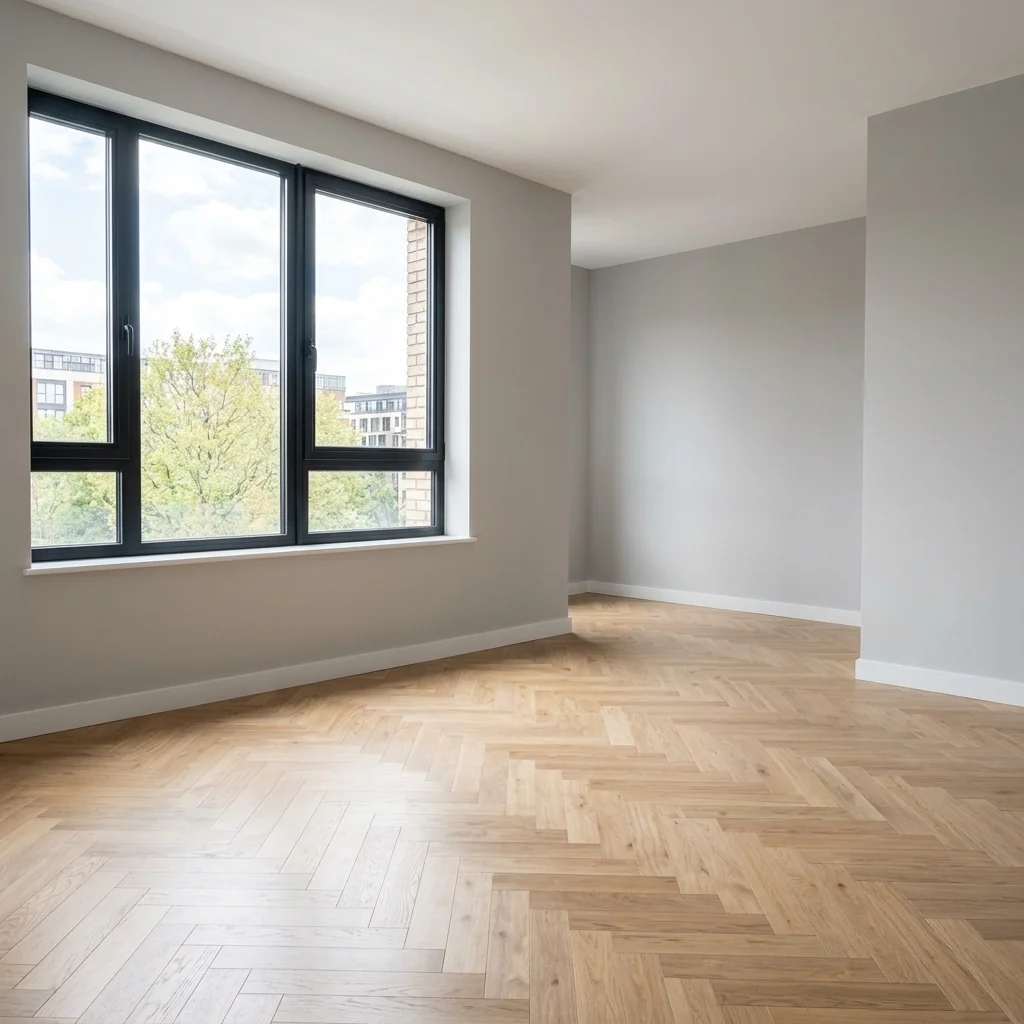
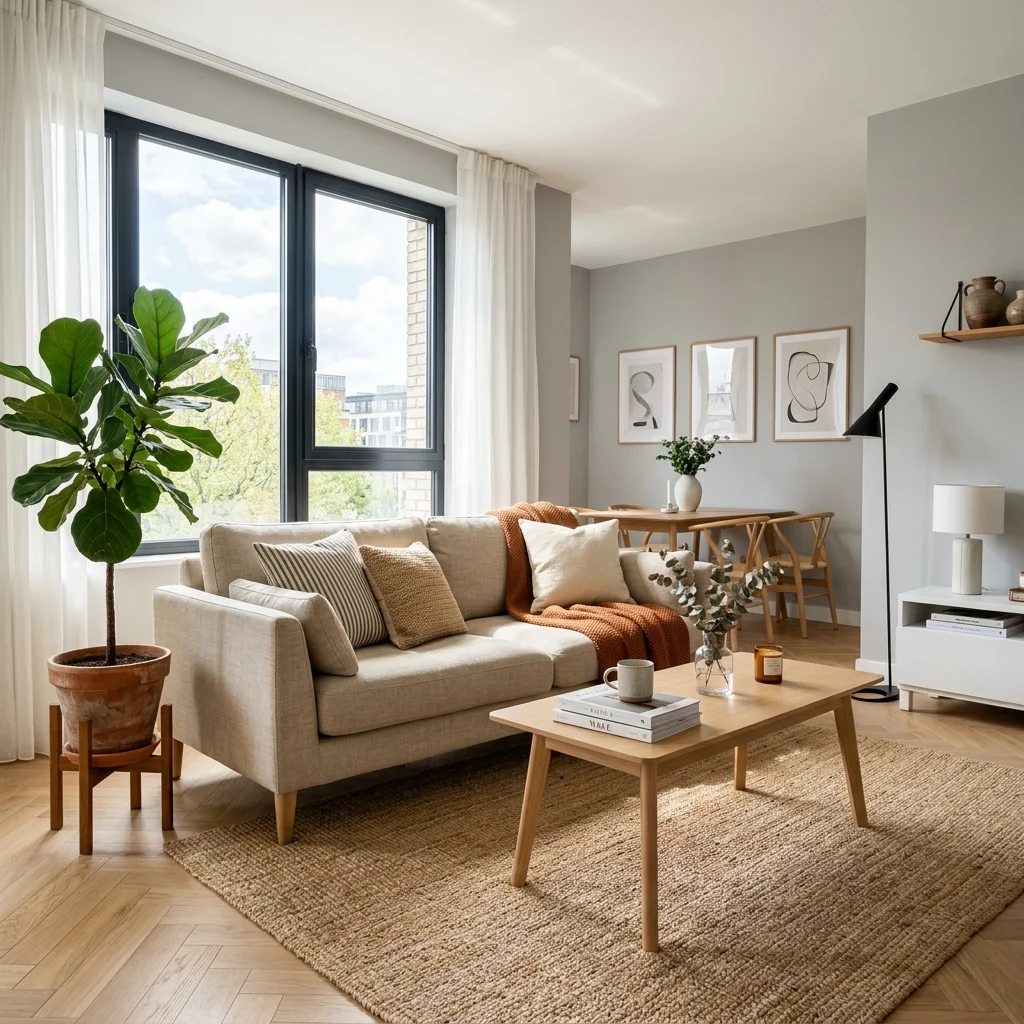
Example · Your result depends on your photo and settings.
1 image free after verified sign-in · No credit card
Choose a photo. Review the look. Sign in to create.
Examples and photo tips
What to prepare
JPG, PNG, WebP, HEIC or HEIF · up to 20 MB per photo
At least 64 × 64 pixels; JPG/PNG/WebP up to 40 megapixels.
HEIC/HEIF: up to 4 megapixels. Larger images need a JPG, PNG or WebP copy.
A clear source photo
Well lit, with the whole area visible.
An idea of the change you want
The editor shows the options for this tool.
Review AI changes before publishing a property image.
Explore more examples
View original photo
Before

View original photo
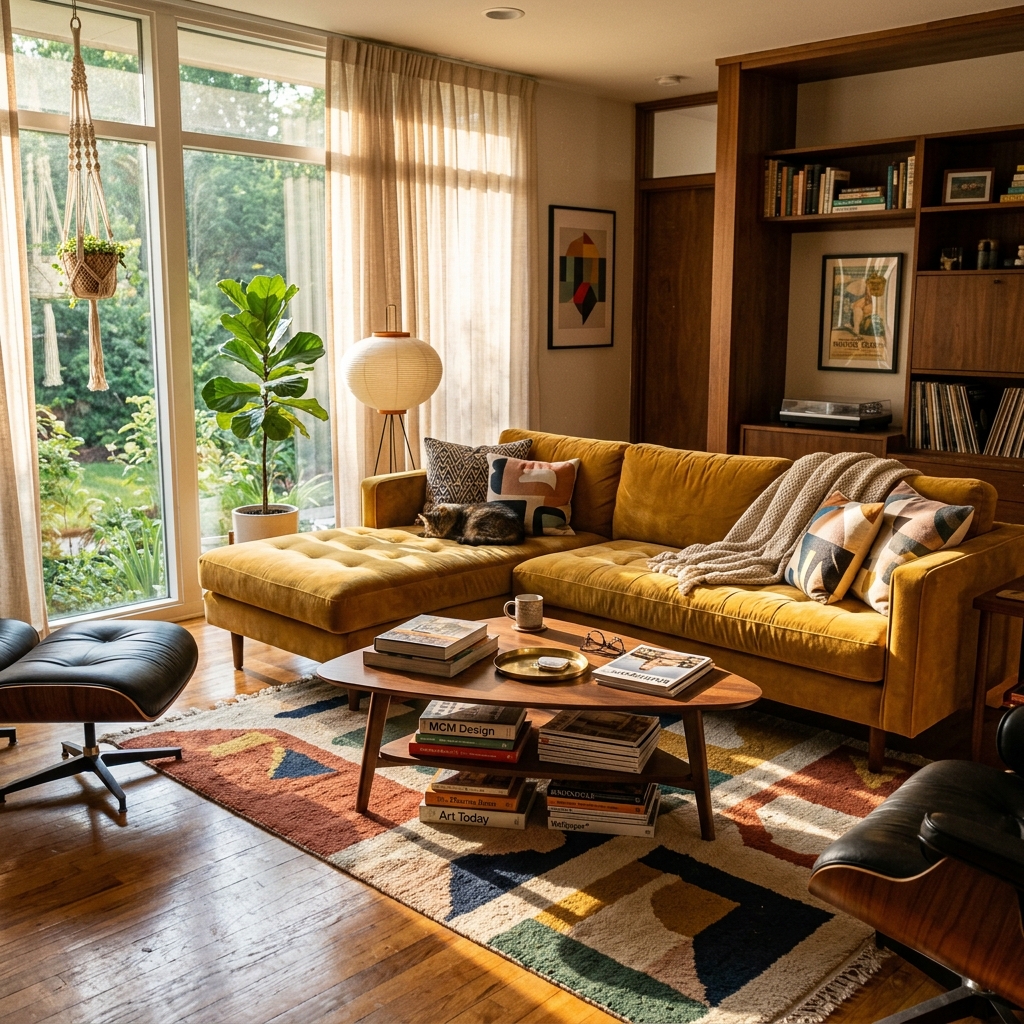
Before

View original photo
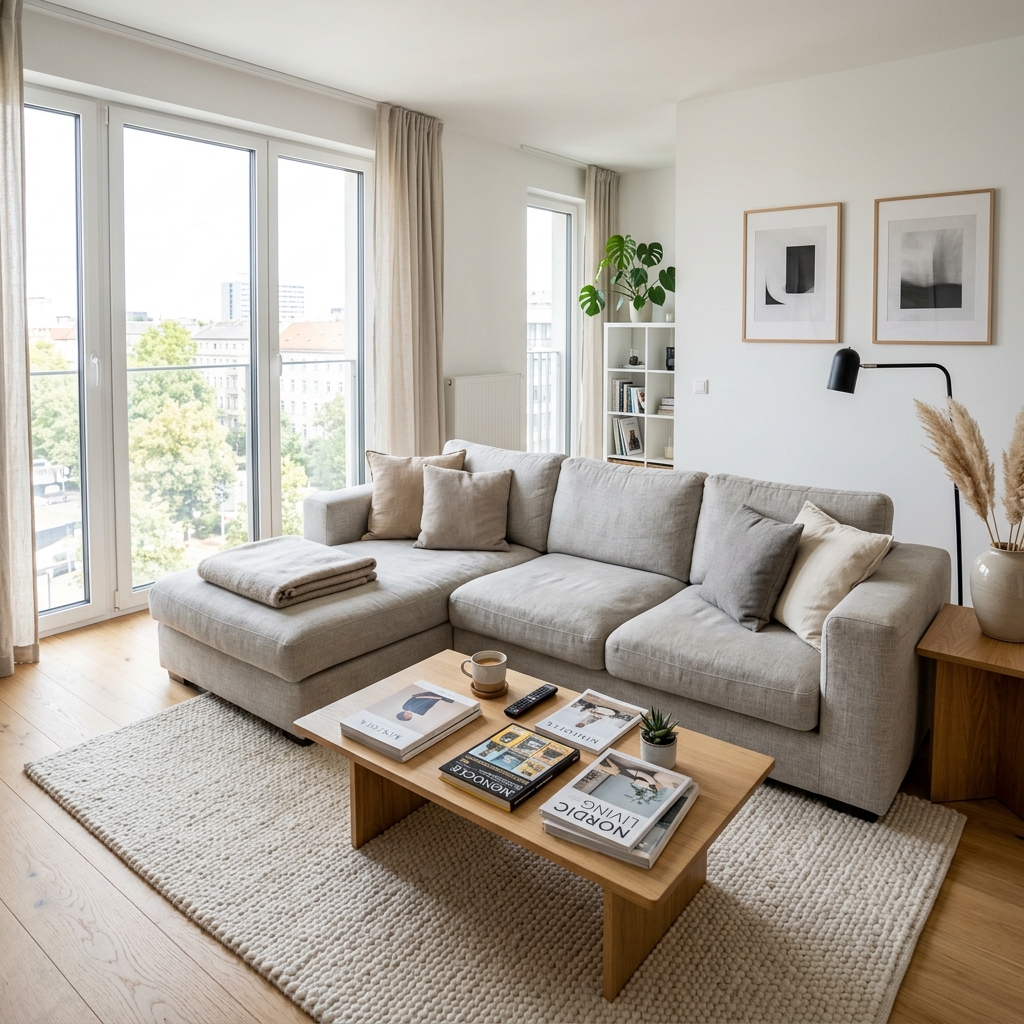
Before
About this tool
Virtual Staging & Styling
Prepare your idea
Explore an emptied-room concept from a furnished photo. Compare walls, floors and areas revealed by removed furniture with the original; generated details do not document hidden surfaces.
Prepare your source photo and the references listed in the form. Its settings describe the intended changes.
Review the request and result
Review availability, image count and the current total before explicitly confirming. Registration alone does not establish credits or a free result. If the outcome is unclear, check the saved status of the existing request before confirming again.
Read the earlier original guide
This earlier guide may contain historical price, timing, quality or usage statements. Use the current description and tool form.
Full Furniture Removal Examples: Before & After Results (2026)
See how agents use full furniture removal to transform listings for MLS & Zillow
Expert guide
5 Tips for Full Furniture Removal: Transform Your Real Estate Photos (2026)
How to Full Furniture Removal Online: A Guide for Real Estate Agents
How does Full Furniture Removal technology work for real estate photos?
Our AI analyzes real estate photos, identifies furniture and décor, and digitally removes them. This process creates a clean, empty space, perfect for showcasing the property's potential and enabling virtual staging. Upload your property listing photos and see the magic happen instantly!
Is Full Furniture Removal compliant with MLS and NAR guidelines?
Yes, full furniture removal is compliant when used ethically and transparently. Disclose that the images have been digitally altered to potential buyers. Ensure that the underlying structure and permanent features of the property are accurately represented in your real estate photos, adhering to NAR guidelines and MLS regulations.
What is the cost of Full Furniture Removal compared to traditional staging?
Full Furniture Removal is significantly more cost-effective than traditional staging. Traditional staging can cost thousands, while our AI-powered solution offers affordable per-image or subscription-based pricing. Convert your photos for a fraction of the cost, improving your property listing's appeal on Zillow and other platforms.
How does Full Furniture Removal enhance the quality of my property listing?
By removing clutter and unwanted furniture, Full Furniture Removal allows potential buyers to visualize the space's potential. This creates a cleaner, more appealing image that highlights the property's features and dimensions, ultimately improving the quality of your real estate photos and attracting more interest on the MLS.
What are the best uses for Full Furniture Removal in real estate?
Full Furniture Removal is ideal for vacant properties, cluttered homes, or when traditional staging is not feasible. Use it to create compelling visuals for your property listing, generate floor plans, and showcase the property's potential to attract more buyers and enhance your agent profile.
How can I integrate Full Furniture Removal into my existing workflow?
Our Full Furniture Removal tool seamlessly integrates into your existing real estate workflow. Simply upload your photos, let our AI remove the furniture, and download the enhanced images for use in your property listing, marketing materials, and presentations. Stage your properties virtually with ease!
How it works
Effortless Furniture Removal with AI
Instantly declutter your property photos for faster sales.
Upload Your Interior Photo
Simply upload the photo you want decluttered. Our AI recognizes furniture, decor, and unwanted items.
AI-Powered Furniture Removal
PropStage.ai intelligently removes all selected objects, creating a clean, empty space in seconds.
Download Your Staging-Ready Image
Receive a high-resolution, clutter-free image, ready for virtual staging, floor plans, or listing photos.
What you can do
AI Room Emptier: Instant Furniture Removal
Lightning-Fast Processing
Remove furniture and clutter from photos in seconds, saving you valuable time and resources.
Flawless Empty Room Creation
AI accurately removes objects, leaving behind clean, realistic empty spaces ready for staging.
Boost Listing Appeal
Showcase properties' potential with clutter-free photos, attracting more buyers and higher offers.
Perfect for Floor Plans
Generate clear, unobstructed photos ideal for creating accurate and professional floor plans.
Seamless Virtual Staging Prep
Prepare photos for virtual staging by providing a clean canvas for designers to work their magic.
Effortless Decluttering
Remove unwanted items and distractions, highlighting the property's true size and features.
Prepare properties for virtual staging & floor plans in seconds with AI-powered furniture removal.
Stop Wasting Hours on Manual Furniture Removal
PropStage.ai's AI clears rooms in seconds—giving you more time to close deals and impress clients
Compare editing approaches
Review timing, cost, available options and the editing steps for your photo.
Creation time
Other services: Agree on a delivery deadline before work starts.
PropStage: Processing time varies. If a result is delayed, check its saved request status instead of sending the same request again.
Cost per image
Other services: Ask for a written quote covering the agreed work and any additional fees.
PropStage: Review the credit cost before confirming a request. Check the current offer before choosing a plan.
Styles and variations
Other services: Confirm which styles and revisions are included.
PropStage: Use the options offered by this tool. Review the credit cost before confirming each new image request.
Editing workflow
Other services: Agree on the source photos, references and final review.
PropStage: Review the required photos and settings before confirming. Keep your original and compare the saved result before publishing.
Read the earlier original guide
This earlier guide may contain historical price, timing, quality or usage statements. Use the current description and tool form.
Instantly Empty Rooms: AI Furniture Removal for Listings
Effortlessly transform cluttered spaces into pristine canvases with AI-powered furniture removal.
PropStage.ai's Full Furniture Removal tool instantly clears any interior photo, eliminating furniture, décor, and clutter. Create clean, empty spaces perfect for virtual staging, floor plans, and showcasing a property's true potential – all with unmatched speed and precision. Real estate professionals choose PropStage.ai for listings that captivate.