
Moodboard to Room Generator
Use a room photo and moodboard to explore a style concept. Colours, materials and furnishings can guide the target-room image; the moodboard is a reference, not a second room to redesign.
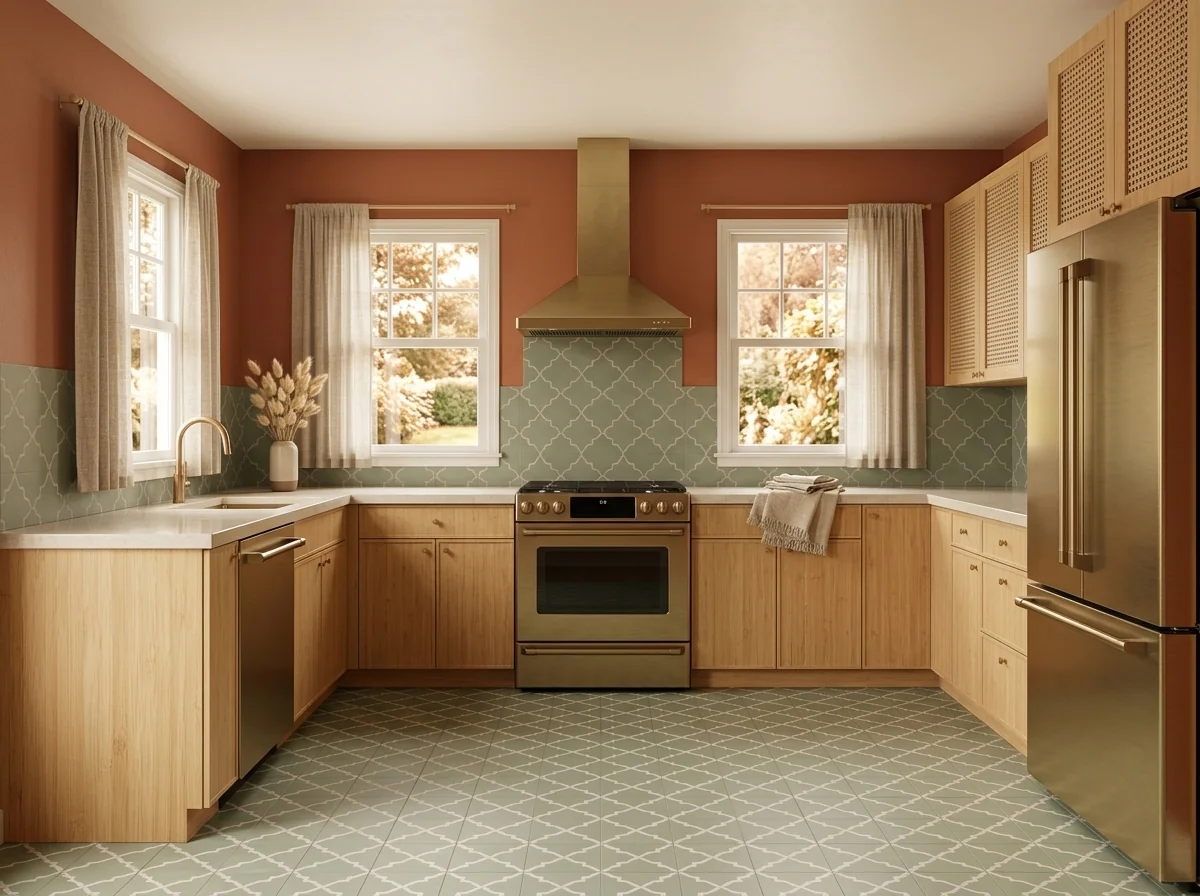
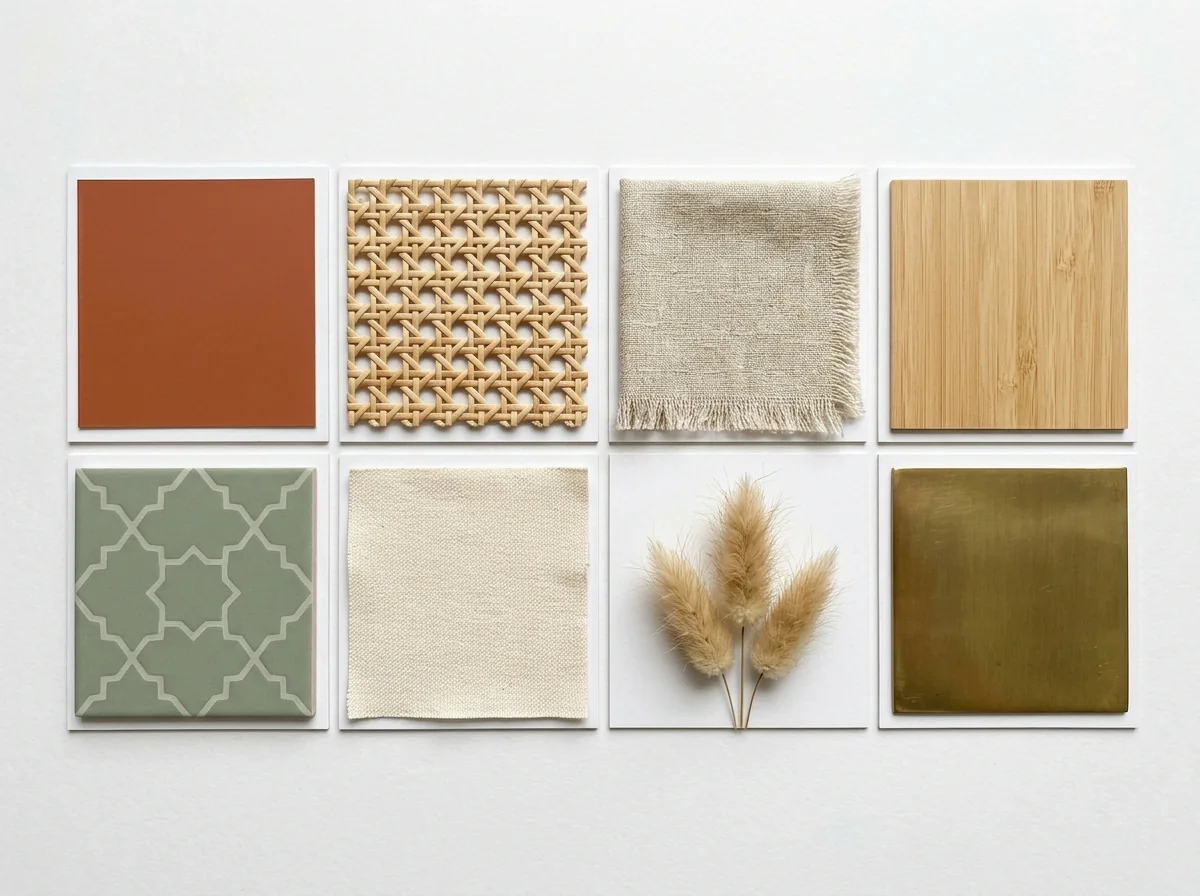
Example · Your result depends on your photo and settings.
1 image free after verified sign-in · No credit card
Choose a photo. Review the look. Sign in to create.
Examples and photo tips
What to prepare
JPG, PNG or WebP — room photo first, moodboard second. A single image or combined source remains supported.
JPG, PNG, WebP, HEIC or HEIF · up to 20 MB per photo
At least 64 × 64 pixels; JPG/PNG/WebP up to 40 megapixels.
HEIC/HEIF: up to 4 megapixels. Larger images need a JPG, PNG or WebP copy.
A clear source photo
Well lit, with the whole area visible.
An idea of the change you want
The editor shows the options for this tool.
Review AI changes before publishing a property image.
Explore more examples
View original photo
Bohemian Moodboard

View original photo
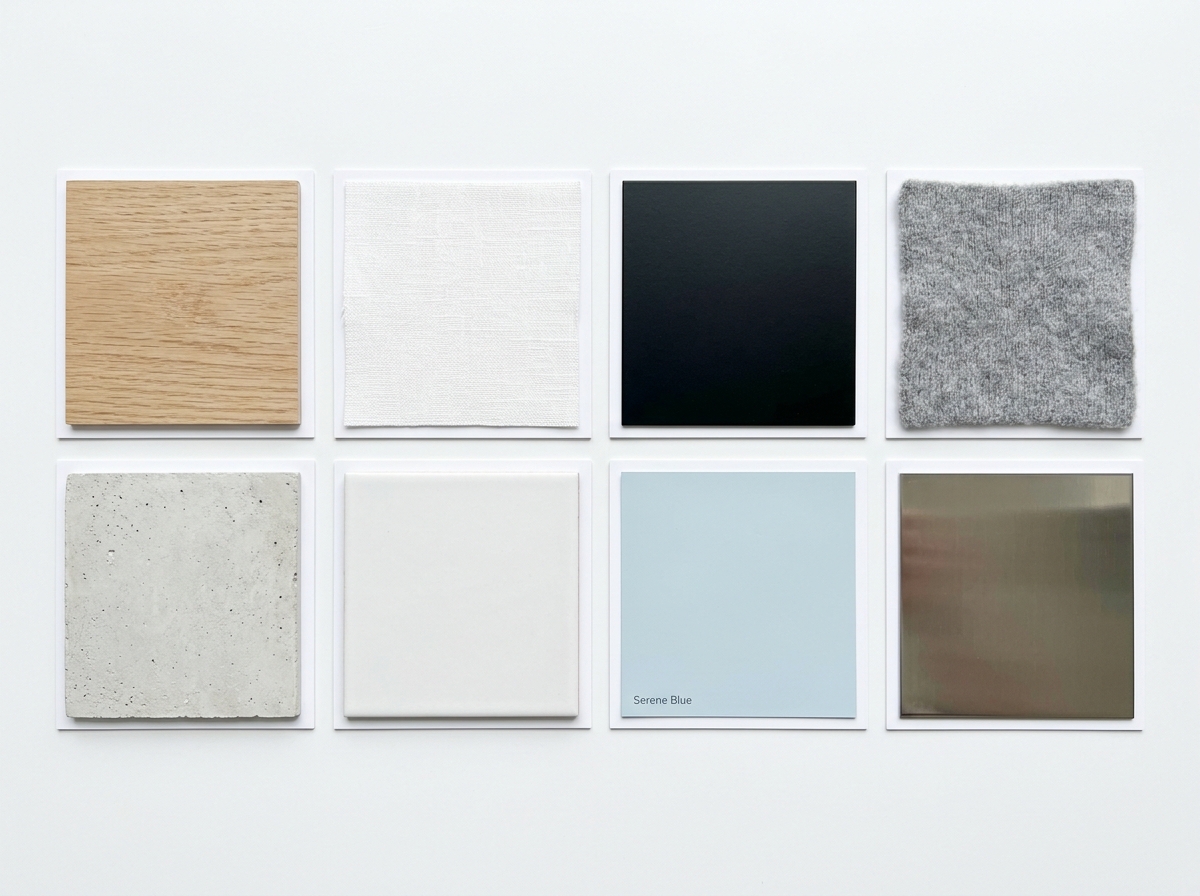
Scandinavian Moodboard

View original photo
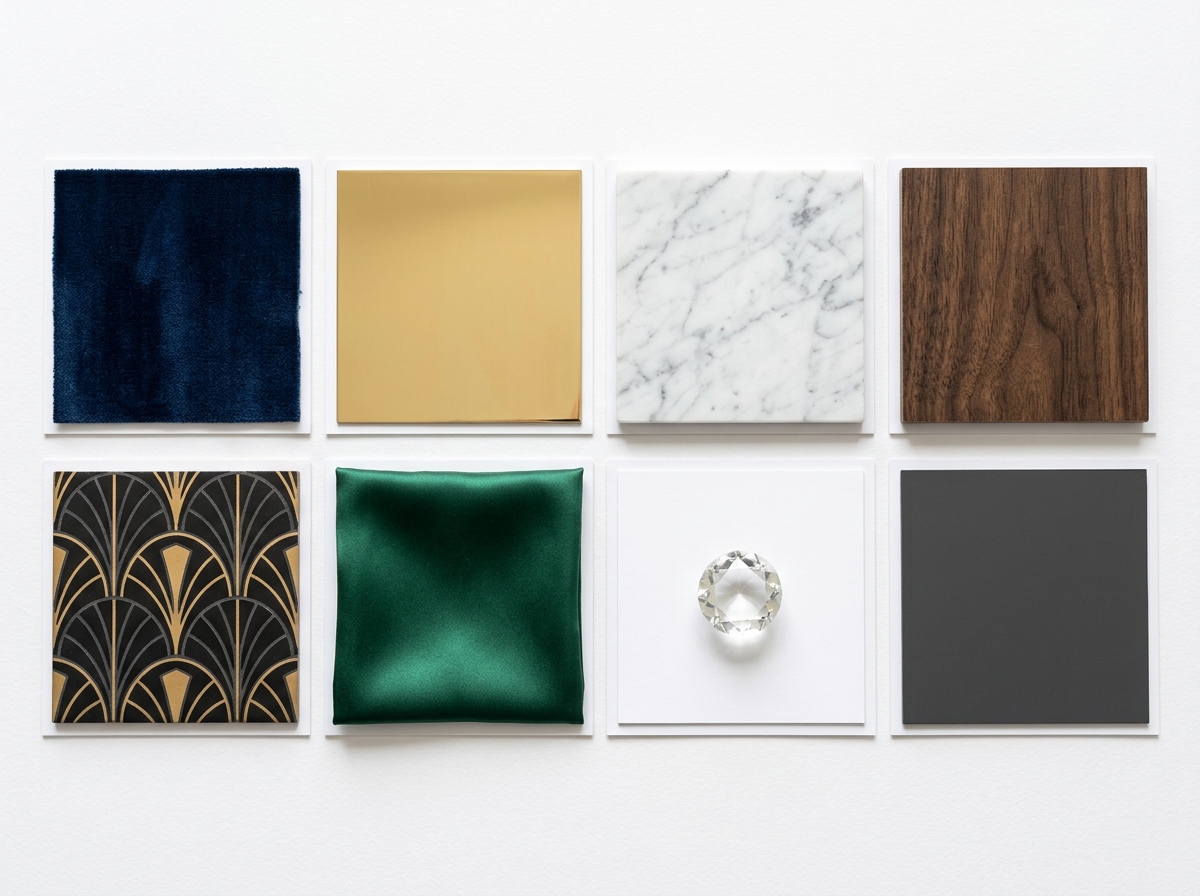
Luxury Moodboard
About this tool
Architectural & Design Previews
Prepare your idea
Use a room photo and moodboard to explore a style concept. Colours, materials and furnishings can guide the target-room image; the moodboard is a reference, not a second room to redesign.
Prepare your source photo and the references listed in the form. Its settings describe the intended changes.
Review the request and result
Review availability, image count and the current total before explicitly confirming. Registration alone does not establish credits or a free result. If the outcome is unclear, check the saved status of the existing request before confirming again.
Read the earlier original guide
This earlier guide may contain historical price, timing, quality or usage statements. Use the current description and tool form.
Moodboard to Room Generator Examples: Before & After Results (2026)
See how agents use moodboard to room generator to transform listings and enhance real estate photos
Expert guide
Transform Your Vision: Moodboard to Room Generator for Real Estate (5 Tips)
How to Use a Moodboard to Room Generator Online: A Guide for Real Estate Agents
How can a Moodboard to Room Generator enhance my real estate property listings?
Transform your real estate photos into stunning, AI-generated rooms that capture the essence of your design vision. Upload a moodboard and a room photo to instantly visualize the potential of any space, attracting more buyers on Zillow and increasing engagement with your MLS property listing. This tool allows agents to showcase properties in a fresh, innovative way.
Are there any legal considerations when using a Moodboard to Room Generator for MLS listings?
When using a Moodboard to Room Generator for property listings, ensure compliance with NAR guidelines and MLS regulations. Disclose that the images are AI-generated and represent a potential design concept. Avoid misrepresentation and ensure accuracy in depicting the property's actual features. Transparency is key to maintaining ethical standards and avoiding legal issues.
What is the cost of using a Moodboard to Room Generator for real estate marketing?
The cost of using a Moodboard to Room Generator varies depending on the platform and usage. PropStage.ai offers competitive pricing with options for individual agents and brokerages. Consider the potential ROI in terms of increased property listing views and faster sales cycles. Explore free trials to assess the value before committing to a subscription.
How can I ensure high-quality results with a Moodboard to Room Generator?
To achieve high-quality results, upload clear and well-composed moodboards and room photos. Ensure that the moodboard accurately reflects the desired style and that the room photo provides a good base for the AI to work with. Experiment with different settings and refine the generated images to match your vision. PropStage.ai's Moodboard to Room Generator delivers superior quality.
What are the best uses of a Moodboard to Room Generator for real estate agents?
Real estate agents can leverage a Moodboard to Room Generator to stage vacant properties virtually, create compelling marketing materials, and help buyers visualize their dream homes. Use it to showcase different design possibilities for a single property, attracting a wider range of potential buyers and increasing interest in your property listing.
How can I integrate a Moodboard to Room Generator into my existing real estate workflow?
Integrate the Moodboard to Room Generator seamlessly into your workflow by using it during the property preparation phase. Upload moodboards and existing real estate photos directly into PropStage.ai, generate stunning visuals, and incorporate them into your property listing on MLS and Zillow. This streamlined process enhances your marketing efforts and saves valuable time.
How it works
How AI Moodboard to Room Generator Works
Transform inspiration into stunning room designs.
Upload Your Moodboard and Room
Start by uploading your design moodboard – the source of your inspiration. Then, upload a photo of the room you want to transform using your moodboard's style.
AI Style Transfer & Room Design
Our AI analyzes your moodboard's colors, textures, and style, then intelligently applies them to your room photo, creating a cohesive and inspiring design.
Review and Download Your New Room
Preview the AI-generated room, ensuring it perfectly captures your vision. Download the high-resolution image, ready to showcase your design concept.
What you can do
Moodboard to Room: Key Features
Style Transfer Perfection
AI accurately replicates the moodboard's style, colors, and textures onto your room photo, ensuring design fidelity.
Visualize Potential Instantly
Show clients the full potential of a space by generating realistic room designs from their inspiration moodboards.
Unlock Design Inspiration
Overcome creative blocks. Quickly explore diverse design styles and find the perfect look for any property.
Photo-Realistic Results
Our AI generates high-quality, photo-realistic images, perfect for marketing materials and client presentations.
Save Time & Resources
Skip expensive staging or complex 3D renderings. Generate designs in minutes, saving time and money.
Effortless Transformation
Simply upload your moodboard and room photo. Let our AI work its magic and deliver stunning, personalized designs.
See your design vision come to life with AI. Effortlessly transform moodboards into stunning room designs.
Moodboard Magic: Room Design, AI-Powered
Transform your design vision into a real room. Upload your moodboard and watch AI bring it to life!
Compare editing approaches
Review timing, cost, available options and the editing steps for your photo.
Creation time
Other services: Agree on a delivery deadline before work starts.
PropStage: Processing time varies. If a result is delayed, check its saved request status instead of sending the same request again.
Cost per image
Other services: Ask for a written quote covering the agreed work and any additional fees.
PropStage: Review the credit cost before confirming a request. Check the current offer before choosing a plan.
Styles and variations
Other services: Confirm which styles and revisions are included.
PropStage: Use the options offered by this tool. Review the credit cost before confirming each new image request.
Editing workflow
Other services: Agree on the source photos, references and final review.
PropStage: Review the required photos and settings before confirming. Keep your original and compare the saved result before publishing.
Read the earlier original guide
This earlier guide may contain historical price, timing, quality or usage statements. Use the current description and tool form.
Moodboard to Room: AI Transforms Your Vision into Reality
Stop dreaming, start seeing! PropStage.ai's Moodboard to Room Generator uses AI to transform your design moodboard into a stunning, fully realized room. Upload your inspiration and a room photo, and watch as our AI seamlessly blends your design vision with reality, creating a space that perfectly captures your desired mood and style. Get inspired and bring your interior moodboard to life!