
Multi-Angle Property Photo Generator
Explore a conceptual room view from a different angle. Choose the viewpoint and focus; generated views do not document unseen areas, and the selected output count is reviewed before confirmation.
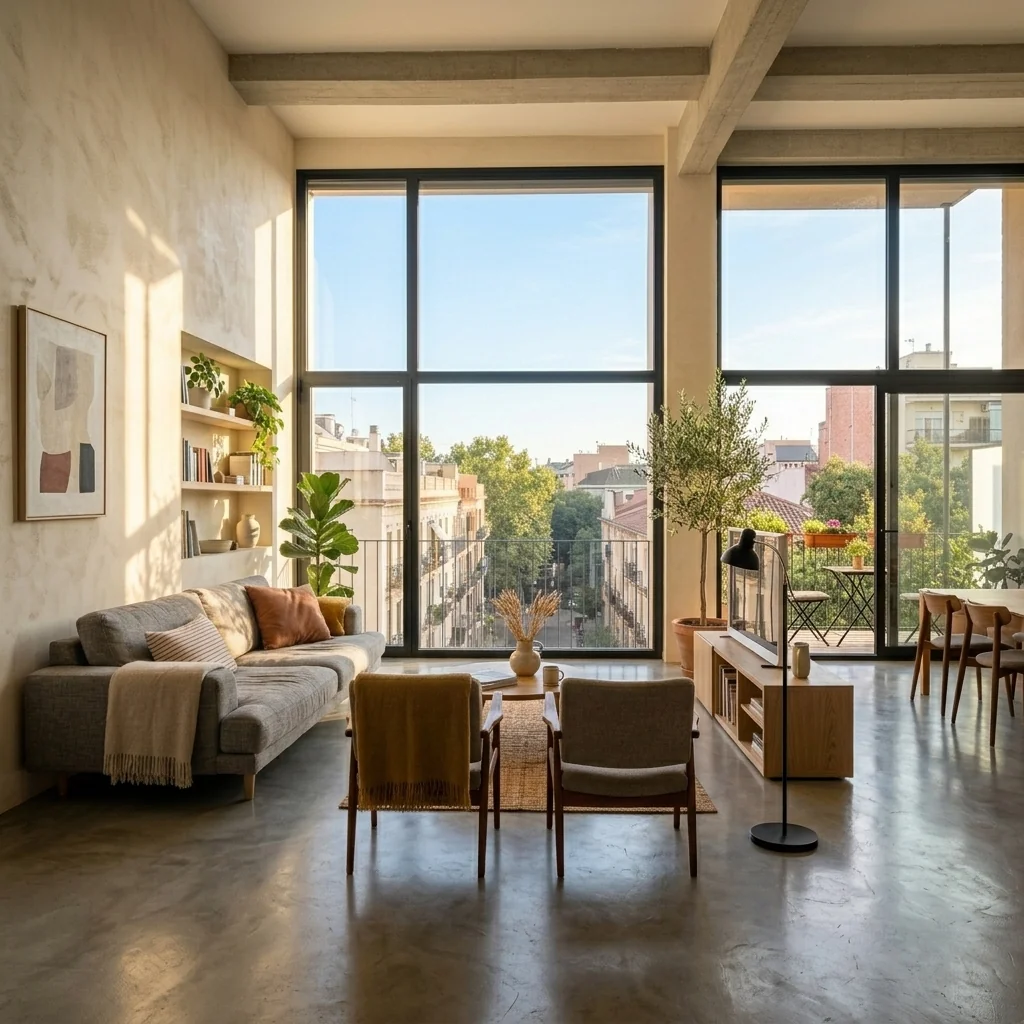
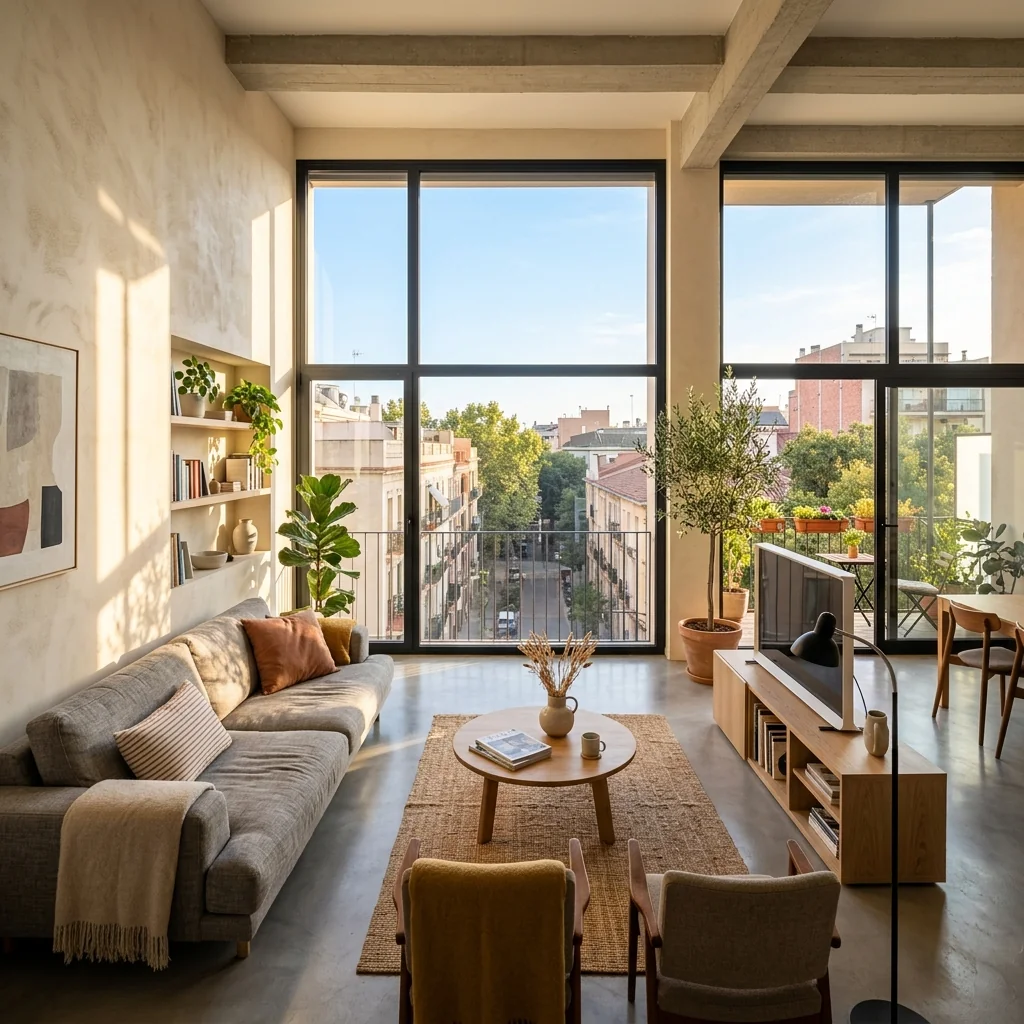
Example · Your result depends on your photo and settings.
1 image free after verified sign-in · No credit card
Choose a photo. Review the look. Sign in to create.
Examples and photo tips
What to prepare
JPG, PNG, WebP, HEIC or HEIF · up to 20 MB per photo
At least 64 × 64 pixels; JPG/PNG/WebP up to 40 megapixels.
HEIC/HEIF: up to 4 megapixels. Larger images need a JPG, PNG or WebP copy.
A clear source photo
Well lit, with the whole area visible.
An idea of the change you want
The editor shows the options for this tool.
Review AI changes before publishing a property image.
Explore more examples
View original photo
Before

View original photo
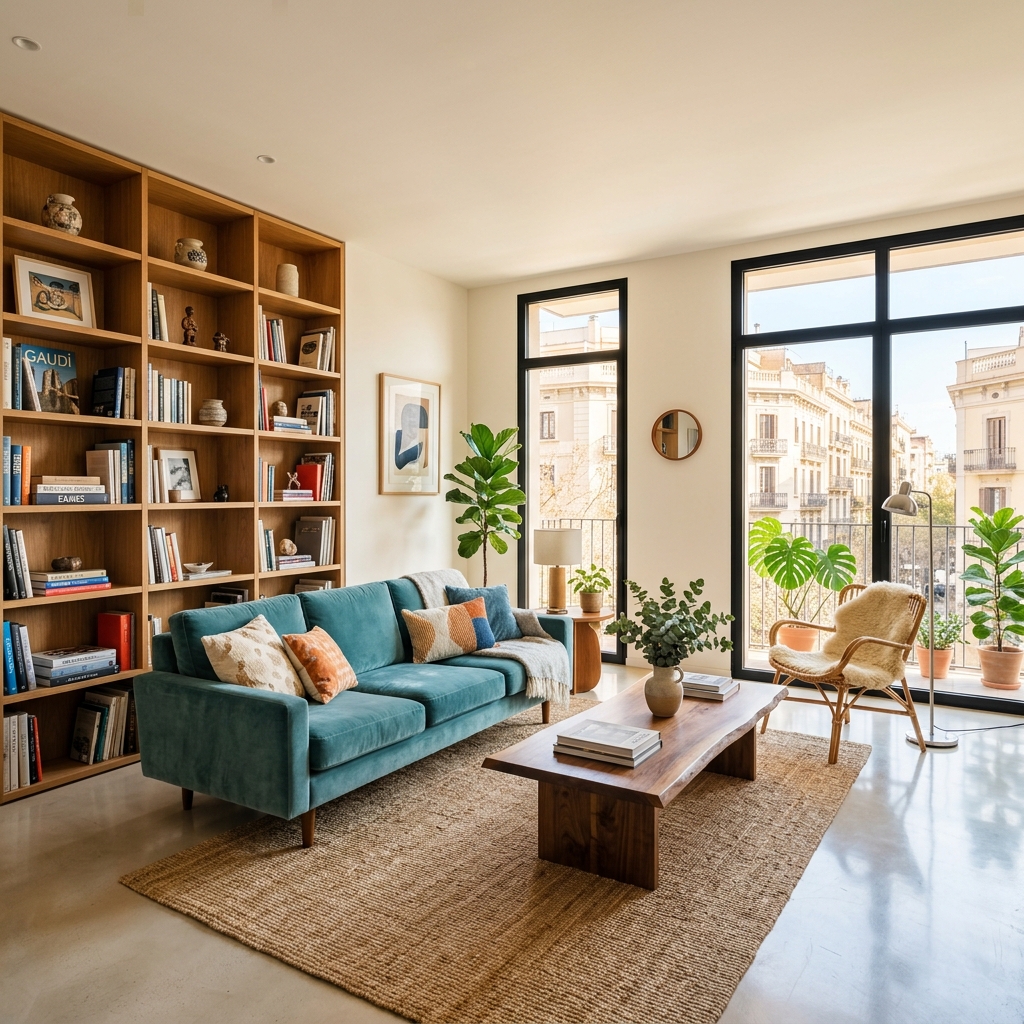
Before

View original photo
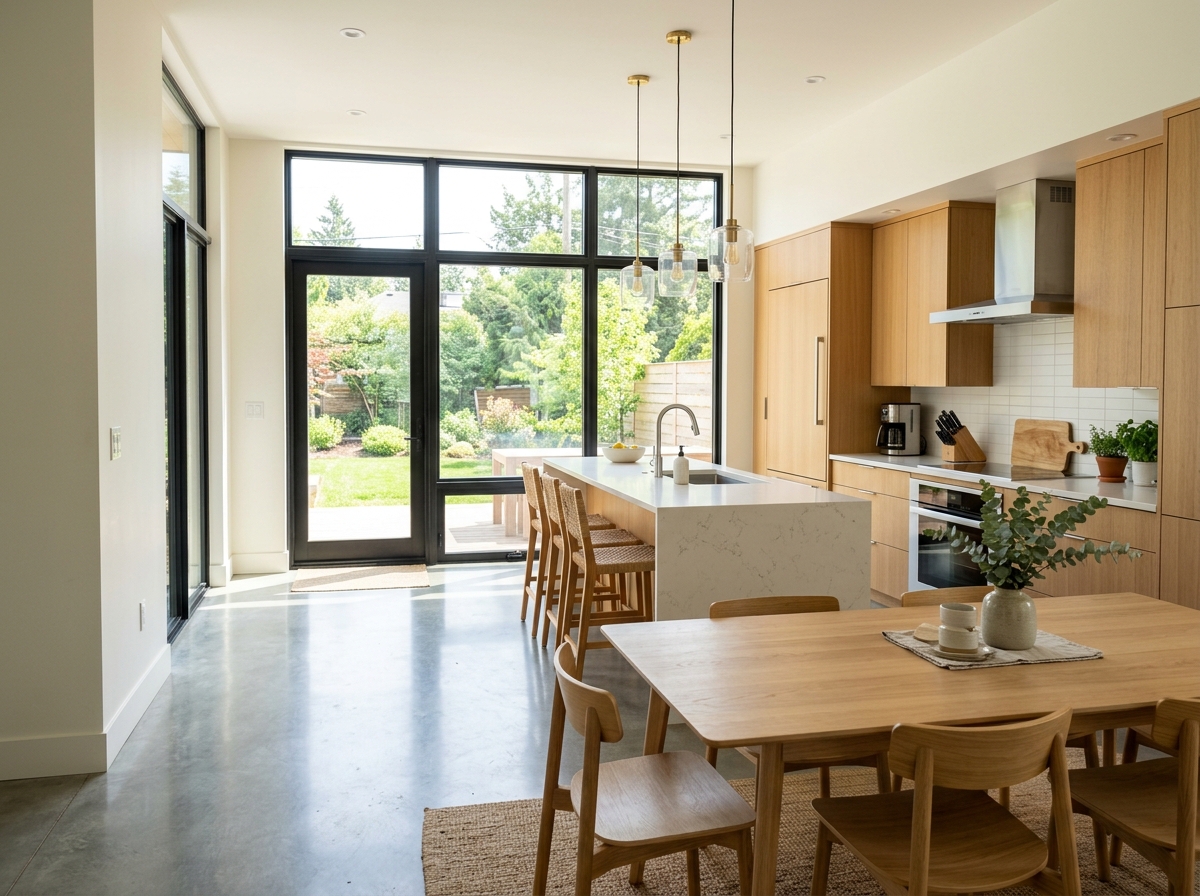
Before — Original Angle
About this tool
Marketing & Distribution Outputs
Prepare your idea
Explore a conceptual room view from a different angle. Choose the viewpoint and focus; generated views do not document unseen areas, and the selected output count is reviewed before confirmation.
Prepare your source photo and the references listed in the form. Its settings describe the intended changes.
Review the request and result
Review availability, image count and the current total before explicitly confirming. Registration alone does not establish credits or a free result. If the outcome is unclear, check the saved status of the existing request before confirming again.
Read the earlier original guide
This earlier guide may contain historical price, timing, quality or usage statements. Use the current description and tool form.
Multi-Angle Property Photo Generator Examples: Before & After Results (2026)
See how agents use multi-angle property photo generator to transform listings for Zillow & MLS
Expert guide
Complete Guide to Multi-Angle Property Photo Generator for Real Estate (2026)
How does a Multi-Angle Property Photo Generator use AI?
Multi-Angle Property Photo Generators leverage advanced AI algorithms, specifically generative adversarial networks (GANs) and deep learning models, to analyze a single real estate photo. These algorithms 'imagine' and render additional angles, such as corner views and close-ups, that weren't originally captured. This allows agents to enhance their property listing on Zillow and MLS platforms.
Are AI-generated multi-angle property photos legal for MLS listings?
The legality of using AI-generated multi-angle property photos for MLS listings depends on local regulations and MLS guidelines. According to NAR guidelines, agents must disclose any alterations or enhancements made to photos. Ensure transparency by clearly labeling AI-generated angles. Check with your local MLS for specific rules regarding digitally altered images in property listings.
What is the cost of using a Multi-Angle Property Photo Generator?
Check the current plan price and credit cost before confirming an image request. A digital preview can help you compare design ideas without purchasing or moving physical materials. Compare your own staging and editing costs; actual savings depend on your project.
How can I ensure high-quality results from a Multi-Angle Property Photo Generator?
To ensure high-quality results from a Multi-Angle Property Photo Generator, start with a clear, well-lit original photo. Avoid blurry or distorted images. Experiment with different settings and parameters within the tool to fine-tune the generated angles. Always review the generated images carefully and make any necessary manual adjustments to maintain a professional appearance for your real estate photos on Zillow.
What are the best use cases for a Multi-Angle Property Photo Generator?
Multi-Angle Property Photo Generators are ideal for showcasing interior spaces in property listings, especially when limited by the number of photos allowed on MLS or Zillow. They are also useful for virtually staging properties and highlighting specific architectural details. Agents can use them to create engaging visual content for social media marketing and attract more potential buyers.
How can I integrate a Multi-Angle Property Photo Generator into my real estate workflow?
Integrate a Multi-Angle Property Photo Generator into your real estate workflow by incorporating it into your photo editing process. After capturing initial real estate photos, upload them to the generator to create additional angles. Review and edit the generated images, then seamlessly upload them to your MLS listing, Zillow, and other marketing platforms. This streamlined approach saves time and enhances your property presentation.
Generate multiple perspective views of a room from a single photo. Upload one interior shot and get additional angles — corner views, wide shots, and detail close-ups — to fill out your listing.
How it works
How AI Multi-Angle Property Photo Generator Works
Get more listing angles from one photo.
Upload Your Best Interior Shot
Select a clear, well-lit photo showcasing the room's key features. Our AI uses this as the base for generating multiple perspectives.
AI Generates New Room Perspectives
PropStage.ai analyzes your photo and creates corner views, wide shots, and close-up details, adding depth to your listing presentation.
Download and Enhance Your Listing
Review the AI-generated room views, download the perspectives you need, and instantly elevate your property's appeal to potential buyers.
What you can do
AI Multi-Angle Room Photo Generator
Instant Angle Expansion
Transform one interior shot into multiple perspectives, showcasing every corner of the room.
AI-Powered Perspective
Generate accurate and realistic room angles, enhancing visual appeal and property understanding.
Complete Listing Coverage
Fill out your listings with diverse room views, capturing buyer attention and increasing engagement.
Accelerated Listing Speed
Skip expensive reshoots. Generate additional angles instantly, getting properties listed faster.
Cost-Effective Solution
Reduce photography costs by generating multiple perspectives from a single, affordable upload.
Enhanced Visual Storytelling
Create a comprehensive visual narrative of each property, captivating potential buyers with varied perspectives.
Generate multiple room perspectives from one photo. Fill your listings faster!
1 Photo, Endless Angles: AI Room Views
Generate multiple room perspectives from a single image. Fill your listings faster with AI.
Compare editing approaches
Review timing, cost, available options and the editing steps for your photo.
Creation time
Other services: Agree on a delivery deadline before work starts.
PropStage: Processing time varies. If a result is delayed, check its saved request status instead of sending the same request again.
Cost per image
Other services: Ask for a written quote covering the agreed work and any additional fees.
PropStage: Review the credit cost before confirming a request. Check the current offer before choosing a plan.
Styles and variations
Other services: Confirm which styles and revisions are included.
PropStage: Use the options offered by this tool. Review the credit cost before confirming each new image request.
Editing workflow
Other services: Agree on the source photos, references and final review.
PropStage: Review the required photos and settings before confirming. Keep your original and compare the saved result before publishing.
Read the earlier original guide
This earlier guide may contain historical price, timing, quality or usage statements. Use the current description and tool form.
Unlock Every Angle: AI Generates Room Perspectives From One Photo
Tired of shooting countless angles? PropStage.ai's Multi-Angle Property Photo Generator creates multiple room perspectives from a single image. Generate corner views, wide shots, and detail close-ups instantly, filling out your listings with stunning AI room photos and saving you valuable time and money on real estate photography.