
Property Features Checklist Graphic
Create a feature-list image from a property photo and your own amenities list. Choose an aesthetic, then check every rendered feature and fact against the real listing before sharing.
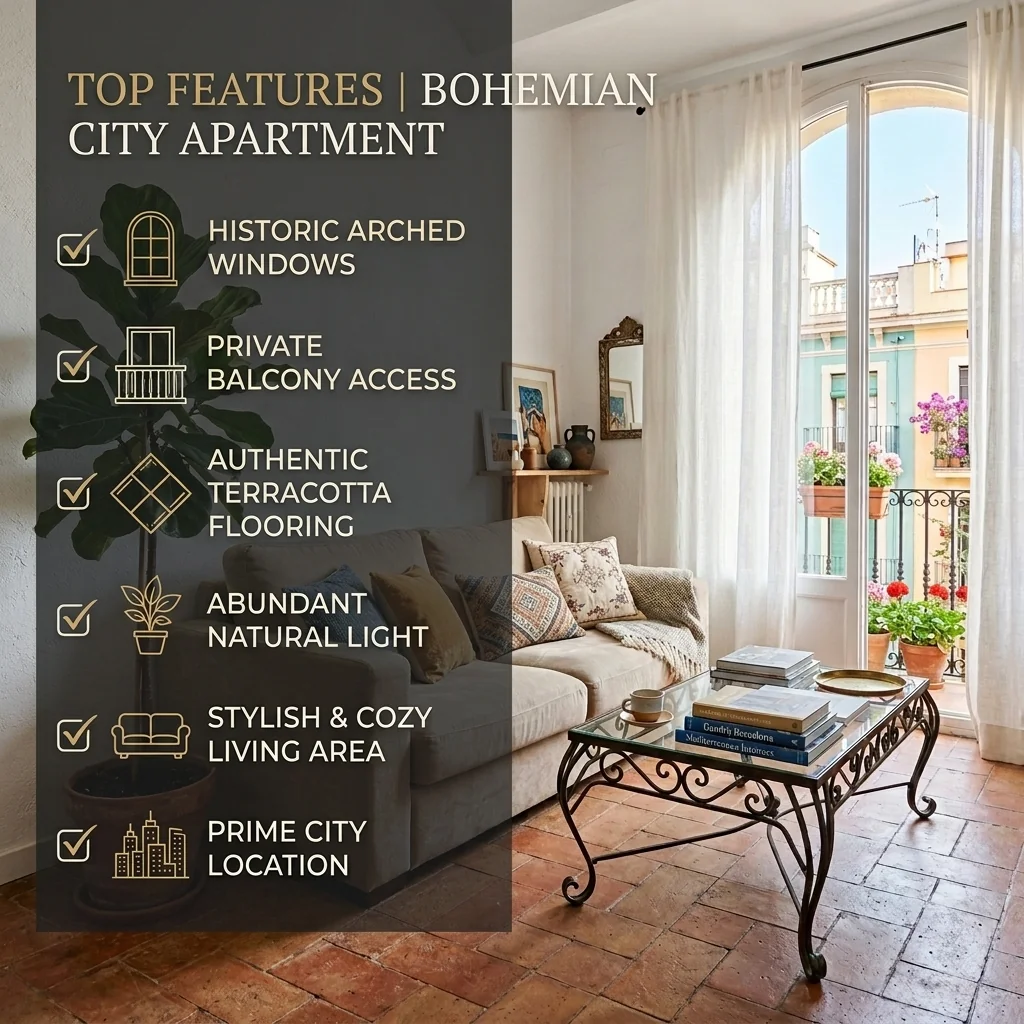
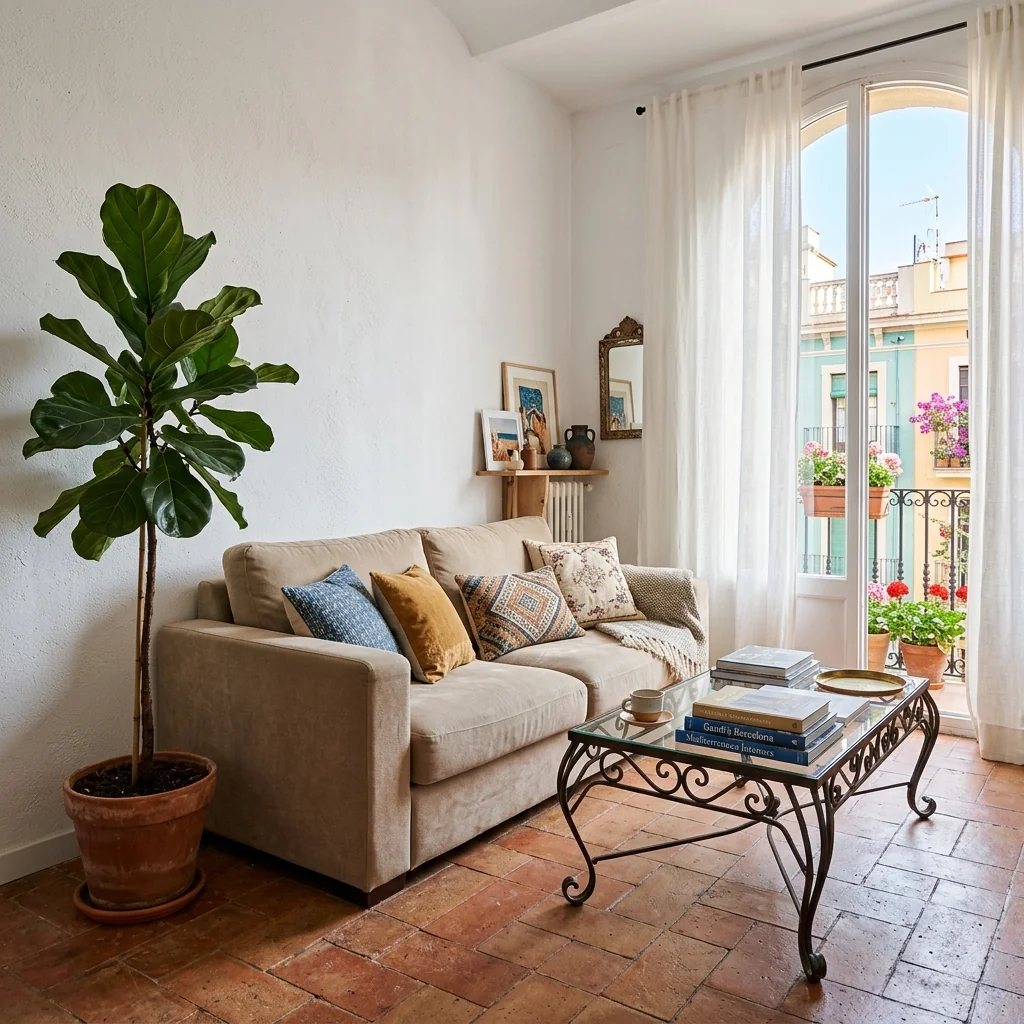
Example · Your result depends on your photo and settings.
1 image free after verified sign-in · No credit card
Choose a photo. Review the look. Sign in to create.
Examples and photo tips
What to prepare
JPG, PNG, WebP, HEIC or HEIF · up to 20 MB per photo
At least 64 × 64 pixels; JPG/PNG/WebP up to 40 megapixels.
HEIC/HEIF: up to 4 megapixels. Larger images need a JPG, PNG or WebP copy.
A clear source photo
Well lit, with the whole area visible.
An idea of the change you want
The editor shows the options for this tool.
Review AI changes before publishing a property image.
Explore more examples
View original photo
Before

View original photo
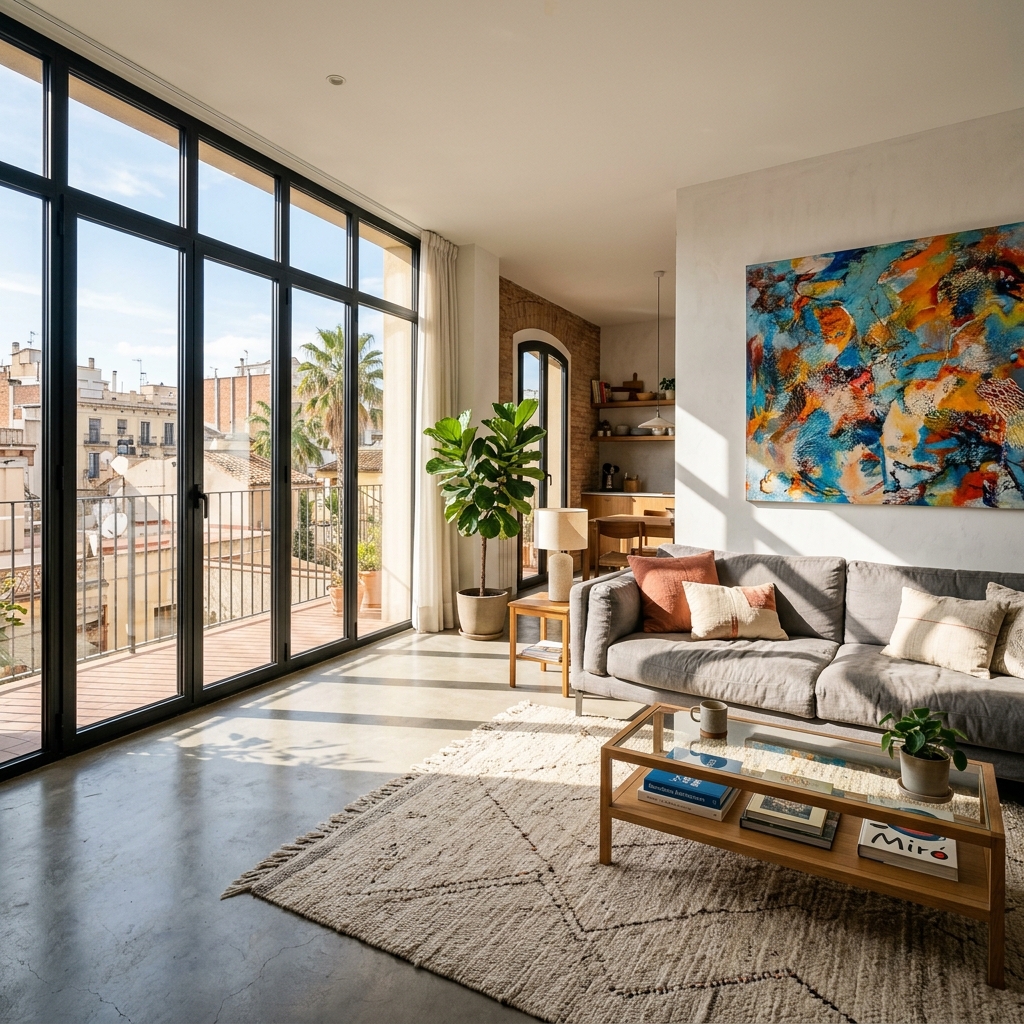
Before

View original photo
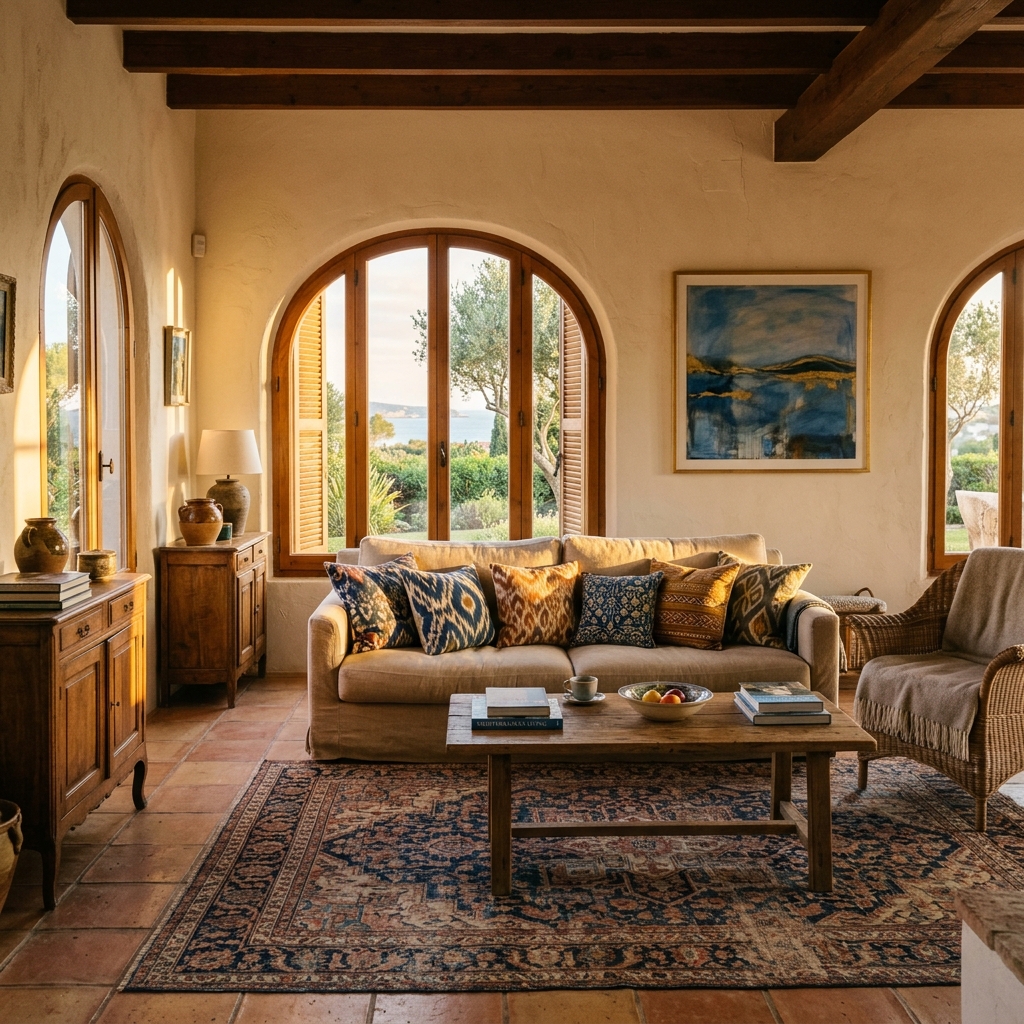
Before
About this tool
Marketing & Distribution Outputs
Prepare your idea
Create a feature-list image from a property photo and your own amenities list. Choose an aesthetic, then check every rendered feature and fact against the real listing before sharing.
Prepare your source photo and the references listed in the form. Its settings describe the intended changes.
Review the request and result
Review availability, image count and the current total before explicitly confirming. Registration alone does not establish credits or a free result. If the outcome is unclear, check the saved status of the existing request before confirming again.
Read the earlier original guide
This earlier guide may contain historical price, timing, quality or usage statements. Use the current description and tool form.
Property Features Checklist Graphic Examples: Before & After Results (2026)
See how agents use property features checklist graphic to transform listings
Expert guide
5 Tips: Transform Your Property Listing with a Property Features Checklist Graphic
How to Create a Stunning Property Features Checklist Graphic Online for More Zillow Views
How can a Property Features Checklist Graphic enhance my real estate photos on MLS?
Transform your property listing with a visually appealing Property Features Checklist Graphic. Instead of relying solely on text descriptions, overlay key amenities directly onto your real estate photos. This instantly highlights the home's best features, grabbing attention on MLS and Zillow. Ensure your Property Features Checklist Graphic adheres to NAR advertising guidelines.
Are there any legal or MLS compliance issues when using a Property Features Checklist Graphic?
Yes, agents must ensure their Property Features Checklist Graphic is accurate and doesn't mislead potential buyers. All claims must be verifiable. Include any required disclaimers, and ensure compliance with local MLS rules regarding photo alterations. Using Property Features Checklist Graphic to misrepresent property features can lead to penalties.
What is the cost of creating a high-quality Property Features Checklist Graphic for my property listing?
The cost varies. Hiring a professional photographer and graphic designer can be expensive. However, using PropStage.ai's Property Features Checklist Graphic tool offers a cost-effective alternative. You can upload your own real estate photos and create stunning graphics quickly and affordably, saving time and money compared to traditional methods.
What are the best uses for a Property Features Checklist Graphic in real estate marketing?
Best uses include highlighting key amenities in your property listing on Zillow, creating engaging content for Instagram Stories and Pinterest, and enhancing your overall marketing materials. A well-designed Property Features Checklist Graphic can attract more attention, generate more leads, and ultimately help you sell properties faster. Use Property Features Checklist Graphic to showcase unique selling points.
How does Property Features Checklist Graphic integrate into my existing real estate workflow?
PropStage.ai's Property Features Checklist Graphic integrates seamlessly. Upload your real estate photos directly, select from pre-designed templates, customize the text and icons, and download the finished graphic. It's a simple, efficient process that saves time and allows you to quickly create professional-looking visuals for your property listing and social media.
What defines a high-quality Property Features Checklist Graphic, and how can I achieve it?
A high-quality Property Features Checklist Graphic is visually appealing, easy to read, and accurately represents the property's features. Use high-resolution real estate photos, choose legible fonts, and select icons that complement the overall design. PropStage.ai's Property Features Checklist Graphic tool provides templates and customization options to ensure your graphics are professional and effective.
How it works
How AI Property Features Checklist Graphic Works
Effortless social media graphics in 3 steps.
Upload Your Best Interior Photo
Choose a high-quality interior shot showcasing a key feature. Our AI analyzes the image to suggest relevant amenities, saving you time.
Customize Your Feature Checklist
Select from our AI-powered suggestions or add your own unique selling points. Choose a stylish template to match your brand.
Download & Share Instantly
Receive a perfectly sized graphic for Instagram Stories and Pinterest. Engage potential buyers with visually stunning property highlights.
What you can do
Property Features Checklist Creator
Customizable Design Templates
Choose from professionally designed templates to match your brand and listing style, ensuring a cohesive look.
Highlight Key Property Features
Showcase a home's best assets with eye-catching visuals that grab attention and drive buyer interest instantly.
Elevate Your Instagram Stories
Create engaging Instagram Story graphics that stand out and attract more views, leading to increased inquiries.
Seamless Photo Integration
Easily upload and integrate your property photos directly into the checklist graphic for a personalized touch.
Boost Social Media Engagement
Drive higher click-through rates and engagement with visually appealing checklists that encourage interaction.
Save Time & Effort
Quickly create stunning graphics in minutes, freeing up your time to focus on other crucial aspects of your business.
Visually highlight key amenities & boost your social media engagement.
Wow Buyers: Property Features That Pop!
Turn amenities into stunning visuals for Instagram & Pinterest. Get noticed!
Compare editing approaches
Review timing, cost, available options and the editing steps for your photo.
Creation time
Other services: Agree on a delivery deadline before work starts.
PropStage: Processing time varies. If a result is delayed, check its saved request status instead of sending the same request again.
Cost per image
Other services: Ask for a written quote covering the agreed work and any additional fees.
PropStage: Review the credit cost before confirming a request. Check the current offer before choosing a plan.
Styles and variations
Other services: Confirm which styles and revisions are included.
PropStage: Use the options offered by this tool. Review the credit cost before confirming each new image request.
Editing workflow
Other services: Agree on the source photos, references and final review.
PropStage: Review the required photos and settings before confirming. Keep your original and compare the saved result before publishing.
Read the earlier original guide
This earlier guide may contain historical price, timing, quality or usage statements. Use the current description and tool form.
Wow Buyers with a Property Features Checklist Graphic
Transform a simple list of amenities into a stunning, shareable visual! Our Property Features Checklist Graphic tool creates eye-catching Instagram Stories and Pinterest posts that highlight key listing features. Stop generic listing posts and start attracting more buyers with professionally designed graphics.