
Real Estate Photo Fix — All in One
Explore a property-photo correction with your chosen priorities and brightness. Inspect lines, colours, exposure and listing facts against the original; the image does not establish portal compliance.
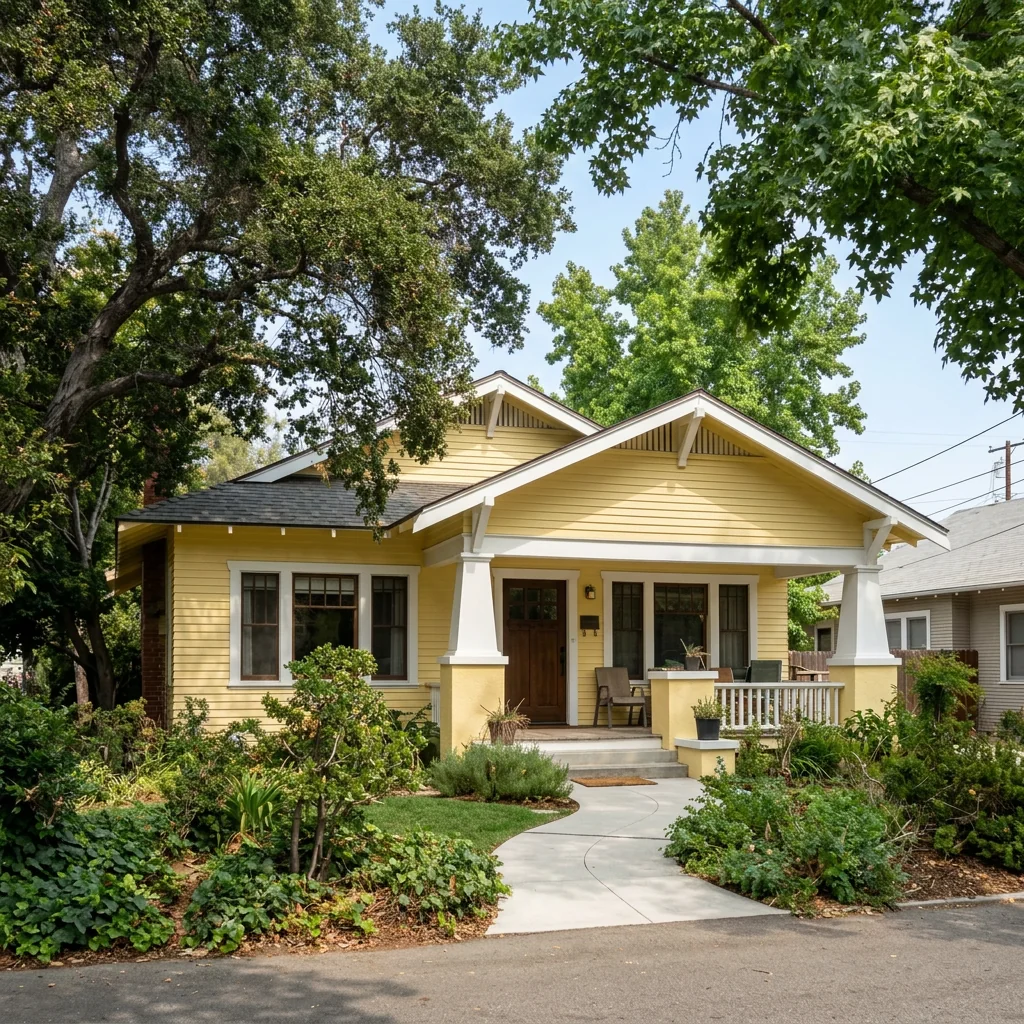
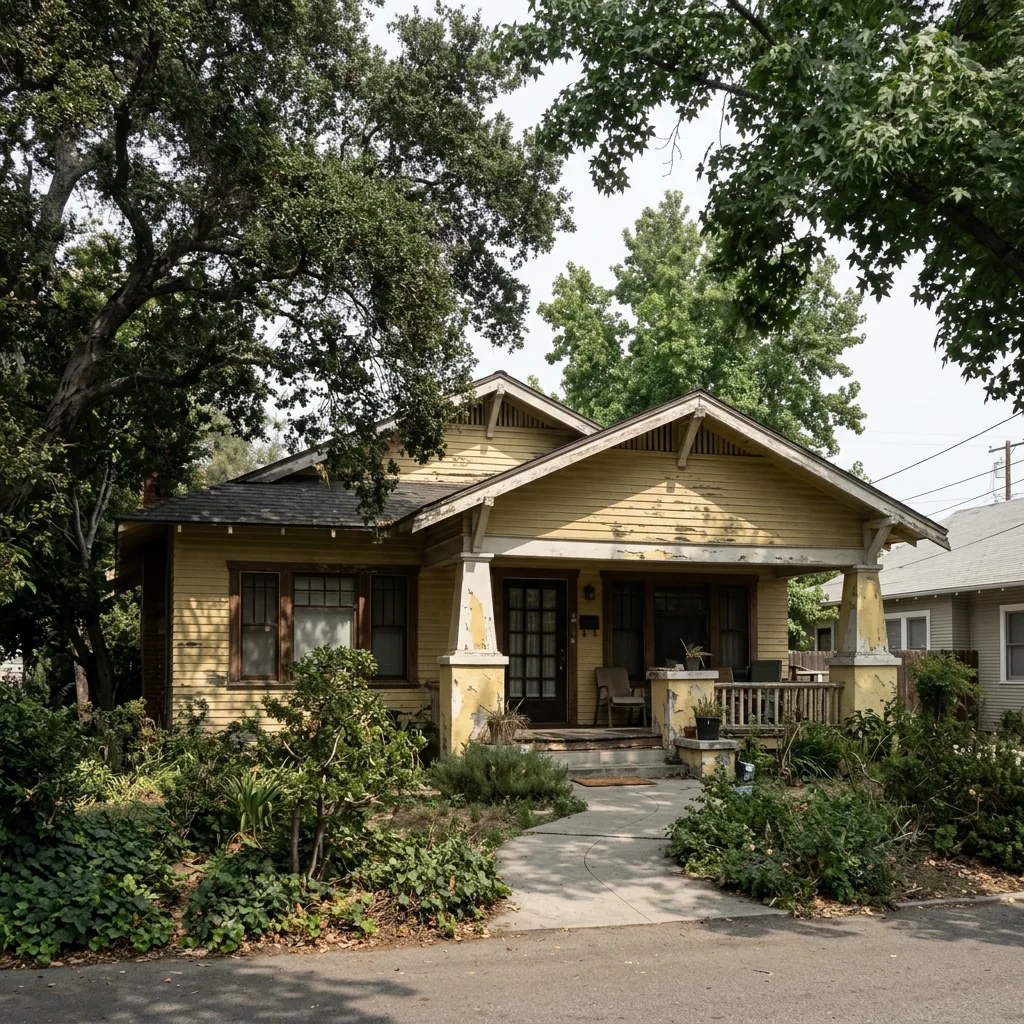
Example · Your result depends on your photo and settings.
1 image free after verified sign-in · No credit card
Choose a photo. Review the look. Sign in to create.
Examples and photo tips
What to prepare
JPG, PNG, WebP, HEIC or HEIF · up to 20 MB per photo
At least 64 × 64 pixels; JPG/PNG/WebP up to 40 megapixels.
HEIC/HEIF: up to 4 megapixels. Larger images need a JPG, PNG or WebP copy.
A clear source photo
Well lit, with the whole area visible.
An idea of the change you want
The editor shows the options for this tool.
Review AI changes before publishing a property image.
Explore more examples
View original photo
Before

View original photo
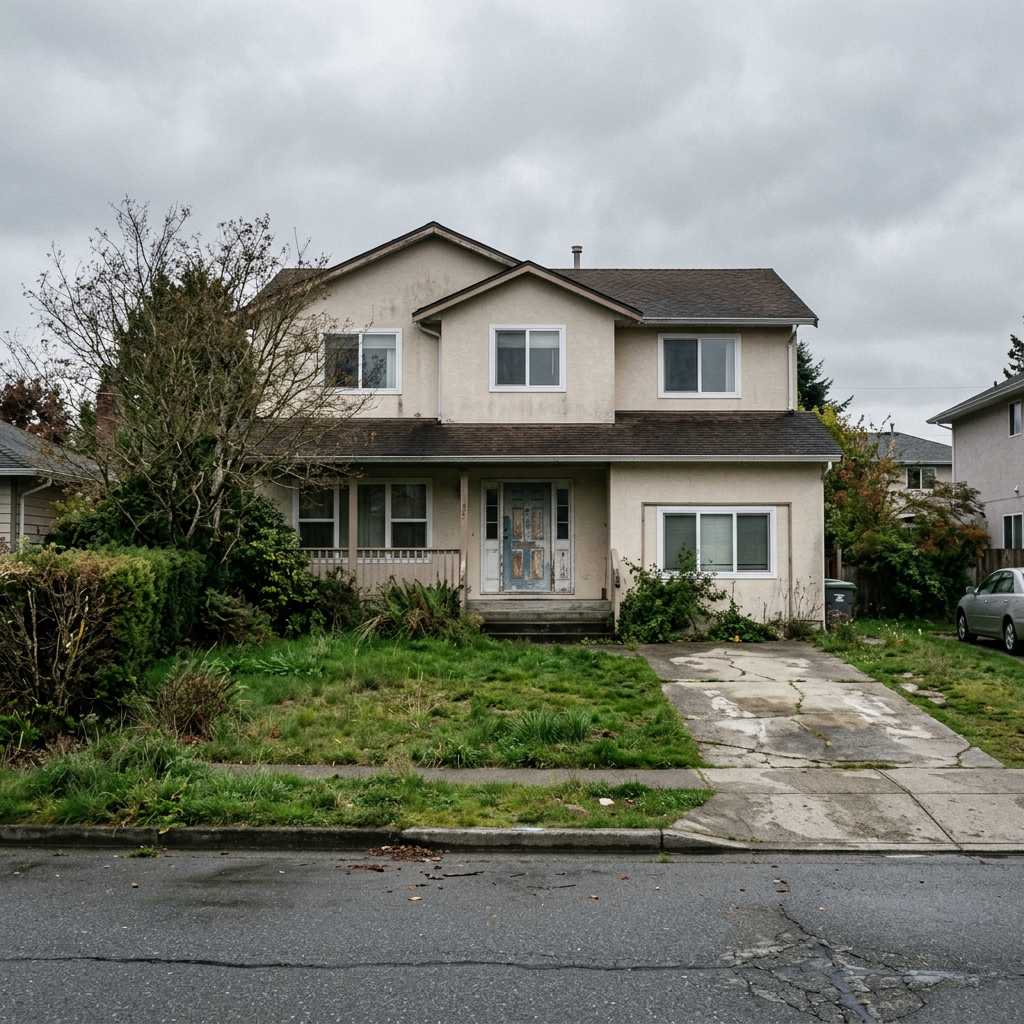
Before

View original photo
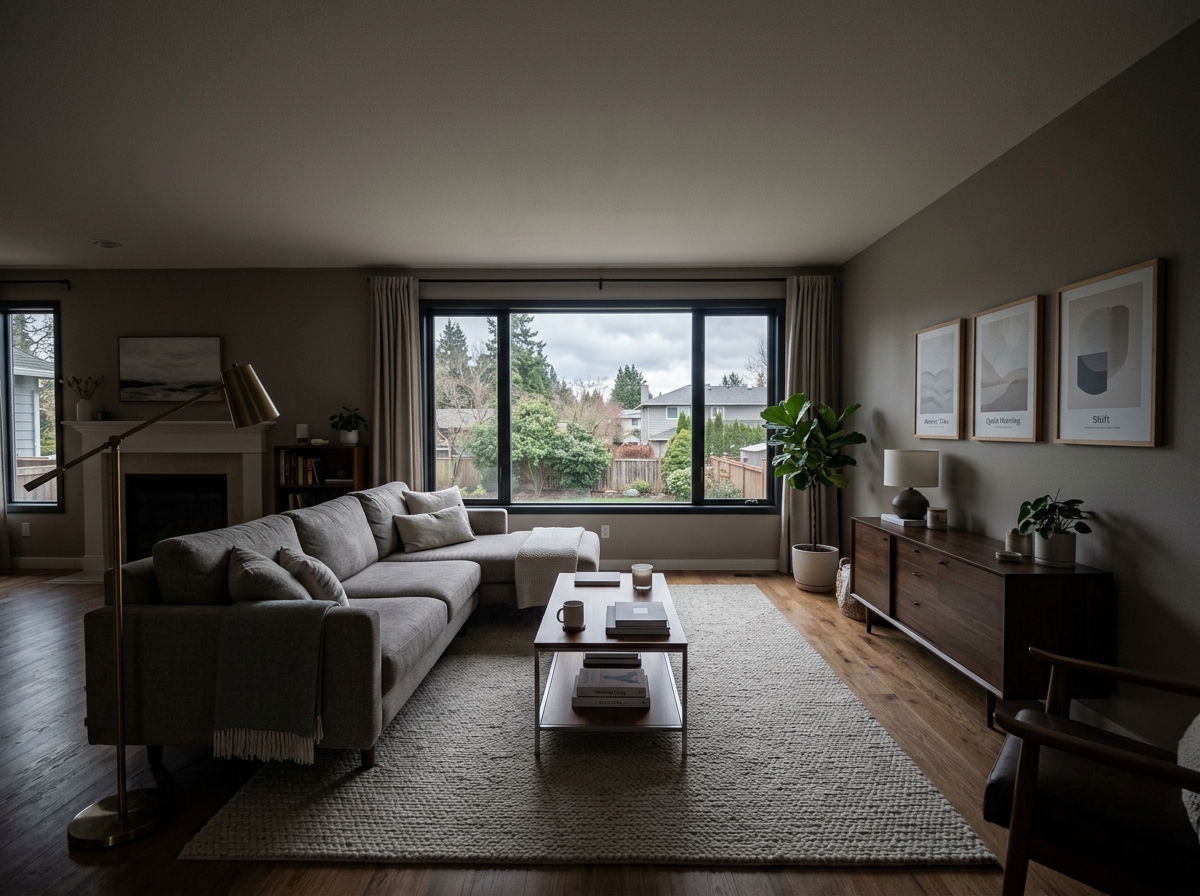
Before - Raw photo
About this tool
Property Image Enhancement
Prepare your idea
Explore a property-photo correction with your chosen priorities and brightness. Inspect lines, colours, exposure and listing facts against the original; the image does not establish portal compliance.
Prepare your source photo and the references listed in the form. Its settings describe the intended changes.
Review the request and result
Review availability, image count and the current total before explicitly confirming. Registration alone does not establish credits or a free result. If the outcome is unclear, check the saved status of the existing request before confirming again.
Read the earlier original guide
This earlier guide may contain historical price, timing, quality or usage statements. Use the current description and tool form.
Real Estate Photo Fix — All in One Examples: Before & After Results (2026)
See how agents use real estate photo fix — all in one to transform listings
Expert guide
5 Tips for Real Estate Photo Fix — All in One: Transform Your Listings
How to Real Estate Photo Fix — All in One Online: A Comprehensive Guide for Agents
How does Real Estate Photo Fix — All in One technology enhance property listing photos?
Real Estate Photo Fix — All in One uses advanced AI to automatically correct common issues like skewed lines, poor lighting, and color imbalances. This ensures your real estate photos are visually appealing and compliant with MLS guidelines, attracting more potential buyers and improving your Zillow listing's performance. This is especially crucial for online visibility.Are there any legal or MLS compliance considerations when using Real Estate Photo Fix — All in One?
While Real Estate Photo Fix — All in One enhances photos, ensure all edits accurately represent the property's current condition. Misleading alterations can violate NAR ethics and MLS rules. Transparency is key; disclose any significant virtual staging or modifications to maintain trust with potential buyers and avoid legal issues. Always adhere to local regulations.What is the cost of using Real Estate Photo Fix — All in One for my real estate photos?
Real Estate Photo Fix — All in One offers various pricing plans to suit different needs, from pay-per-image to monthly subscriptions. The cost is significantly lower than hiring a professional photographer for every listing, making it a cost-effective solution for agents looking to enhance their real estate photos without breaking the bank. Check the website for current pricing.How does Real Estate Photo Fix — All in One improve the quality of my property listing photos?
Real Estate Photo Fix — All in One employs AI algorithms to automatically straighten lines, correct colors, remove lens distortion, and brighten dark rooms. This results in high-quality, professional-looking real estate photos that highlight the property's best features and create a positive first impression on potential buyers viewing the MLS or Zillow. This helps agents showcase properties effectively.What are the best uses for Real Estate Photo Fix — All in One in my real estate business?
Real Estate Photo Fix — All in One is ideal for quickly enhancing photos of all types of properties, from condos to luxury homes. Use it to brighten interiors, correct exterior colors, and create stunning virtual tours. It's perfect for busy agents who need to quickly prepare high-quality images for MLS listings and marketing materials, improving their property listing appeal.How can I integrate Real Estate Photo Fix — All in One into my existing real estate workflow?
Real Estate Photo Fix — All in One is designed for seamless integration. Simply upload your real estate photos directly from your computer or cloud storage, apply the automatic fixes, and download the enhanced images. This streamlined process saves time and effort, allowing agents to focus on other aspects of their business while ensuring their listings have professional-quality visuals. Streamline your workflow and improve your Zillow presence.What you can do
One-Click MLS Photo Perfection
Automatic Perspective Correction
Straighten converging lines and eliminate perspective distortion for professional-looking property photos, instantly.
Smart Color Balancing
Achieve natural, vibrant colors in every shot. AI corrects white balance and enhances tones for inviting images.
Dynamic Exposure Enhancement
Brighten dark rooms and balance highlights for optimal clarity, showcasing property features effectively.
Lens Distortion Removal
Eliminate unwanted lens curvature for accurate representations of rooms and architectural details, automatically.
Instant MLS Compliance
Ensure your photos meet MLS standards with automated adjustments for size, resolution, and aspect ratio.
One-Click Photo Transformation
Fix all common photo issues simultaneously with a single click, saving you time and effort on every listing.
Instantly fix & enhance your real estate photos with AI. Get MLS-ready images in seconds, guaranteed.
One-Click MLS Photo Perfection
Instantly fix lines, colors, & exposure. Get MLS-ready photos every time with AI.
Compare editing approaches
Review timing, cost, available options and the editing steps for your photo.
Creation time
Other services: Agree on a delivery deadline before work starts.
PropStage: Processing time varies. If a result is delayed, check its saved request status instead of sending the same request again.
Cost per image
Other services: Ask for a written quote covering the agreed work and any additional fees.
PropStage: Review the credit cost before confirming a request. Check the current offer before choosing a plan.
Styles and variations
Other services: Confirm which styles and revisions are included.
PropStage: Use the options offered by this tool. Review the credit cost before confirming each new image request.
Editing workflow
Other services: Agree on the source photos, references and final review.
PropStage: Review the required photos and settings before confirming. Keep your original and compare the saved result before publishing.