
Shadow Removal Tool
Explore softer shadows on an exterior photo. Choose which shadows to change and the target light, then compare edited areas, exposure and property details with your original.
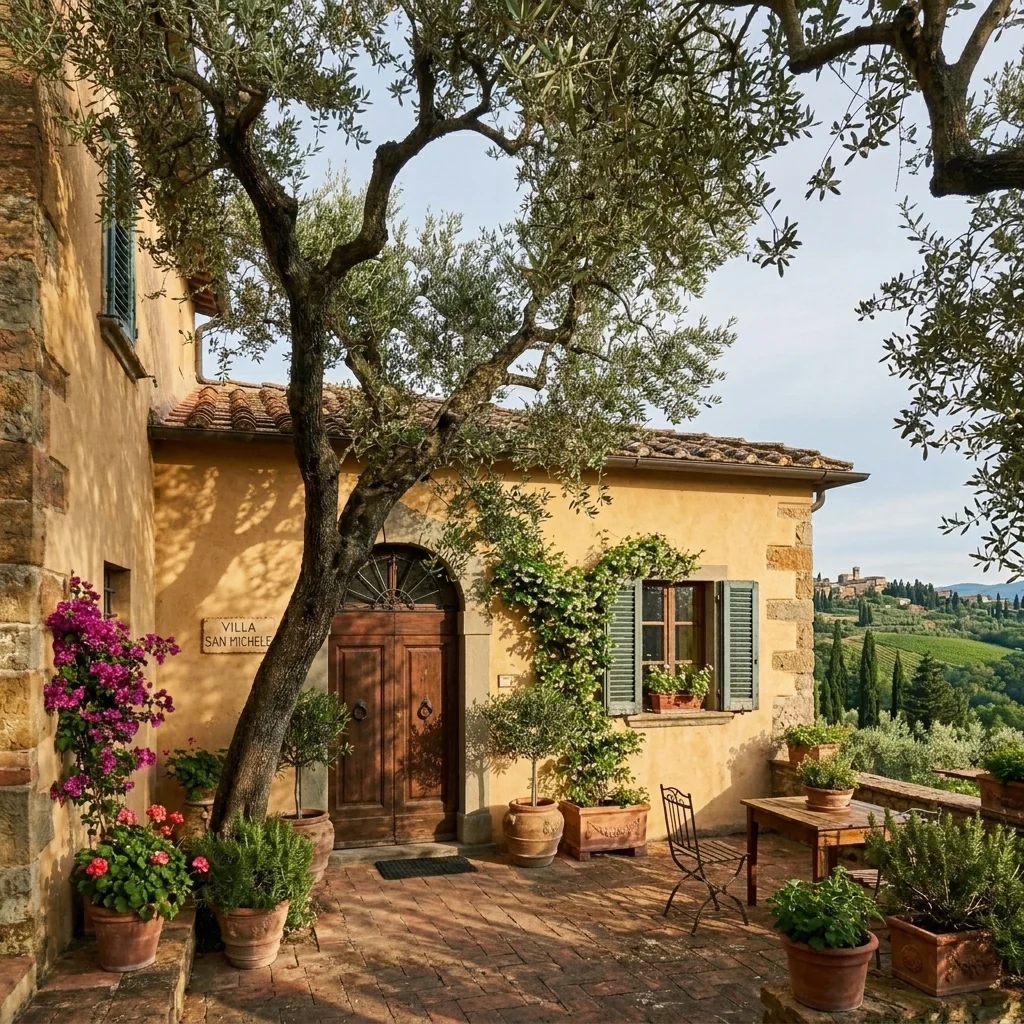
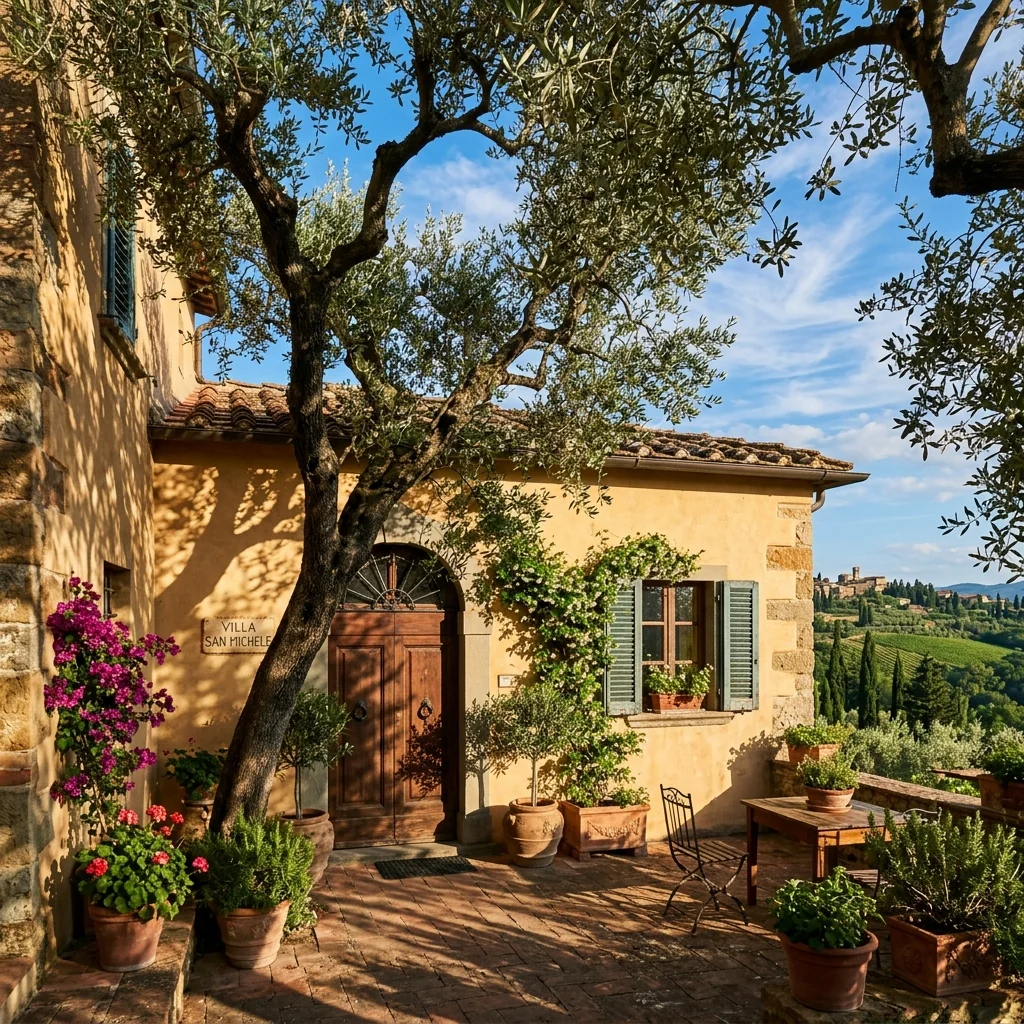
Example · Your result depends on your photo and settings.
1 image free after verified sign-in · No credit card
Choose a photo. Review the look. Sign in to create.
Examples and photo tips
What to prepare
JPG, PNG, WebP, HEIC or HEIF · up to 20 MB per photo
At least 64 × 64 pixels; JPG/PNG/WebP up to 40 megapixels.
HEIC/HEIF: up to 4 megapixels. Larger images need a JPG, PNG or WebP copy.
A clear source photo
Well lit, with the whole area visible.
An idea of the change you want
The editor shows the options for this tool.
Review AI changes before publishing a property image.
Explore more examples
View original photo
Before

View original photo
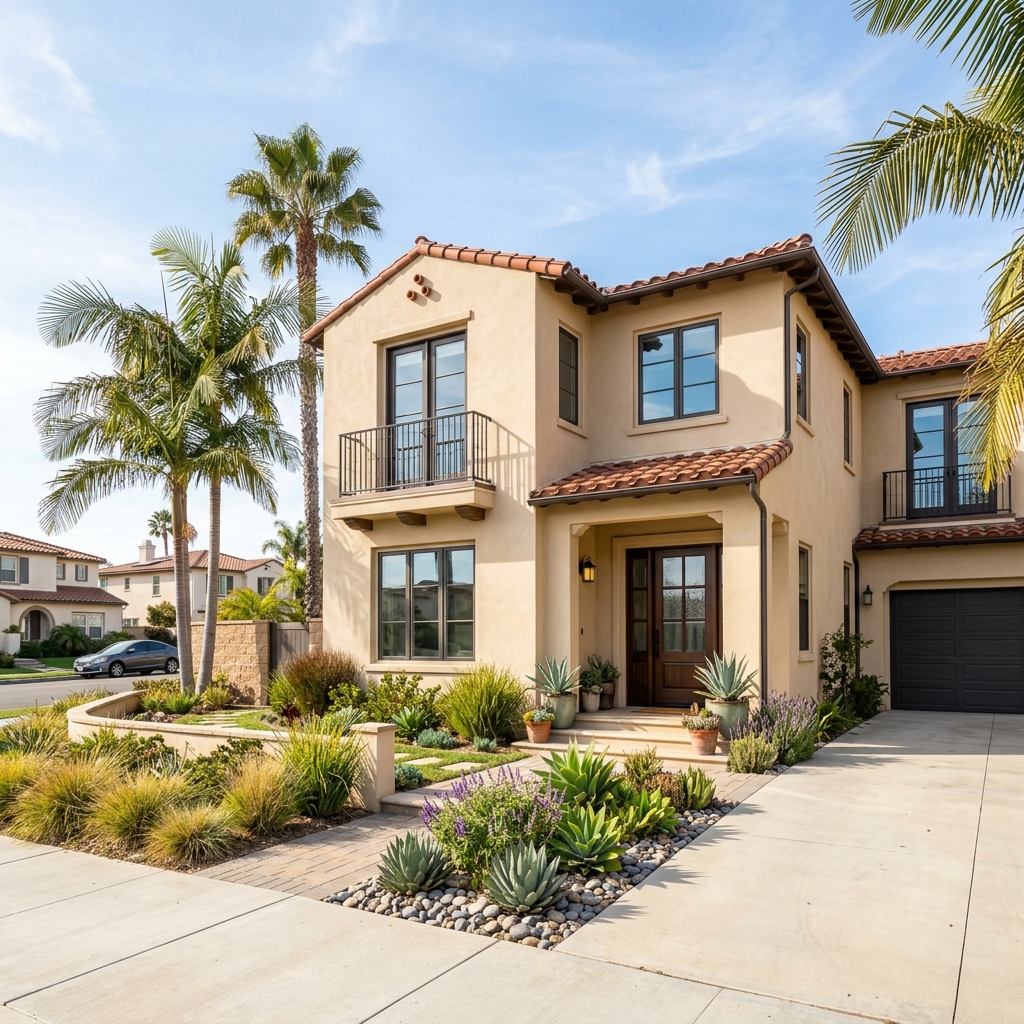
Before

View original photo
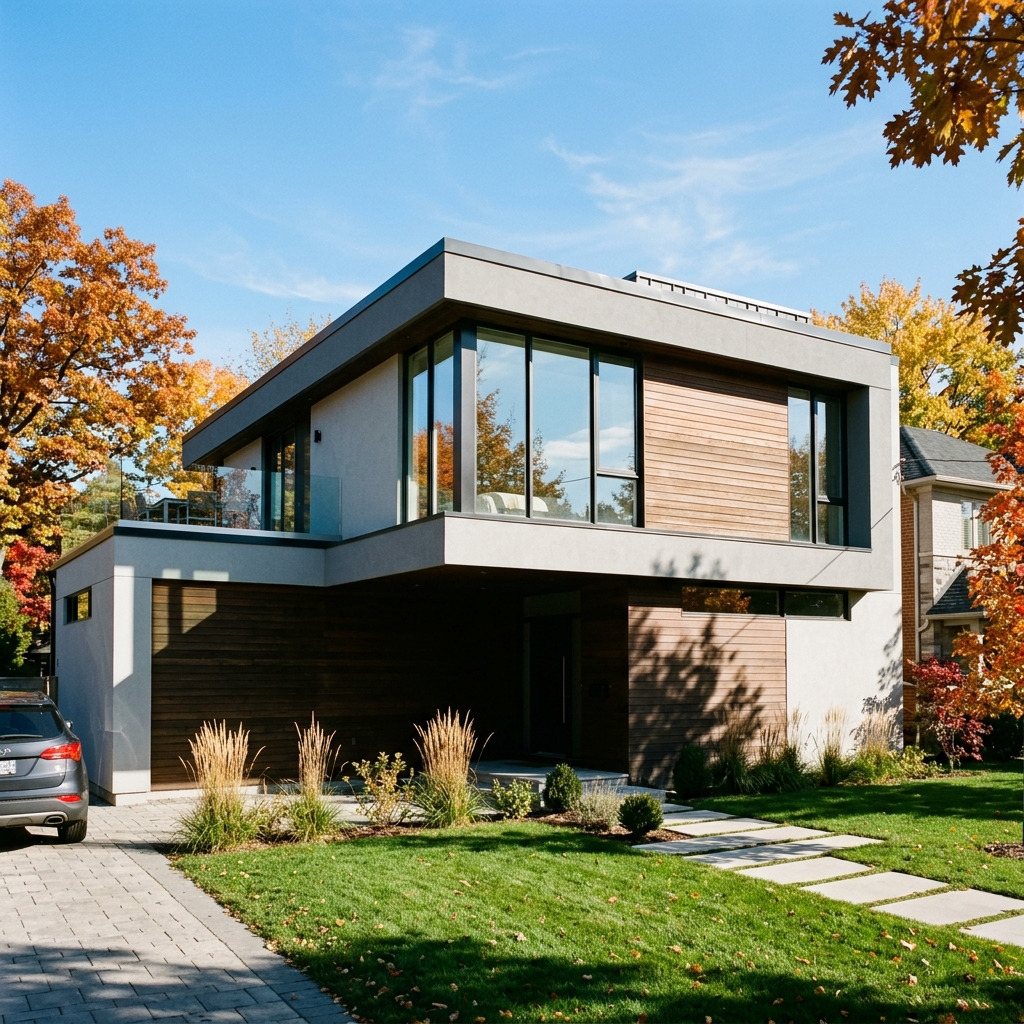
Before
About this tool
Property Image Enhancement
Prepare your idea
Explore softer shadows on an exterior photo. Choose which shadows to change and the target light, then compare edited areas, exposure and property details with your original.
Prepare your source photo and the references listed in the form. Its settings describe the intended changes.
Review the request and result
Review availability, image count and the current total before explicitly confirming. Registration alone does not establish credits or a free result. If the outcome is unclear, check the saved status of the existing request before confirming again.
Read the earlier original guide
This earlier guide may contain historical price, timing, quality or usage statements. Use the current description and tool form.
Shadow Removal Tool: Before & After Showcase (2026)
Transform Real Estate Photos: See How Agents Use Shadow Removal Tool Online to Enhance Property Listings
Expert guide
5 Tips to Master the Shadow Removal Tool for Stunning Real Estate Photos
How to Use a Shadow Removal Tool Online to Enhance Your Property Listing
How does a shadow removal tool work to improve real estate photos?
Transform your real estate photos with a shadow removal tool. This AI-powered tool analyzes the image, identifies shadows, and intelligently fills them in, maintaining natural lighting and textures. Upload your photo and let the AI enhance it for a brighter, more appealing property listing on Zillow or the MLS. This ensures potential buyers see the property in its best light, complying with NAR guidelines for accurate representation.
Are there any MLS or legal restrictions on using a shadow removal tool for property photos?
It's crucial to use a shadow removal tool responsibly and ethically. While enhancing photos is common, ensure the final image accurately reflects the property's current condition. Exaggerated enhancements that misrepresent the property could violate MLS guidelines and potentially lead to legal issues. Consult with your broker and review NAR's advertising standards before using a shadow removal tool extensively.
What is the typical cost of using a shadow removal tool for real estate photos?
The cost of using a shadow removal tool varies. Some offer free trials or limited usage, while others operate on a subscription or per-image basis. Consider the volume of photos you need to enhance for your property listing. PropStage.ai offers competitive pricing and a range of AI tools to optimize your real estate marketing budget. Enhance your photos efficiently and affordably.
How can I ensure high-quality results with a shadow removal tool for my property photos?
To ensure high-quality results with a shadow removal tool, start with a well-composed, high-resolution image. Upload the photo and experiment with the tool's settings to achieve a natural look. Avoid over-processing, which can make the image appear artificial. Preview the enhanced image carefully before using it in your property listing. A subtle touch with a shadow removal tool can dramatically improve the overall appeal.
What are the best use cases for a shadow removal tool in real estate photography?
The best uses for a shadow removal tool include enhancing exterior shots with harsh shadows cast by trees or buildings. It's also effective for improving interior photos where shadows obscure details. Use the tool to create brighter, more inviting images that highlight the property's features. This can significantly boost your property listing's appeal on Zillow and attract more potential buyers, ultimately benefiting the agent.
How can I integrate a shadow removal tool into my existing real estate photography workflow?
Integrate a shadow removal tool seamlessly into your workflow by using PropStage.ai's platform. Upload your photos directly from your camera or editing software, enhance them with the shadow removal tool, and then download the optimized images for your property listing. Streamline your process and save time while creating stunning visuals that attract more potential buyers and impress your clients. Enhance your agent brand with consistently high-quality photos.
How it works
How AI Shadow Removal Tool Works
Effortless shadow correction in 3 steps.
Upload Your Shadowed Property Photo
Easily upload your exterior real estate photo directly to our AI. PropStage.ai intelligently detects and isolates the shadow areas for precise editing.
AI Analyzes and Removes Shadows
Our AI instantly analyzes the lighting and removes harsh shadows, intelligently filling in the areas with natural-looking light and detail. No manual masking required!
Download Your Shadow-Free Image
Review the automatically enhanced image and download the clean, evenly lit photo. Ready to use on your listings and attract more potential buyers instantly.
What you can do
AI Shadow Removal: Flawless Property Photos
Instantly Remove Shadows
AI automatically detects and removes unwanted shadows, saving you time and effort on manual editing.
Enhance Curb Appeal
Showcase properties in their best light with bright, inviting exteriors free from distracting shadows.
Maintain Natural Lighting
AI intelligently balances light, ensuring realistic and appealing photos without an artificial look.
Highlight Key Features
By removing shadows, draw attention to architectural details and landscaping, boosting buyer interest.
Save Time & Resources
Avoid costly and time-consuming manual editing. Get professional results in seconds with AI.
Increase Property Value Perception
High-quality, shadow-free photos create a positive first impression, potentially increasing perceived value.
Eliminate harsh shadows, enhance curb appeal, and attract more buyers with perfectly lit exteriors.
Erase Shadows, Reveal Stunning Exteriors
AI-powered shadow removal for brighter, more inviting property photos. Attract more buyers with perfectly lit listings.
Compare editing approaches
Review timing, cost, available options and the editing steps for your photo.
Creation time
Other services: Agree on a delivery deadline before work starts.
PropStage: Processing time varies. If a result is delayed, check its saved request status instead of sending the same request again.
Cost per image
Other services: Ask for a written quote covering the agreed work and any additional fees.
PropStage: Review the credit cost before confirming a request. Check the current offer before choosing a plan.
Styles and variations
Other services: Confirm which styles and revisions are included.
PropStage: Use the options offered by this tool. Review the credit cost before confirming each new image request.
Editing workflow
Other services: Agree on the source photos, references and final review.
PropStage: Review the required photos and settings before confirming. Keep your original and compare the saved result before publishing.