
Studio Apartment Virtual Stager
Explore a furnished studio concept from your photo. Choose staging style, layout and ambience, then compare the room, furniture scale and practical paths with the original.
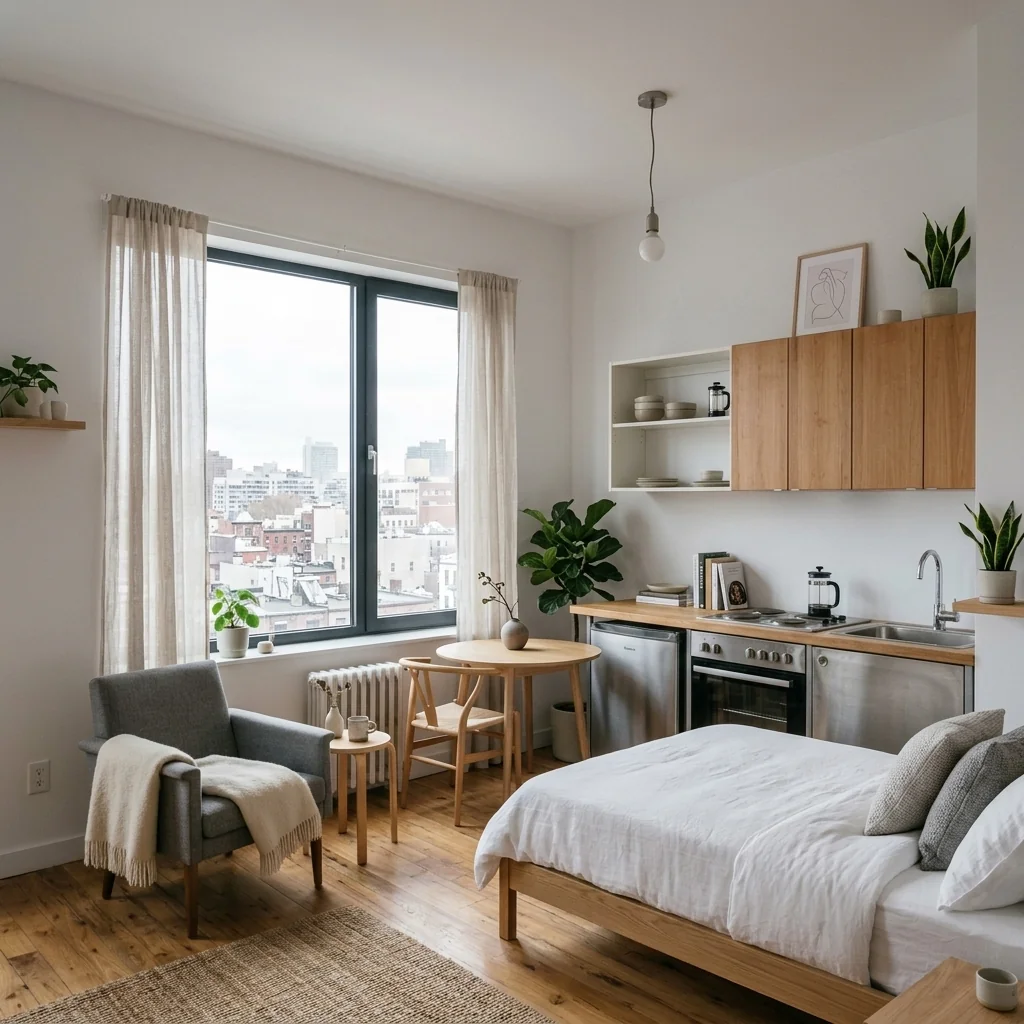
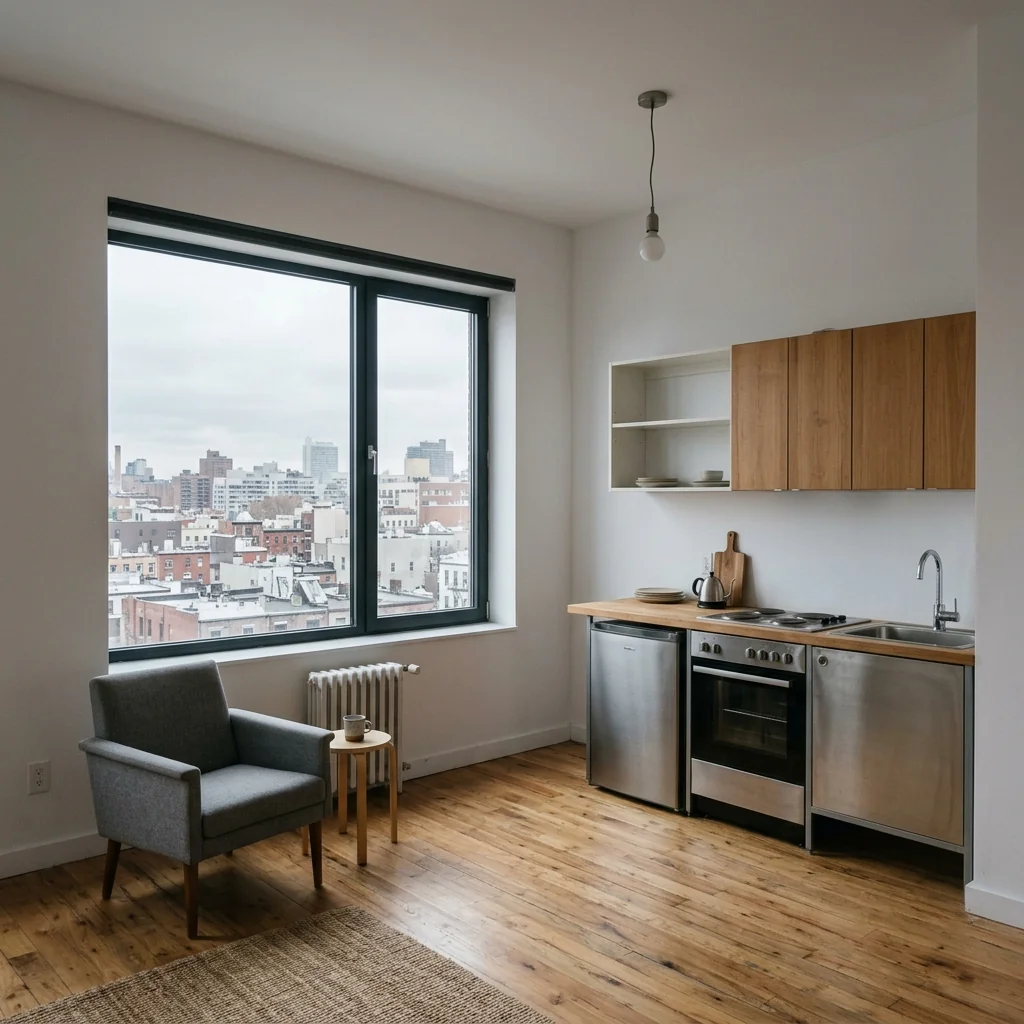
Example · Your result depends on your photo and settings.
1 image free after verified sign-in · No credit card
Choose a photo. Review the look. Sign in to create.
Examples and photo tips
What to prepare
JPG, PNG, WebP, HEIC or HEIF · up to 20 MB per photo
At least 64 × 64 pixels; JPG/PNG/WebP up to 40 megapixels.
HEIC/HEIF: up to 4 megapixels. Larger images need a JPG, PNG or WebP copy.
A clear source photo
Well lit, with the whole area visible.
An idea of the change you want
The editor shows the options for this tool.
Review AI changes before publishing a property image.
Explore more examples
View original photo
Before

View original photo
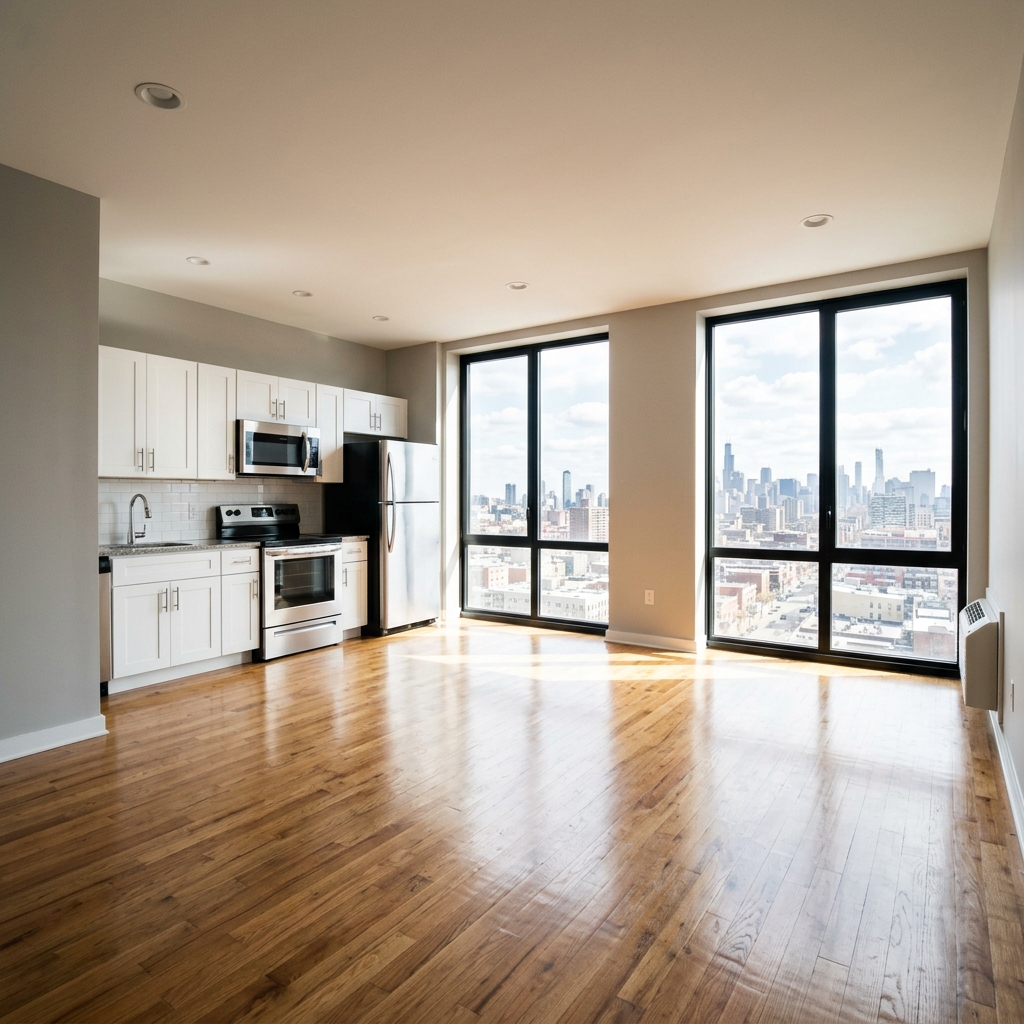
Before

View original photo
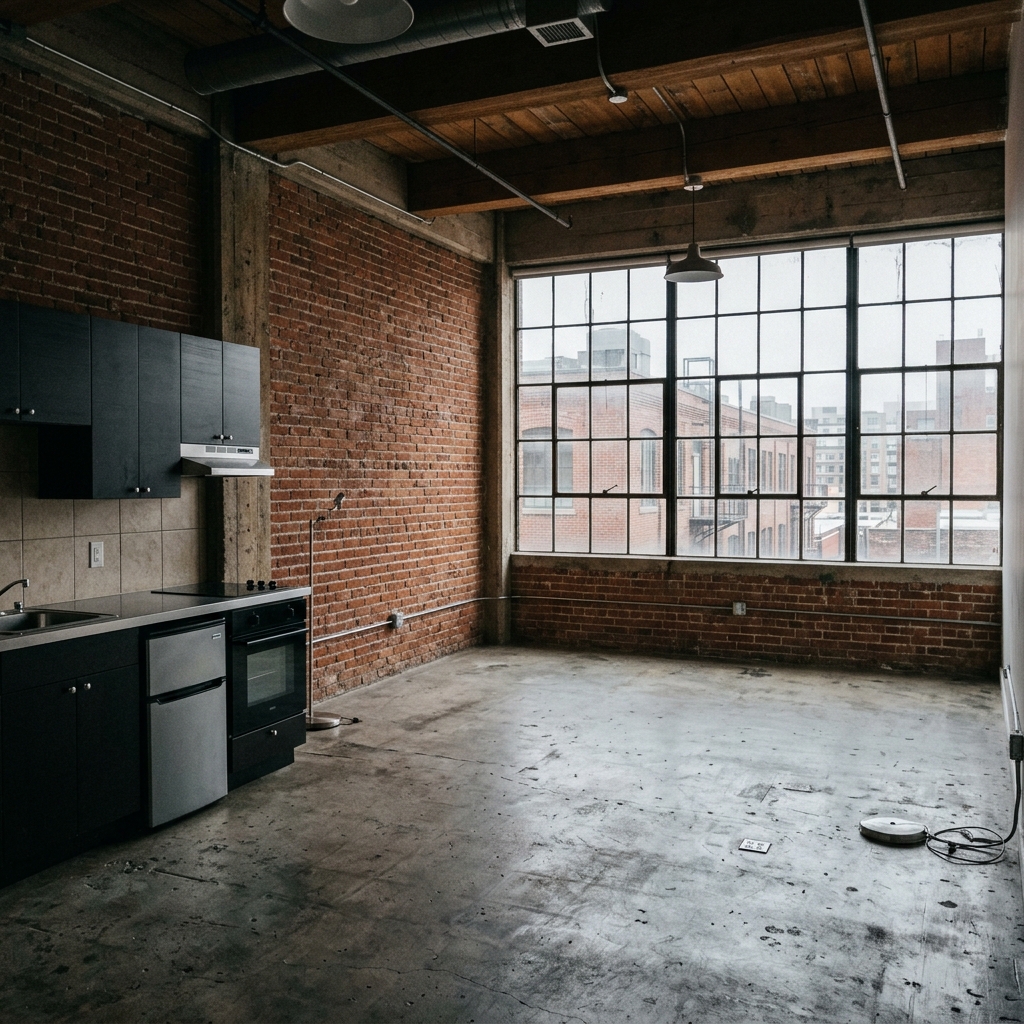
Before
About this tool
Virtual Staging & Styling
Prepare your idea
Explore a furnished studio concept from your photo. Choose staging style, layout and ambience, then compare the room, furniture scale and practical paths with the original.
Prepare your source photo and the references listed in the form. Its settings describe the intended changes.
Review the request and result
Review availability, image count and the current total before explicitly confirming. Registration alone does not establish credits or a free result. If the outcome is unclear, check the saved status of the existing request before confirming again.
Read the earlier original guide
This earlier guide may contain historical price, timing, quality or usage statements. Use the current description and tool form.
Frequently asked questions
What makes this different from other virtual staging tools?
Our tool is specifically tuned for studio apartments. The AI creates distinct zones within a single room, selects properly-scaled furniture, and avoids the common mistake of placing oversized pieces.
Do staged photos perform better in real estate listings?
Yes. Staged listing photos receive 40-60% more online clicks than empty rooms. For studio apartments — where the space can feel small when empty — professional staging is especially impactful.
Will the AI preserve my room layout?
Absolutely. The AI never changes your room dimensions, window positions, door positions, or any structural elements. It only adds furniture and decor.
What image formats work best?
JPG, PNG, and WebP are all supported. For best results, use a wide-angle shot from a corner of the room. Landscape orientation typically produces the best staged results.
Can I use the results for Airbnb or rental listings?
Yes — results are photorealistic and suitable for Zillow, Realtor.com, Airbnb, and social media. Many property managers use our tool to fill vacant studio units faster.
How many credits does each staging cost?
Each staged image costs 1 credit. New users receive free credits to try the tool. Subscription plans start at just a few dollars per month.
Studio Apartment Virtual Stager Examples: Before & After Results (2026)
See how agents use studio apartment virtual stager to transform listings
Expert guide
5 Tips to Transform Your Property Listing with a Studio Apartment Virtual Stager
How to Studio Apartment Virtual Stager Online: A Real Estate Agent's Guide
How does Studio Apartment Virtual Stager technology enhance real estate photos?
Studio Apartment Virtual Stager utilizes advanced AI to furnish empty studio apartments in real estate photos. This helps potential buyers visualize the space, increasing interest and engagement with your property listing on Zillow and the MLS. It's a fast and cost-effective way to improve your marketing.
Are there any MLS or NAR guidelines for using a Studio Apartment Virtual Stager?
When using a Studio Apartment Virtual Stager, ensure transparency. Disclose that the photos have been virtually staged in the property listing description. Adhering to NAR guidelines and MLS regulations regarding accurate representation is crucial to avoid misleading potential buyers. Always prioritize ethical practices.
What is the cost of using a Studio Apartment Virtual Stager compared to traditional staging?
Studio Apartment Virtual Stager offers a significantly more affordable solution than traditional staging. While traditional staging can cost thousands, our AI-powered tool allows you to stage multiple studio apartments for a fraction of the price. This makes it an ideal option for agents and property managers on a budget.
How can I ensure high-quality results with a Studio Apartment Virtual Stager?
To achieve the best results with Studio Apartment Virtual Stager, upload high-resolution real estate photos. Experiment with different furniture styles and layouts to find the most appealing arrangement for your target audience. Our AI is designed to create realistic and visually stunning virtual staging.
What are the best uses for a Studio Apartment Virtual Stager in property listings?
Studio Apartment Virtual Stager is perfect for showcasing vacant studio apartments. It helps potential renters or buyers visualize the space and its potential. Use it to highlight key features and create an emotional connection with the property, ultimately leading to faster sales or rentals.
How can I integrate Studio Apartment Virtual Stager into my existing real estate workflow?
Integrating Studio Apartment Virtual Stager is seamless. Simply upload your real estate photos directly to our platform. Choose your desired furniture style, and our AI will handle the rest. Download the enhanced images and use them in your property listing, on Zillow, or share them with your agent network.
How it works
So funktioniert es
Stage Any Studio Apartment in Under 60 Seconds
Upload Your Studio Photo
Take or upload a photo of your empty or unfurnished studio apartment — any angle, any size
Choose Your Staging Style
Pick your preferred interior style, furniture layout approach, and desired ambiance
Download Your Staged Photo
Receive a photorealistic, fully furnished studio apartment ready for listings, social media, or presentations
What you can do
Why Agents & Renters Choose Our Studio Stager
60-Second Results
No 3D software, no designer, no photoshoot — upload and generate in under a minute
Perfectly Scaled Furniture
AI always selects furniture proportioned for studio apartments — no oversized pieces
12 Interior Styles
Japandi, Scandinavian, Boho, Hygge, Industrial, Luxury — find the style that converts
Defines Living Zones
AI intelligently creates sleeping, living, and dining zones within the single space
Listing-Ready Quality
Results match the photorealistic quality expected for MLS, Zillow, and Airbnb listings
Fraction of the Cost
Traditional staging costs $800-2,000+. Our AI delivers comparable results for cents
AI Studio Apartment Virtual Stager: 7 Styles in Seconds
Enhance studio apartment real estate photos: How to use an an AI virtual stager for MLS & Zillow property listings effectively.
Compare editing approaches
Review timing, cost, available options and the editing steps for your photo.
Creation time
Other services: Agree on a delivery deadline before work starts.
PropStage: Processing time varies. If a result is delayed, check its saved request status instead of sending the same request again.
Cost per image
Other services: Ask for a written quote covering the agreed work and any additional fees.
PropStage: Review the credit cost before confirming a request. Check the current offer before choosing a plan.
Styles and variations
Other services: Confirm which styles and revisions are included.
PropStage: Use the options offered by this tool. Review the credit cost before confirming each new image request.
Editing workflow
Other services: Agree on the source photos, references and final review.
PropStage: Review the required photos and settings before confirming. Keep your original and compare the saved result before publishing.
Read the earlier original guide
This earlier guide may contain historical price, timing, quality or usage statements. Use the current description and tool form.
Transform Listings: 5 AI Styles for Studio Apartment Virtual Stager
How to Virtually Stage an Empty Studio Apartment Online with AI Styles
Transform empty studio apartment real estate photos into captivating property listings instantly with PropStage.ai's Studio Apartment Virtual Stager. Upload your photo, and our AI virtually stages it with photorealistic furniture in diverse styles, from Japandi to Hygge, making it the fastest way to stage studio apartment online for MLS and Zillow. This essential AI studio staging tool empowers real estate agents, brokers, and property managers to enhance home staging and attract more renters or buyers.