
StyleSync Virtual Stager
Use a target-room photo and style reference to explore a coordinated design. Choose transfer level and elements to retain; the reference guides the style rather than proving exact furniture reproduction.
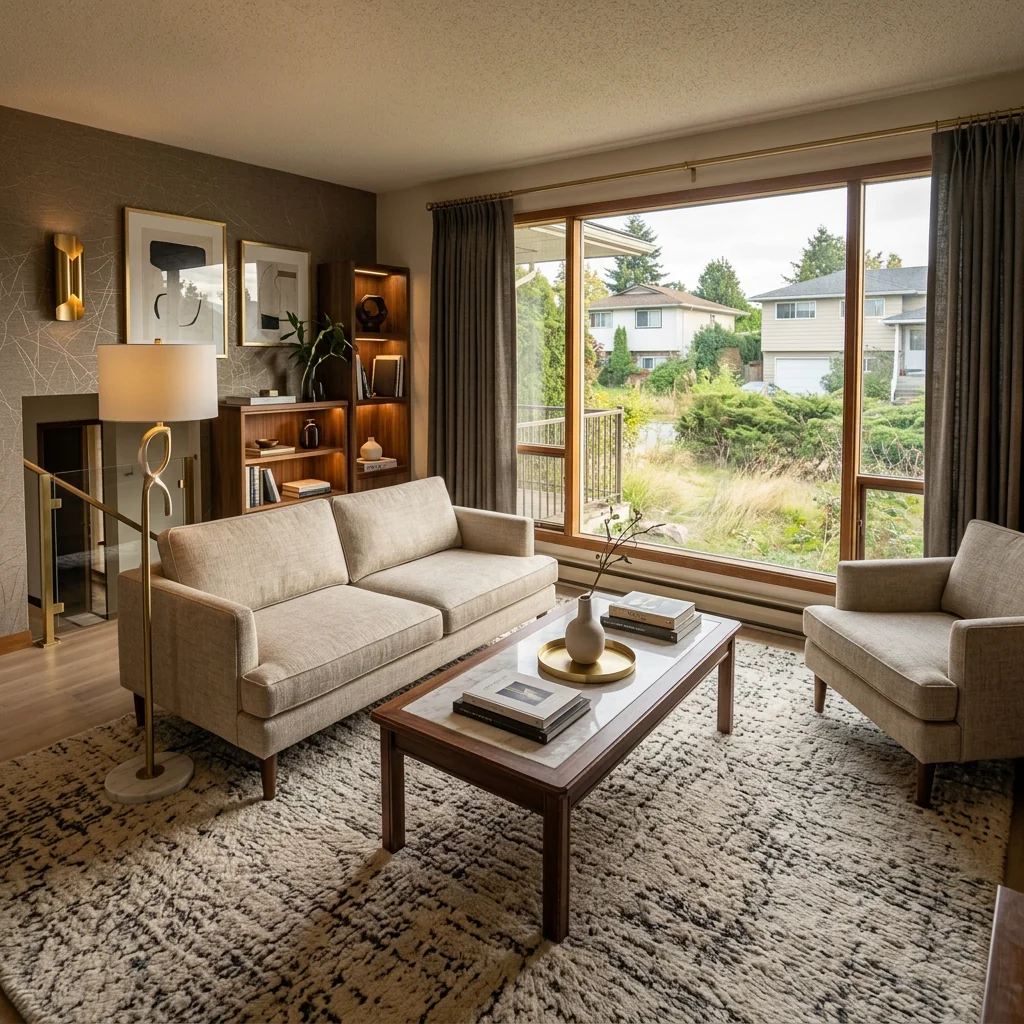
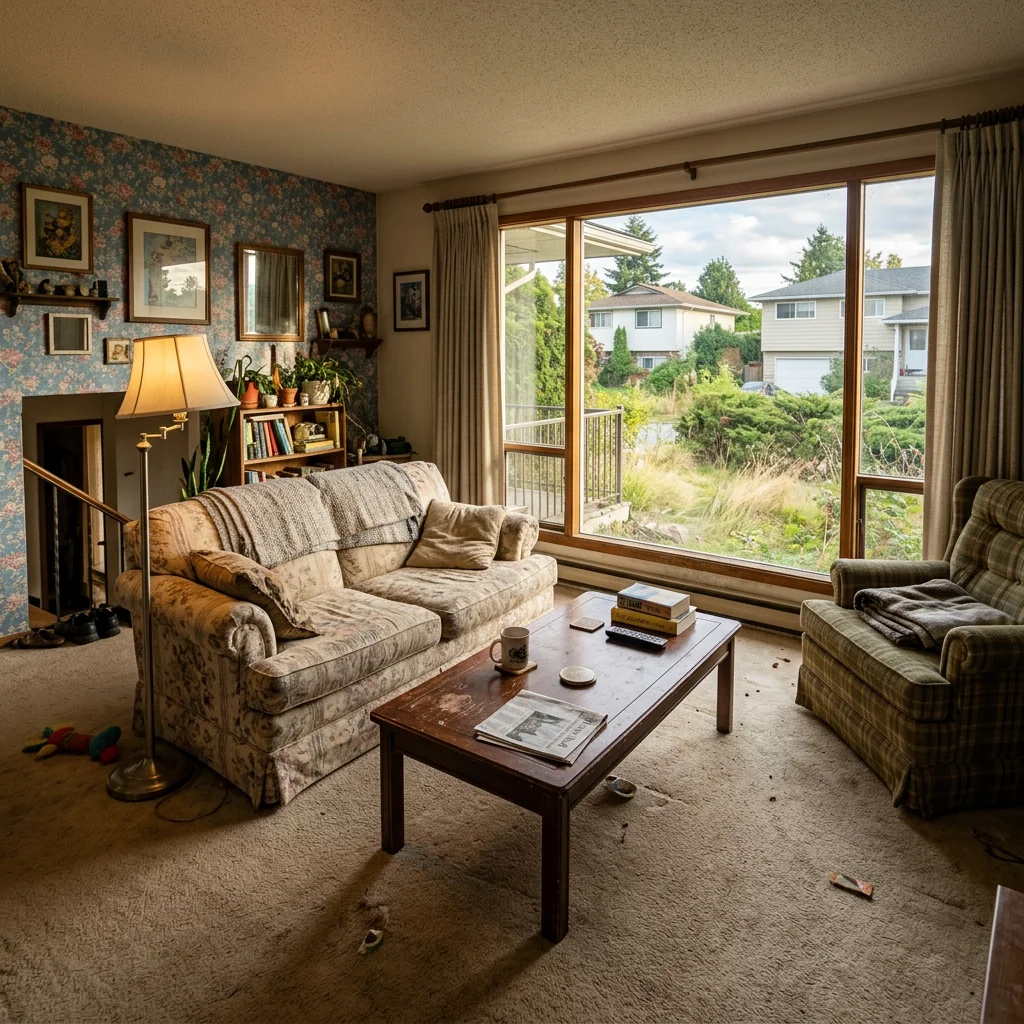
Example · Your result depends on your photo and settings.
1 image free after verified sign-in · No credit card
Choose a photo. Review the look. Sign in to create.
Examples and photo tips
What to prepare
Use a target-room photo and style reference to explore a coordinated design. Choose transfer level and elements to retain; the reference guides the style rather than proving exact furniture reproduction.
JPG, PNG, WebP, HEIC or HEIF · up to 20 MB per photo
At least 64 × 64 pixels; JPG/PNG/WebP up to 40 megapixels.
HEIC/HEIF: up to 4 megapixels. Larger images need a JPG, PNG or WebP copy.
A clear source photo
Well lit, with the whole area visible.
An idea of the change you want
The editor shows the options for this tool.
Review AI changes before publishing a property image.
Explore more examples
View original photo
Before

View original photo
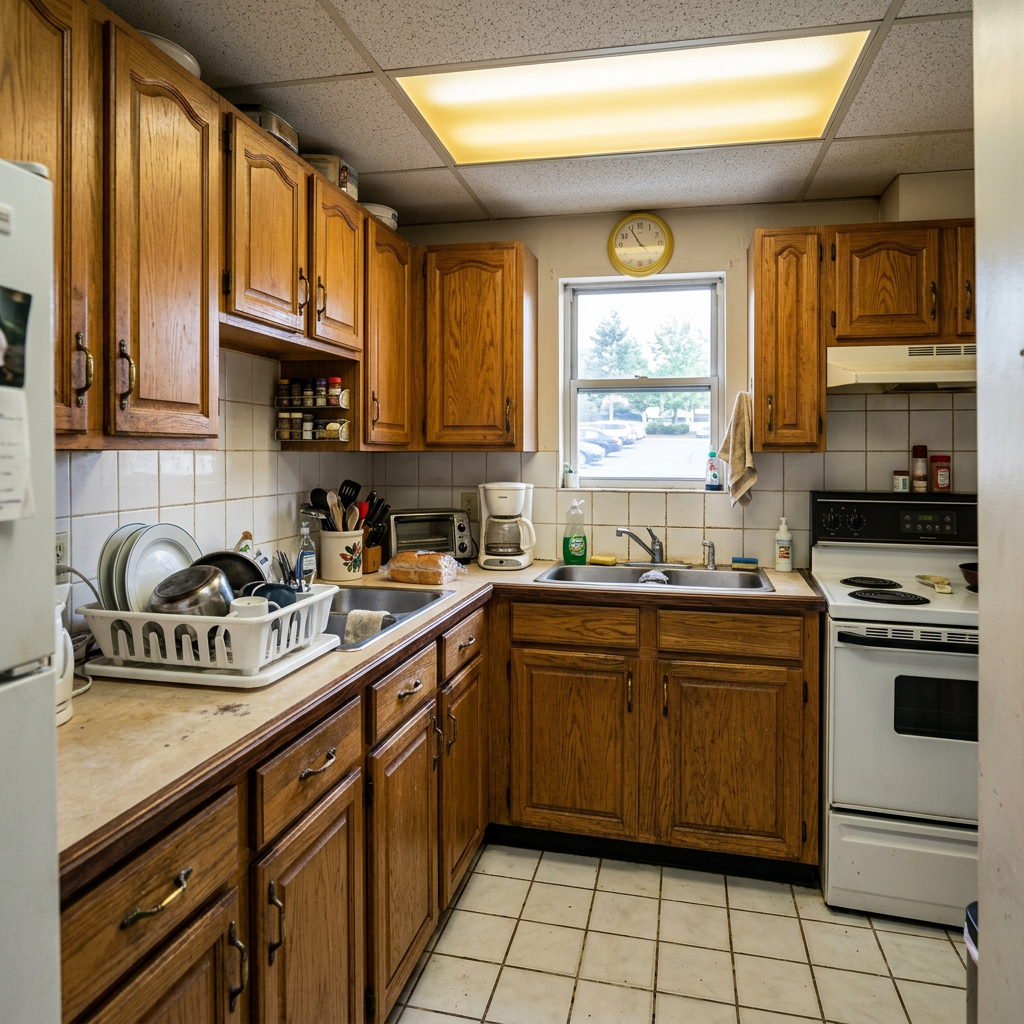
Before

View original photo
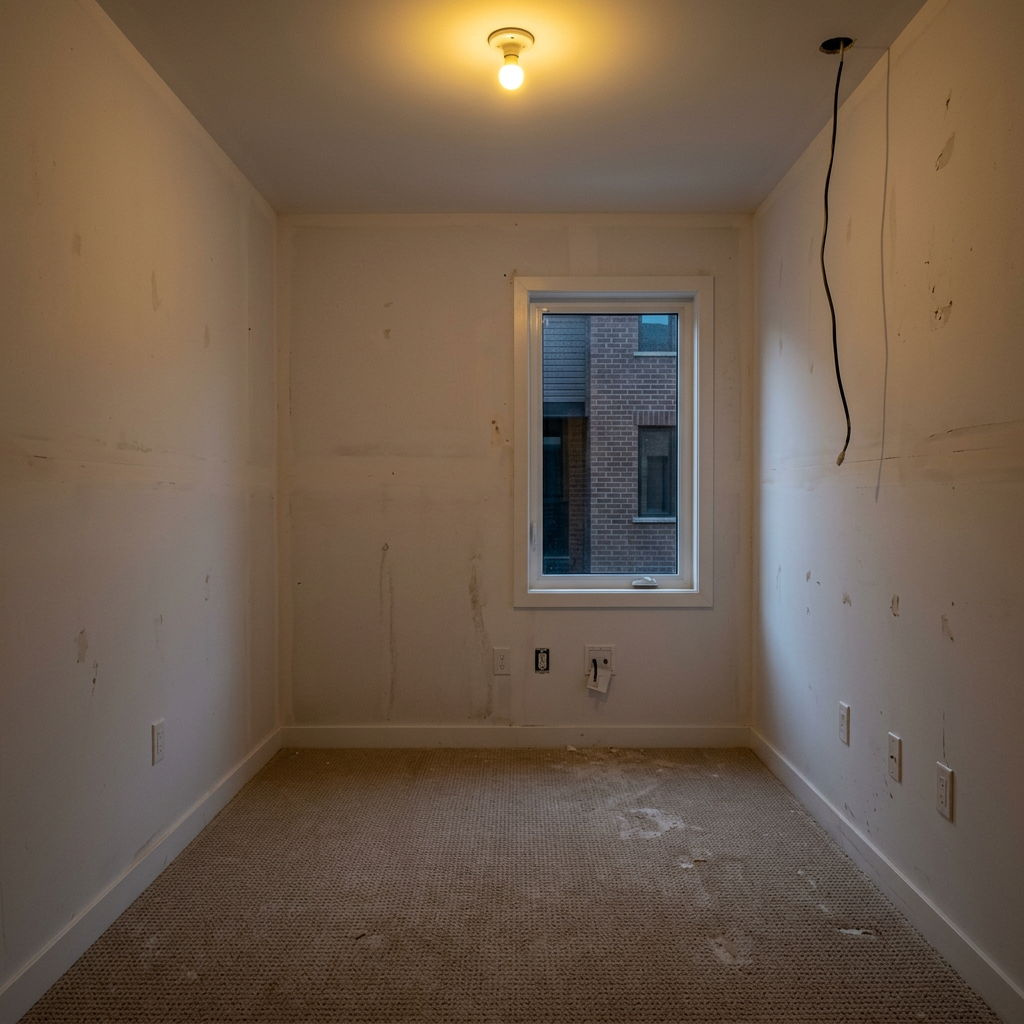
Before
About this tool
Virtual Staging & Styling
Prepare your idea
Use a target-room photo and style reference to explore a coordinated design. Choose transfer level and elements to retain; the reference guides the style rather than proving exact furniture reproduction.
Prepare your source photo and the references listed in the form. Its settings describe the intended changes.
Review the request and result
Review availability, image count and the current total before explicitly confirming. Registration alone does not establish credits or a free result. If the outcome is unclear, check the saved status of the existing request before confirming again.
Read the earlier original guide
This earlier guide may contain historical price, timing, quality or usage statements. Use the current description and tool form.
StyleSync Virtual Stager: Jaw-Dropping Before & After Examples (2026)
See How Agents Use StyleSync Virtual Stager to Transform Property Listings & Attract More Buyers on Zillow & MLS
Expert guide
5 Tips to Transform Real Estate Photos with StyleSync Virtual Stager
How to Stylesync Virtual Stager Online: A Guide for Agents
How does StyleSync Virtual Stager leverage AI to enhance real estate photos?
StyleSync Virtual Stager uses advanced AI algorithms to analyze the style, colors, and mood of a reference photo. It then intelligently applies these elements to your real estate photos, creating a cohesive and appealing look. This can significantly improve your property listing's visual appeal on Zillow and other MLS platforms. The goal is to captivate potential buyers and drive more interest in your properties, ultimately leading to faster sales.
Is using StyleSync Virtual Stager compliant with MLS and NAR guidelines for property listings?
When using StyleSync Virtual Stager, ensure transparency. According to NAR guidelines, disclose that the images have been virtually staged. While virtual staging is generally accepted, misrepresenting a property's true condition violates ethical standards. Always include a disclaimer in your property listing description stating that the photos have been digitally enhanced using StyleSync Virtual Stager. This maintains trust and adheres to MLS regulations.
What is the cost of using StyleSync Virtual Stager for my real estate photos?
StyleSync Virtual Stager offers various pricing plans to suit different needs. Costs typically depend on the number of photos you stage and the level of customization required. Consider the ROI – virtually staged homes often sell faster and for higher prices. By investing in StyleSync Virtual Stager, you can enhance your property listing, attract more potential buyers, and potentially increase your commission. Check the PropStage.ai website for current pricing details and available packages.
How does StyleSync Virtual Stager ensure high-quality virtual staging results for my property listing?
StyleSync Virtual Stager focuses on delivering realistic and high-quality results. The AI is trained on a vast dataset of interior design styles to ensure accurate style transfer. To maximize quality, upload high-resolution real estate photos. Experiment with different reference photos to achieve the desired look. If necessary, utilize PropStage.ai's support resources for guidance on achieving optimal results for your property listing. Review the staged photos carefully before publishing to the MLS.
What are the best use cases for StyleSync Virtual Stager in real estate?
StyleSync Virtual Stager is ideal for staging vacant properties, updating outdated interiors, and showcasing a property's potential. Use it to transform empty rooms into inviting spaces that appeal to a wide range of buyers. Highlight key features by selecting reference photos that complement the architectural style and target demographic. StyleSync Virtual Stager can also be used to de-clutter rooms and remove unwanted items, creating a clean and appealing look for your property listing on Zillow.
How can I integrate StyleSync Virtual Stager into my existing real estate workflow?
Integrating StyleSync Virtual Stager is seamless. Upload your real estate photos directly to the PropStage.ai platform. Select a reference photo that matches the desired style. The AI will automatically stage your photos. Review the results and make any necessary adjustments. Download the enhanced images and upload them to your MLS listing or marketing materials. Streamlining this process saves time and enhances your property listing's visual appeal, boosting your agent profile.
How it works
How AI StyleSync Virtual Stager Works
Effortless interior design transformation.
Upload Your Reference & Room
Upload a photo of the room style you admire, then upload your own room. StyleSync uses these to understand the design you want to transfer.
AI Learns & Reimagines Your Space
Our AI analyzes the reference room's style, colors, and mood, then intelligently redesigns your room to perfectly match the aesthetic.
Review & Download Your StyleSync
Examine the AI-generated StyleSync of your room. If satisfied, download the high-resolution image, ready for listing or inspiration.
What you can do
StyleSync: AI Room Style Transfer Features
Effortless Style Replication
Transfer any interior design style to your listing photos with unmatched accuracy, instantly showcasing its potential.
Visualize Varied Design Options
Present multiple design possibilities to potential buyers, helping them envision their dream home and accelerating sales.
Elevate Property Appeal
Transform dull spaces into stylish showcases, attracting more attention and increasing perceived property value online.
Consistent Branding Across Listings
Maintain a uniform aesthetic by applying a signature style to all your properties, reinforcing your brand identity.
Spark Buyer Imagination
Overcome design limitations by demonstrating how easily a space can be transformed, inspiring buyers to take action.
Instant Style Transformations
Generate multiple room styles in seconds, saving time and resources compared to traditional staging or manual editing.
Instantly match room designs. Impress clients with diverse style options.
Sync Your Style: AI Room Design Transfer
Effortlessly copy room designs. Upload, match, and transform with AI StyleSync.
Compare editing approaches
Review timing, cost, available options and the editing steps for your photo.
Creation time
Other services: Agree on a delivery deadline before work starts.
PropStage: Processing time varies. If a result is delayed, check its saved request status instead of sending the same request again.
Cost per image
Other services: Ask for a written quote covering the agreed work and any additional fees.
PropStage: Review the credit cost before confirming a request. Check the current offer before choosing a plan.
Styles and variations
Other services: Confirm which styles and revisions are included.
PropStage: Use the options offered by this tool. Review the credit cost before confirming each new image request.
Editing workflow
Other services: Agree on the source photos, references and final review.
PropStage: Review the required photos and settings before confirming. Keep your original and compare the saved result before publishing.
Read the earlier original guide
This earlier guide may contain historical price, timing, quality or usage statements. Use the current description and tool form.
StyleSync: AI Room Design Transfer – Match Any Interior Style
Instantly transfer the style of your dream room to any space with StyleSync Virtual Stager. Simply upload a reference photo and your own room, and our AI will flawlessly match the design, colors, and mood. Real estate professionals choose StyleSync to effortlessly copy interior designs and impress clients with stunning virtual staging transformations.