
Walk-in Closet Design
Explore a walk-in-closet concept from a room or wardrobe photo. Compare shelving, lighting, paths and furniture scale with the original; check real storage dimensions separately.
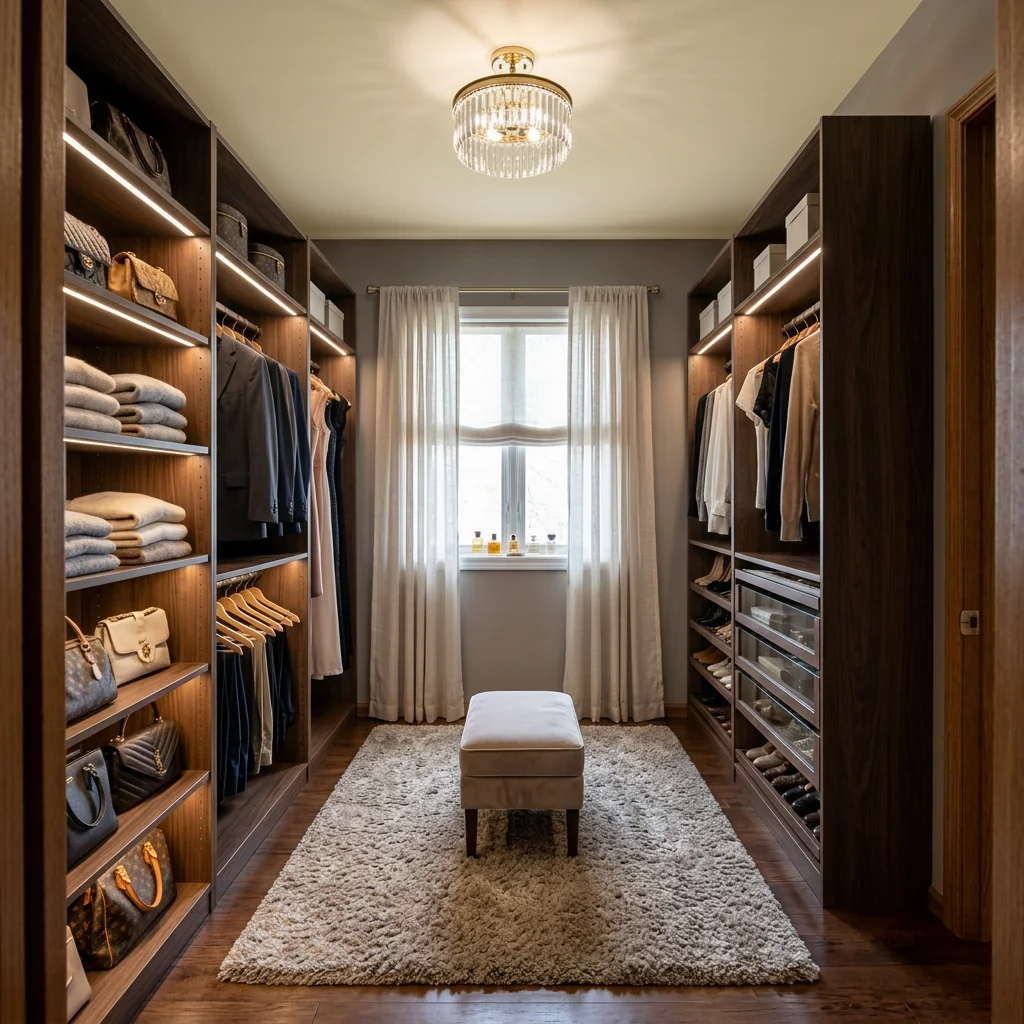
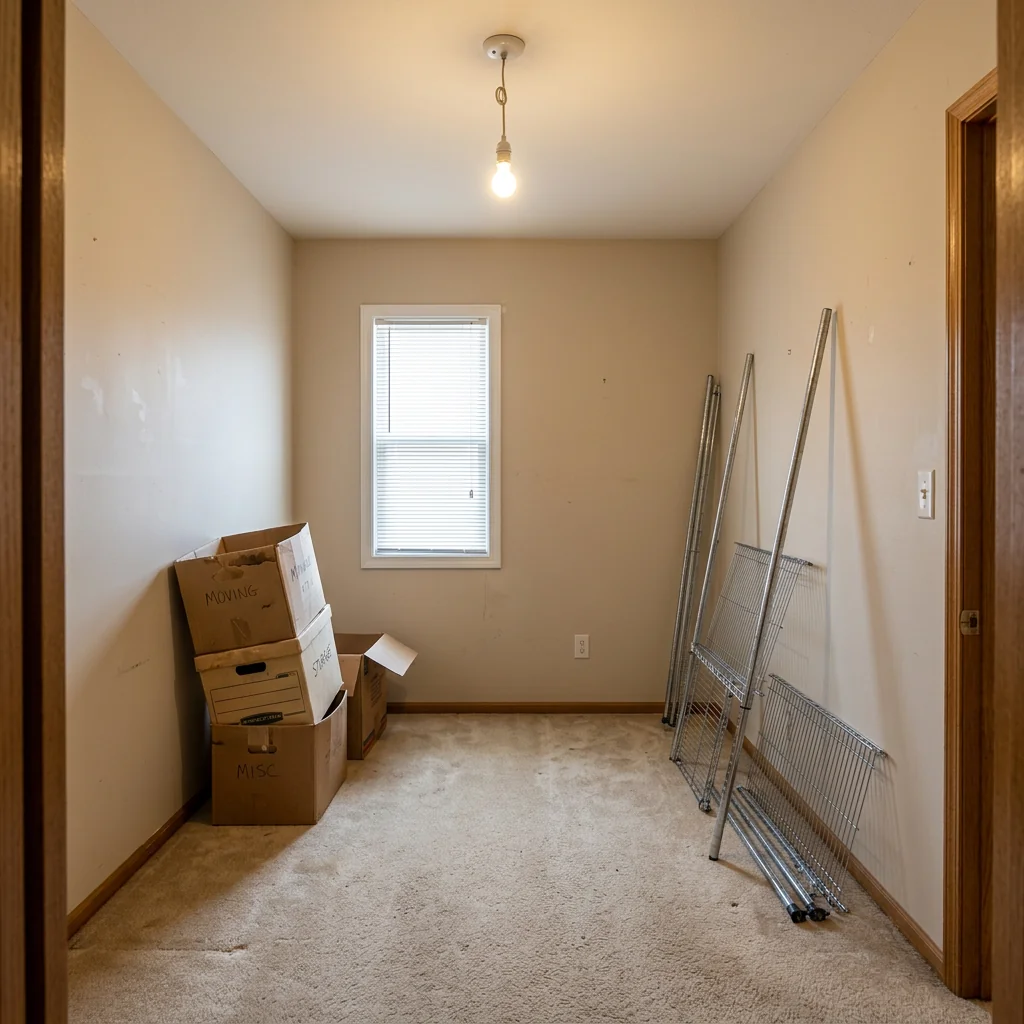
Example · Your result depends on your photo and settings.
1 image free after verified sign-in · No credit card
Choose a photo. Review the look. Sign in to create.
Examples and photo tips
What to prepare
JPG, PNG, WebP, HEIC or HEIF · up to 20 MB per photo
At least 64 × 64 pixels; JPG/PNG/WebP up to 40 megapixels.
HEIC/HEIF: up to 4 megapixels. Larger images need a JPG, PNG or WebP copy.
A clear source photo
Well lit, with the whole area visible.
An idea of the change you want
The editor shows the options for this tool.
Review AI changes before publishing a property image.
Explore more examples
View original photo
Before

View original photo
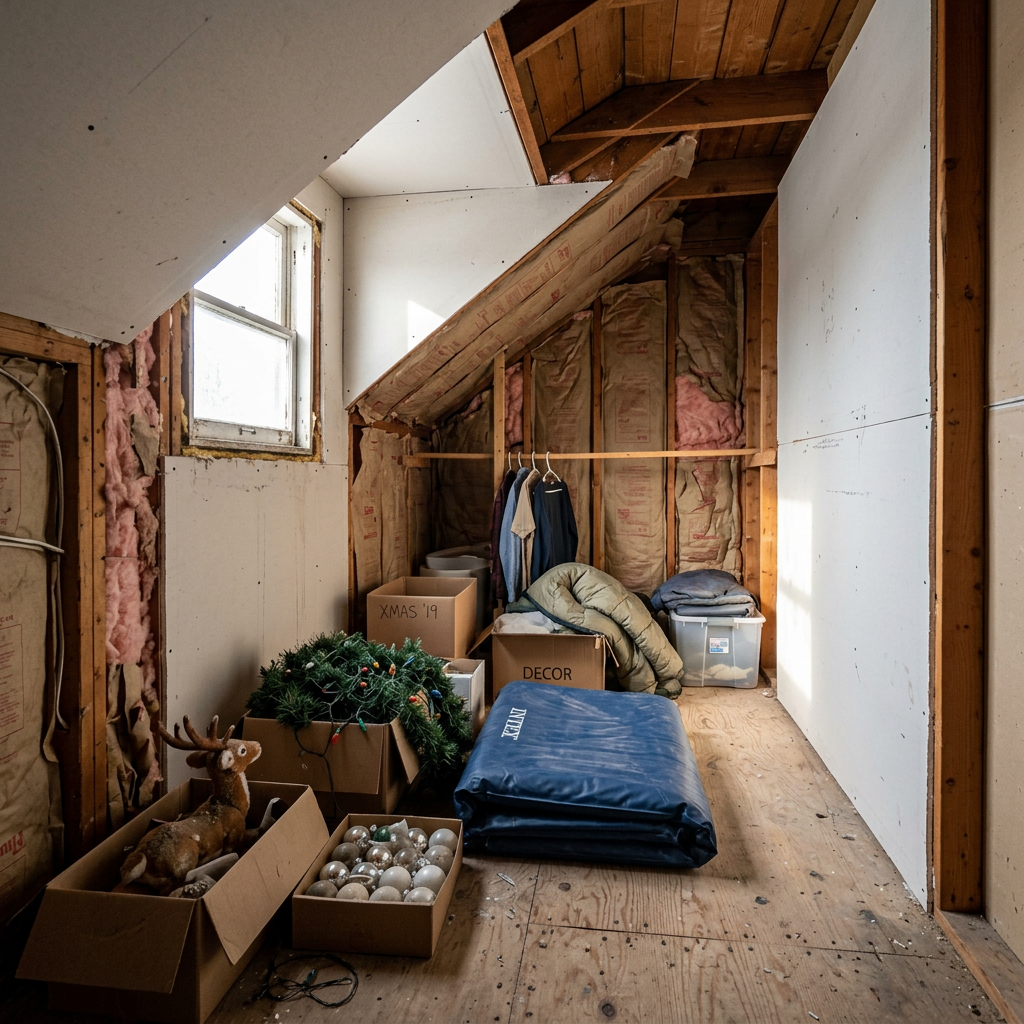
Before

View original photo
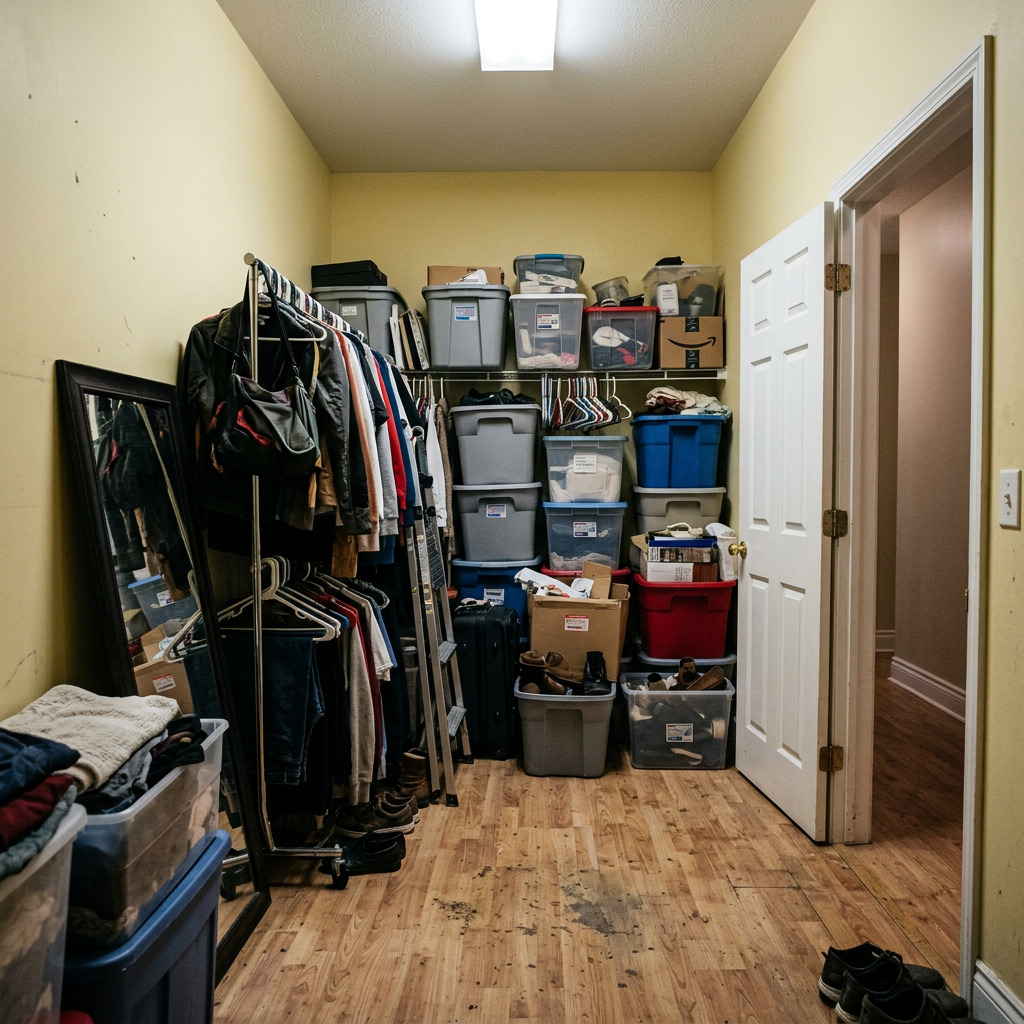
Before
About this tool
Virtual Staging & Styling
Prepare your idea
Explore a walk-in-closet concept from a room or wardrobe photo. Compare shelving, lighting, paths and furniture scale with the original; check real storage dimensions separately.
Prepare your source photo and the references listed in the form. Its settings describe the intended changes.
Review the request and result
Review availability, image count and the current total before explicitly confirming. Registration alone does not establish credits or a free result. If the outcome is unclear, check the saved status of the existing request before confirming again.
Read the earlier original guide
This earlier guide may contain historical price, timing, quality or usage statements. Use the current description and tool form.
Frequently asked questions
What size room do I need?
Our AI designs closets for spaces as small as 5x5 feet with smart organization.
Can I convert a spare bedroom?
Absolutely! Spare bedrooms make excellent walk-in closets.
Does it consider doors and windows?
Yes, the AI works around existing doors, windows, and architectural features.
Häufig gestellte Fragen
Walk-in Closet Design Examples: Before & After Results (2026)
See how agents use walk-in closet design to transform listings & boost MLS appeal
Expert guide
5 Tips to Transform Your Real Estate Property Listing with Walk-in Closet Design
How to Walk-in Closet Design Online: A Guide for Agents & MLS Success
How can AI-powered Walk-in Closet Design enhance real estate photos for Zillow?
Transform your property listing with visually stunning walk-in closet designs. Upload existing real estate photos to our Walk-in Closet Design tool and generate realistic visualizations of organized wardrobes. Enhance the appeal of your property on Zillow and attract potential buyers with custom shelving and luxury finishes. This boosts perceived value and drives interest.
Are there any legal considerations when virtually staging a walk-in closet for an MLS listing?
When using Walk-in Closet Design for your MLS listing, ensure transparency. Disclose that the walk-in closet is virtually staged in the property description. Adhere to NAR guidelines regarding accurate representation of the property. Our tool helps you create realistic designs, but always maintain ethical standards in your property listing.
What is the cost of using AI Walk-in Closet Design to stage a property listing?
Our Walk-in Closet Design tool offers various pricing plans to suit your needs. Enhance multiple property listings with affordable subscriptions. Convert basic closet spaces into luxurious walk-in closets without the expense of physical renovations. Stage your property listing effectively and attract more potential buyers at a fraction of the cost.
How does the quality of Walk-in Closet Design impact buyer perception of a real estate property?
High-quality walk-in closet designs can significantly impact buyer perception. Our tool allows you to create realistic and visually appealing walk-in closets that showcase the potential of the space. Stage your property with custom shelving, lighting, and finishes, demonstrating attention to detail and enhancing the overall appeal of the property listing.
What are the best uses for Walk-in Closet Design in real estate property listings?
The best uses include showcasing storage potential, highlighting luxury features, and attracting buyers seeking organized living spaces. Use our tool to transform empty rooms or existing closets into dream walk-in closets. Convert potential buyers into interested parties by demonstrating the possibilities of the property with beautiful, functional designs.
How can agents integrate Walk-in Closet Design into their existing property listing workflow?
Seamlessly integrate our tool into your workflow. Upload real estate photos directly from your computer or mobile device. Convert existing closet spaces into stunning walk-in closets with just a few clicks. Enhance your property listing with AI-powered designs and stage your properties faster and more efficiently. Simplify your process and attract more buyers.
How it works
So funktioniert es
Design your closet in three simple steps
Upload Your Space Photo
Photograph the room or closet you want to transform. AI analyzes dimensions.
Choose Style & Features
Select design style, organization system, and special features.
Get Your Design
Download photorealistic renders to share with builders.
What you can do
Walk-in Closet Features
Custom Organization
Built-in shelving, drawers, and display areas.
Luxury Lighting
LED strips, chandelier options, and spotlighting.
Shoe Displays
Dramatic shoe walls with illuminated shelving.
Mirror Integration
Full-length mirrors and vanity areas.
Island Dressers
Central island with drawers and marble top.
Style Variety
From Hollywood glam to Scandinavian minimal.
Create your perfect wardrobe
Design Your Walk-in Closet
AI-powered wardrobe visualization
Compare editing approaches
Review timing, cost, available options and the editing steps for your photo.
Creation time
Other services: Agree on a delivery deadline before work starts.
PropStage: Processing time varies. If a result is delayed, check its saved request status instead of sending the same request again.
Cost per image
Other services: Ask for a written quote covering the agreed work and any additional fees.
PropStage: Review the credit cost before confirming a request. Check the current offer before choosing a plan.
Styles and variations
Other services: Confirm which styles and revisions are included.
PropStage: Use the options offered by this tool. Review the credit cost before confirming each new image request.
Editing workflow
Other services: Agree on the source photos, references and final review.
PropStage: Review the required photos and settings before confirming. Keep your original and compare the saved result before publishing.
Read the earlier original guide
This earlier guide may contain historical price, timing, quality or usage statements. Use the current description and tool form.
Luxury Designs
From minimalist to Hollywood glam.
Plan Before Building
See results before investing in construction.
Instant Visualization
Get photorealistic renders in seconds.
Dream Walk-in Closet: Designed by AI
Transform any room into a stunning walk-in closet with AI-powered design visualization.