
Window View Upgrade
Explore an imagined view outside a window in your room photo. Choose scenery, time and season; the edited view is a concept and must not be represented as the property's real outlook.
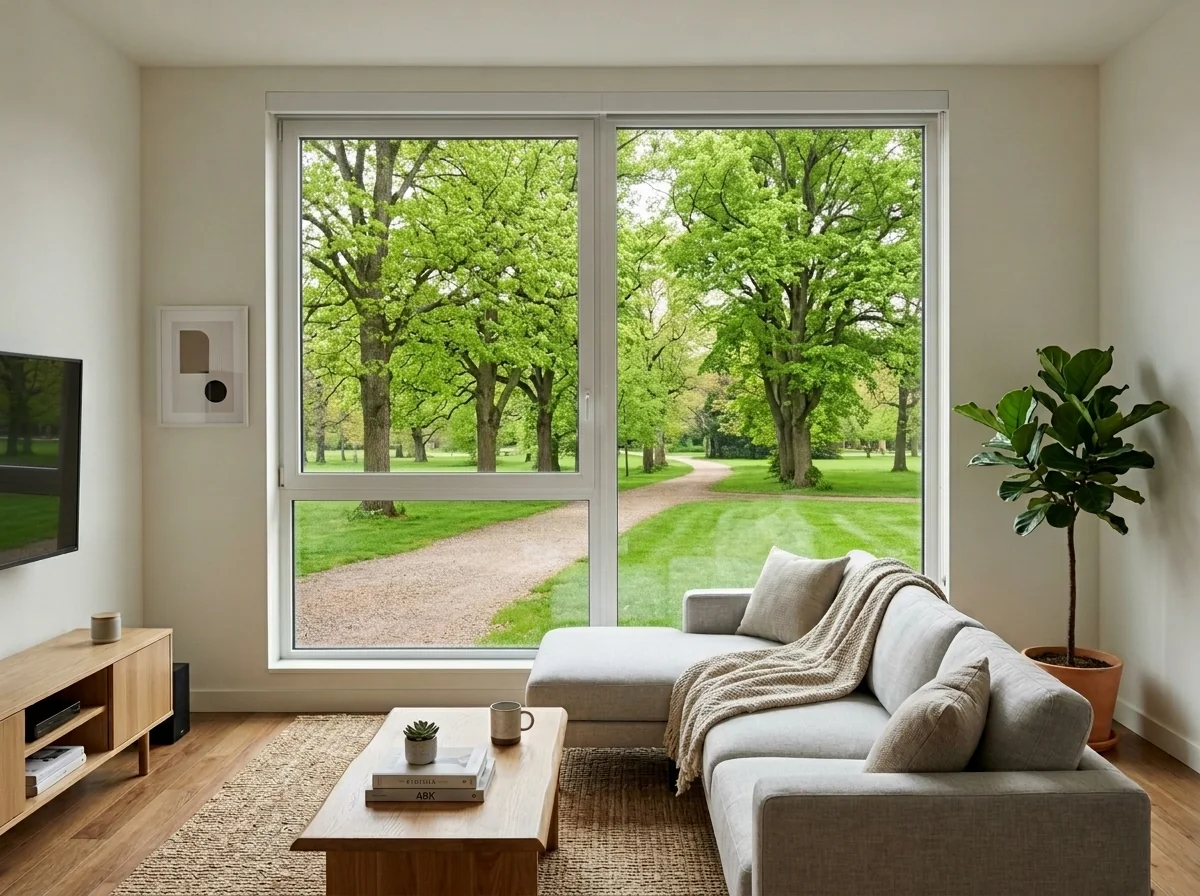
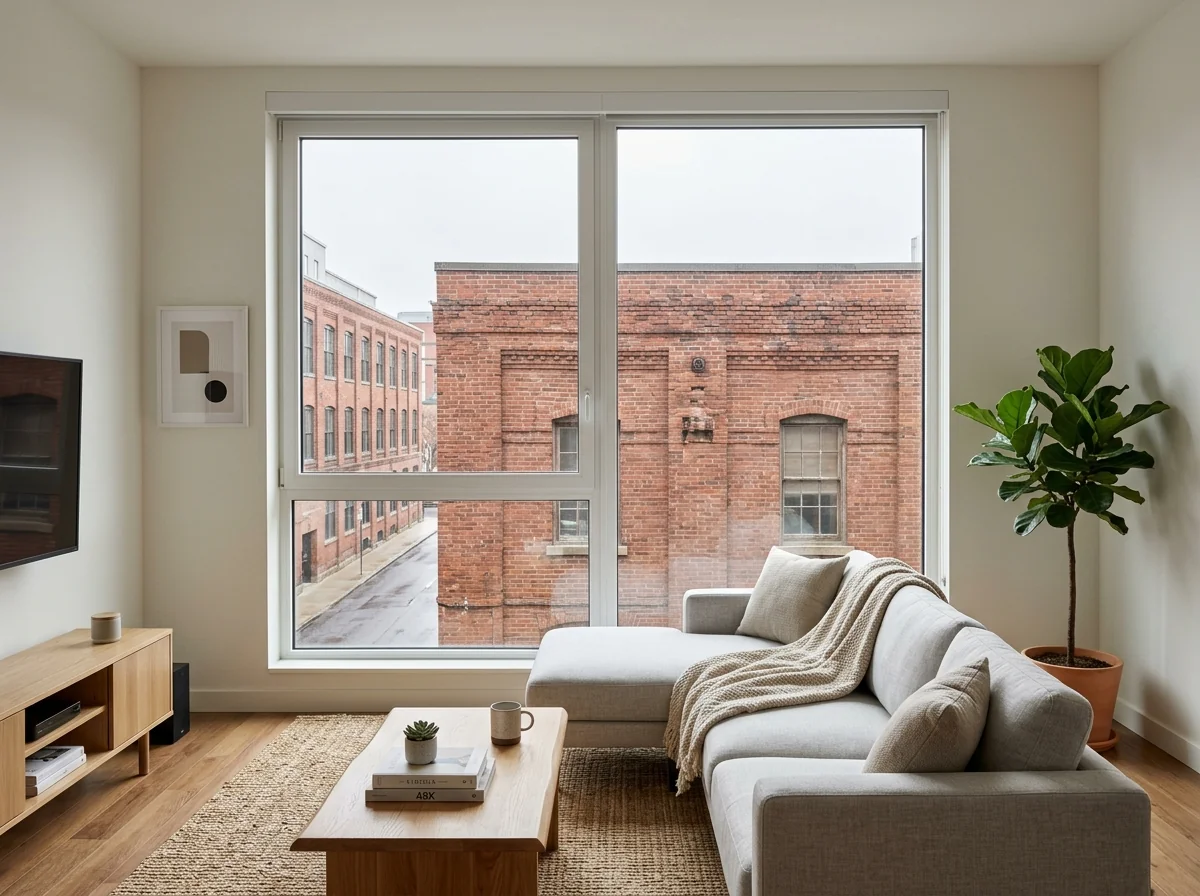
Example · Your result depends on your photo and settings.
Choose a photo. Review the look. Sign in to create.
Examples and photo tips
What to prepare
JPG, PNG, WebP, HEIC or HEIF · up to 20 MB per photo
At least 64 × 64 pixels; JPG/PNG/WebP up to 40 megapixels.
HEIC/HEIF: up to 4 megapixels. Larger images need a JPG, PNG or WebP copy.
A clear source photo
Well lit, with the whole area visible.
An idea of the change you want
The editor shows the options for this tool.
Review AI changes before publishing a property image.
Explore more examples
View original photo
Before
View original photo
Before
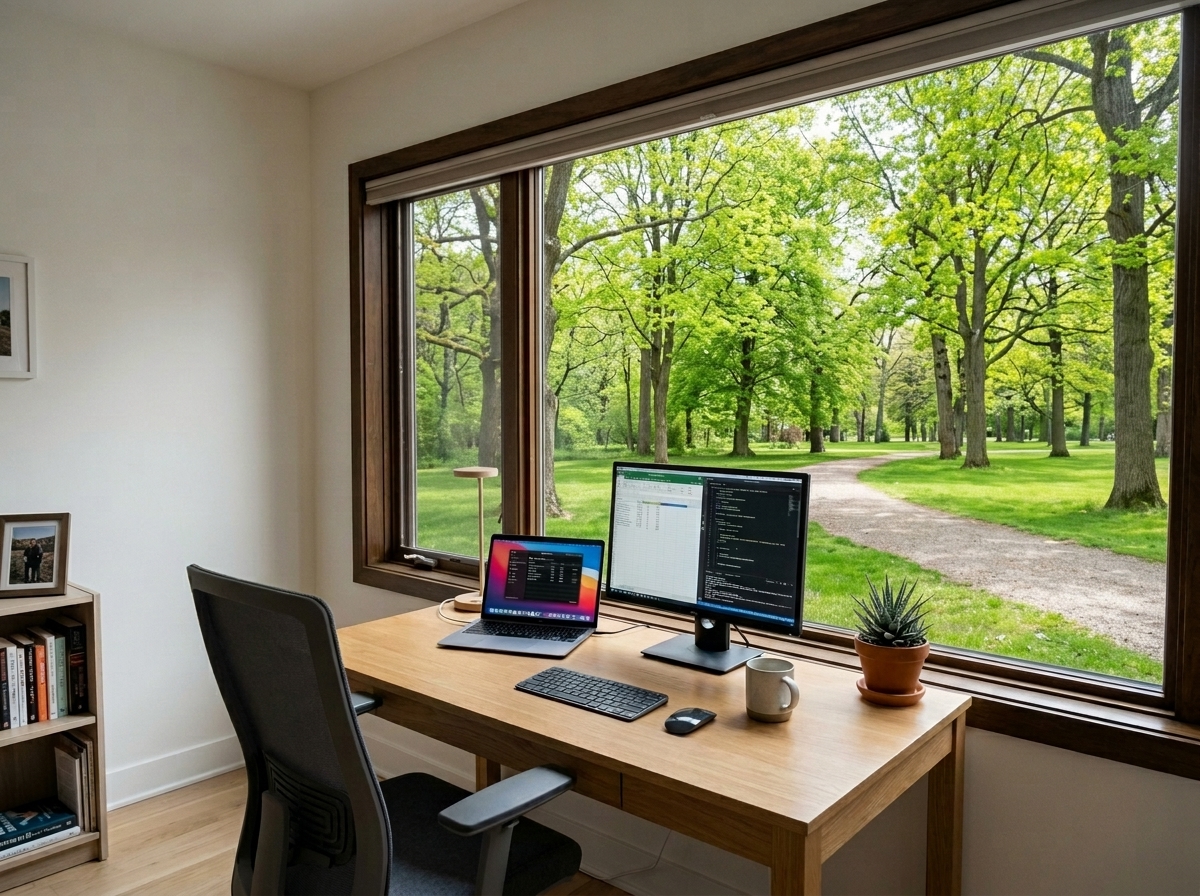
View original photo
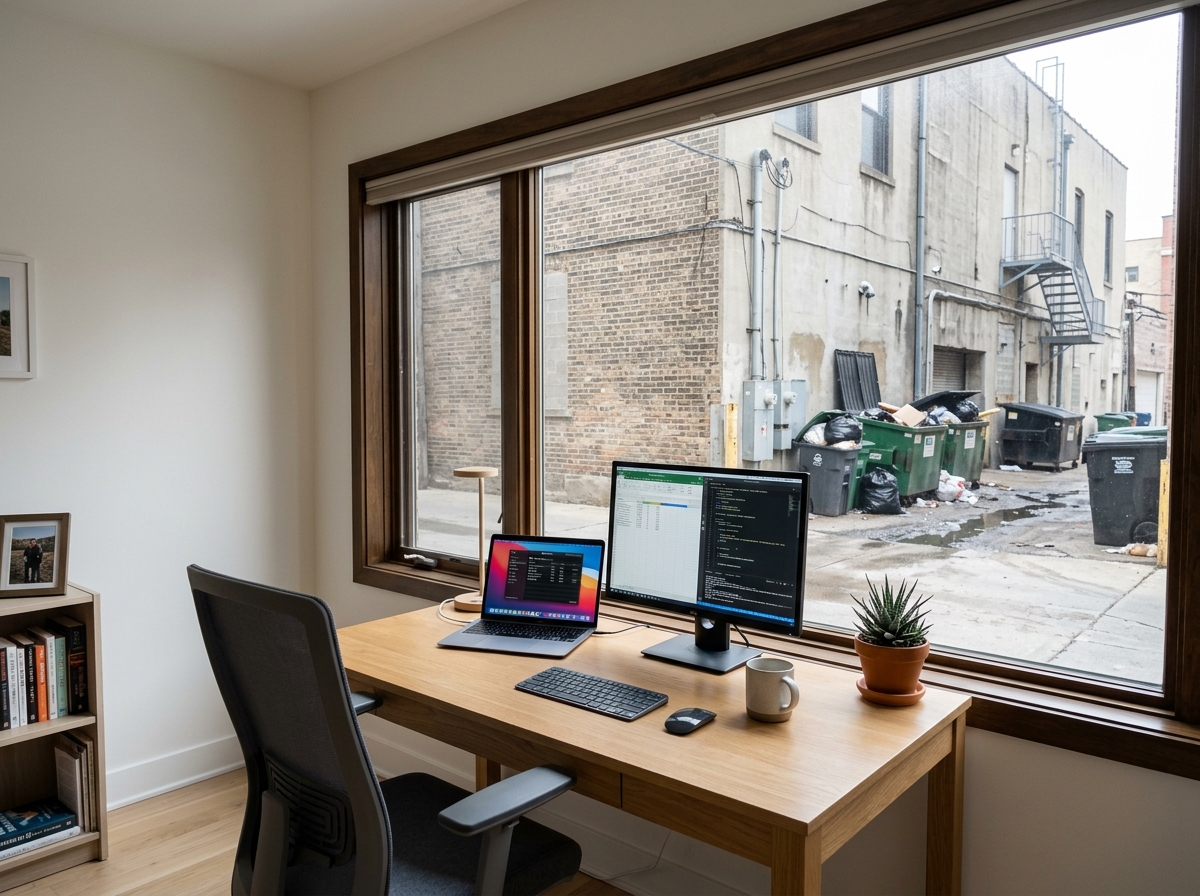
Before
About this tool
Property Image Enhancement
Prepare your idea
Explore an imagined view outside a window in your room photo. Choose scenery, time and season; the edited view is a concept and must not be represented as the property's real outlook.
Prepare your source photo and the references listed in the form. Its settings describe the intended changes.
Review the request and result
Review availability, image count and the current total before explicitly confirming. Registration alone does not establish credits or a free result. If the outcome is unclear, check the saved status of the existing request before confirming again.
Read the earlier original guide
This earlier guide may contain historical price, timing, quality or usage statements. Use the current description and tool form.
How it works
How the Window View Upgrade Works
Beautiful views in 3 simple steps
Upload Your Room Photo
Upload any interior photo showing windows. Works with any room — living room, bedroom, kitchen, dining room, or office.
Choose Your Dream View
Select the type of view, time of day, and season. Pick from mountains, ocean, city skyline, garden, forest, and more.
Get a Stunning Result
Our AI replaces only the window view with photorealistic scenery while keeping the entire room interior perfectly intact.
What you can do
Window View Upgrade: See the Possibilities
Mountain Views
Replace any dull window view with dramatic mountain peaks, perfect for premium property listings
Ocean & Coastal Views
Add a stunning sea view to any room — instantly increase perceived desirability and value
City Skyline
Transform any urban property with a breathtaking nighttime or daytime city skyline view
Park & Garden Views
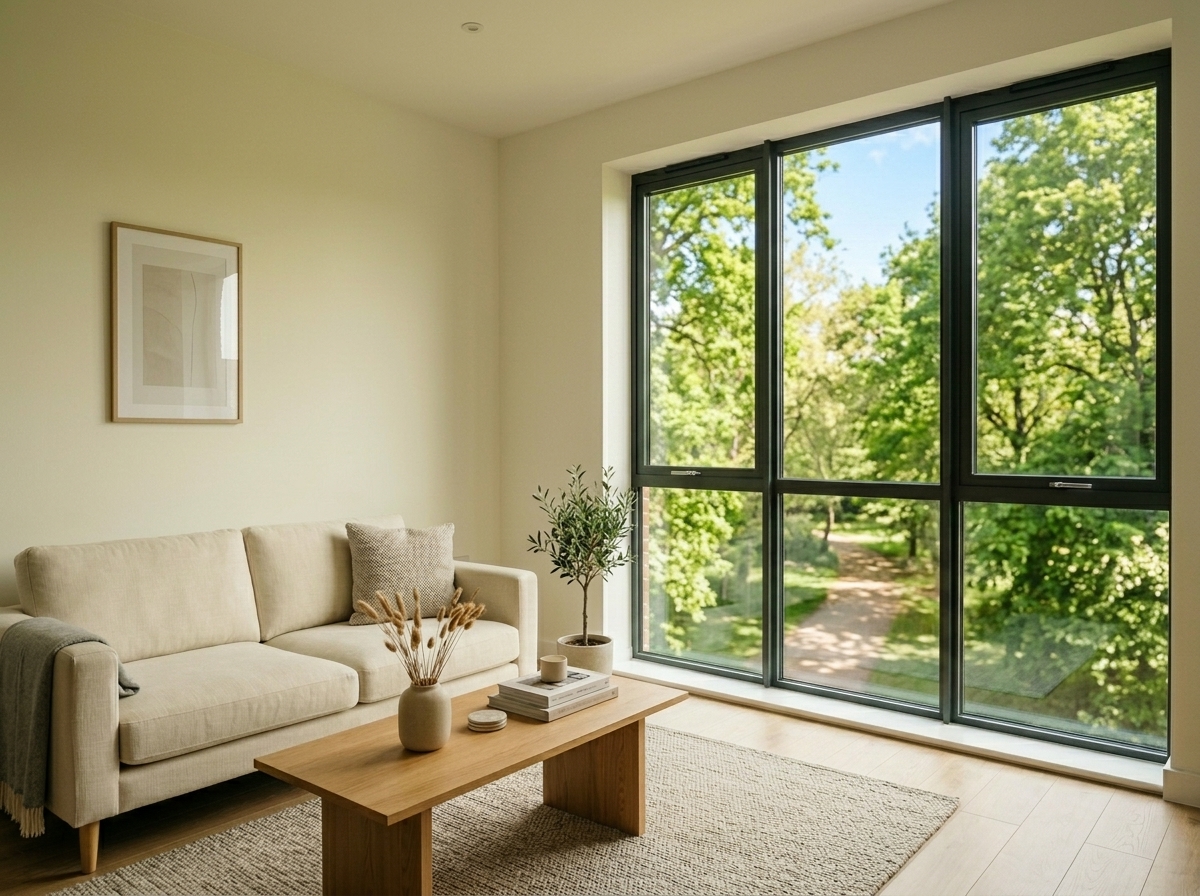
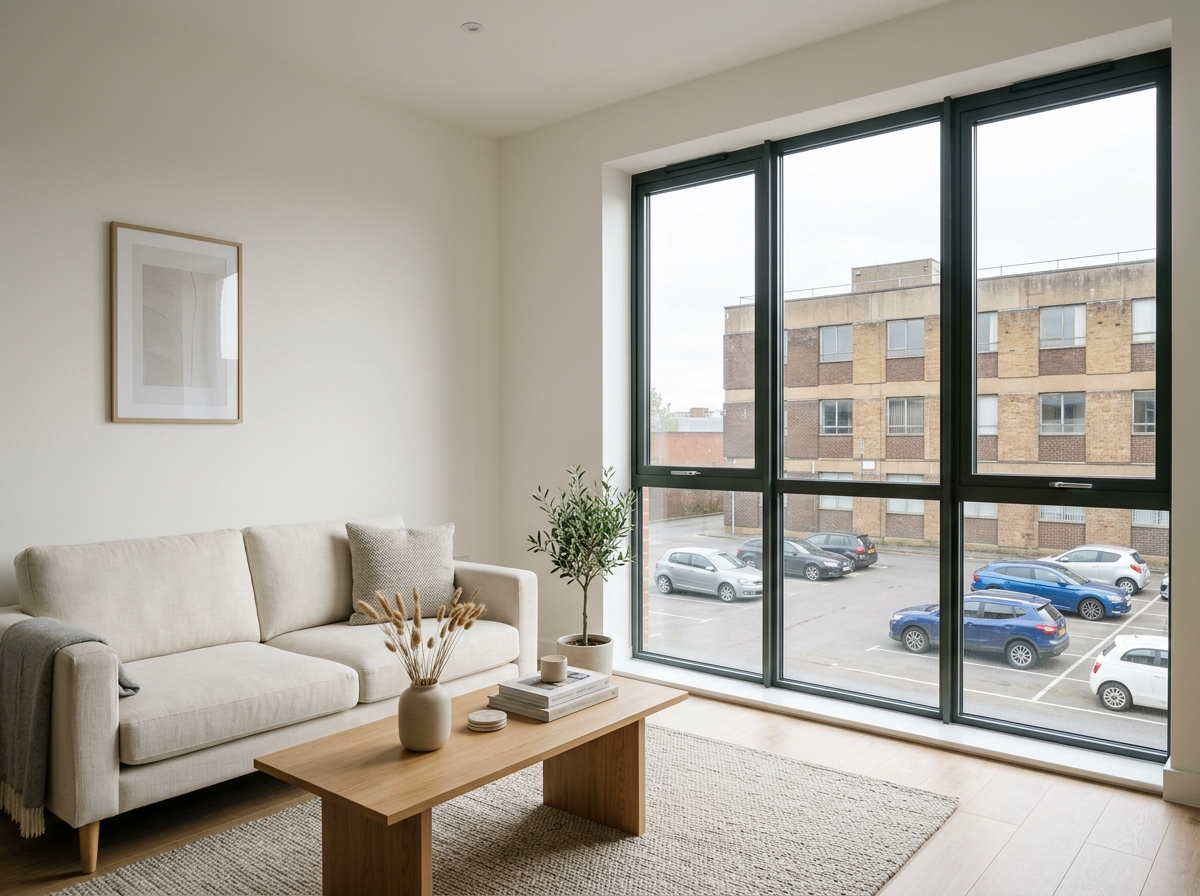
Replace brick walls or parking lots with lush green parks and beautiful garden vistas
Sunset & Golden Hour
Set the mood with warm golden hour light flooding through the upgraded window
Winter & Forest Scenes
Show properties in their best seasonal light with snowy landscapes or autumn forest views
Every Room Deserves a Beautiful View
Replace dreary window views with breathtaking scenery — mountains, ocean, city skylines, and more. Instantly.
Compare editing approaches
Review timing, cost, available options and the editing steps for your photo.
Creation time
Other services: Agree on a delivery deadline before work starts.
PropStage: Processing time varies. If a result is delayed, check its saved request status instead of sending the same request again.
Cost per image
Other services: Ask for a written quote covering the agreed work and any additional fees.
PropStage: Review the credit cost before confirming a request. Check the current offer before choosing a plan.
Styles and variations
Other services: Confirm which styles and revisions are included.
PropStage: Use the options offered by this tool. Review the credit cost before confirming each new image request.
Editing workflow
Other services: Agree on the source photos, references and final review.
PropStage: Review the required photos and settings before confirming. Keep your original and compare the saved result before publishing.