
AI Photo Editor
Describe the change you want to explore on a property photo. Review the requested edit and compare the returned image with your original; not every described change can be reproduced exactly.

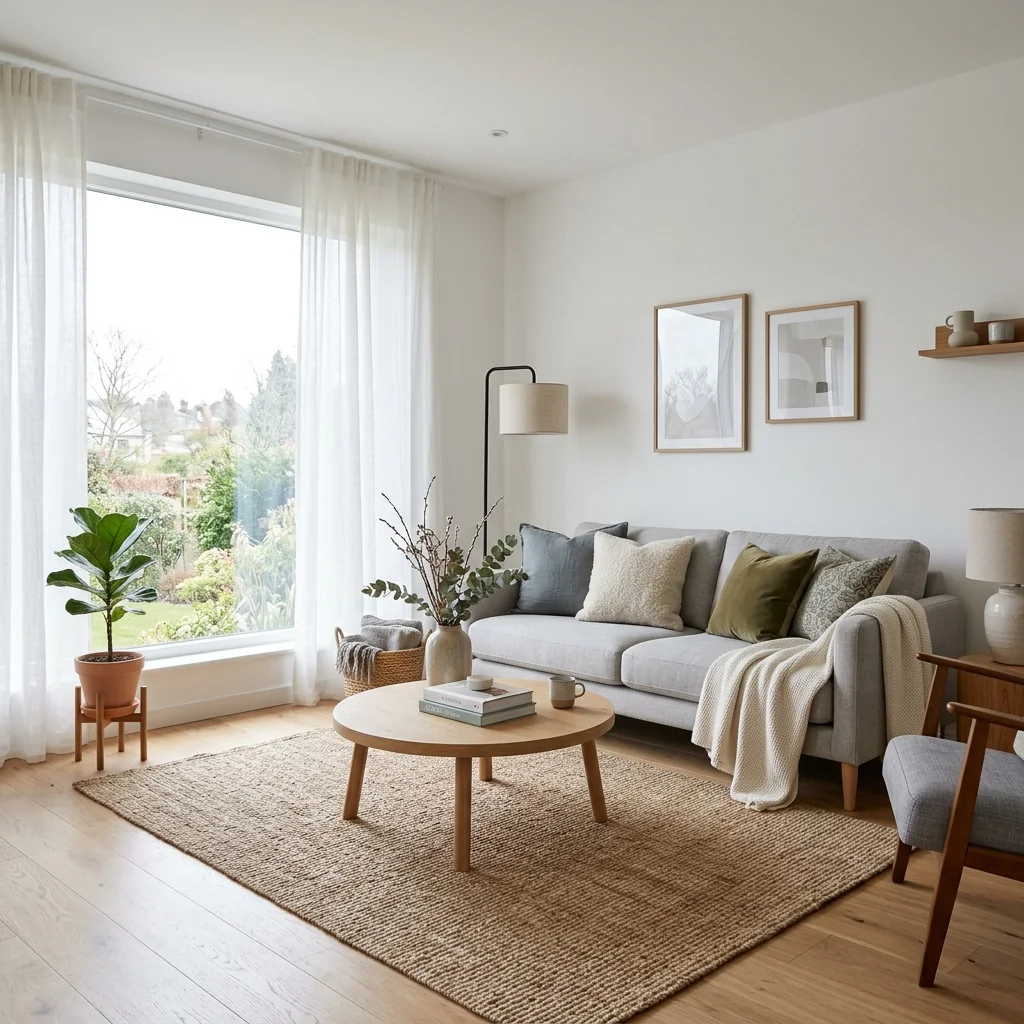
Example · Your result depends on your photo and settings.
1 image free after verified sign-in · No credit card
Choose a photo. Review the look. Sign in to create.
Examples and photo tips
What to prepare
JPG, PNG, WebP, HEIC or HEIF · up to 20 MB per photo
At least 64 × 64 pixels; JPG/PNG/WebP up to 40 megapixels.
HEIC/HEIF: up to 4 megapixels. Larger images need a JPG, PNG or WebP copy.
A clear source photo
Well lit, with the whole area visible.
An idea of the change you want
The editor shows the options for this tool.
Review AI changes before publishing a property image.
Explore more examples
View original photo
Before

View original photo

Before

View original photo

Before
About this tool
Virtual Staging & Styling
Prepare your idea
Describe the change you want to explore on a property photo. Review the requested edit and compare the returned image with your original; not every described change can be reproduced exactly.
Prepare your source photo and the references listed in the form. Its settings describe the intended changes.
Review the request and result
Review availability, image count and the current total before explicitly confirming. Registration alone does not establish credits or a free result. If the outcome is unclear, check the saved status of the existing request before confirming again.
Read the earlier original guide
This earlier guide may contain historical price, timing, quality or usage statements. Use the current description and tool form.
AI Photo Editor Examples: Before & After Results (2026)
See how agents use photo editor to transform listings
Expert guide
Complete Guide to AI Photo Editor for Real Estate (2026): Transform Your Property Listings
Everything real estate agents need to know about using an AI photo editor to enhance property listings and attract more buyers on Zillow and the MLS.
How can an AI photo editor improve my real estate photos?
An AI Photo Editor can dramatically enhance real estate photos by automatically adjusting lighting, removing clutter, and even virtually staging rooms. This leads to more visually appealing property listings, potentially increasing click-through rates and attracting more prospective buyers. According to NAR studies, high-quality photos are crucial for successful property sales.
Are there any legal or MLS compliance issues with using an AI photo editor for real estate?
When using an AI Photo Editor, ensure transparency and avoid misrepresentation. Disclose any significant alterations made to the property's appearance in the photo descriptions. Check your local MLS rules and regulations regarding photo editing, as some may have specific guidelines to maintain accuracy and avoid misleading potential buyers. Always prioritize ethical practices.
What is the cost of using an AI photo editor for real estate compared to hiring a professional photographer?
Using an AI Photo Editor can be significantly more cost-effective than hiring a professional photographer for every property listing. While professional photographers offer expertise, an AI Photo Editor provides a budget-friendly alternative for basic enhancements and virtual staging, allowing agents to allocate resources more efficiently. Subscription models for AI tools often provide unlimited edits.
How does the image quality of an AI photo editor compare to professional real estate photography?
While a skilled photographer brings artistry, modern AI Photo Editors can achieve impressive image quality, especially for standard enhancements like brightness and color correction. For complex tasks like virtual staging, the AI can create realistic results. Evaluate the AI Photo Editor's output against your quality standards and consider professional photography for high-end properties or critical marketing materials.
What are the best use cases for an AI photo editor in real estate property listings?
The best uses for an AI Photo Editor include enhancing lighting, removing minor blemishes, virtually staging vacant rooms, and correcting perspective. These enhancements make property listings more appealing on Zillow and other platforms. It's particularly useful for quickly improving photos taken with smartphones or for refreshing older listings with updated visuals.
How can I integrate an AI photo editor into my existing real estate workflow?
Integrate an AI Photo Editor into your workflow by uploading property photos directly from your camera or smartphone. Use the AI Photo Editor to quickly enhance and stage the images, then download the optimized photos for use in your MLS listings, website, and marketing materials. Many AI Photo Editors offer integrations with popular real estate platforms for seamless workflow.
How it works
How PropStage.ai's AI Photo Editor Works
Effortless photo transformations in seconds.
Upload Your Property Photo
Simply upload your real estate photo to our AI-powered platform. Supports various formats for seamless editing.
Select Your Desired Change
Choose from options like removing furniture, changing wall colors, or enhancing image quality with AI precision.
Download Your Enhanced Image
Our AI instantly applies your changes. Download your professionally edited photo, ready for your listing.
Edit Like a Pro. No Experience Required.
PropStage.ai's AI Photo Editor turns your words into professional property photo transformations—instantly.
Compare editing approaches
Review timing, cost, available options and the editing steps for your photo.
Creation time
Other services: Agree on a delivery deadline before work starts.
PropStage: Processing time varies. If a result is delayed, check its saved request status instead of sending the same request again.
Cost per image
Other services: Ask for a written quote covering the agreed work and any additional fees.
PropStage: Review the credit cost before confirming a request. Check the current offer before choosing a plan.
Styles and variations
Other services: Confirm which styles and revisions are included.
PropStage: Use the options offered by this tool. Review the credit cost before confirming each new image request.
Editing workflow
Other services: Agree on the source photos, references and final review.
PropStage: Review the required photos and settings before confirming. Keep your original and compare the saved result before publishing.