
Home Library & Reading Nook
Explore a library or reading-nook idea on a room photo. Choose a style, shelving type and seating, then compare the design with your original space and real measurements.
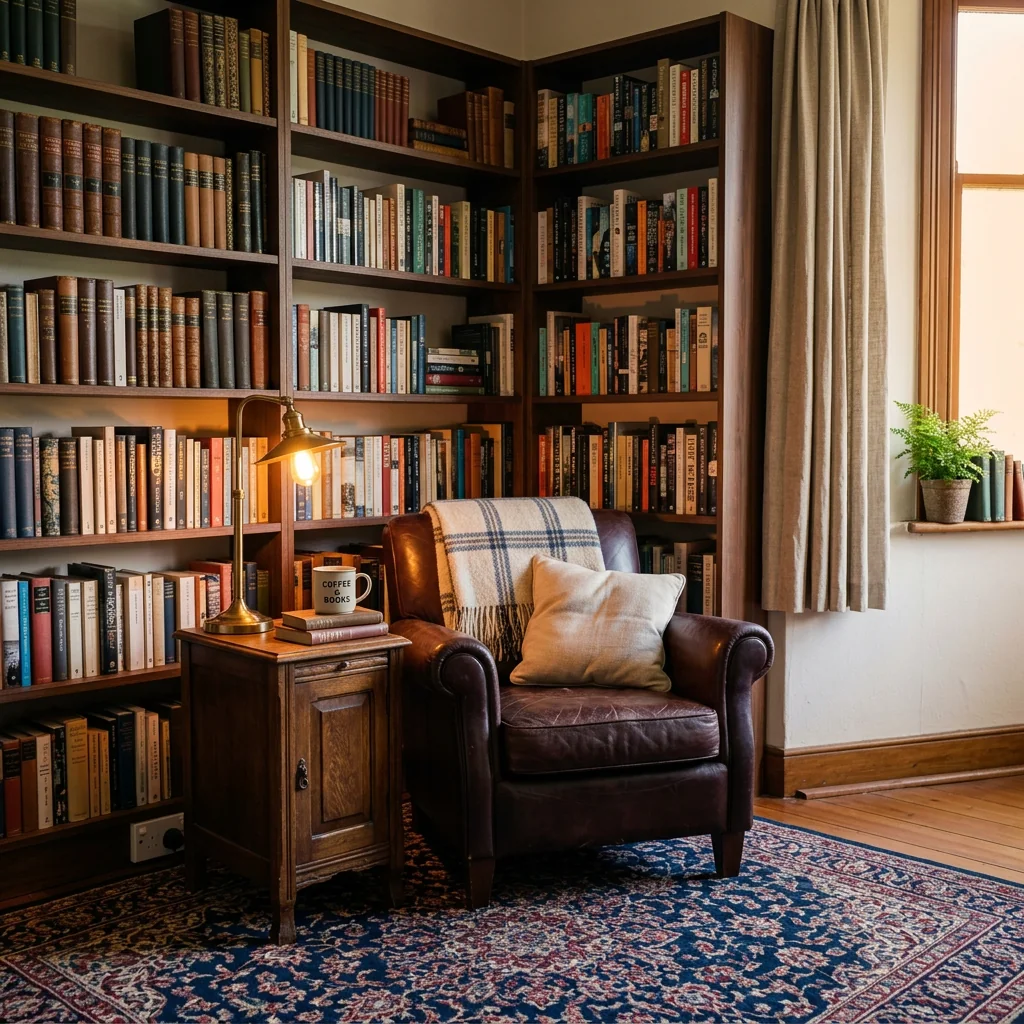
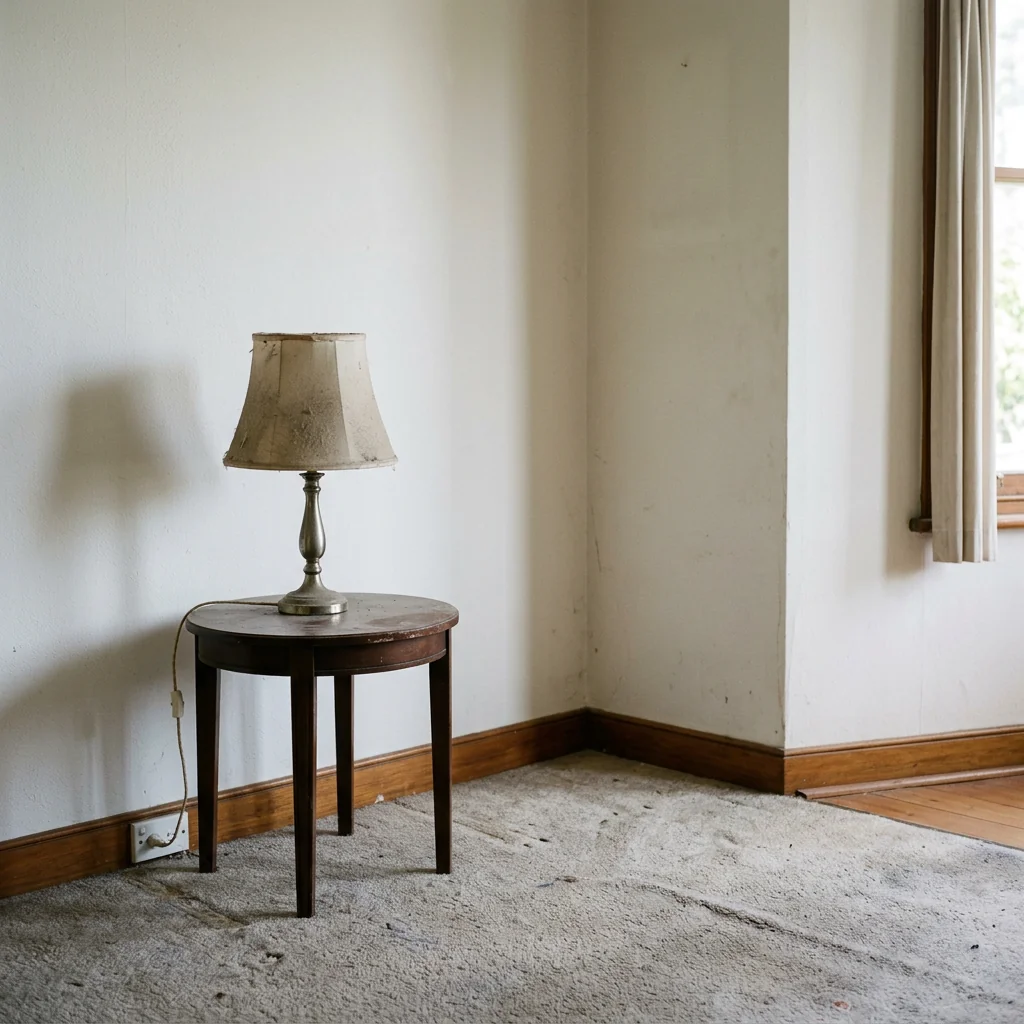
Example · Your result depends on your photo and settings.
1 image free after verified sign-in · No credit card
Choose a photo. Review the look. Sign in to create.
Examples and photo tips
What to prepare
JPG, PNG, WebP, HEIC or HEIF · up to 20 MB per photo
At least 64 × 64 pixels; JPG/PNG/WebP up to 40 megapixels.
HEIC/HEIF: up to 4 megapixels. Larger images need a JPG, PNG or WebP copy.
A clear source photo
Well lit, with the whole area visible.
An idea of the change you want
The editor shows the options for this tool.
Review AI changes before publishing a property image.
Explore more examples
View original photo
Before

View original photo
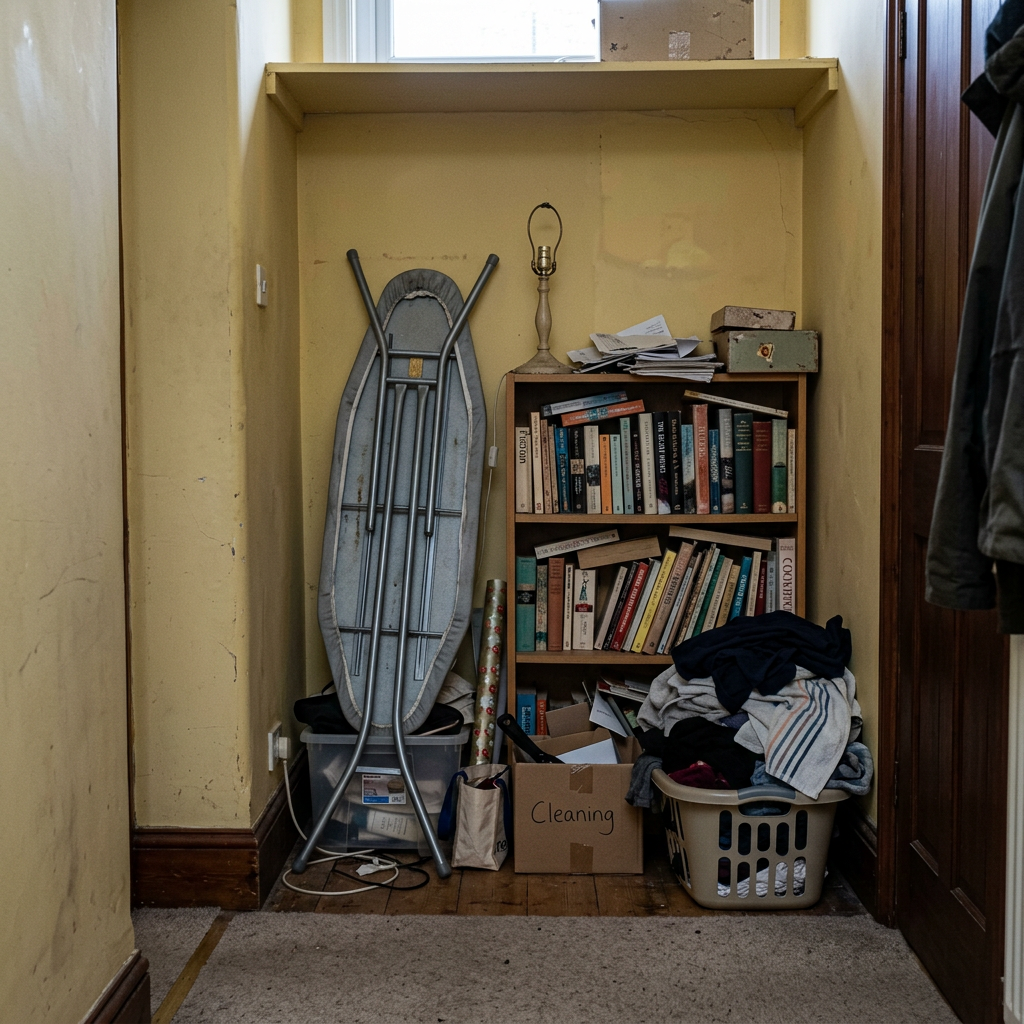
Before

View original photo
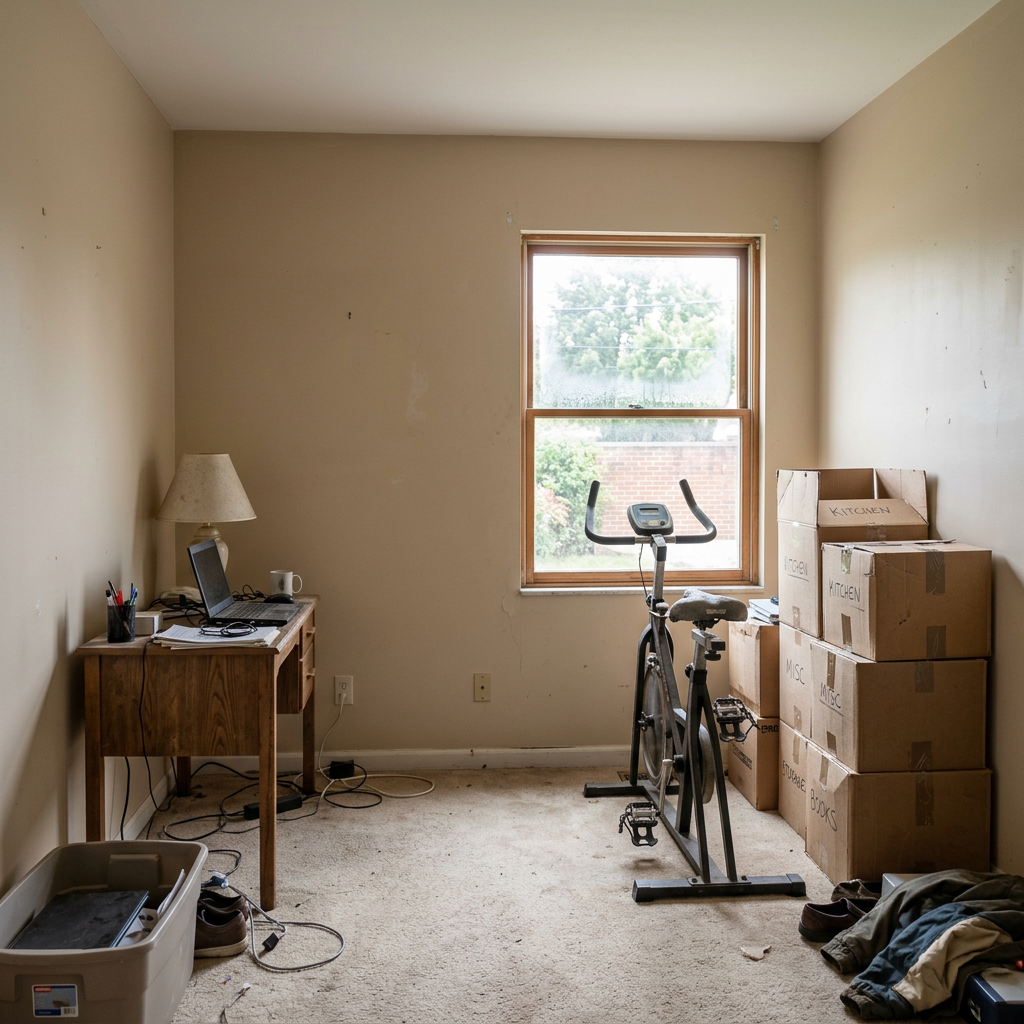
Before
About this tool
Virtual Staging & Styling
Prepare your idea
Explore a library or reading-nook idea on a room photo. Choose a style, shelving type and seating, then compare the design with your original space and real measurements.
Prepare your source photo and the references listed in the form. Its settings describe the intended changes.
Review the request and result
Review availability, image count and the current total before explicitly confirming. Registration alone does not establish credits or a free result. If the outcome is unclear, check the saved status of the existing request before confirming again.
Read the earlier original guide
This earlier guide may contain historical price, timing, quality or usage statements. Use the current description and tool form.
Transform Your Listings: Home Library & Reading Nook Before & After Showcase (2026)
See How Agents Use AI Home Library & Reading Nook to Enhance Real Estate Photos for MLS & Zillow
Expert guide
5 Tips: Transform Your Real Estate Photos with a Home Library & Reading Nook
How to Virtually Stage a Home Library & Reading Nook Online for Property Listings
How can I use AI to create a Home Library & Reading Nook for my real estate photos?
Transform your property listing with PropStage.ai's Home Library & Reading Nook tool. Upload a photo, and our AI adds bookshelves, seating, and decor. Enhance your MLS listing and attract more potential buyers with a cozy, inviting space. Boost your Zillow ranking by showcasing the property's potential. Improve online curb appeal and generate more leads.Are there any legal or MLS rules about virtually staging a Home Library & Reading Nook?
Ensure your virtual staging adheres to NAR guidelines and MLS regulations. Disclose that the Home Library & Reading Nook is virtually staged in your property listing description. Avoid misrepresenting the property's actual features. Always prioritize transparency and ethical real estate practices. Maintain accurate representation and comply with local laws.What does it cost to virtually stage a Home Library & Reading Nook using PropStage.ai?
PropStage.ai offers affordable pricing plans for virtually staging Home Library & Reading Nooks. Choose a plan that fits your needs and budget. Enhance multiple real estate photos without breaking the bank. Maximize your ROI by attracting more buyers with professionally staged images. Reduce marketing costs with cost-effective virtual staging solutions.How can I ensure high-quality results when creating a Home Library & Reading Nook?
Upload high-resolution real estate photos to PropStage.ai for optimal results. Use clear, well-lit images to showcase the property's features. Choose a Home Library & Reading Nook style that complements the existing architecture and decor. Achieve photorealistic staging and impress potential buyers with stunning visuals.What are the best uses for a virtually staged Home Library & Reading Nook in real estate?
Virtually staging a Home Library & Reading Nook is ideal for showcasing a room's potential. Use it to transform empty spaces into inviting reading areas. Highlight the property's versatility and appeal to book lovers. Attract a wider range of buyers and increase the property's perceived value. Stage vacant rooms and accelerate the selling process.How can I integrate PropStage.ai's Home Library & Reading Nook into my existing workflow?
Seamlessly integrate PropStage.ai into your real estate marketing workflow. Upload photos directly from your computer or cloud storage. Download the staged images and use them in your MLS listing, website, and social media campaigns. Streamline your staging process and save time and effort. Improve your property listing and generate more qualified leads.How it works
How AI Home Library & Reading Nook Works
Create your perfect reading space in 3 easy steps.
Upload Your Room or Corner
Snap a photo of the space you want to transform. Our AI recognizes the existing layout, lighting, and architectural style to create a cohesive design.
Customize Your Dream Library
Choose from various bookshelf styles, seating arrangements, and decor options. Fine-tune the ambiance with adjustable lighting and textures for a truly personalized reading nook.
Visualize & Download Your Design
Instantly see your transformed space. Download high-resolution images to share with clients, contractors, or use as inspiration for your next staging project.
What you can do
AI Reading Nook Designer: Stage Your Home Library
Bookshelf Customization
Experiment with various bookshelf styles and sizes to maximize appeal and showcase the room's potential.
Cozy Seating Options
Instantly add comfortable chairs, sofas, or window seats to create an inviting reading environment.
Ambient Lighting Design
Adjust lighting to create a warm, inviting atmosphere, highlighting the room's best features for buyers.
Space Optimization
Maximize small spaces by visualizing efficient layouts for bookshelves and reading areas, increasing perceived value.
Style & Decor Variety
Explore different decor styles, from classic to modern, to perfectly match the property's aesthetic and target audience.
High-Quality Visuals
Generate stunning, realistic images perfect for marketing materials and online listings, attracting more potential buyers.
Transform any space into a captivating home library or reading retreat in seconds with AI-powered design.
Dream Library, Instantly. (AI)
Transform any space into a stunning home library or cozy reading nook with AI-powered design.
Compare editing approaches
Review timing, cost, available options and the editing steps for your photo.
Creation time
Other services: Agree on a delivery deadline before work starts.
PropStage: Processing time varies. If a result is delayed, check its saved request status instead of sending the same request again.
Cost per image
Other services: Ask for a written quote covering the agreed work and any additional fees.
PropStage: Review the credit cost before confirming a request. Check the current offer before choosing a plan.
Styles and variations
Other services: Confirm which styles and revisions are included.
PropStage: Use the options offered by this tool. Review the credit cost before confirming each new image request.
Editing workflow
Other services: Agree on the source photos, references and final review.
PropStage: Review the required photos and settings before confirming. Keep your original and compare the saved result before publishing.
Read the earlier original guide
This earlier guide may contain historical price, timing, quality or usage statements. Use the current description and tool form.
AI Home Library Designer: Create Your Dream Reading Nook
Transform any room into a stunning home library or inviting reading nook with PropStage.ai. Our AI instantly adds bookshelves, cozy seating, and the perfect lighting to create an irresistible literary haven. Real estate professionals use our AI to showcase a property's potential and attract book-loving buyers.