
Kitchen Declutter Tool
Explore a tidier kitchen photo with fewer countertop distractions. Compare edited areas, appliances and room details with your original before sharing a property image.
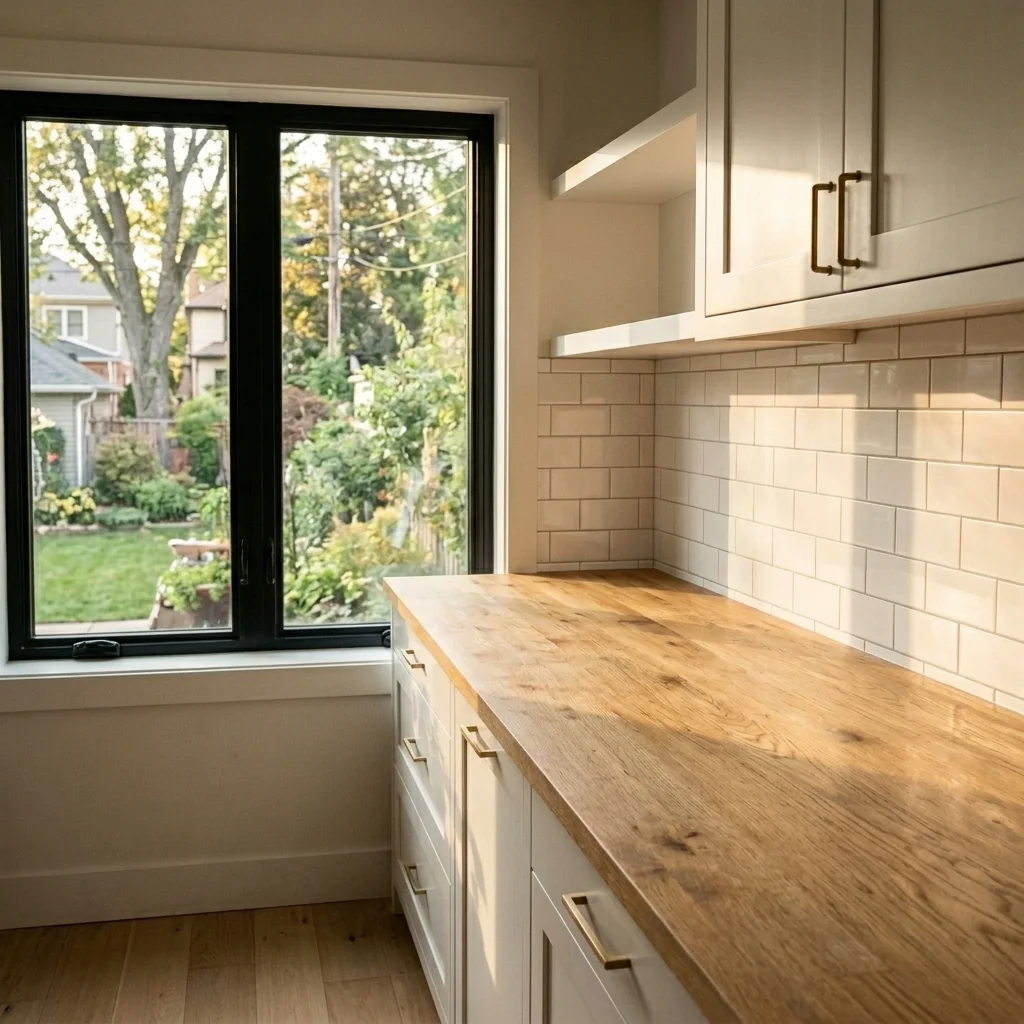

Example · Your result depends on your photo and settings.
1 image free after verified sign-in · No credit card
Choose a photo. Review the look. Sign in to create.
Examples and photo tips
What to prepare
JPG, PNG, WebP, HEIC or HEIF · up to 20 MB per photo
At least 64 × 64 pixels; JPG/PNG/WebP up to 40 megapixels.
HEIC/HEIF: up to 4 megapixels. Larger images need a JPG, PNG or WebP copy.
A clear source photo
Well lit, with the whole area visible.
An idea of the change you want
The editor shows the options for this tool.
Review AI changes before publishing a property image.
Explore more examples
View original photo
Before

View original photo

Before

View original photo
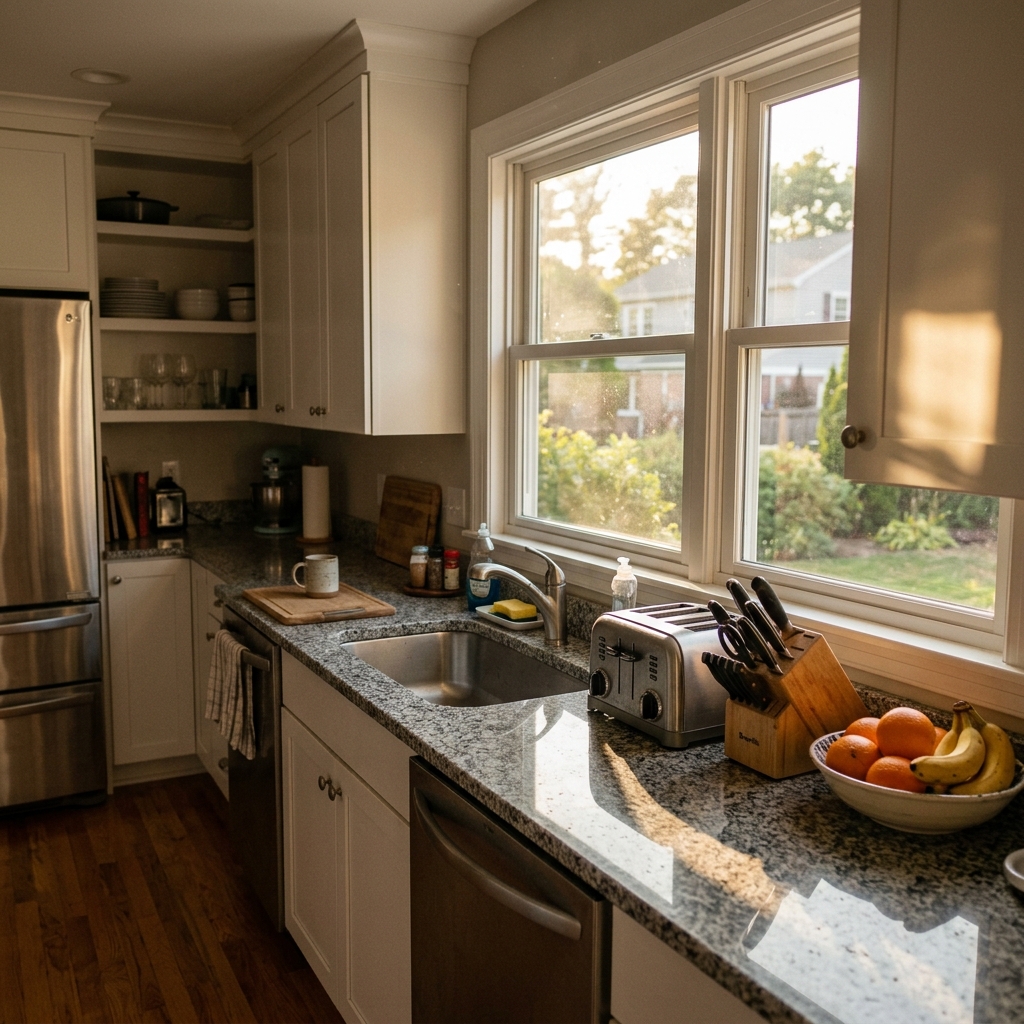
Before
About this tool
Property Image Enhancement
Prepare your idea
Explore a tidier kitchen photo with fewer countertop distractions. Compare edited areas, appliances and room details with your original before sharing a property image.
Prepare your source photo and the references listed in the form. Its settings describe the intended changes.
Review the request and result
Review availability, image count and the current total before explicitly confirming. Registration alone does not establish credits or a free result. If the outcome is unclear, check the saved status of the existing request before confirming again.
Read the earlier original guide
This earlier guide may contain historical price, timing, quality or usage statements. Use the current description and tool form.
Kitchen Declutter Tool Examples: Before & After Results (2026)
See How Agents Use Kitchen Declutter Tool Online to Transform Property Listings for MLS & Zillow
Expert guide
5 Tips: Kitchen Declutter Tool for Real Estate Photos (2024)
How to Kitchen Declutter Tool Online for Stunning Property Listings
How does Kitchen Declutter Tool enhance real estate photos?
Kitchen Declutter Tool uses advanced AI to analyze real estate photos and digitally remove unwanted items from kitchen countertops and surfaces. Upload your images, and the tool identifies clutter, replacing it with clean, staged elements, making your property listing more appealing on Zillow and MLS. This ensures a better first impression for potential buyers.Is Kitchen Declutter Tool compliant with MLS and NAR guidelines?
Yes, Kitchen Declutter Tool adheres to ethical guidelines set by the National Association of REALTORS® (NAR) and MLS regulations. The tool enhances photos by removing clutter but does not misrepresent the property's features or condition. Always disclose that images have been digitally staged using the Kitchen Declutter Tool to maintain transparency and comply with MLS rules. Transform your listings ethically.What is the cost of using Kitchen Declutter Tool for property listings?
Kitchen Declutter Tool offers various subscription plans to suit different needs and budgets. Options range from pay-per-image credits to monthly subscriptions for unlimited use. Factors affecting cost include the number of photos processed and subscription level. Enhance your property listing without breaking the bank. Check our pricing page for details and special offers for agents.How does Kitchen Declutter Tool improve the quality of real estate photos?
Kitchen Declutter Tool significantly improves photo quality by removing distractions and creating a clean, inviting space. By removing clutter, the focus shifts to the kitchen's features, like countertops and appliances. Convert cluttered photos into captivating visuals that attract more potential buyers to your property listing. Better photos lead to more showings.What are the best uses for Kitchen Declutter Tool in real estate?
Kitchen Declutter Tool is ideal for enhancing property listings with cluttered kitchens, especially those with rental properties or occupied homes. Use it to stage vacant properties digitally, create marketing materials, and showcase the kitchen's potential to buyers. It's perfect for quick makeovers and saving time on physical staging. Upload your images today!How can Kitchen Declutter Tool integrate into my real estate workflow?
Kitchen Declutter Tool seamlessly integrates into your existing workflow. Simply upload photos directly from your camera or device, process them with the tool, and download the enhanced images for use on your property listing, MLS, or Zillow. Its user-friendly interface allows for quick editing and fast turnaround times, streamlining your marketing process. Transform your workflow now!How it works
How PropStage.ai's Kitchen Declutter Tool Works
Instantly transform cluttered kitchens into buyer-ready spaces.
Upload Your Kitchen Photo
Simply upload your kitchen photo to PropStage.ai. Our AI instantly analyzes the image, identifying clutter.
AI Identifies & Removes Clutter
Our advanced AI automatically removes unwanted items like appliances, utensils, and countertop clutter.
Download Your Clean Image
Download your professionally decluttered kitchen photo, ready to attract more buyers and sell faster.
What you can do
AI Kitchen Declutter Tool: Clean Photos, Faster Sales
AI-Powered Clutter Removal
Remove distracting countertop items, appliances, and personal belongings automatically for a spotless kitchen.
Instant Virtual Cleaning
Achieve a flawlessly clean kitchen in seconds, saving time and money on physical staging.
Appliance & Item Removal
Eliminate outdated or damaged appliances and unwanted items to showcase the kitchen's potential.
Seamless Background Fill
AI intelligently fills in the space left by removed items, creating a natural and realistic look.
Boost Buyer Appeal
Present a clean and inviting kitchen that attracts more buyers and increases perceived property value.
Faster Turnaround Time
Receive decluttered, high-quality images quickly, accelerating your marketing and sales process.
Instantly transform cluttered kitchens into pristine, buyer-ready spaces with AI-powered decluttering.
Stop Losing Buyers to Cluttered Kitchen Photos
PropStage.ai removes distractions instantly, letting buyers focus on what matters—the quality of your listing.
Compare editing approaches
Review timing, cost, available options and the editing steps for your photo.
Creation time
Other services: Agree on a delivery deadline before work starts.
PropStage: Processing time varies. If a result is delayed, check its saved request status instead of sending the same request again.
Cost per image
Other services: Ask for a written quote covering the agreed work and any additional fees.
PropStage: Review the credit cost before confirming a request. Check the current offer before choosing a plan.
Styles and variations
Other services: Confirm which styles and revisions are included.
PropStage: Use the options offered by this tool. Review the credit cost before confirming each new image request.
Editing workflow
Other services: Agree on the source photos, references and final review.
PropStage: Review the required photos and settings before confirming. Keep your original and compare the saved result before publishing.
Read the earlier original guide
This earlier guide may contain historical price, timing, quality or usage statements. Use the current description and tool form.
Unveil Kitchen Perfection: The AI Kitchen Declutter Tool
Instantly transform cluttered kitchens into spotless, buyer-ready showcases.
PropStage.ai's Kitchen Declutter Tool uses advanced AI to remove unwanted items, creating clean, inviting spaces that attract more buyers. Unlike traditional editing, our AI understands context, delivering realistic results in seconds. Elevate your property photography and sell homes faster with pristine kitchen images.