
Multi-Angle Consistency
Explore a perspective-adjusted property image from your photo. Compare vertical lines, proportions and the scene with the original; an edited view is not a measured architectural record.
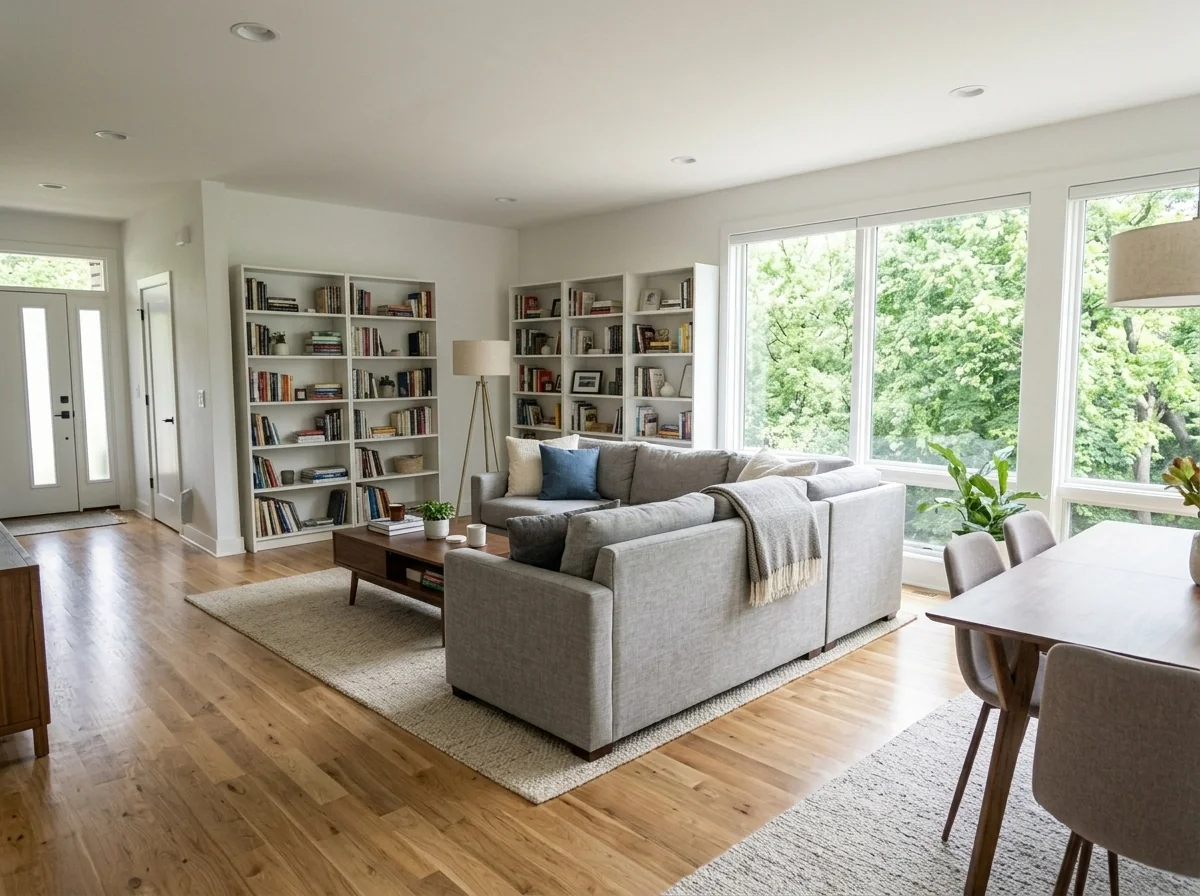
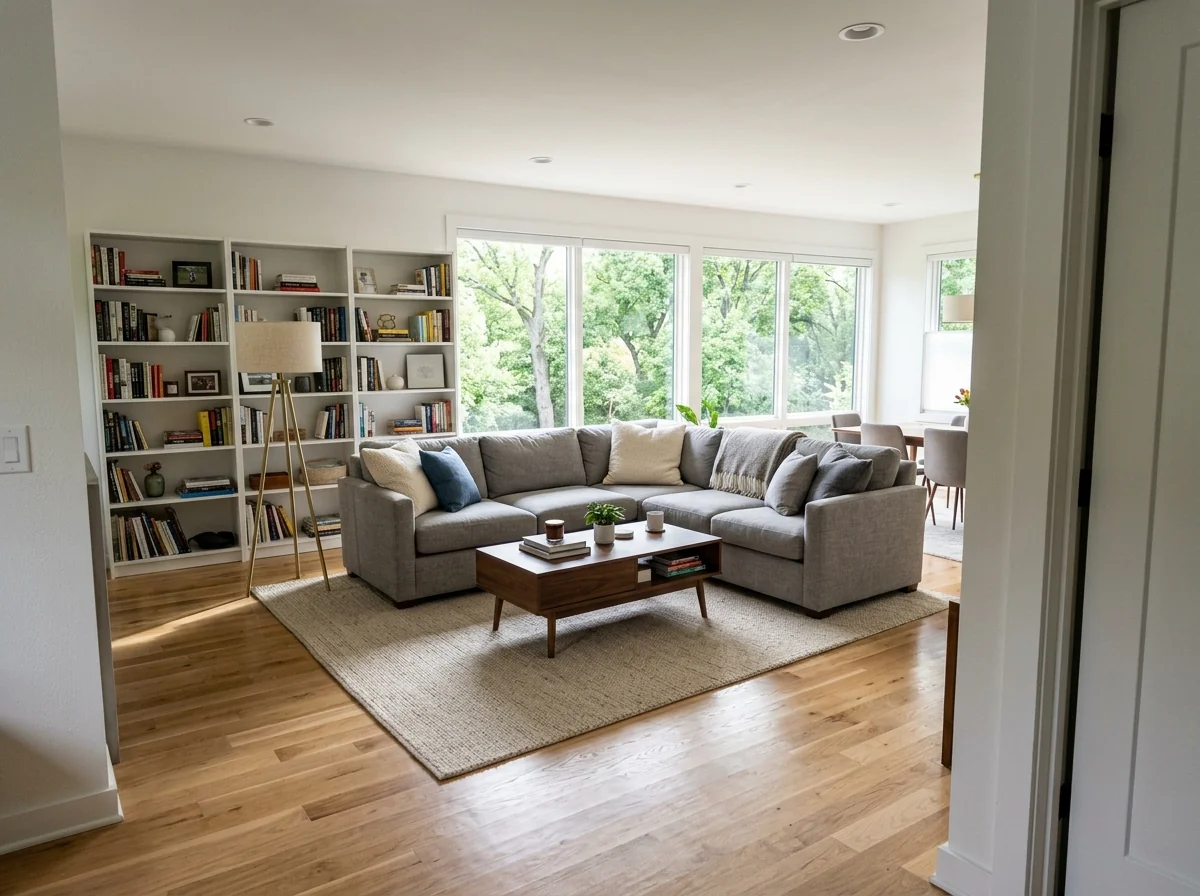
Example · Your result depends on your photo and settings.
1 image free after verified sign-in · No credit card
Choose a photo. Review the look. Sign in to create.
Examples and photo tips
What to prepare
JPG, PNG, WebP, HEIC or HEIF · up to 20 MB per photo
At least 64 × 64 pixels; JPG/PNG/WebP up to 40 megapixels.
HEIC/HEIF: up to 4 megapixels. Larger images need a JPG, PNG or WebP copy.
A clear source photo
Well lit, with the whole area visible.
An idea of the change you want
The editor shows the options for this tool.
Review AI changes before publishing a property image.
Explore more examples
View original photo
Before

View original photo
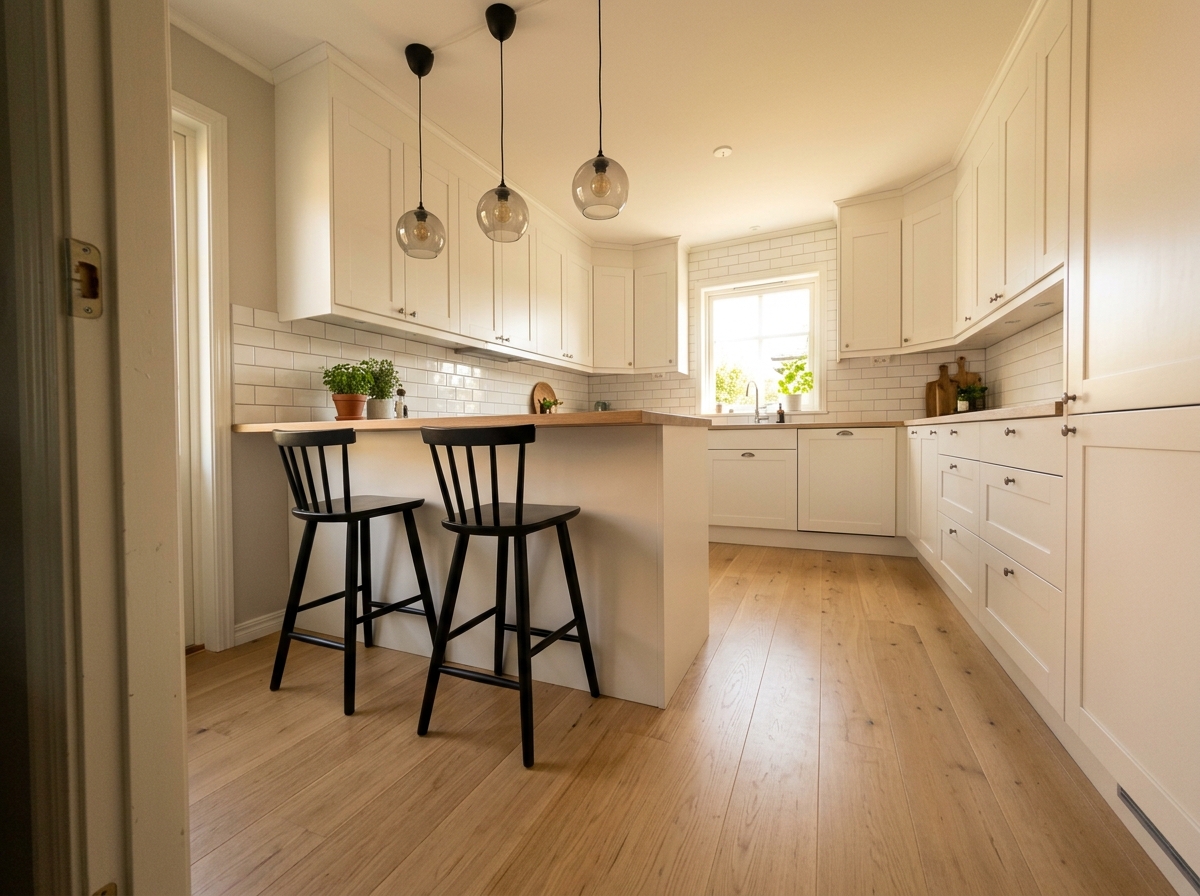
Before

View original photo
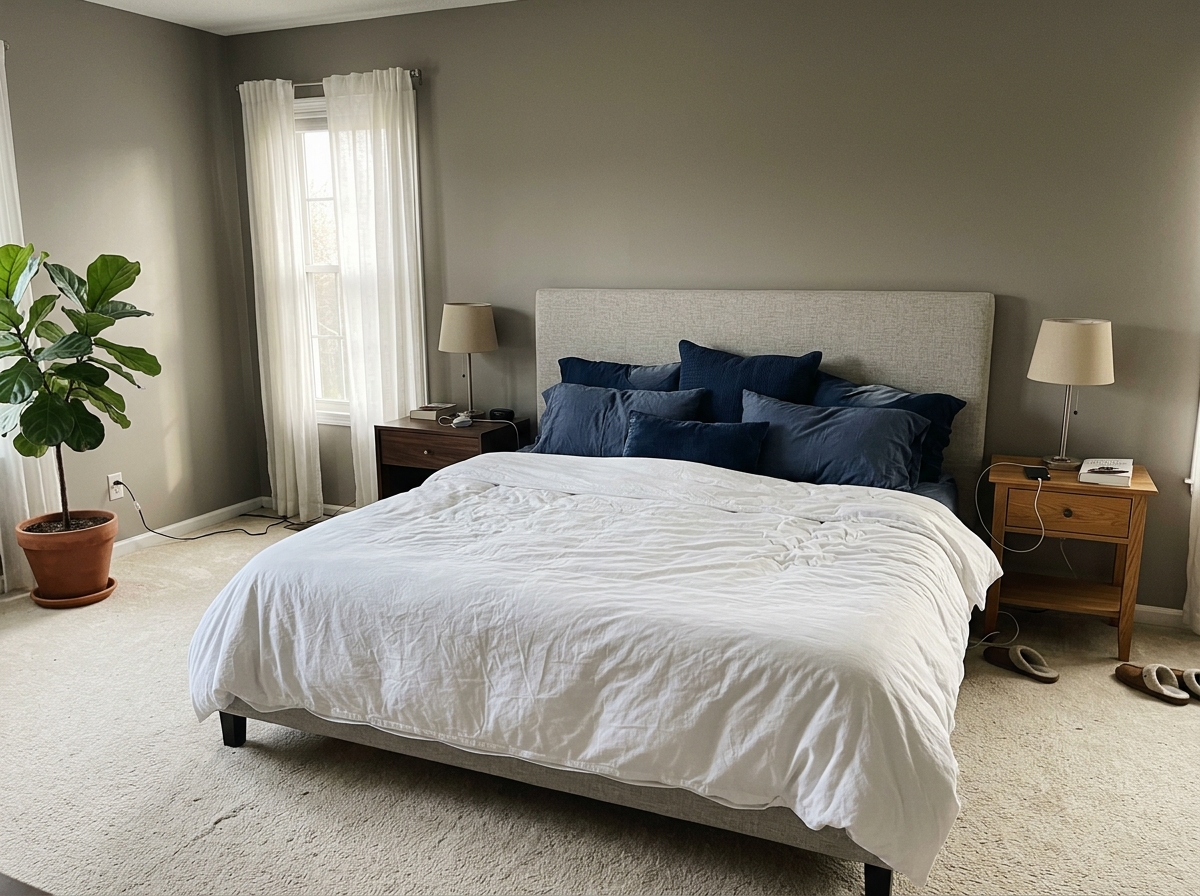
Before
About this tool
Virtual Staging & Styling
Prepare your idea
Explore a perspective-adjusted property image from your photo. Compare vertical lines, proportions and the scene with the original; an edited view is not a measured architectural record.
Prepare your source photo and the references listed in the form. Its settings describe the intended changes.
Review the request and result
Review availability, image count and the current total before explicitly confirming. Registration alone does not establish credits or a free result. If the outcome is unclear, check the saved status of the existing request before confirming again.
Read the earlier original guide
This earlier guide may contain historical price, timing, quality or usage statements. Use the current description and tool form.
Multi-Angle Consistency Showcase: Stunning Real Estate Transformations (2026)
Discover how Multi-Angle Consistency enhances property listings and attracts more buyers
Expert guide
5 Tips to Achieve Multi-Angle Consistency in Real Estate Photos
How does Multi-Angle Consistency technology enhance real estate photos?
Transform your property listing images with Multi-Angle Consistency! Our AI tool automatically corrects skewed perspectives, ensuring every photo showcases the property's best features. This leads to higher engagement on Zillow and other platforms, ultimately attracting more potential buyers. Improved angles create a professional, polished look, adhering to NAR guidelines for accurate representation.
Are there MLS rules regarding multi-angle consistency in property listings?
While the MLS doesn't explicitly mandate 'Multi-Angle Consistency,' they require accurate and non-misleading property representations. Using our tool helps ensure your real estate photos accurately reflect the property's dimensions and layout, preventing potential legal issues and maintaining compliance with MLS standards. Avoid distorted perspectives that could misrepresent the property.
What is the cost of achieving multi-angle consistency for my real estate photos?
Forget expensive reshoots! PropStage.ai's Multi-Angle Consistency tool offers affordable solutions. Upload your existing real estate photos and convert them into perfectly aligned images for a fraction of the cost of traditional photography. Our pricing is transparent, offering plans tailored to individual agents and larger brokerages, saving you time and money.
How does Multi-Angle Consistency improve the quality of my property listing?
Elevate your property listing with professionally corrected images! Multi-Angle Consistency eliminates distractions caused by tilted angles and awkward perspectives. This allows potential buyers to focus on the property's features, leading to increased interest and higher offer prices. Enhance your brand image and attract more clients with consistently high-quality visuals.
What are the best uses of Multi-Angle Consistency for real estate agents?
Stage your photos for success! Multi-Angle Consistency is ideal for correcting photos taken from challenging angles, such as tight spaces or elevated viewpoints. It's perfect for showcasing unique architectural details and ensuring consistent presentation across all your property listings. Use it to create virtual tours that accurately represent the property's layout and dimensions.
How can I integrate Multi-Angle Consistency into my real estate workflow?
Streamline your photo editing process with Multi-Angle Consistency! Our tool seamlessly integrates into your existing workflow. Simply upload your real estate photos, let our AI do the work, and download the enhanced images directly for use on your property listing, website, and social media channels. Save time and effort while maintaining a professional image.
Fix tilted angles and awkward perspectives in seconds—no reshoot required using Multi-Angle Consistency.
What you can do
Multi-Angle Consistency with AI
Automatic Angle Straightening
Instantly correct tilted angles and skewed perspectives for balanced, visually appealing property photos.
Vertical & Horizontal Alignment
Ensure walls and architectural elements appear perfectly straight, showcasing properties with accuracy and professionalism.
Perspective Distortion Removal
Eliminate unwanted distortion, making rooms appear larger and more inviting to potential buyers.
Rapid Processing Time
Correct perspectives in seconds, saving valuable time and resources compared to manual editing.
Enhanced Visual Appeal
Create stunning, professional-grade images that capture attention and attract more potential buyers online.
Consistent Image Quality
Maintain uniform perspectives across all property photos, ensuring a cohesive and trustworthy brand image.
Effortlessly correct perspectives and angles in your property photos for stunning, professional results every time.
Stop Losing Buyers to Crooked Photos
PropStage.ai's AI fixes perspective issues instantly—no reshoot, no hassle, just professional results.
Compare editing approaches
Review timing, cost, available options and the editing steps for your photo.
Creation time
Other services: Agree on a delivery deadline before work starts.
PropStage: Processing time varies. If a result is delayed, check its saved request status instead of sending the same request again.
Cost per image
Other services: Ask for a written quote covering the agreed work and any additional fees.
PropStage: Review the credit cost before confirming a request. Check the current offer before choosing a plan.
Styles and variations
Other services: Confirm which styles and revisions are included.
PropStage: Use the options offered by this tool. Review the credit cost before confirming each new image request.
Editing workflow
Other services: Agree on the source photos, references and final review.
PropStage: Review the required photos and settings before confirming. Keep your original and compare the saved result before publishing.
Read the earlier original guide
This earlier guide may contain historical price, timing, quality or usage statements. Use the current description and tool form.
Warped Walls Begone: AI-Powered Perspective Correction
Instantly Fix Tilted Angles & Awkward Perspectives
Stop letting skewed perspectives ruin your property photos. PropStage.ai's Multi-Angle Consistency tool uses advanced AI to automatically straighten lines, correct camera angles, and eliminate distortion in seconds. Get flawless, professional-looking images without expensive reshoots or complex manual editing.