
Property Photo HDR Enhancement
Explore an HDR-style edit from one property photo. Choose intensity, focus and mood, then compare exposure and detail with your original; this tool does not merge bracketed exposures.
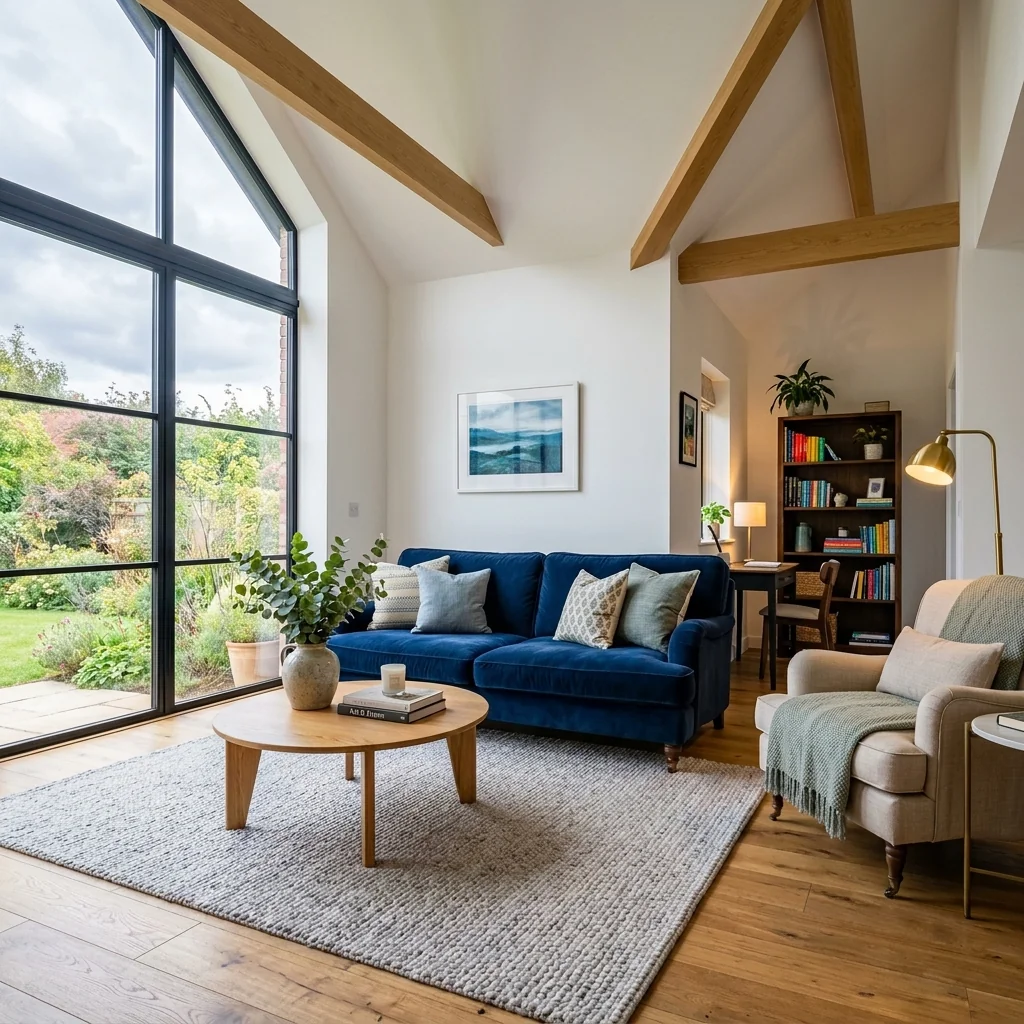
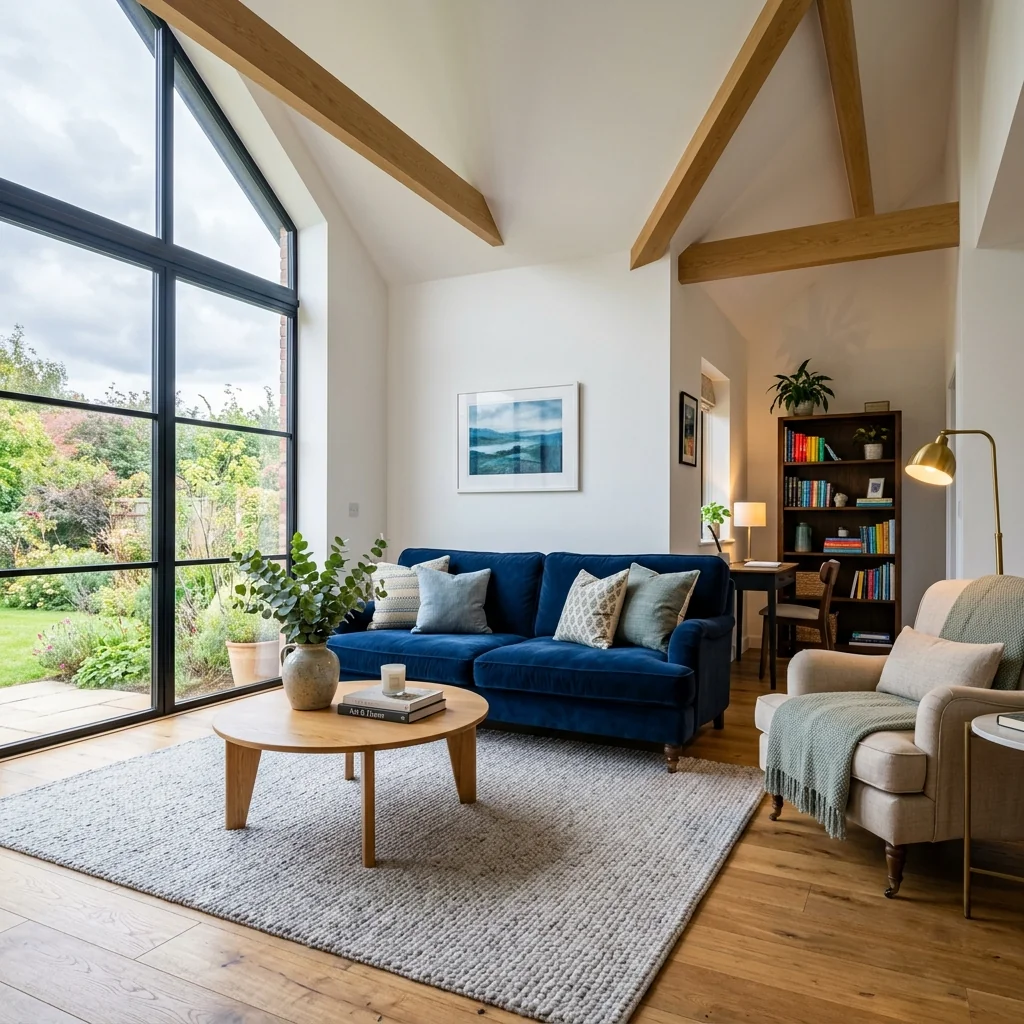
Example · Your result depends on your photo and settings.
1 image free after verified sign-in · No credit card
Choose a photo. Review the look. Sign in to create.
Examples and photo tips
What to prepare
JPG, PNG, WebP, HEIC or HEIF · up to 20 MB per photo
At least 64 × 64 pixels; JPG/PNG/WebP up to 40 megapixels.
HEIC/HEIF: up to 4 megapixels. Larger images need a JPG, PNG or WebP copy.
A clear source photo
Well lit, with the whole area visible.
An idea of the change you want
The editor shows the options for this tool.
Review AI changes before publishing a property image.
Explore more examples
View original photo
Before

View original photo
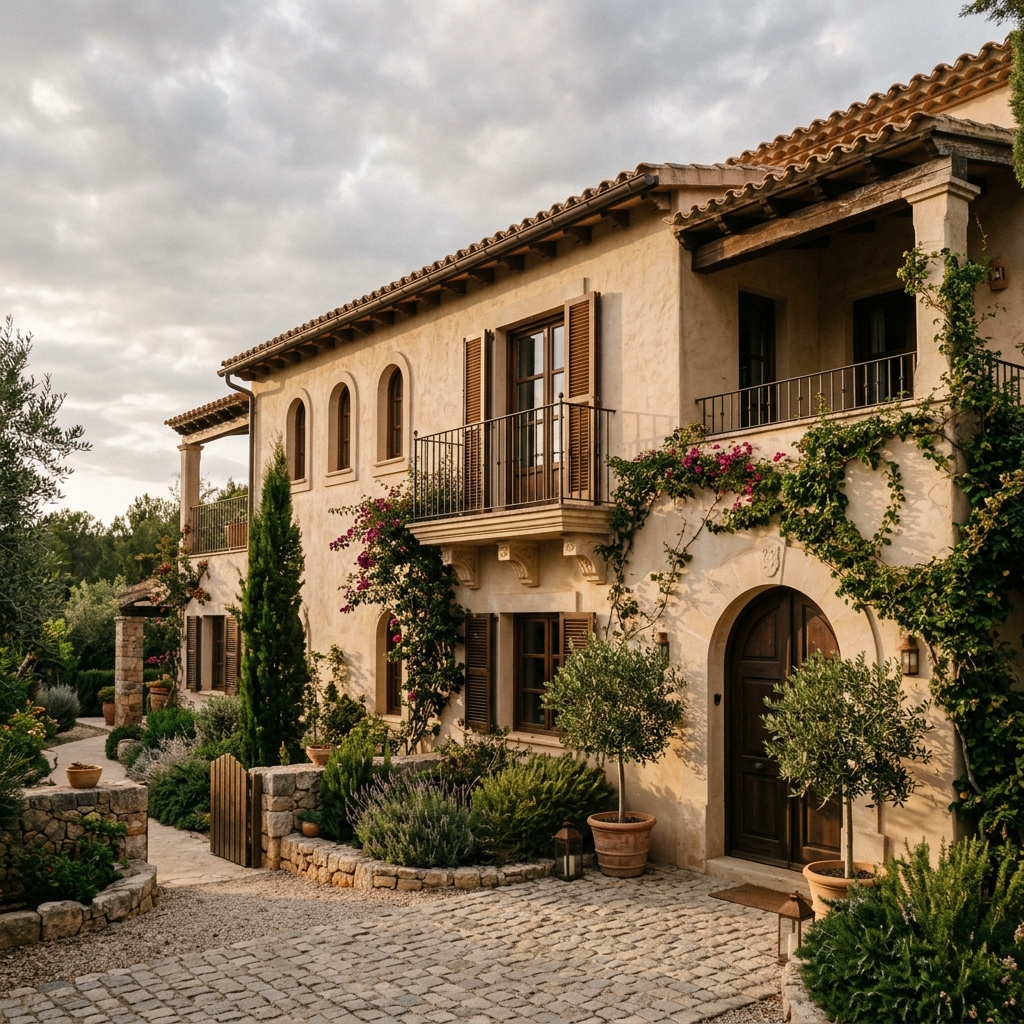
Before

View original photo
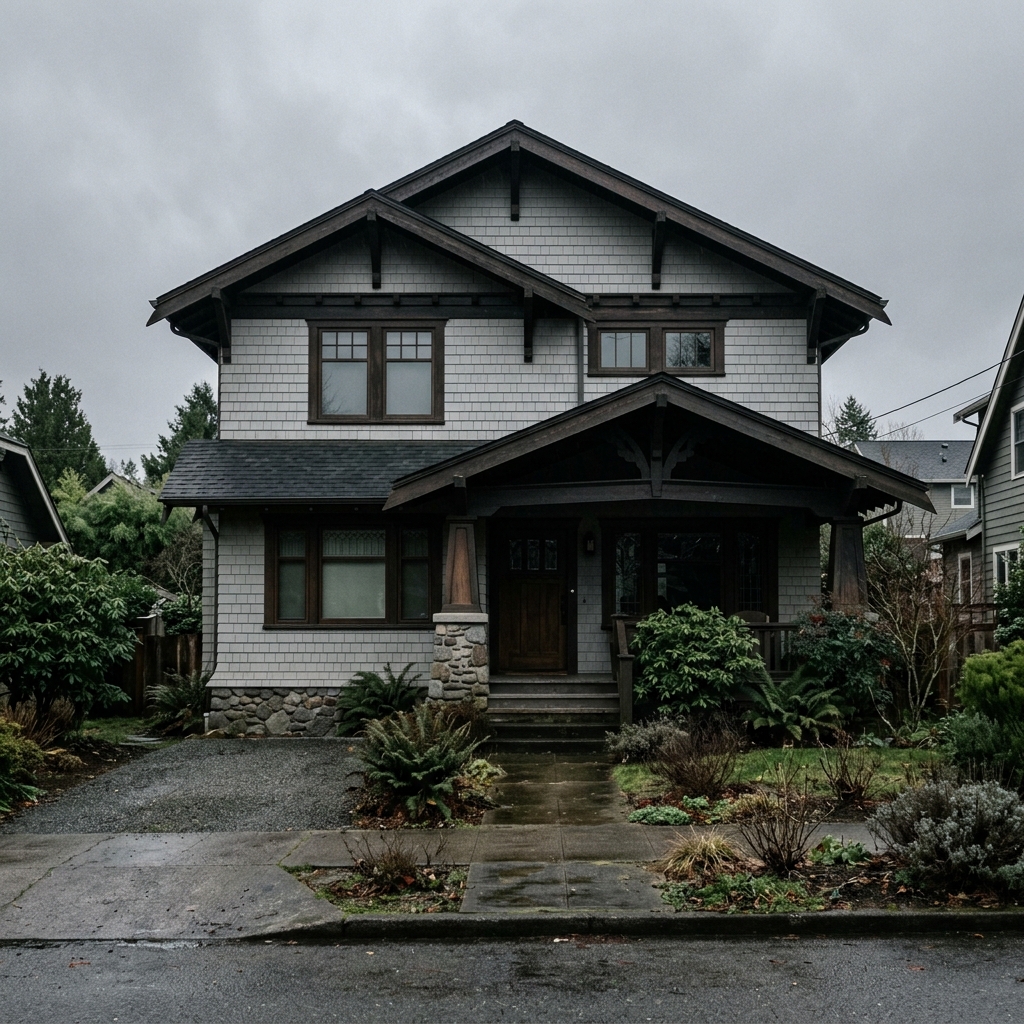
Before
About this tool
Property Image Enhancement
Prepare your idea
Explore an HDR-style edit from one property photo. Choose intensity, focus and mood, then compare exposure and detail with your original; this tool does not merge bracketed exposures.
Prepare your source photo and the references listed in the form. Its settings describe the intended changes.
Review the request and result
Review availability, image count and the current total before explicitly confirming. Registration alone does not establish credits or a free result. If the outcome is unclear, check the saved status of the existing request before confirming again.
Read the earlier original guide
This earlier guide may contain historical price, timing, quality or usage statements. Use the current description and tool form.
Property Photo HDR Enhancement Examples: Before & After Results (2026)
See how agents use property photo hdr enhancement to transform listings and attract more buyers on Zillow and MLS
Expert guide
5 Tips for Stunning Property Photo HDR Enhancement: Rank Higher on Zillow
How to Property Photo HDR Enhancement Online for Real Estate Photos that Sell
How can Property Photo HDR Enhancement transform my real estate photos?
Transform your property listing with Property Photo HDR Enhancement! Our AI balances exposure, boosts colors, and sharpens details, creating magazine-quality real estate photos. Elevate your MLS listing and attract more potential buyers on Zillow with vibrant, eye-catching visuals. A NAR study shows HDR photos sell homes faster.
Are there any legal or MLS compliance issues with Property Photo HDR Enhancement?
Property Photo HDR Enhancement ensures your real estate photos remain truthful and compliant with MLS guidelines. While enhancing colors and clarity, our AI maintains the integrity of the property's features. Always disclose photo enhancements where required to adhere to ethical standards and avoid potential issues with listing regulations.
What is the cost of Property Photo HDR Enhancement, and is it worth the investment?
Investing in Property Photo HDR Enhancement offers a high ROI. Our affordable service delivers professional-quality real estate photos that attract more buyers. Compared to hiring a professional photographer, our AI-powered solution is a cost-effective way to elevate your property listing and increase its perceived value on Zillow and other platforms.
How does Property Photo HDR Enhancement improve the quality of my real estate photos?
Upload your real estate photos to our Property Photo HDR Enhancement tool and witness the difference! Our AI analyzes each image, optimizing exposure, color balance, and sharpness to create stunning visuals. Say goodbye to dull, lifeless photos and hello to vibrant, engaging images that capture the attention of potential buyers.
When is the best time to use Property Photo HDR Enhancement for my property listing?
Use Property Photo HDR Enhancement on all your real estate photos before uploading them to the MLS or Zillow. Enhance photos taken on cloudy days, or with poor lighting. HDR enhancement is particularly effective for showcasing interior spaces, architectural details, and landscaping features, making your property listing stand out from the competition.
How can I integrate Property Photo HDR Enhancement into my real estate workflow?
Seamlessly integrate Property Photo HDR Enhancement into your existing workflow. Upload your real estate photos directly from your computer or mobile device, and our AI will instantly enhance them. Download the enhanced images and upload them to your MLS listing, Zillow profile, or other marketing channels. Streamline your process and save time with our easy-to-use tool.
How it works
How AI Property Photo HDR Enhancement Works
Stunning HDR photos in seconds.
Upload Your Listing Photo
Easily upload any standard real estate photo. Our AI instantly analyzes the image, identifying areas needing HDR enhancement for optimal exposure and detail.
AI Magically Creates HDR Quality
PropStage.ai automatically balances exposure, boosts vibrant colors, and sharpens details, creating a magazine-quality HDR effect without manual adjustments.
Download Your HDR Masterpiece
Receive your professionally enhanced HDR photo, ready to impress buyers and elevate your listings. Download in high-resolution for seamless integration into your marketing.
What you can do
AI HDR Enhancement: Stunning Photos, Instantly
Balanced Exposure, Every Time
Eliminate blown-out highlights and dark shadows. AI intelligently balances exposure for a naturally appealing HDR effect.
Vibrant, True-to-Life Colors
Bring out the natural beauty of your properties. AI enhances colors without oversaturation, creating inviting images.
Reveal Hidden Details
Sharpen details and textures for a crisp, professional look. AI reveals the finest features of every room and landscape.
Correct Perspective Distortions
Fix converging lines and perspective issues common in real estate photography, resulting in polished, professional shots.
Instant HDR Processing
Get professional HDR results in seconds. No more time-consuming manual adjustments or expensive editing software.
Increase Property Value Perception
High-quality HDR photos create a stronger first impression, increasing perceived value and attracting more potential buyers.
Transform your listing photos with AI-powered HDR. Attract more buyers and sell faster.
Unlock HDR Perfection in Seconds
AI-powered HDR enhancement transforms ordinary listing photos into stunning, high-impact visuals.
Compare editing approaches
Review timing, cost, available options and the editing steps for your photo.
Creation time
Other services: Agree on a delivery deadline before work starts.
PropStage: Processing time varies. If a result is delayed, check its saved request status instead of sending the same request again.
Cost per image
Other services: Ask for a written quote covering the agreed work and any additional fees.
PropStage: Review the credit cost before confirming a request. Check the current offer before choosing a plan.
Styles and variations
Other services: Confirm which styles and revisions are included.
PropStage: Use the options offered by this tool. Review the credit cost before confirming each new image request.
Editing workflow
Other services: Agree on the source photos, references and final review.
PropStage: Review the required photos and settings before confirming. Keep your original and compare the saved result before publishing.