
Window Treatment Visualizer
Explore window-treatment ideas on a room photo. Choose the treatment, fabric colour and mounting style, then compare the visual concept with your windows and real measurements.
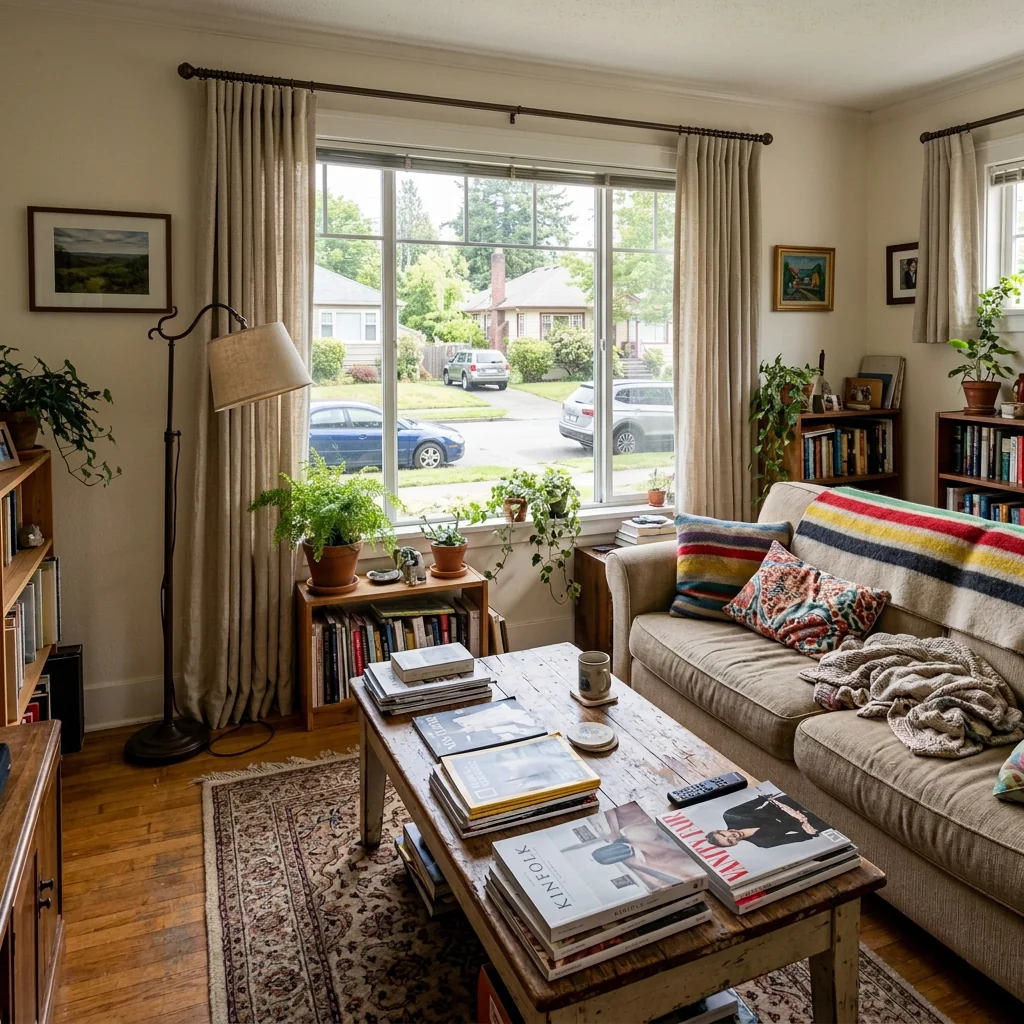
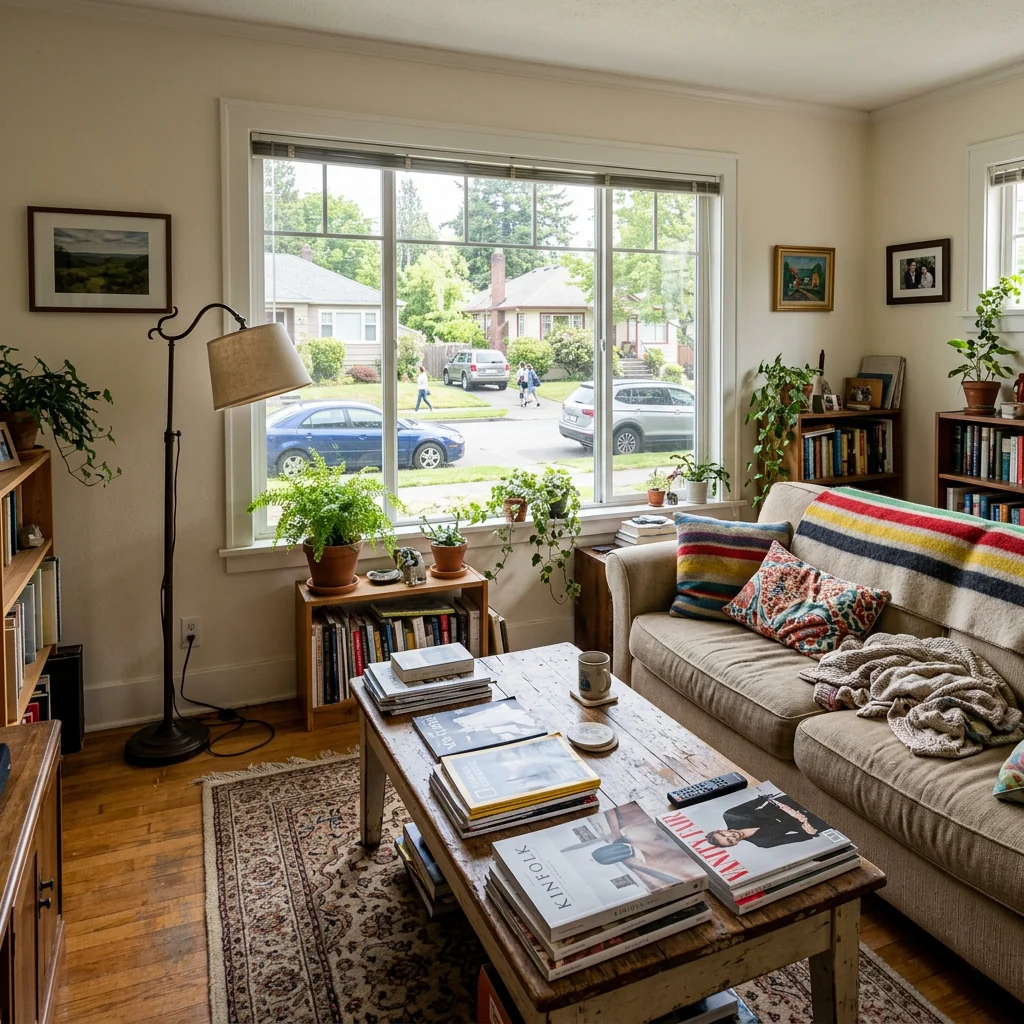
Example · Your result depends on your photo and settings.
1 image free after verified sign-in · No credit card
Choose a photo. Review the look. Sign in to create.
Examples and photo tips
What to prepare
JPG, PNG, WebP, HEIC or HEIF · up to 20 MB per photo
At least 64 × 64 pixels; JPG/PNG/WebP up to 40 megapixels.
HEIC/HEIF: up to 4 megapixels. Larger images need a JPG, PNG or WebP copy.
A clear source photo
Well lit, with the whole area visible.
An idea of the change you want
The editor shows the options for this tool.
Review AI changes before publishing a property image.
Explore more examples
View original photo
Before

View original photo

Before

View original photo
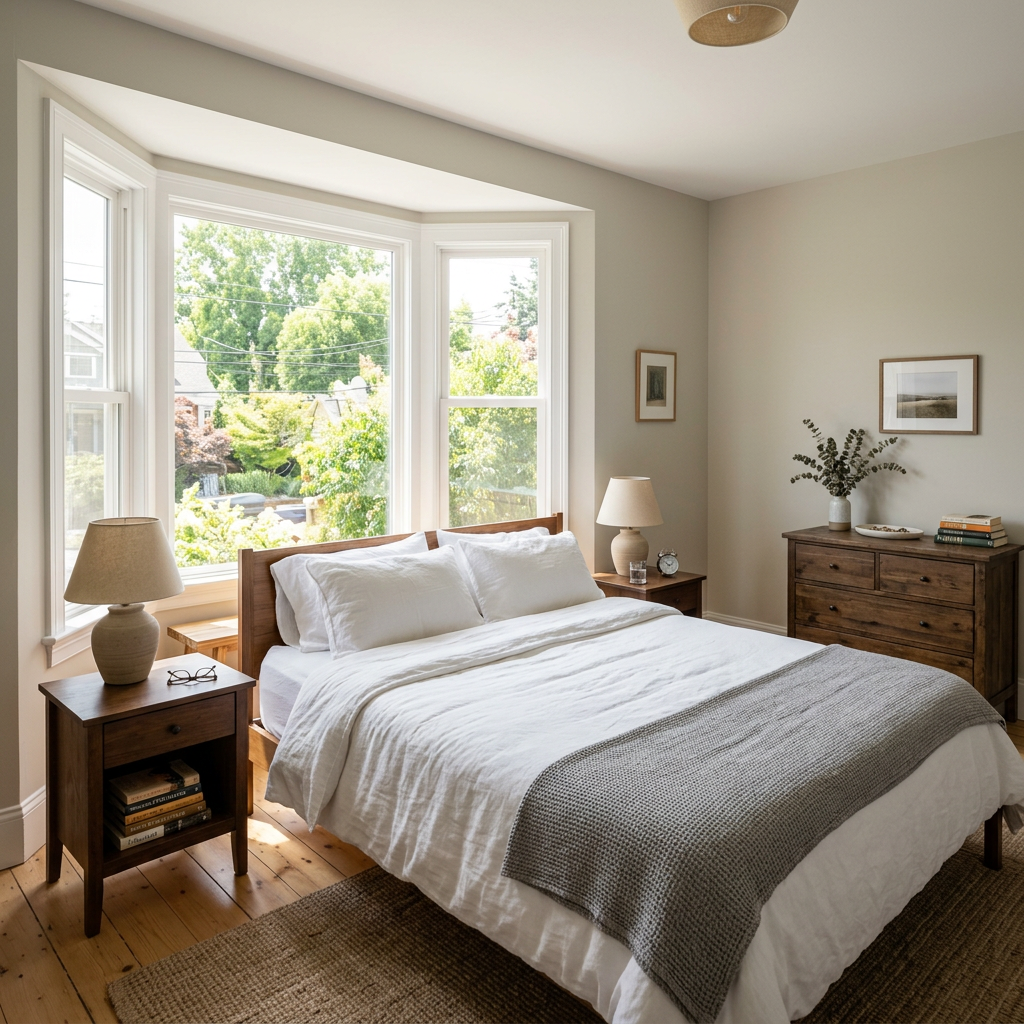
Before
About this tool
Virtual Staging & Styling
Prepare your idea
Explore window-treatment ideas on a room photo. Choose the treatment, fabric colour and mounting style, then compare the visual concept with your windows and real measurements.
Prepare your source photo and the references listed in the form. Its settings describe the intended changes.
Review the request and result
Review availability, image count and the current total before explicitly confirming. Registration alone does not establish credits or a free result. If the outcome is unclear, check the saved status of the existing request before confirming again.
Read the earlier original guide
This earlier guide may contain historical price, timing, quality or usage statements. Use the current description and tool form.
Window Treatment Visualizer Examples: Before & After Results (2026)
See how agents use window treatment visualizer to transform listings & enhance real estate photos
Expert guide
5 Tips to Transform Real Estate Photos with a Window Treatment Visualizer
How to Choose the Best Window Treatment Visualizer Online for Your Property Listing
How can a Window Treatment Visualizer enhance real estate photos for Zillow and MLS?
A Window Treatment Visualizer allows agents to showcase properties with various window treatments, enhancing curb appeal and interior design online. High-quality visuals attract more potential buyers on Zillow and MLS listings, improving engagement and driving more showings. This tool helps properties stand out in competitive markets, according to NAR data.
Are there any legal considerations when using a Window Treatment Visualizer for MLS listings?
Ensure the window treatments visualized accurately reflect the property's condition and comply with MLS guidelines regarding truthful representation. Disclose that the images are digitally enhanced. Avoid misleading potential buyers with unrealistic or unattainable window treatment options. Consult with legal counsel to ensure compliance with advertising regulations.
What is the cost of using a Window Treatment Visualizer compared to traditional staging for real estate photos?
Using a Window Treatment Visualizer is significantly more cost-effective than physically staging a property with different window treatments. Traditional staging involves purchasing and installing various options, while the visualizer allows you to experiment with numerous styles digitally, saving time and money. Agents can see ROI quickly.
What defines a high-quality Window Treatment Visualizer for creating stunning real estate photos?
A high-quality Window Treatment Visualizer offers realistic rendering, a wide selection of window treatment styles, and user-friendly interface. It should allow for easy uploading of real estate photos and seamless integration of virtual window treatments. Accurate color representation and adjustable lighting are crucial for creating convincing visuals that impress potential buyers.
What are the best uses of a Window Treatment Visualizer to attract buyers to a property listing?
The best uses include showcasing a property's potential with different window treatment styles, highlighting natural light, and creating a cohesive interior design theme. Use the visualizer to demonstrate how various window treatments can enhance privacy, energy efficiency, and overall aesthetic appeal. This attracts buyers and increases interest in the property listing.
How can agents integrate a Window Treatment Visualizer into their existing real estate photography workflow?
Integrate the Window Treatment Visualizer by adding it as a post-processing step after capturing initial real estate photos. Upload the photos to the visualizer, experiment with different window treatment options, and download the enhanced images for use in property listings, marketing materials, and virtual tours. This streamlines the staging process and enhances visual appeal.
How it works
How the AI Window Treatment Visualizer Works
See your dream window treatments instantly!
Upload Your Room Photo
Upload a clear photo of the room with the window you want to visualize. Our AI accurately detects window dimensions and lighting.
Select & Customize Treatments
Choose from curtains, blinds, shutters, or drapes. Customize fabrics, colors, and styles to match your vision and decor.
Preview & Perfect Your Design
Instantly see how your chosen window treatments transform the room. Fine-tune adjustments and download your perfectly visualized design.
What you can do
Window Treatment Visualizer: See the Perfect Fit
Upload Real Listing Photos
Use actual property photos to showcase window treatments. Give buyers a realistic preview.
Experiment with Styles & Fabrics
Preview countless curtain, blind, and shutter options. Find the perfect match for each room.
Enhance Property Value Perception
Showcase the potential of any room. Window treatments add perceived value for potential buyers.
Accurate Size & Placement
Ensure proper fit with realistic scaling. Avoid costly mistakes before recommending purchases.
Fast & Easy Customization
Generate visuals in seconds. Save time and resources on staging and client consultations.
Attract More Qualified Buyers
Visually appealing listings generate more interest. Close deals faster and at higher prices.
Visualize curtains, blinds & more on your listings. Boost appeal & close deals faster!
Visualize Your Dream Window Treatments
See curtains, blinds & more on YOUR windows before you buy. Transform your space with AI-powered previews.
Compare editing approaches
Review timing, cost, available options and the editing steps for your photo.
Creation time
Other services: Agree on a delivery deadline before work starts.
PropStage: Processing time varies. If a result is delayed, check its saved request status instead of sending the same request again.
Cost per image
Other services: Ask for a written quote covering the agreed work and any additional fees.
PropStage: Review the credit cost before confirming a request. Check the current offer before choosing a plan.
Styles and variations
Other services: Confirm which styles and revisions are included.
PropStage: Use the options offered by this tool. Review the credit cost before confirming each new image request.
Editing workflow
Other services: Agree on the source photos, references and final review.
PropStage: Review the required photos and settings before confirming. Keep your original and compare the saved result before publishing.
Read the earlier original guide
This earlier guide may contain historical price, timing, quality or usage statements. Use the current description and tool form.
Visualize Dream Window Treatments with AI Precision
Stop guessing and start seeing! PropStage.ai's Window Treatment Visualizer lets you preview curtains, blinds, shutters, and drapes directly on your property photos. Transform spaces and impress clients by showcasing the perfect window decor options, ensuring confident buying decisions.