
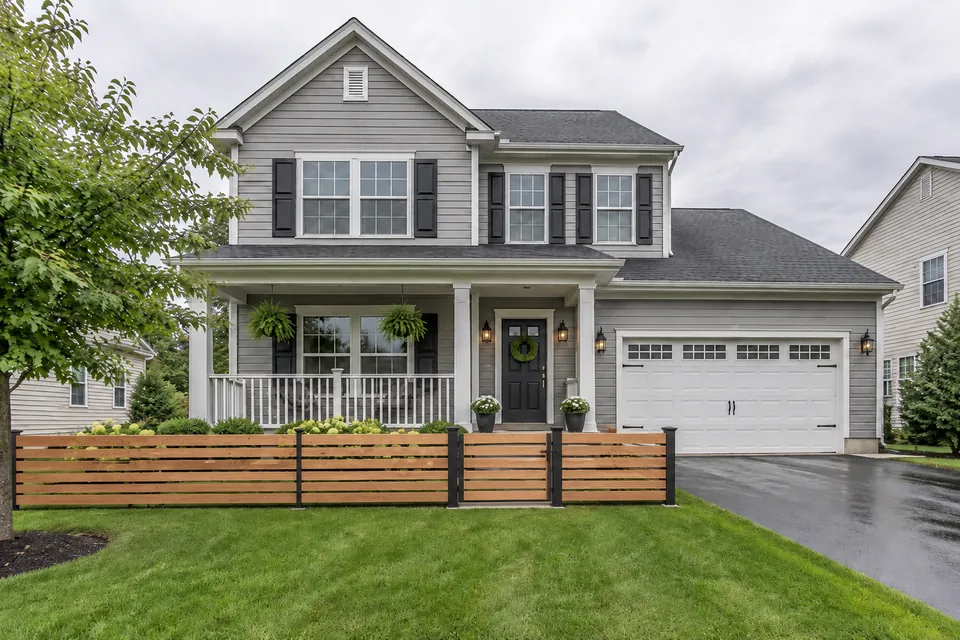
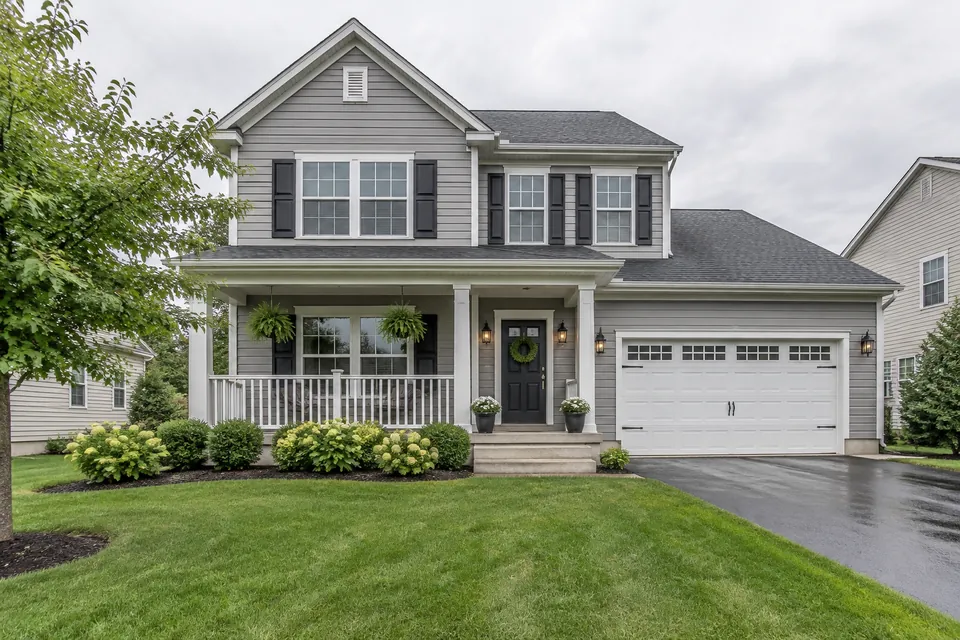
 BeforeAfter
Wood slats
See a clean wood slat fence fitted to the property line. The rest of the house photo stays unchanged, so the fence is easy to judge.
Picket, wood slats, black metal, hedge or stone wall. Upload a photo of your front yard and compare styles on your own property.
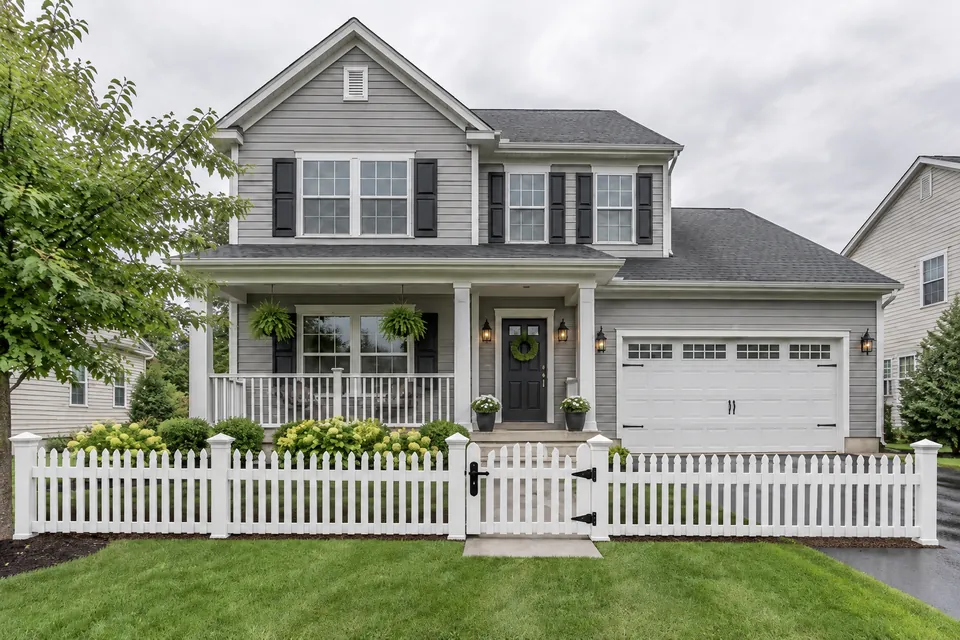 BeforeAfter
A fence visualizer shows how a new fence could look on your own home photo. PropStage.ai changes only the fence area, so you can compare styles before you build. It works on front or side exterior photos taken in daylight.
BeforeAfterSee a clean wood slat fence fitted to the property line. The rest of the house photo stays unchanged, so the fence is easy to judge.
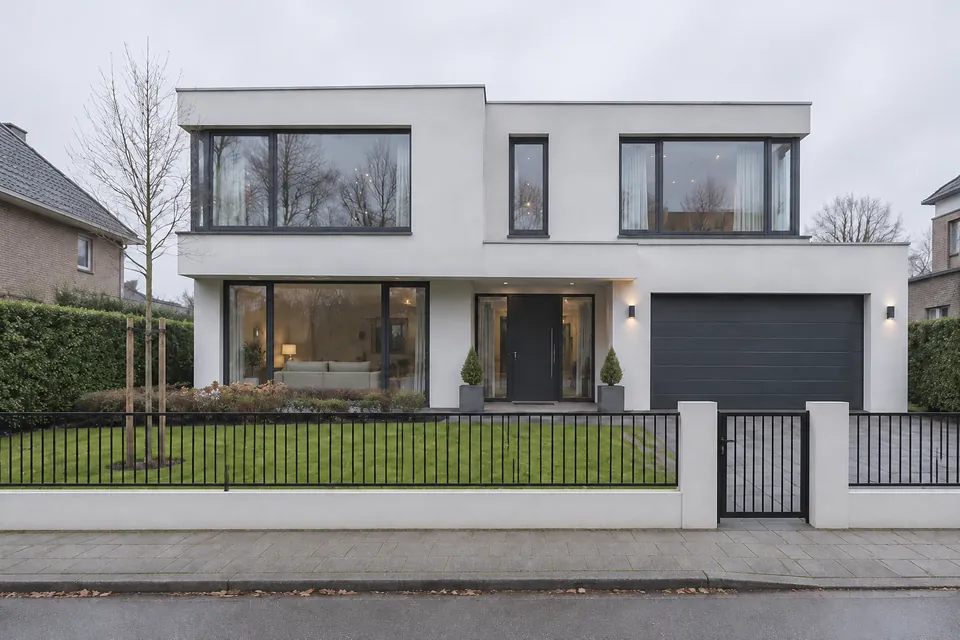
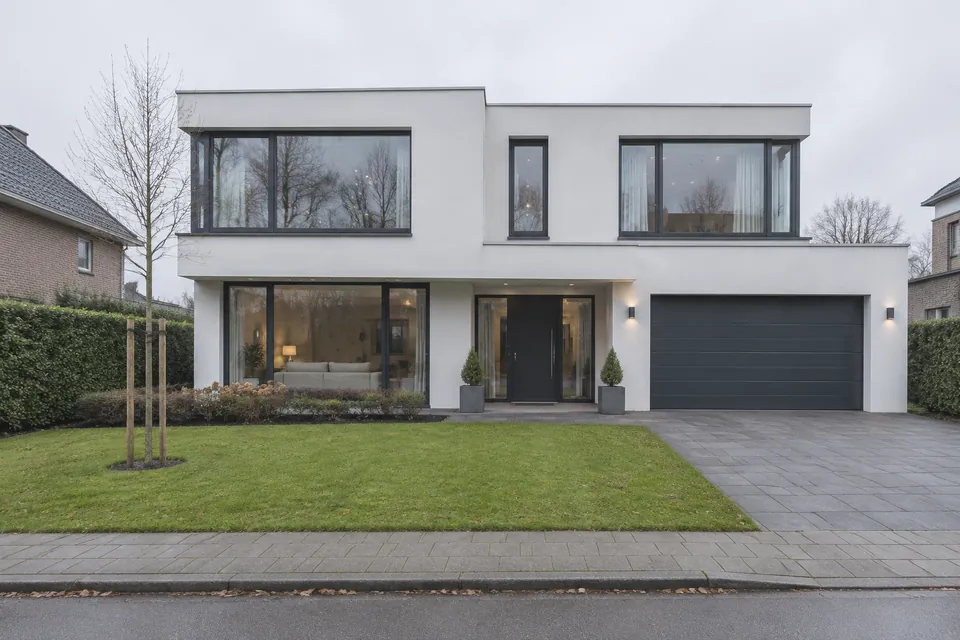 BeforeAfter
Preview a slim black metal fence that matches a modern front yard. It helps you compare height, style, and curb appeal on the same image.
Use these points to decide which look fits your home before you order materials.
| Decision point | What to check | Why it matters |
|---|---|---|
| Privacy | Do you want full coverage or an open look? | The right fence should match how much screening you need at the front or side yard. |
| Home style | Does the fence suit the house shape and finish? | A fence that fits the architecture usually looks more natural in the final build. |
| Maintenance | Can you handle paint, staining, or cleaning? | Some materials need more care, so it helps to know that before you commit. |
| Street view | Will the fence improve curb appeal from the road? | The front fence should add structure without making the home feel closed in. |
| Budget planning | Are you comparing one style or several? | A visual check can help you avoid buying the wrong material or design. |
Upload a front or side exterior photo in daylight.
Choose the fence area you want to change.
PropStage.ai shows the result in about 30 seconds.
The tool keeps the roof, windows, doors, and camera angle the same.
Use it when you are deciding on height, material, or color.
It is also helpful if you want a simple curb appeal update without changing the whole house.
The preview shows how the fence sits with the rest of the exterior, which makes the choice easier.
If you also want to test other home changes, these pages may help.
Yes. The fence visualizer works on front or side exterior photos as long as they are taken in daylight.
No. It changes only the fence area you choose. The roof, windows, doors, and camera view stay the same.
Your result is ready in about 30 seconds, so you can compare fence ideas without waiting.
Pick a plan, upload your photo and your design is ready in about 30 seconds, in full resolution. Cancel anytime.
Cancel anytime
Add a fence to my photo