
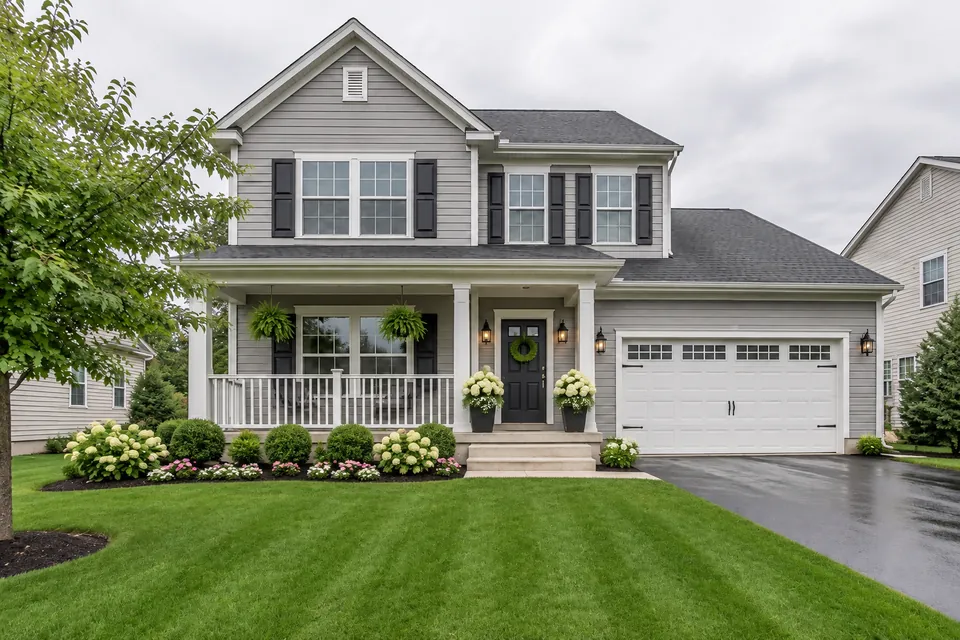
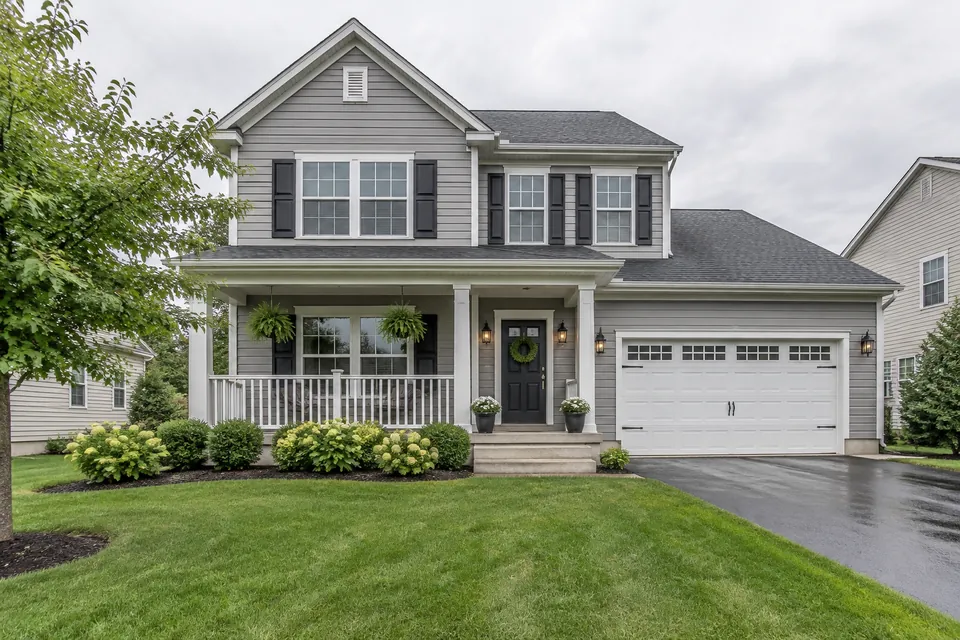
 BeforeAfter
Curb appeal
Fresh planting, neat borders and planters by the door. The house itself stays the same, only the front yard looks cared for.
Fresh paint, new cladding, a fence, a driveway or climbing plants. Choose one change and watch your own house wear it in about 30 seconds.
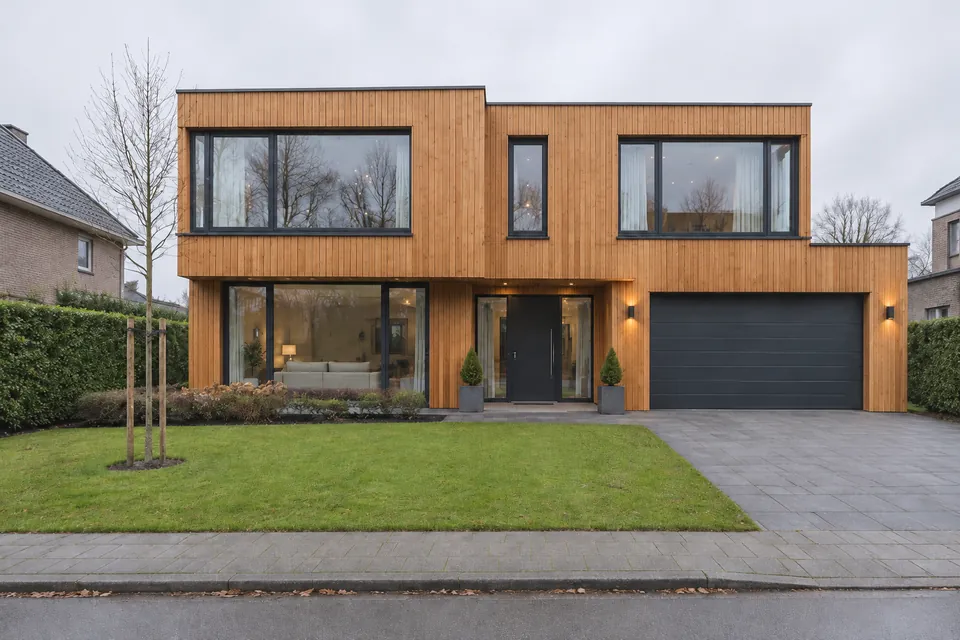
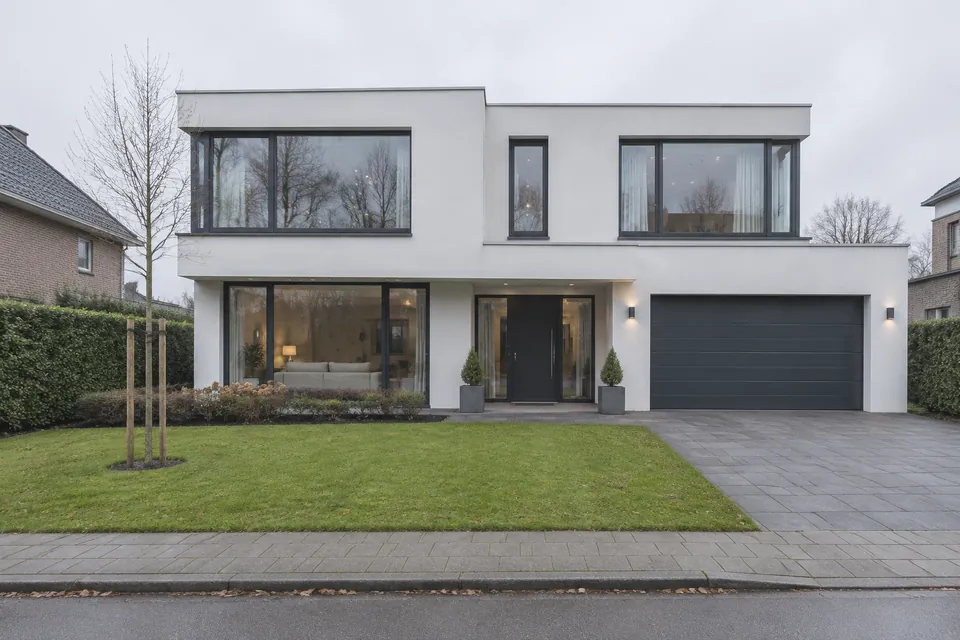 BeforeAfter
A home exterior design visualizer is a tool that shows how a house may look after selected exterior changes. With PropStage.ai, you can preview wall paint, trim, facade material, curb appeal, fence, driveway, or climbing plants in about 30 seconds. The roof, windows, doors, and camera view stay the same.
BeforeAfterFresh planting, neat borders and planters by the door. The house itself stays the same, only the front yard looks cared for.
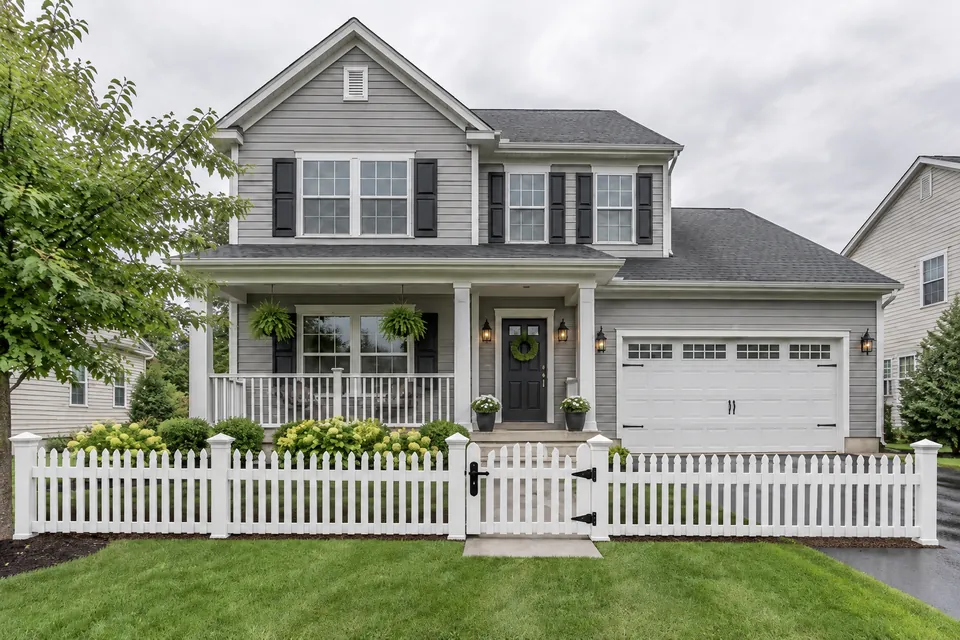 BeforeAfter
A simple front yard upgrade that adds a white picket fence while keeping the home view and lighting consistent.
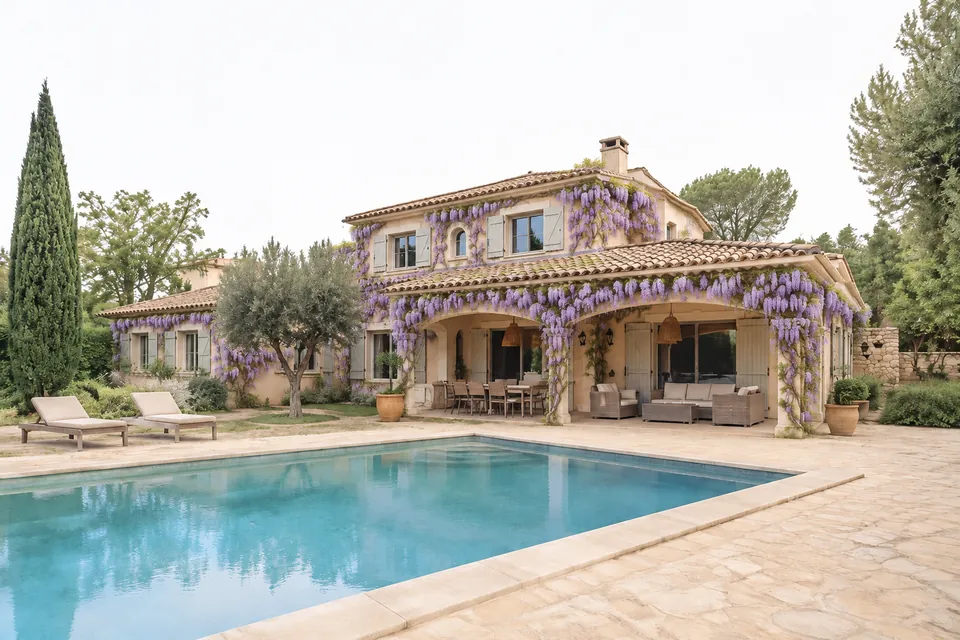
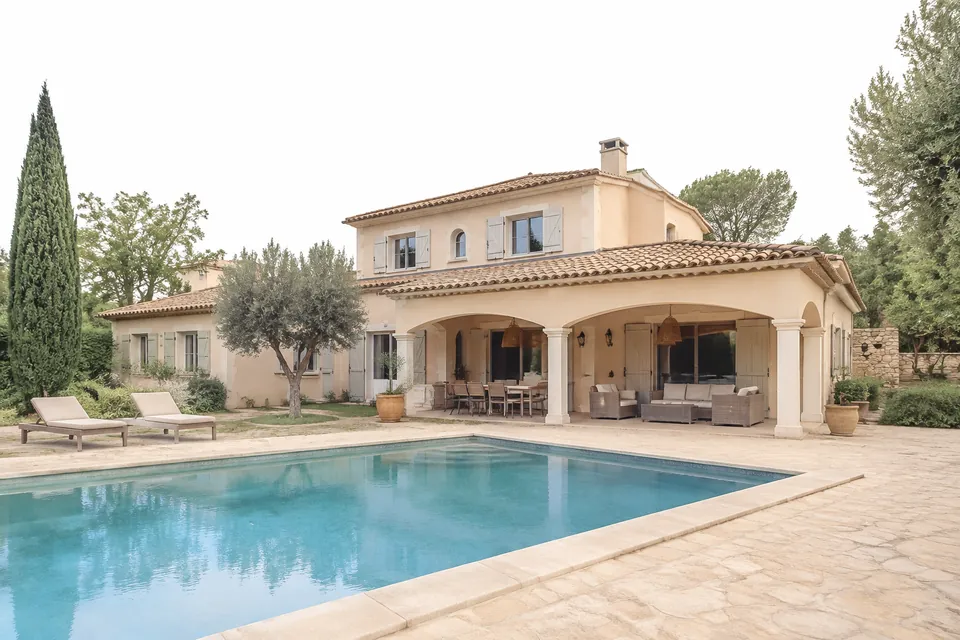 BeforeAfter
Climbing wisteria is added to the exterior surface for a softer look without changing the roof, windows, or doors.
Use this to decide which preview fits your project goal.
| Goal | Best change to test | Why it helps | Good fit for |
|---|---|---|---|
| Refresh a tired front elevation | Facade material | Shows a stronger before-and-after than paint alone | Owners planning a larger exterior update |
| Improve first impressions for a listing | Curb appeal | Helps you see the front from a buyer's view | Agents and sellers preparing photos |
| Make the entry feel more finished | Fence | Useful when the lot needs structure or privacy | Homes with open front yards |
| Test a softer, greener look | Climbing plants | Adds character without altering the core architecture | Homes with plain walls or blank side elevations |
| Compare exterior colors before work starts | Wall paint or trim | Quick way to check balance and contrast | Anyone choosing paint with a contractor |
This page brings the main exterior options into one place. It helps you compare ideas before you spend on materials or labor.
Use it when you want to test one visible change and keep the rest of the house photo stable.
Start with a clear daylight photo. Front or side views work best.
Pick one exterior element at a time. That makes the difference easier to judge.
Save a few options and compare them side by side before you decide.
If you want a narrower starting point, these pages focus on one decision at a time.
Yes. You can test different exterior options on the same house photo and compare the results before choosing one direction.
No. The roof, windows, doors, and camera view stay the same. Only the selected exterior part changes.
A daylight front or side photo works best. Clear lighting helps the tool show the chosen change more accurately.
Pick a plan, upload your photo and your design is ready in about 30 seconds, in full resolution. Cancel anytime.
Cancel anytime
Redesign my house