
 BeforeAfter
Navy walls
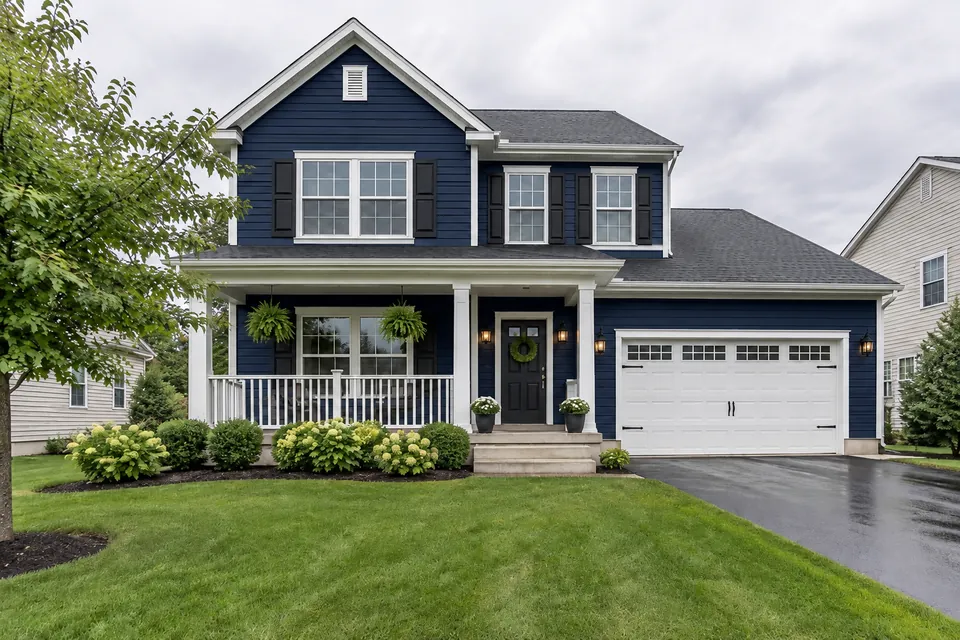
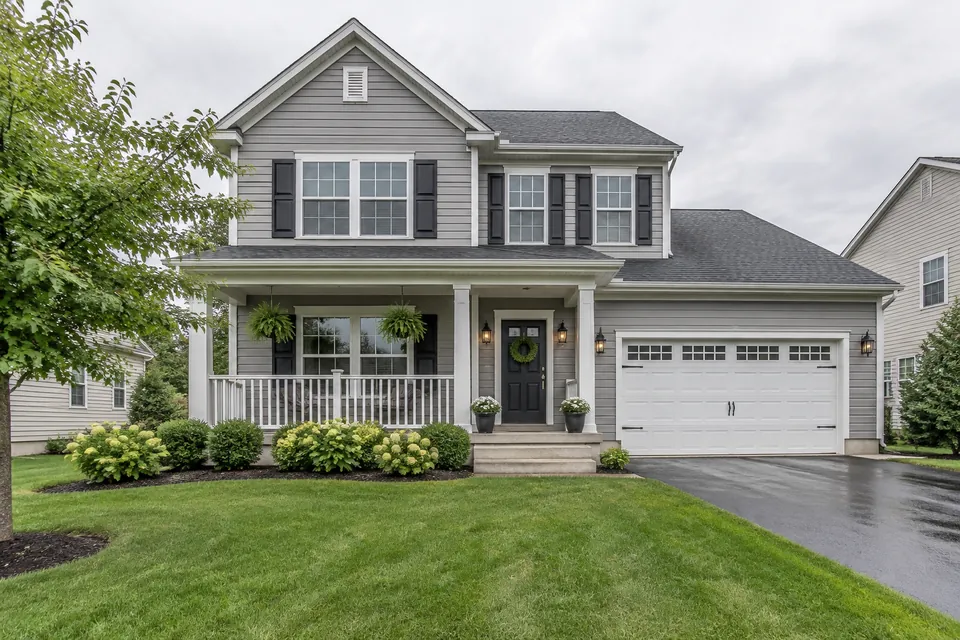
A light grey family home gets a navy blue house exterior on the main walls. The trim stays crisp, and the overall look feels stronger and more grounded.
Navy facade, white trim, your own house. One photo shows it, with roof, windows and garden unchanged.
 BeforeAfter
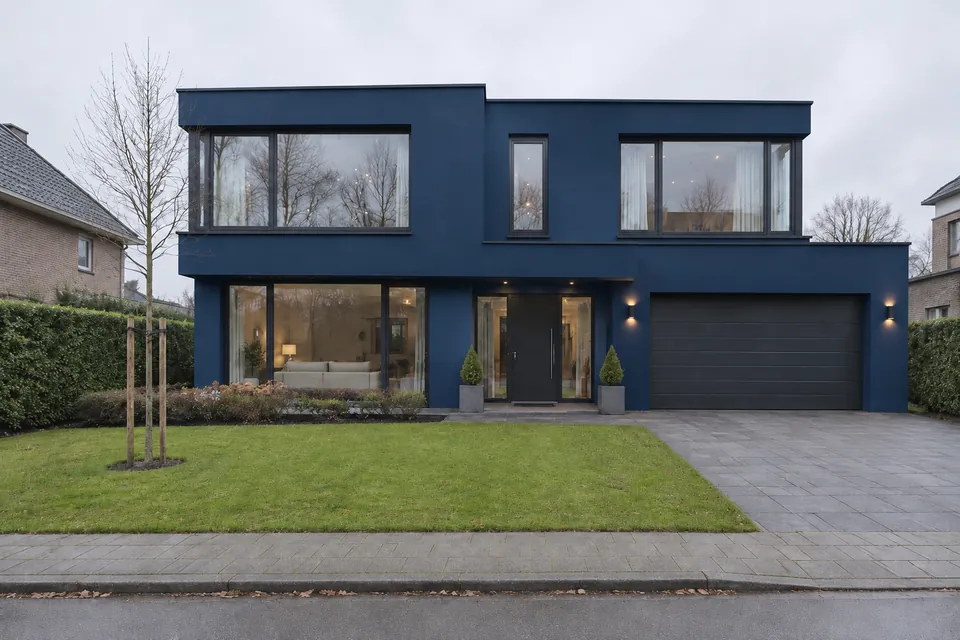
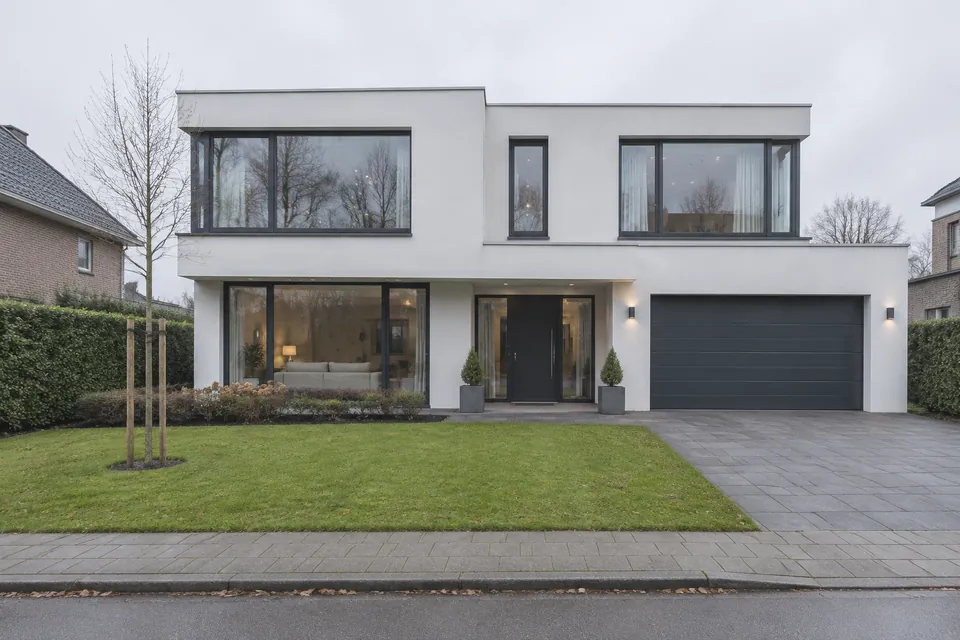
Upload a daylight front or side exterior photo to PropStage.ai. Choose the wall or facade area, then test a navy blue house exterior in about 30 seconds. The tool changes only the selected part, so you can compare curb appeal without changing the roof, windows, doors, or camera view.
BeforeAfterA light grey family home gets a navy blue house exterior on the main walls. The trim stays crisp, and the overall look feels stronger and more grounded.
Use the preview to check the parts that matter most before you paint.
| What to check | Why it matters | What to look for in the preview |
|---|---|---|
| Street light and shade | Navy can look different in bright sun and soft shade | See whether the dark blue house still reads clearly from the curb |
| Trim color | Trim can change the whole balance | Check if white, cream, or another trim keeps the navy exterior paint looking clean |
| Material and texture | Painted siding and other surfaces do not reflect light the same way | Notice whether the finish suits your facade material |
| Nearby colors | Neighboring homes, paths, and plants affect the final feel | Make sure the navy blue house exterior works with the rest of the scene |
| Long-term look | Exterior paint is a bigger choice than a trend | Compare a few options and choose the one you would be happy to keep |
Use it when you are choosing a new exterior color and want a clear photo-based check.
It is useful for homeowners, agents, and sellers who need a dark blue house look without guessing.
Upload one exterior photo, pick the area to change, and review the result.
PropStage.ai only edits the chosen part, so the rest of the image stays true to the original.
If you are comparing more than one exterior idea, these pages may also help.
No. The tool only changes the selected exterior area. Roof, windows, doors, and the camera view stay the same.
Yes. Any front or side exterior photo in daylight can work well for a navy blue house exterior preview.
It can change the chosen part of the house photo, such as wall paint, trim, facade material, or curb appeal details.
Pick a plan, upload your photo and your design is ready in about 30 seconds, in full resolution. Cancel anytime.