
 BeforeAfter
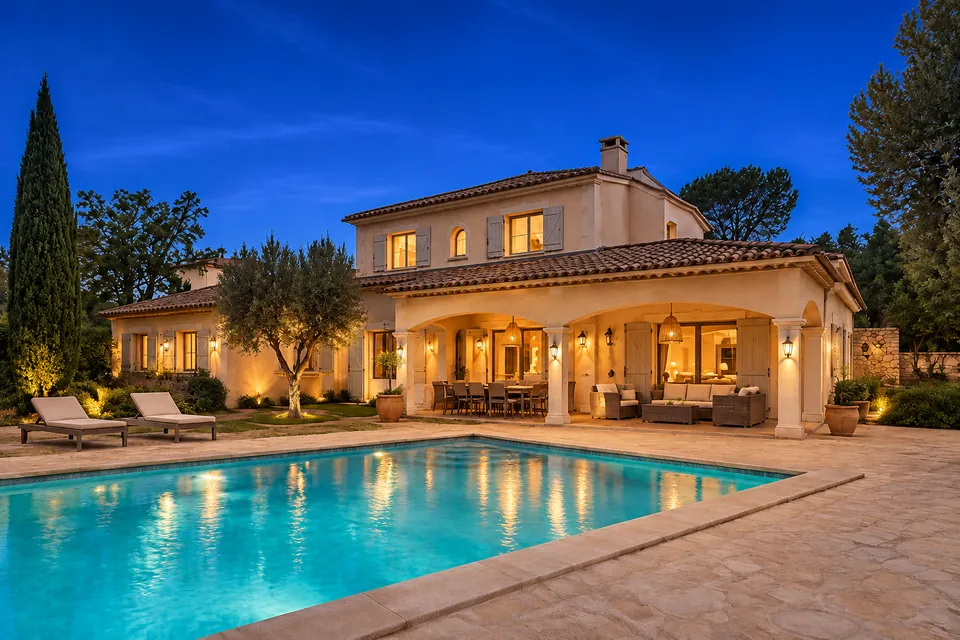
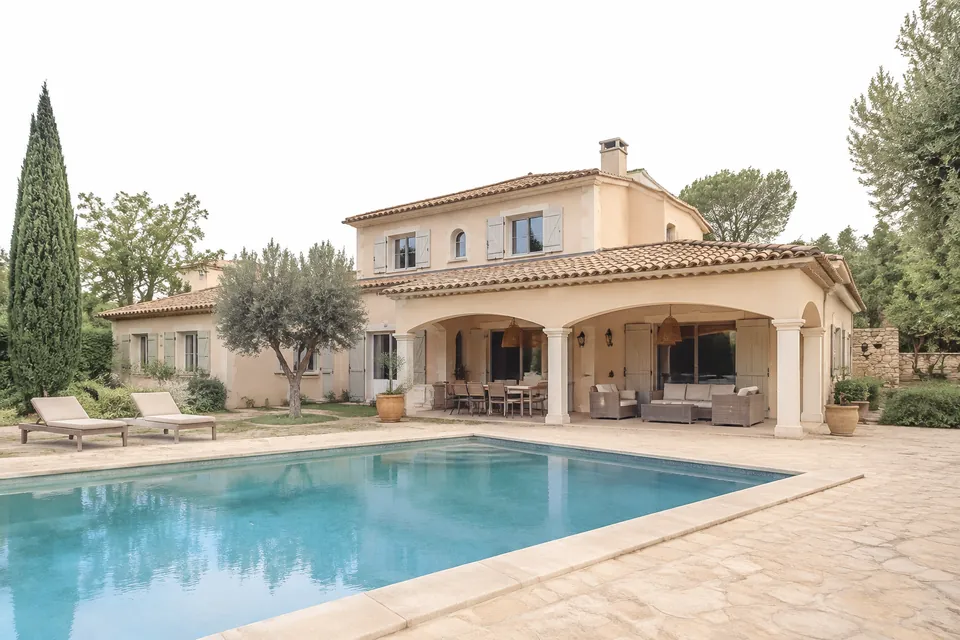
Pool at blue hour
A glowing pool against a deep blue sky.
Upload a daytime exterior and get the premium blue-hour look: deep blue sky, every window lit, the building untouched.
 BeforeAfter
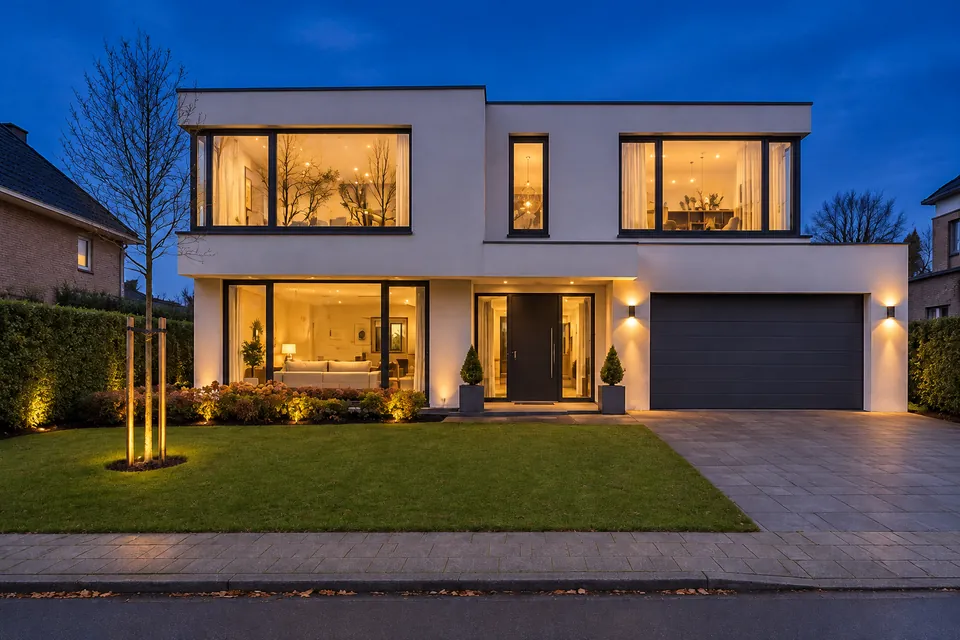
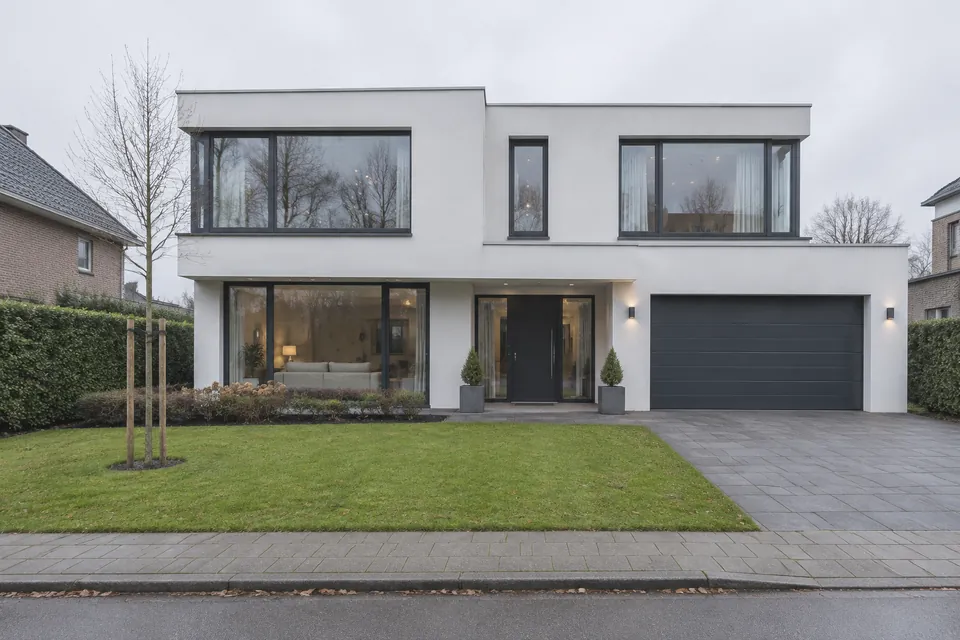
Virtual twilight turns a daytime exterior into a blue-hour photo, the short time after sunset when the sky is deep blue and interior lights glow. It is the classic hero image for premium listings, made without a second shoot at night.
BeforeAfterA glowing pool against a deep blue sky.
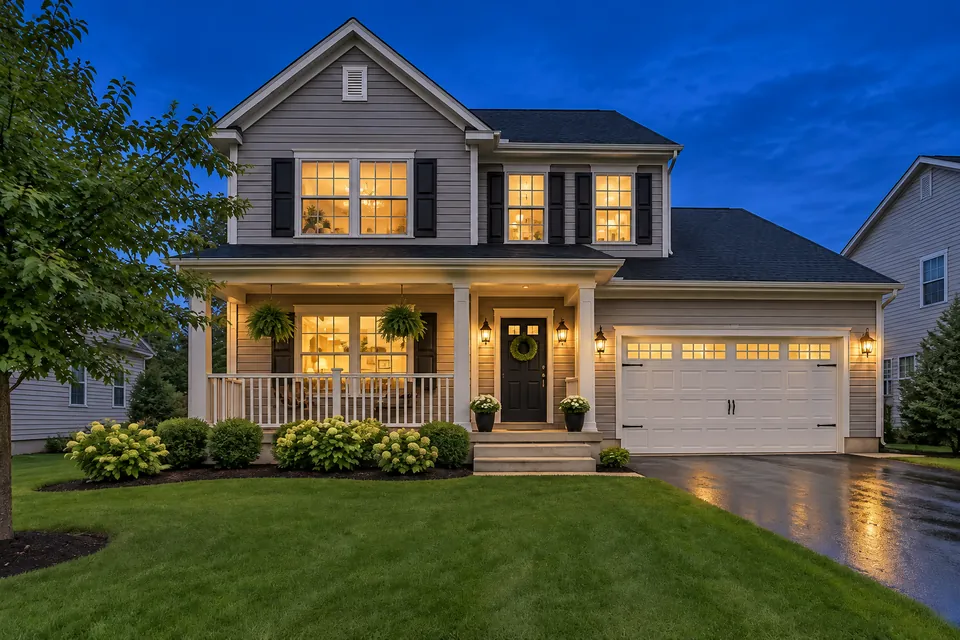
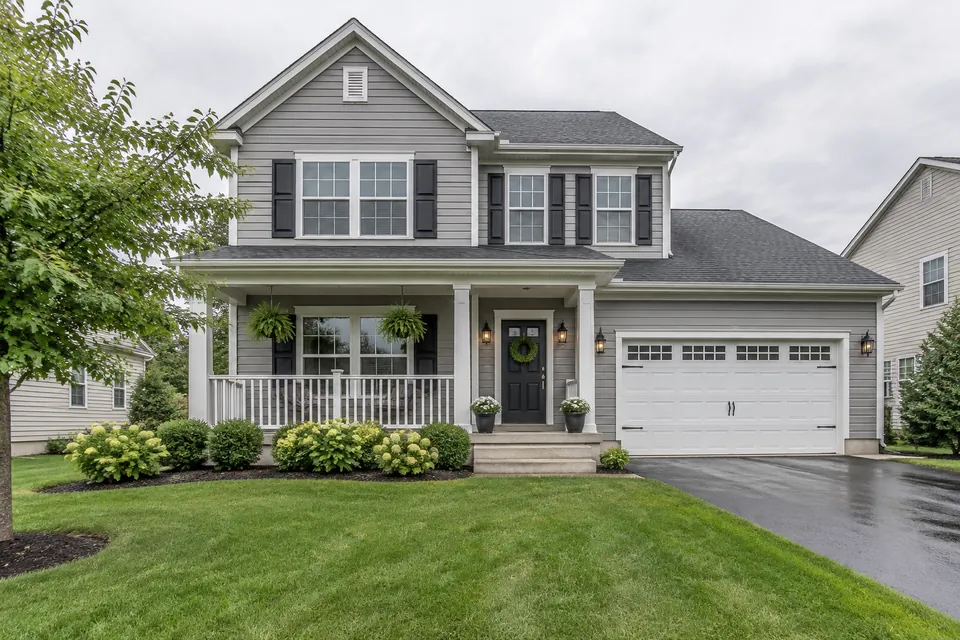 BeforeAfter
Porch lights and warm windows invite buyers in.
Check these points before you use a twilight image as the cover.
| Element | Good | Avoid |
|---|---|---|
| Sky | Deep blue with a little colour on the horizon | Black sky, no detail |
| Windows | Every visible window warm and even | Some rooms dark |
| Exterior lights | Path and porch lights on | Harsh floodlights |
| Building | Unchanged shape and materials | Extra windows or lamps |
Use one twilight image as the first photo and keep the rest of the gallery in daylight. Buyers get the mood first and the facts after.
Try a warmer sunset or a full night look on the same photo.
No. A normal daytime photo works. Overcast photos work too.
Yes. Lit windows across the facade suit city buildings well.
Yes. For orange and pink tones use the day to dusk editor.
Pick a plan, upload your photo and your design is ready in about 30 seconds, in full resolution. Cancel anytime.