
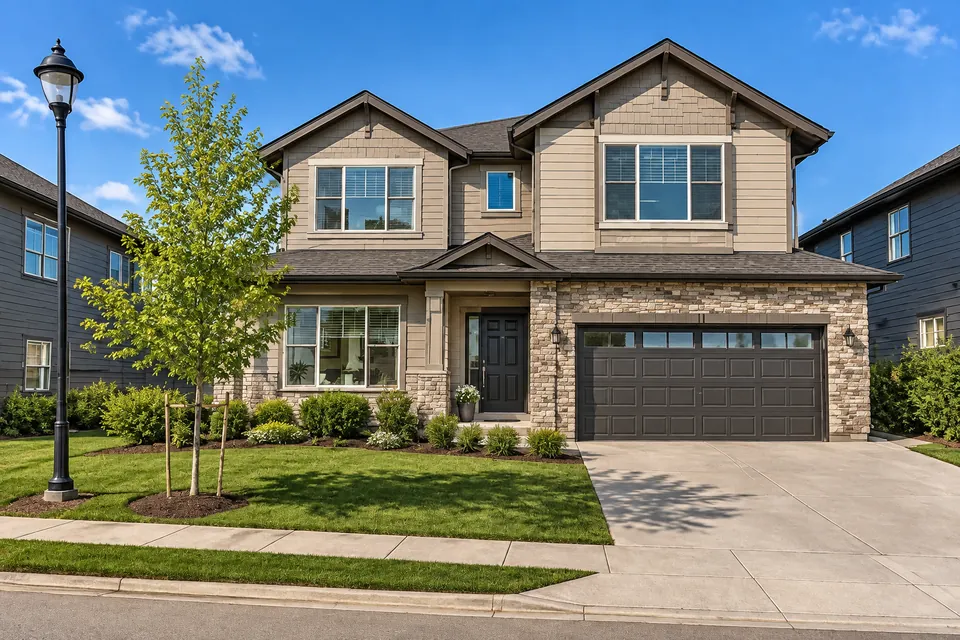
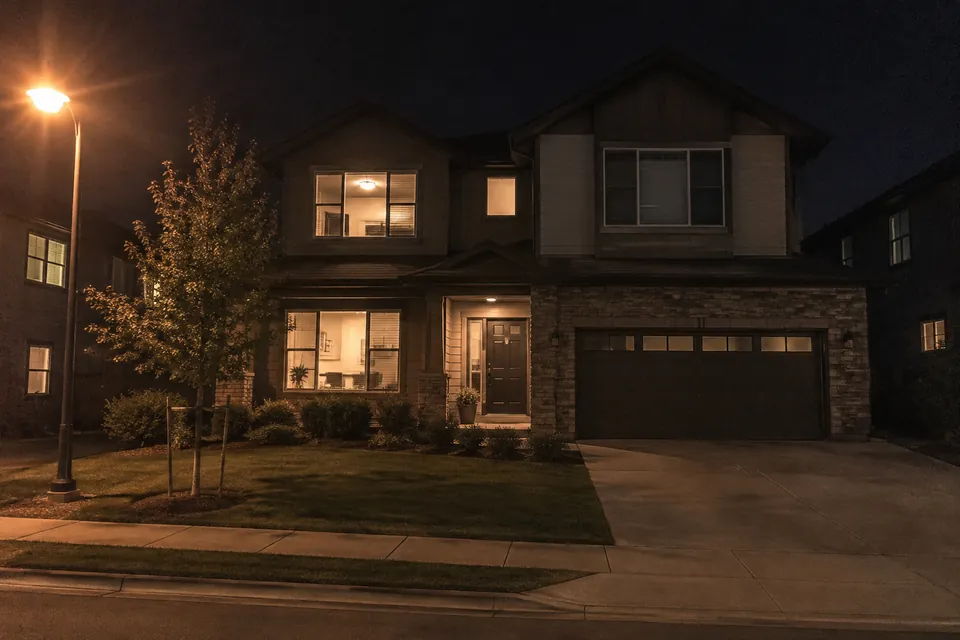
 BeforeAfter
Night to day
A dim evening snapshot becomes a bright daytime listing photo.
Upload an outdoor photo and choose the sky and light: blue sky, dusk, twilight, golden hour or night. The building stays exactly as it is.
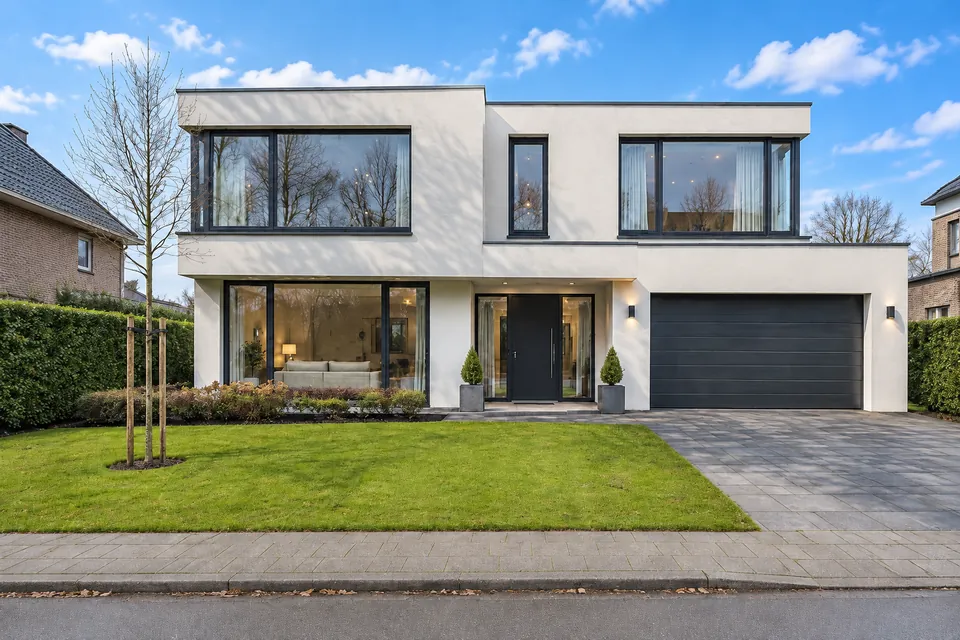
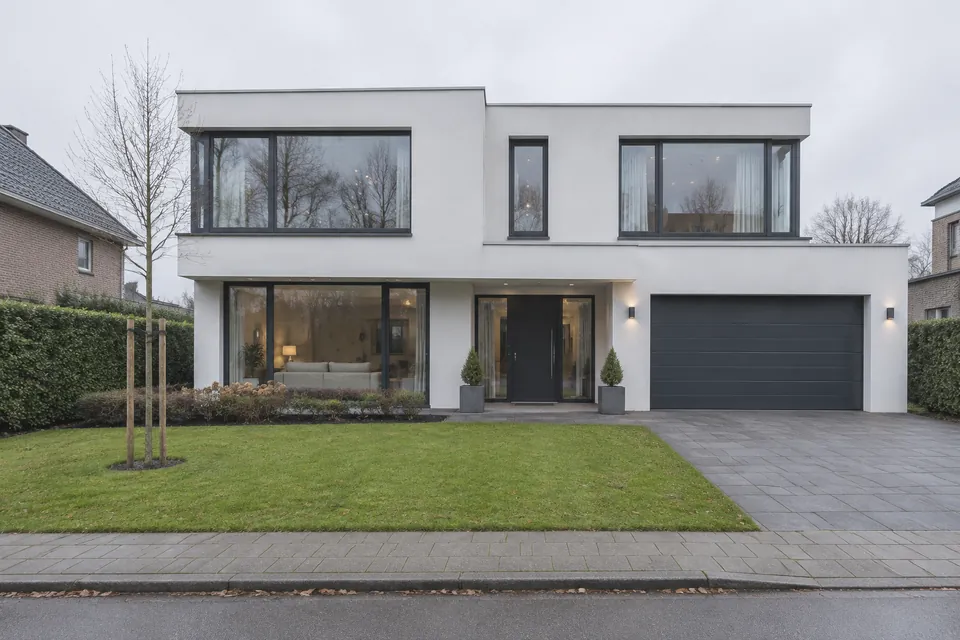 BeforeAfter
Sky replacement swaps a dull or blown-out sky for a clear one and adjusts the light on the building to match. Good tools also relight windows, shadows and reflections, so the photo looks shot on a better day instead of edited.
BeforeAfterA dim evening snapshot becomes a bright daytime listing photo.
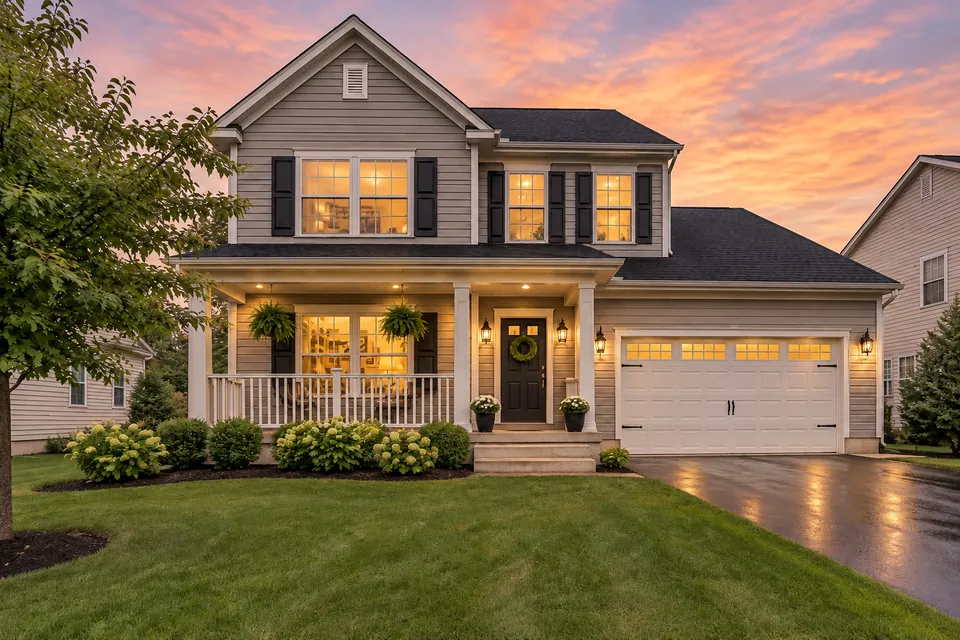
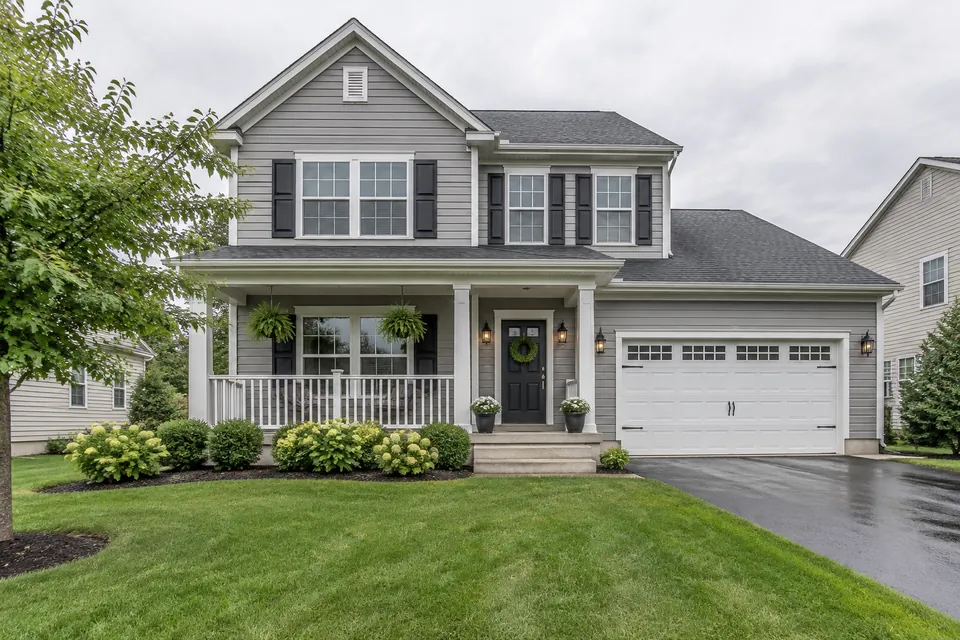 BeforeAfter
Sunset colour and lit windows make the first photo stop the scroll.
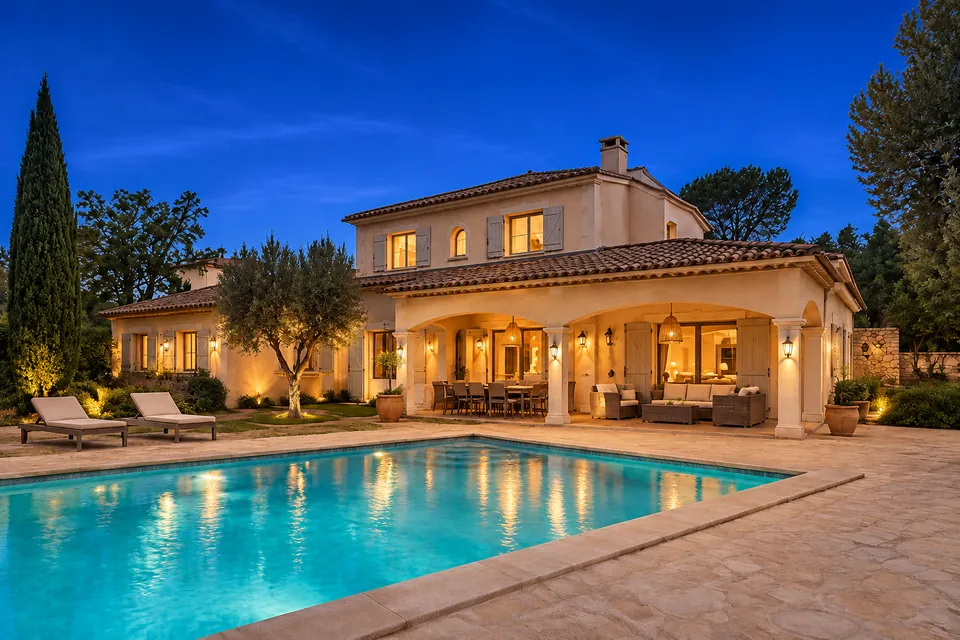
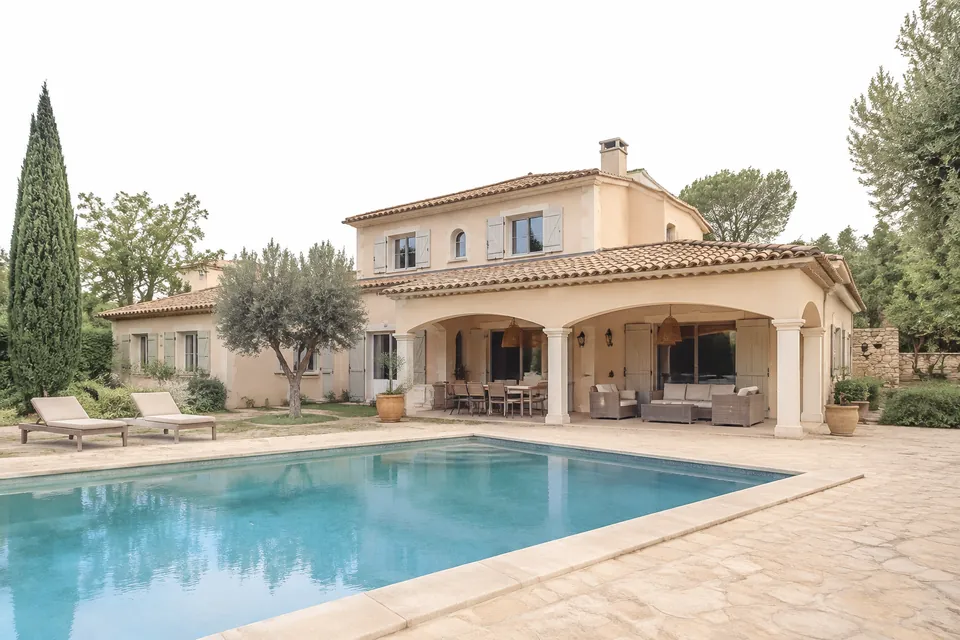 BeforeAfter
Deep blue sky and a glowing pool for the hero shot.
Each look sends a different signal. Pick by property and by where the photo appears.
| Look | Best for | Mood | Use it as |
|---|---|---|---|
| Blue sky | Every exterior | Fresh, honest | Standard gallery photo |
| Day to dusk | Family homes, villas | Warm, inviting | Cover photo |
| Twilight (blue hour) | Modern and luxury homes | Premium, calm | Hero shot, brochure cover |
| Golden hour | Gardens, pools, views | Relaxed, sunny | Social media, website |
| Night | Lit facades, city flats | Dramatic | One accent photo per listing |
Buyers notice fake light faster than a grey sky. These rules keep the edit credible.
Every tool keeps the building and changes only sky and light. One plan covers them all.
No. Walls, roof, windows and garden stay as photographed. Only the sky, the light and the window glow change.
Yes. A changed sky is a common, accepted edit. Many portals ask you to keep the property itself unchanged, which these tools do.
Yes. Use the aerial sky replacement tool for photos taken from above.
Pick a plan, upload your photo and your design is ready in about 30 seconds, in full resolution. Cancel anytime.